Make side panes resizable#575
Conversation


 hamilton
left a comment
hamilton
left a comment
hamilton
left a comment
There was a problem hiding this comment.
Awesome work @djbarnwal! I left a few suggestions below. Let me know if these make sense to you.
Another thing I'm noticing: the cell body scroll bar is set a bit away from the pane here:
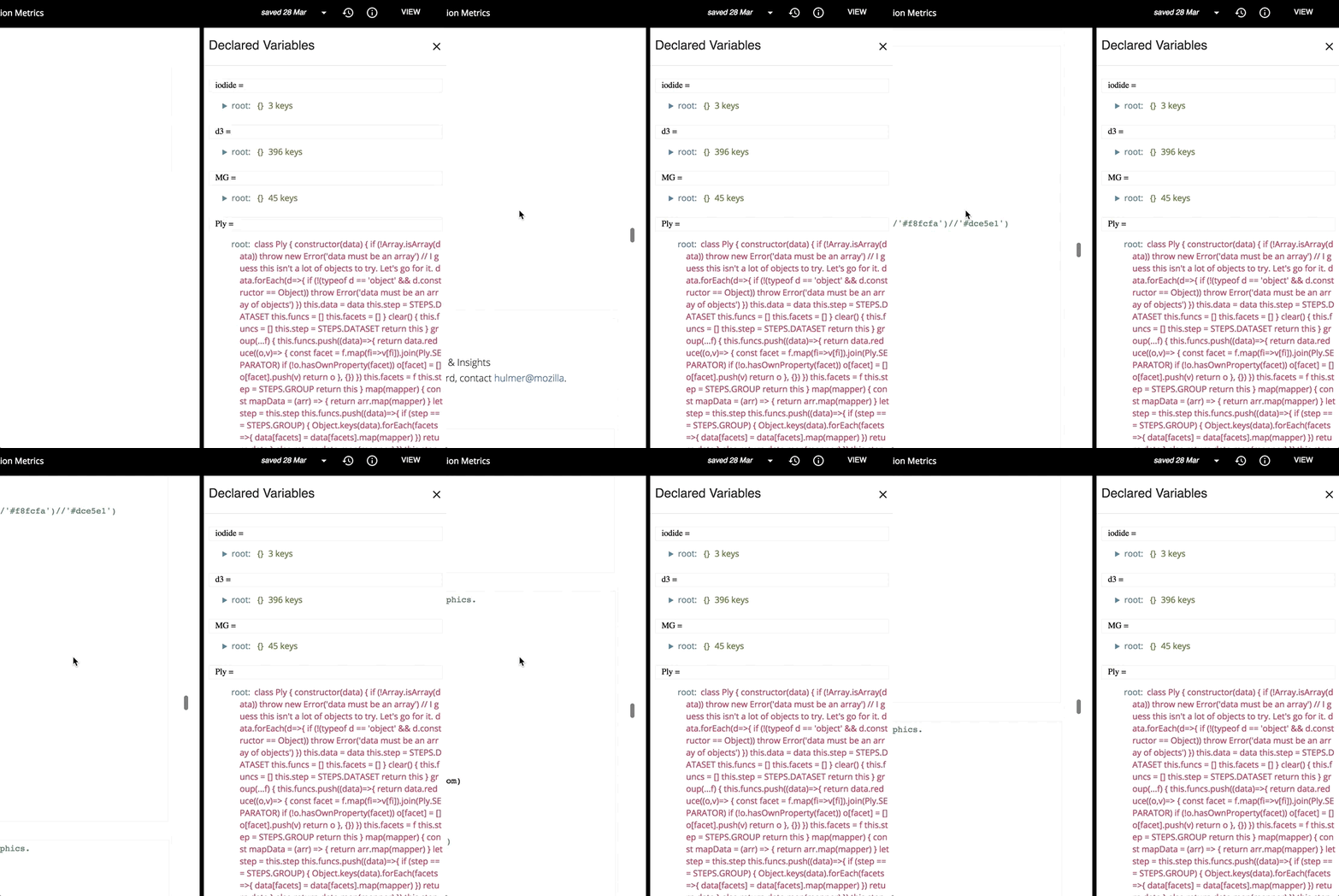
@bcolloran would love to get another pair of eyes on this.
| .resizer { | ||
| background: #000; | ||
| z-index: 12; | ||
| width: 12px !important; |
There was a problem hiding this comment.
I'm wondering if there's a way to have this same clickable width without maybe requiring a solid black line cutting through the app. It makes sense to have a big click area for the resizer, but hopefully we can visually keep this line thinner so it doesn't command so much attention. @bcolloran would love to get your thoughts on this.
| id="cells" | ||
| className={this.props.viewMode} | ||
| style={{ | ||
| width: this.props.sidePane ? `calc(100% - ${this.props.sidePaneWidth + 17}px)` : '100%', |
There was a problem hiding this comment.
this actually breaks quite a bit of css for presentation view. Can make sure this width only happens when we are in editor mode as well? Setting div#cells to 100% for presentation view will counteract some internal reports, custom styling, etc. that others are relying on for their own presentation style sheets, which will set this div to be another width in some cases. (I'm noticing this because of an internal Mozilla notebook I test things against is broken with the change).
One approach would be to set the width to undefined in this operator if this.props.sidePane === false and this.props.viewMode !== 'editor.

|
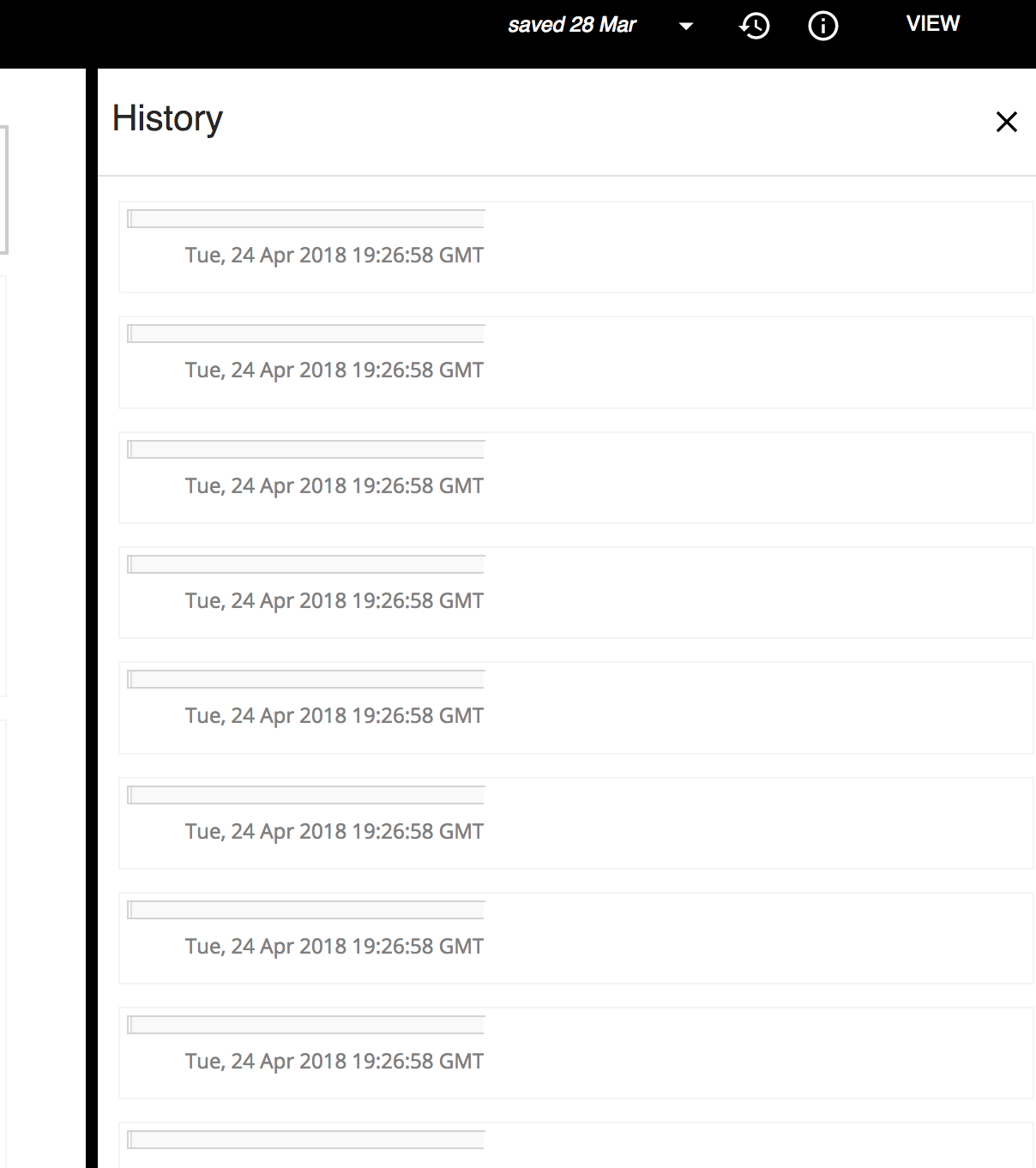
Forgot to mention - I'm also noticing the history pane is a bit broken as a result of these changes - would you mind looking into that?
|

|
@hamilton I am unable to recreate the history pane issue. Can you give me a little more insight into the problem? |
|
@djbarnwal just checked on master - it looks like the history pane is buggy there as well, so I'll file a separate issue. |
hamilton
left a comment
hamilton
left a comment
There was a problem hiding this comment.
Thanks for all the changes @djbarnwal! This is really shaping up. I had one small point about getPageWidth, and I left a comment about the history panes, since it turns out the issue must have been introduced somewhere else.
|
|
||
| getPageWidth() { | ||
| let width = '100%' | ||
| if (this.props.viewMode === 'presentation') width = 'unset' |
There was a problem hiding this comment.
Oddly, the unset keyword actually keeps the width at 100% in presentation mode. Could you replace this with undefined which will actually skip doing anything with the width property for this element?
There was a problem hiding this comment.
Strange! undefined was not working as expected while I was working on this issue whereas unset was. I'll just check if there is something loose on my end and send a fix.
|
@hamilton Turns out it was a mix-up on my end. My latest commit solves the issue :) |
|
Looks great @djbarnwal! Thanks for the PR. |

|
nice job on this one @djbarnwal and @hamilton 👍 |

3 participants


Side panes are now resizable. Looking for feedback on the resizing bar. I have made it black and thick so that it would blend with the current theme.