
Interactive web application that simulates turning a light bulb on and off with visual effects and animations.
by Scott Dee
Hey there! I'm Scott Dee and this is my interactive light bulb simulator project. I built this as part of my web development learning journey. It's a fun little app that lets you turn a light bulb on and off with cool animations and effects!
The whole thing is made with HTML, CSS, JavaScript, and jQuery. I wanted to practice making interactive UIs and smooth animations, so I created this light bulb simulator. It was actually really fun to work on!
index.html in your browser - that's it! No complicated setup needed.
So this is super easy to run:
- Download all the files (index.html, styles.css, script.js, etc.)
- Just double-click on
index.html - It should open right in your browser!
- Click the buttons and watch the cool effects!
Pro tip: If you're doing web development, VS Code Live Server or Python's simple server work great too, but honestly just opening the HTML file works perfectly for this project.
- Open
index.htmlin your browser (like I said above!) - Click "Turn On" - watch the light bulb glow!
- Click "Turn Off" - light goes dark again
- Try hovering over the buttons - they have cool effects!
- Press
1orEnterto turn the light ON - Press
0orEscapeto turn the light OFF
(If you're like me and too lazy to click buttons sometimes 😅)
- The light bulb glows when it's on (my favorite part!)
- Buttons have hover effects and bounce when you click them
- The status text changes color to match the current state
- It works on phones too because I made it responsive
OK so I'm pretty proud of this project! Here's what I managed to figure out:
- Light bulb actually turns on/off (sounds simple but took forever to get right!)
- Buttons work and look cool when you hover/click them
- Status text changes color and tells you what's happening
- Keyboard shortcuts work too (was harder than I thought!)
- Gradient background that looks modern
- Glass-ish effect on the main container
- Smooth animations when switching states
- Glowing effect around the bulb when it's on
- Works on mobile phones too!
- HTML structure and CSS styling
- JavaScript and jQuery for interactivity
- Getting it to work in all browsers
- Making sure code is organized and readable
- Event handling (clicking, keyboard presses)
- Button hover effects and click animations
- Those little feedback messages that pop up
- Ripple effects when you push buttons
- Making transitions smooth between states
- Intuitive way to control everything
 Screenshot of the Light Bulb Simulator interface
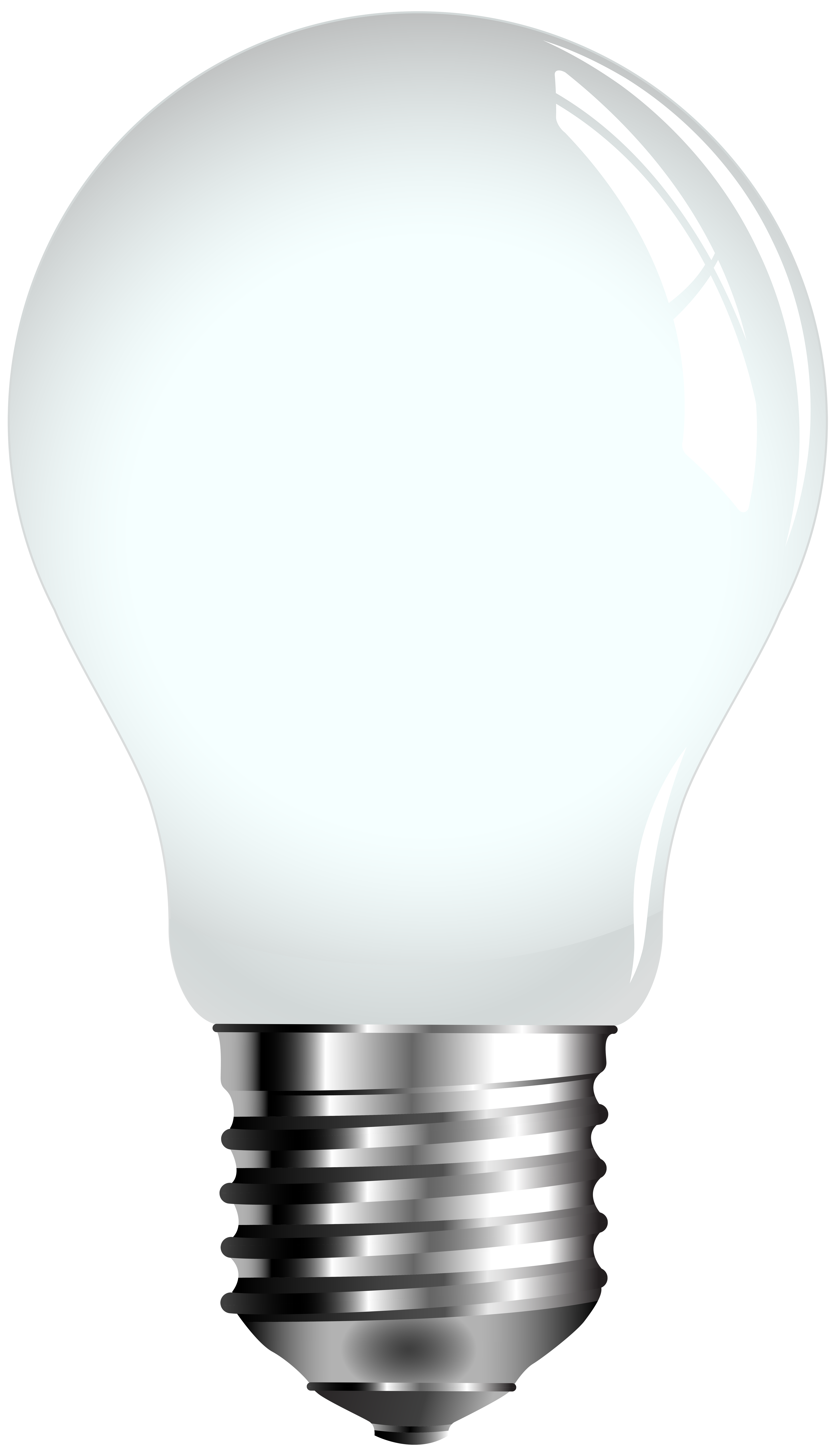
 Light bulb icon used in the application
- HTML5 - Structure and semantic markup
- CSS3 - Styling, animations, and responsive design
- JavaScript - Interactive functionality
- jQuery - DOM manipulation and event handling
- External Icons - Light bulb PNG from ClipartPNG
light-bulb-simulator/
├── index.html          # Main HTML file
├── styles.css          # CSS styling and animations
├── script.js           # JavaScript/jQuery functionality
├── README.md           # Project documentation
└── img/
    └── screenshot.png  # Demo screenshot
Tested and works on:
- Chrome (recommended)
- Firefox
- Safari
- Edge
- Mobile browsers (iOS Safari, Chrome Mobile)
Big shoutout to:
-
Me: Scott Dee (obviously!)
-
Light Bulb Image: Found it on ClipartPNG (https://pics.clipartpng.com/Light_Bulb_PNG_Clip_Art-2109.png)
-
jQuery: Thanks jQuery Foundation for making JavaScript easier!
This is my student project, but if you want to suggest improvements or found bugs:
- Fork my repository
- Add your changes (
git checkout -b feature/cool-idea) - Commit what you did (
git commit -m 'Added cool idea') - Push it up (
git push origin feature/cool-idea) - Start a Pull Request
I'd love to see what other people can do with this project!
This project was part of my web dev learning journey. I wanted to practice:
- Building interactive websites
- JavaScript and jQuery (was confusing at first!)
- CSS animations (so satisfying when they work!)
- Making it work on phones too
- Writing clean, readable code
It was actually pretty fun to build once I figured everything out!
Made by Scott Dee with a lot of trial and error 😅