A read-only terminal UI for browsing AWS resources, built with Textual and boto3.
- Browse AWS resources in a tree-based navigation pane
- View tags for selected resources
- View tag summary for collections of resources
- View resource details in a Summary or Raw JSON tab
- Switch regions on the fly
- Filter hotkey
- Copy URI hotkey (for S3 buckets and objects, ECR images)
- Copy ARN hotkey
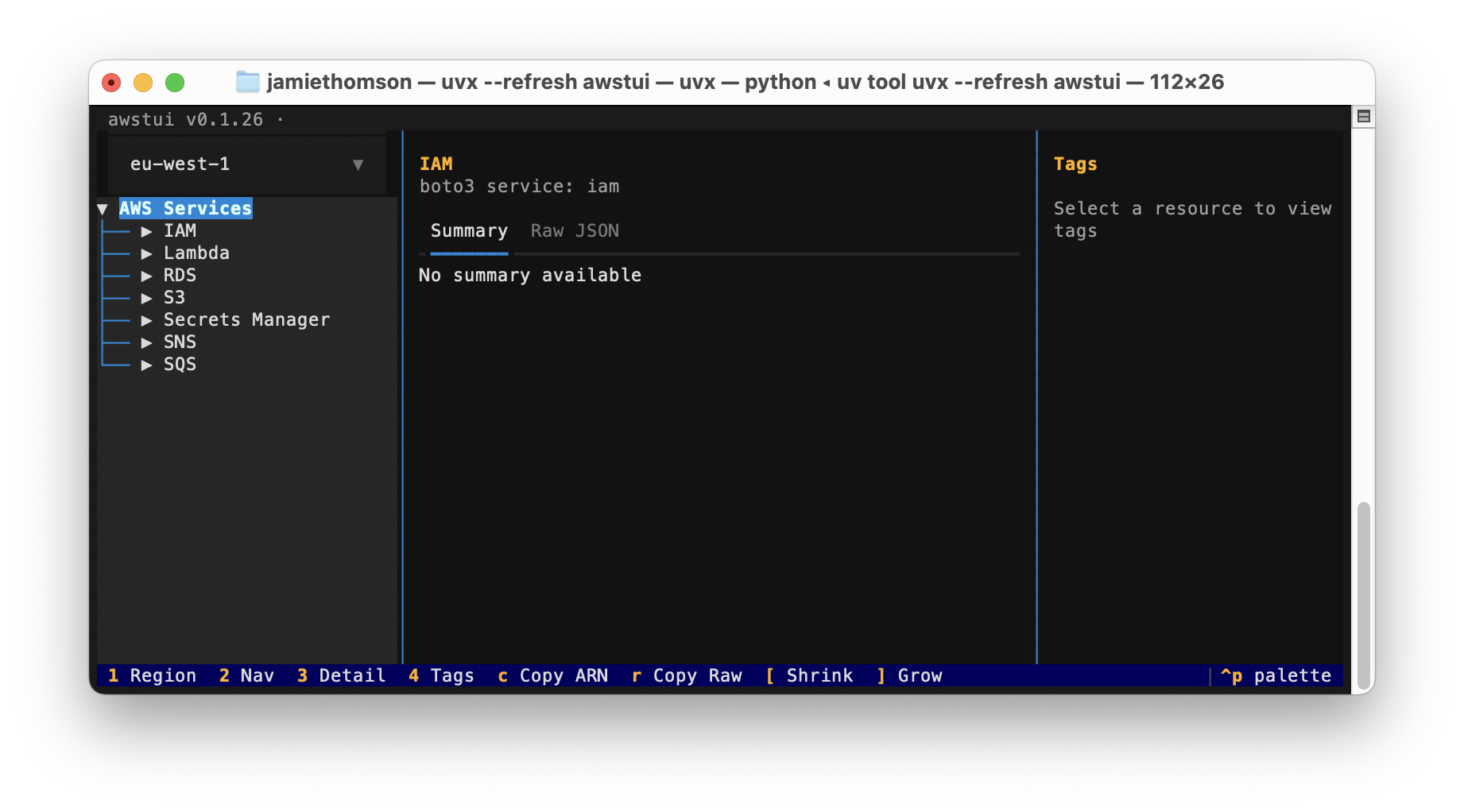
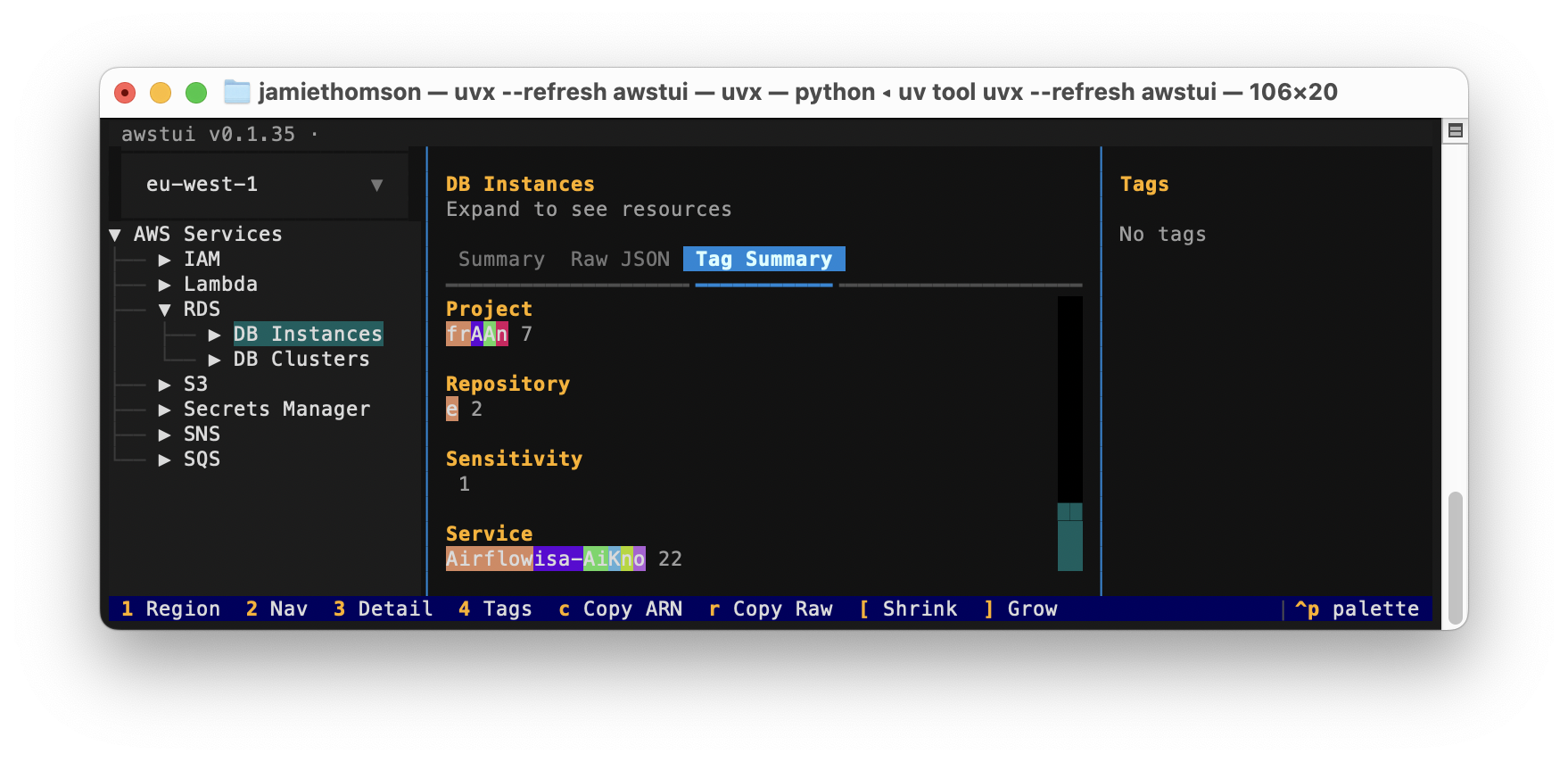
S3, Lambda, RDS, IAM, SQS, SNS, Secrets Manager, ECR, Glue
Requires Python 3.12+ and uv.
uv syncuv run awstui
uv run awstui --profile my-profile # use a specific AWS profile
uv run awstui --service s3 --service lambda # only show these servicesUses your existing AWS credentials (environment variables, ~/.aws/credentials, SSO — whatever boto3 resolves). Pass --profile/-p to override the profile explicitly. Pass --service/-s one or more times to restrict which services appear in the navigation tree; omit it to show all services.
| Key | Action |
|---|---|
1 |
Focus the region selector |
2 |
Focus the navigation tree |
3 |
Focus the detail pane |
a |
Copy the ARN of the selected resource to the clipboard |
u |
Copy the URI of the selected resource (S3 bucket/object, ECR image) |
r |
Copy the Raw JSON of the selected resource to the clipboard |
f |
Filter children of the highlighted node by substring (empty input clears) |
w |
Toggle word wrap in the Content tab (CSVs default to no-wrap, others to wrap) |
uv run pytest tests/ -v