Phyloscope is a web application that aims at providing a smooth interface to navigate through the diversity of life using different data visualization methods. You can easily explore the taxonomic tree, read about each taxon, explore the geographic range of different species, etc.
The data is the iNaturalist Taxonomy DarwinCore Archive which represents the full taxon list from iNaturalist a crowdsourced platform and a social network of worldwide naturalists that aims at sharing information about biodiversity and helping people learn about Nature. Don't hesitate to visit their website, register and start sharing and learning!
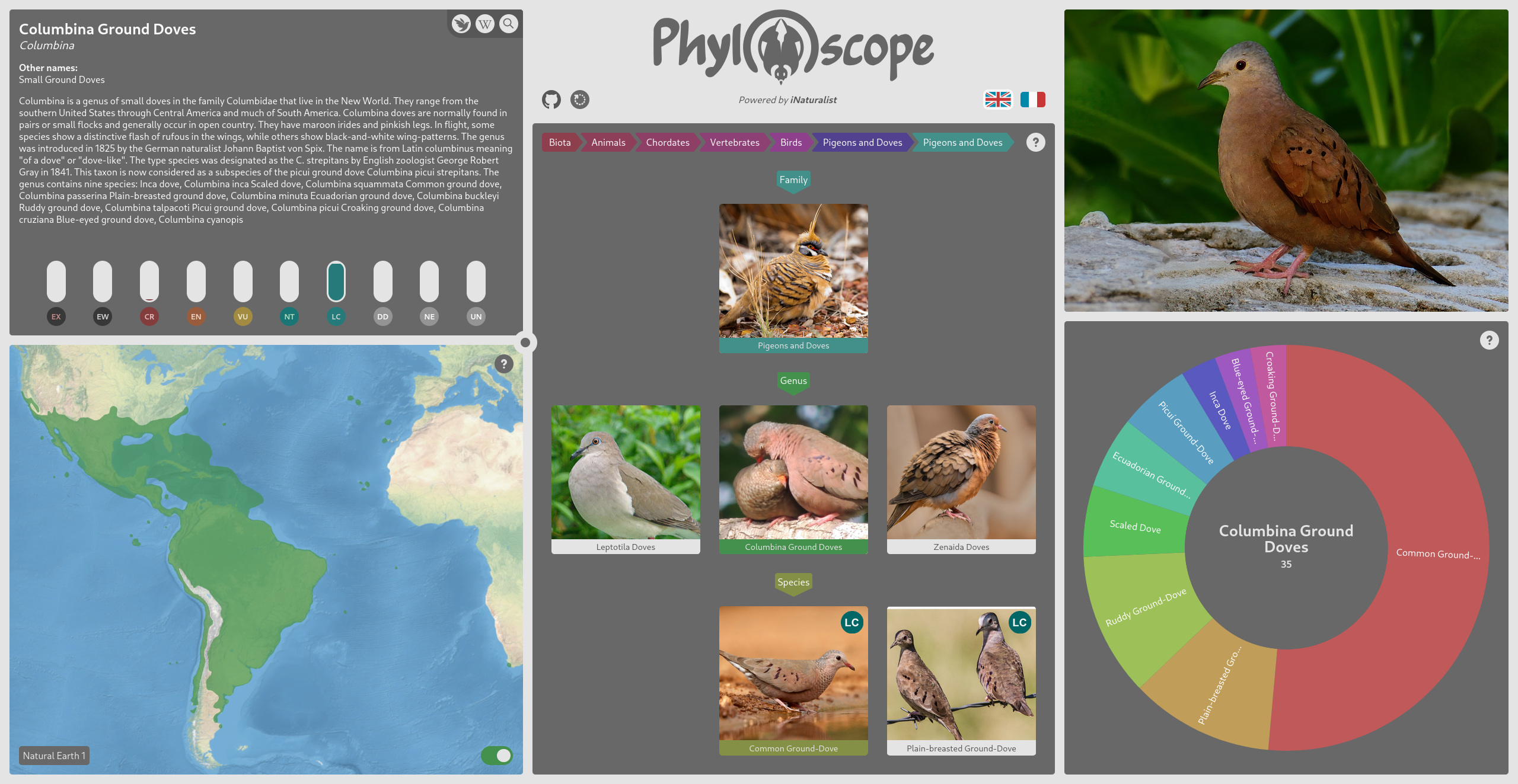
The application is divided into 5 widgets that communicates between each other. Below is a short description of the different tools and information you can find within those widgets. More information can be found in the web application itself by clicking on the exclamation mark in the top right corner of a widget.
The description widget allows you to access information related to the current taxon. You have the vernacular name, the scientific name (as Genus epithet), other vernacular names, and the Wikipedia summary.
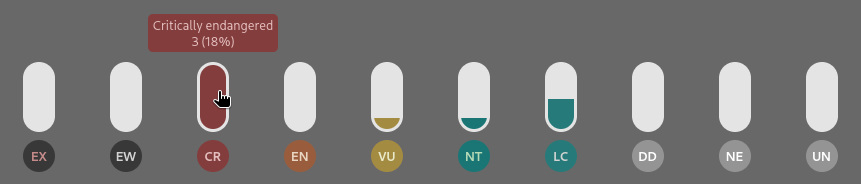
At the bottom, you have statistics on the IUCN conservation statuses. The meters are filled depending on the percentage of children taxa that has this status of conservation. This can be useful to have an rough idea of the state of a given taxon. The "Unknown (UN)" status is not an official IUCN conservation status but a filler where no status were found in the iNaturalist database. This can be considered as "Not Evaluated (NE)".
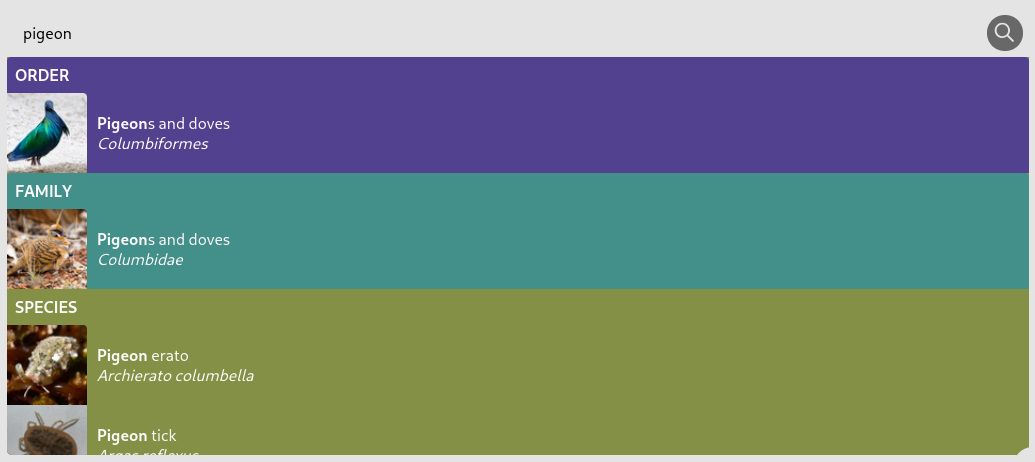
In the top right corner, you have access to the iNaturalist taxon page and the Wikipedia article of the current taxon. You can also search the database using the autocomplete tool to find a specific taxon.
The cartographic widget, in the bottom left corner, allows you to see the geographic range of the current taxon and navigate on the interactive map. This widget is resizable by clicking and dragging the circle in the top right of the panel.
Geographical data on species ranges are taken from the iNaturalist Open Range Map Dataset. This database is generated from the Geomodel iNaturalist that uses a deep learning model to create areas of potential presence based on observations and terrain relief.
- Natural Earth 1 represents the land use and is derived from satellite images.
- Natural Earth 2 is derived from Natural Earth 1 and represents an idealized Earth, with little human influence.
- Hypsometric tints is a mix of shaded relief and colours based on elevation and climate.
- Greyscale is a shaded relief in grey levels.
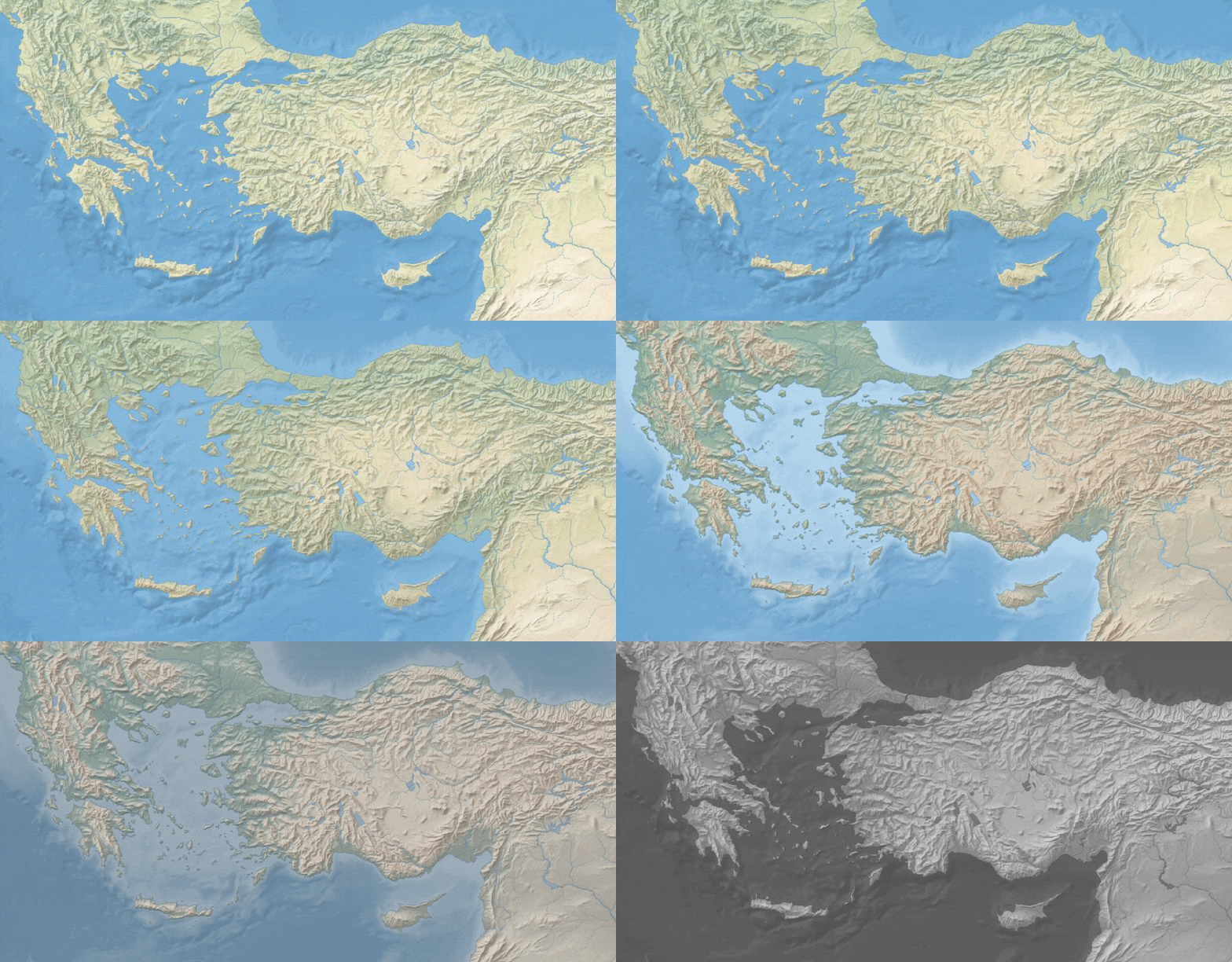
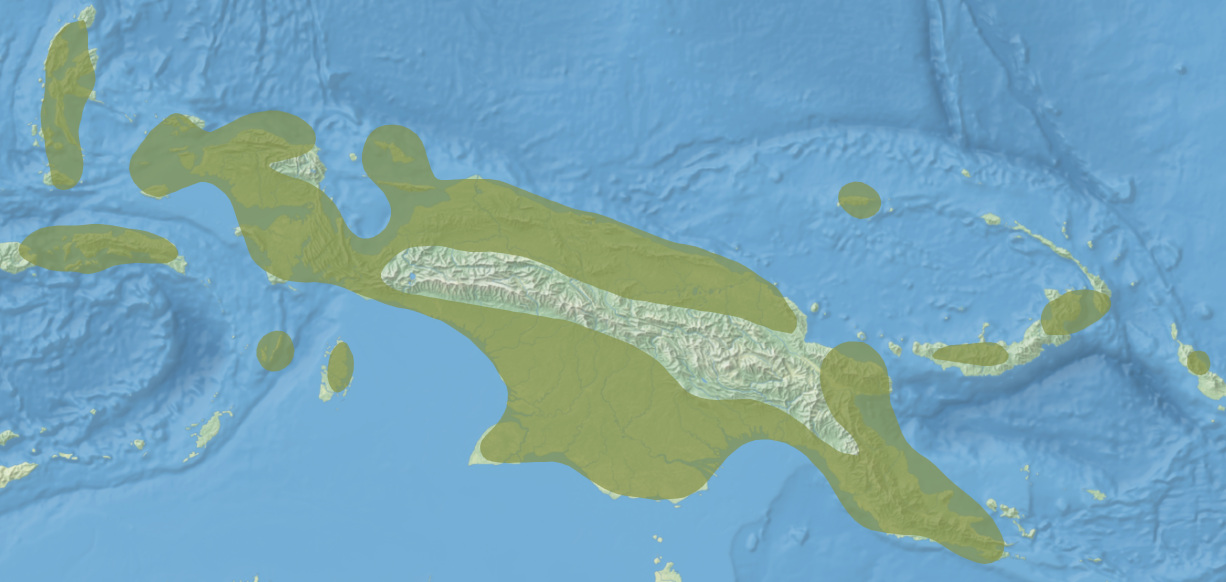
The base iNaturalist dataset being generated mostly at the species rank level, range areas of the upper ranks of the taxonomy are the result of the aggregation of range areas of the lower ranks.
Range areas have been reconnected at the antimeridian (180th meridian, in the Pacific Ocean) because the base iNaturalist dataset is discontinuous when crossing this line. This operation is performed by a personal algorithm available on the project repository, and it enables a better centering of the map view. Those areas are then smoothed using a gaussian smoothing algorithm to obtain a more organic edge instead of the hexagonal cells generated by the iNaturalist model.
The taxonomy widget allows you to navigate within the taxonomy, by selecting the current taxon parent, children or siblings. You can also select any ancestor at the top of the widget to activate the taxon you want.

The data is the iNaturalist Taxonomy DarwinCore Archive which represents the full taxon list derived from the community's observation. Find out more inside the widget's information panel.
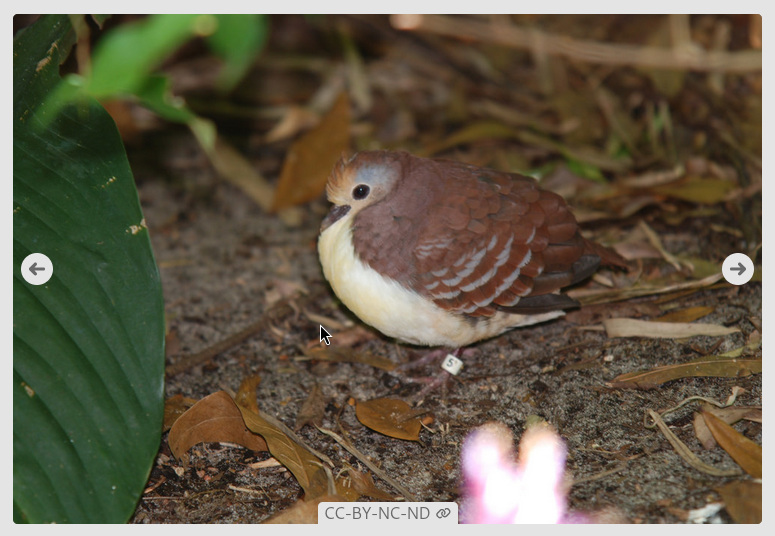
The photography widget allows you to put a face on the name. Those are photography from the iNaturalist community published under a CC-BY license or in the Public Domain. A link to the original photography and its uploader is available at the bottom of the widget when hovering.
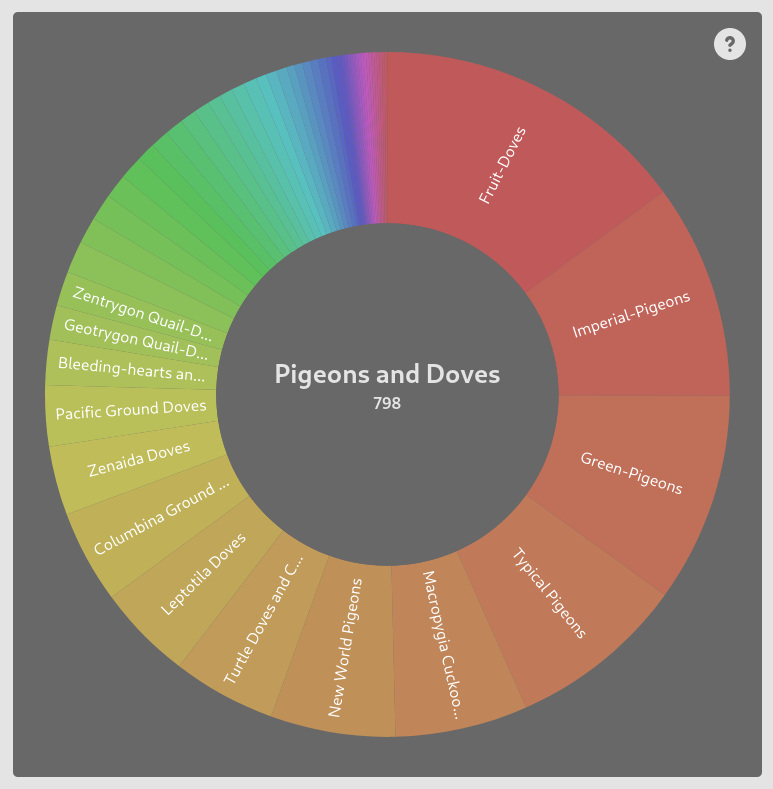
The statistics widget allows you to better estimate the diversity of a given taxon as it shows the proportion of children taxa within the current taxon. It shows a fully interactable doughnut chart that is linked to the taxonomy widget and allows you to navigate in the children taxa or move up the taxonomy.