Home
Frame Player is a frame-first video review tool for people who need to know exactly which frame they are looking at. It supports single-video review, two-pane compare review, frame stepping, frame jumps, loop review, and export workflows.
| Release track | Platform | Current release | Download |
|---|---|---|---|
| Windows stable | Windows 10 or later | v1.8.4 |
Frame Player v1.8.4 |
| macOS Preview | Apple Silicon, macOS 13 or later | 0.1.0 |
Unified v1.8.4 download page |
The Windows release remains the stable WPF app. The macOS Preview is an Avalonia app that mirrors the Windows review workflow while using native macOS window and menu chrome.
These are real app captures. The current checked-in shots show empty-state layouts because clean loaded-video Windows screenshots were not available in this docs pass.
| Windows stable | macOS Preview |
|---|---|
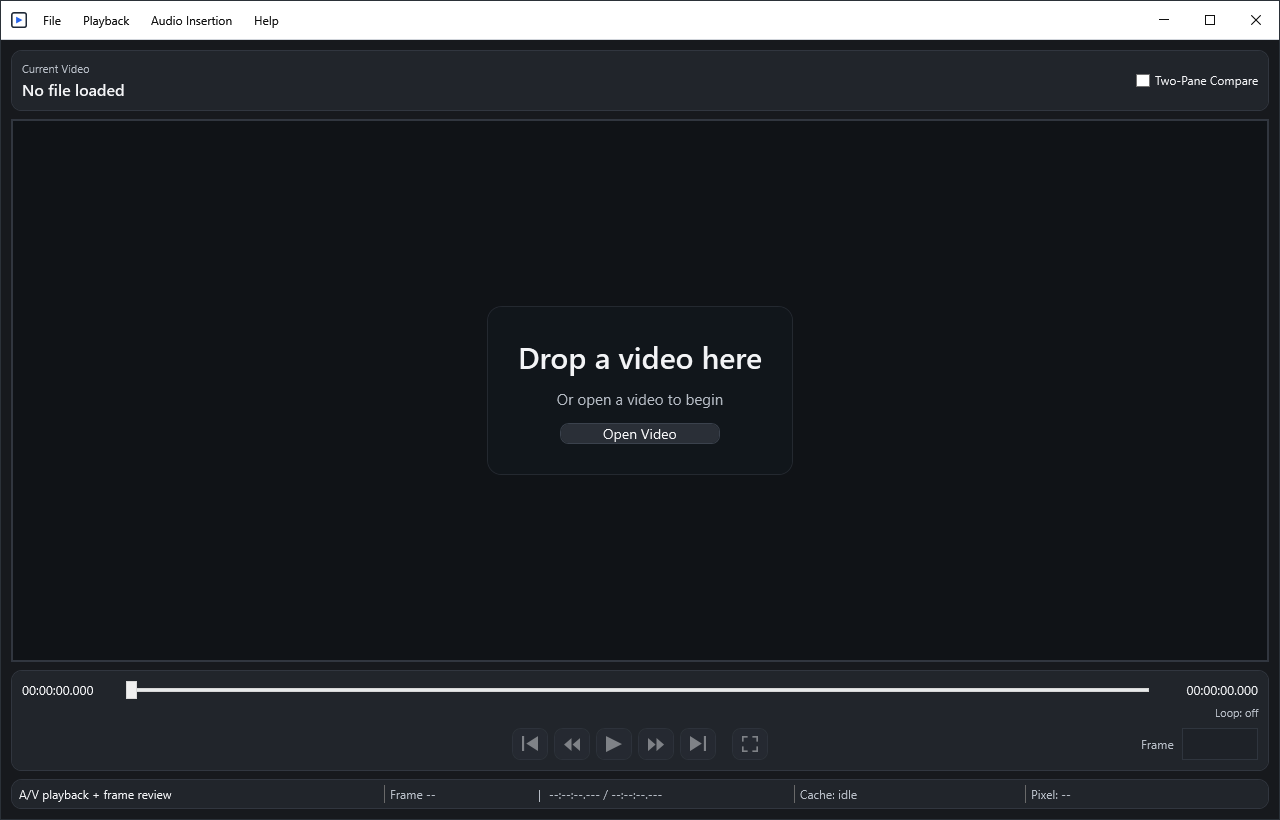 |
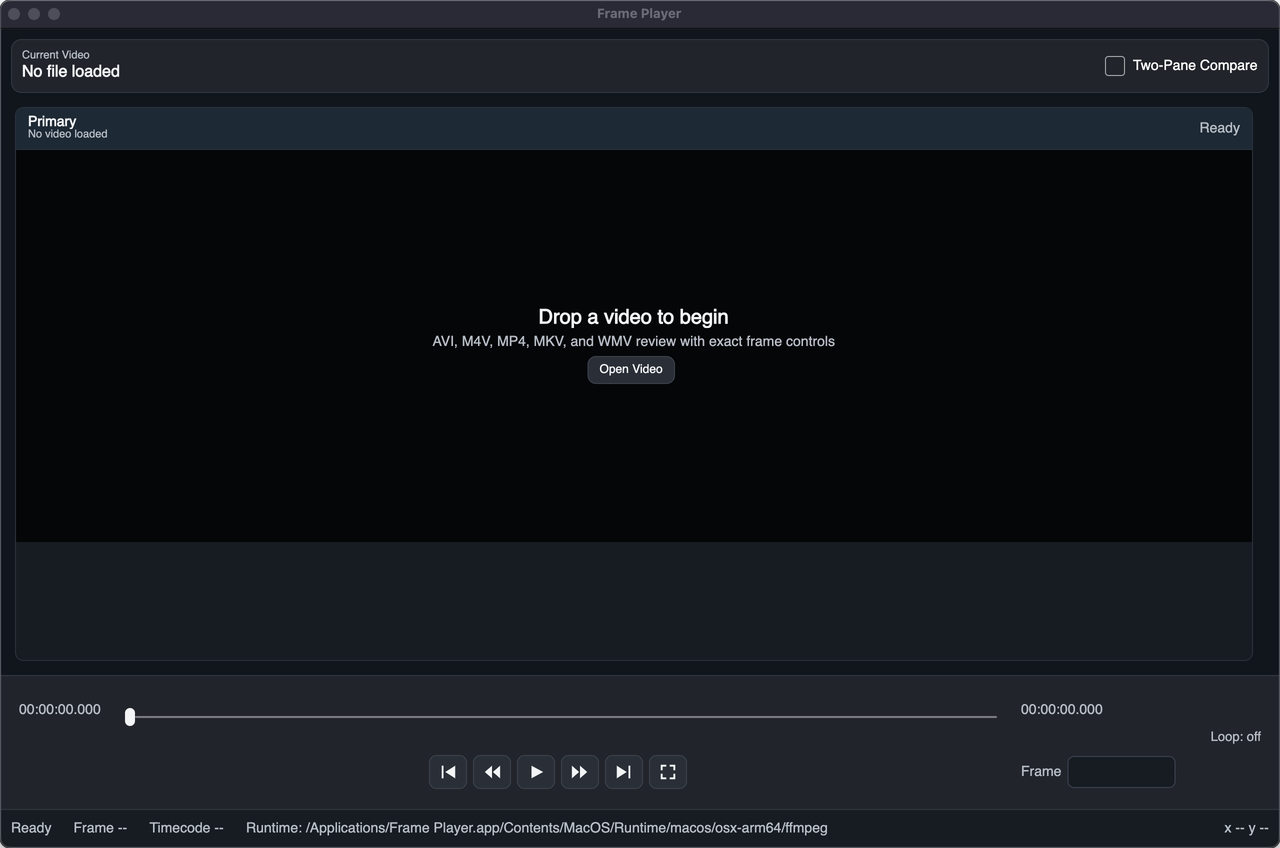 |
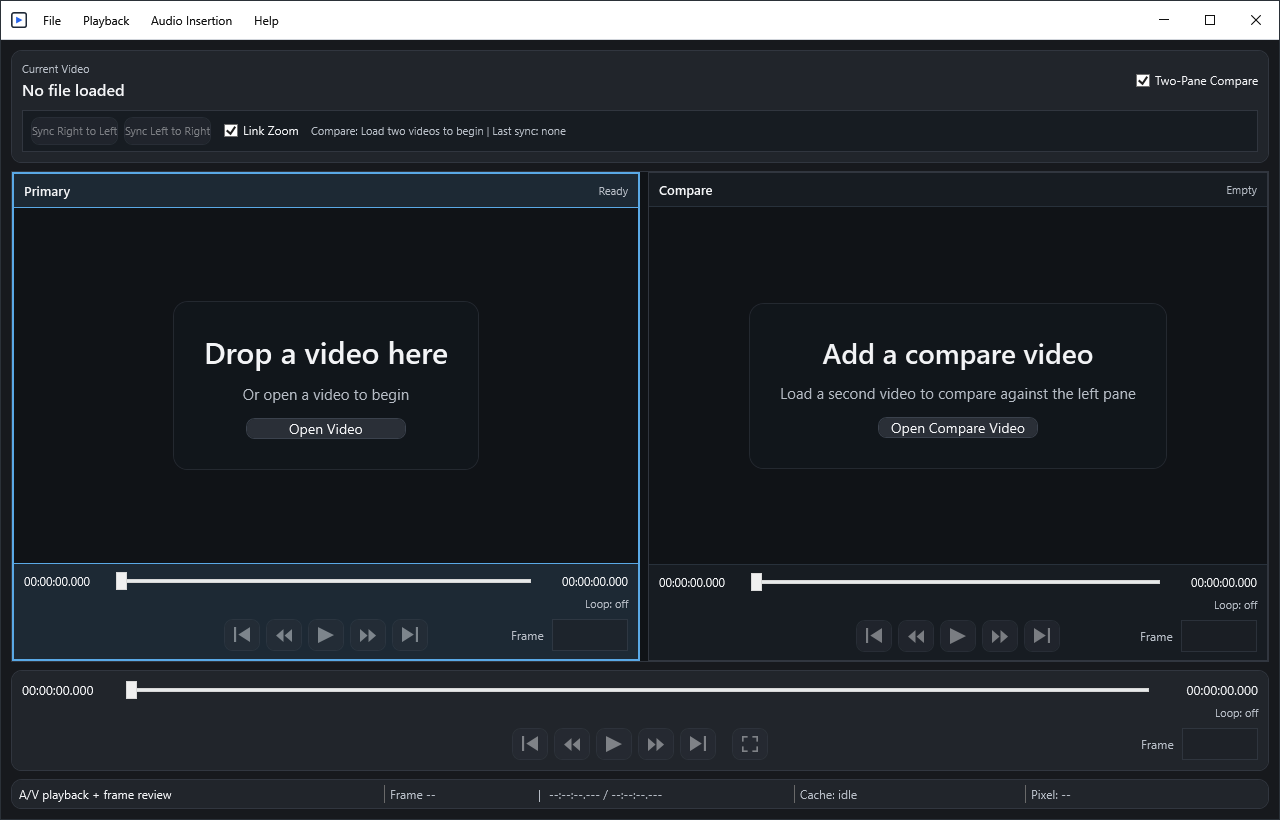 |
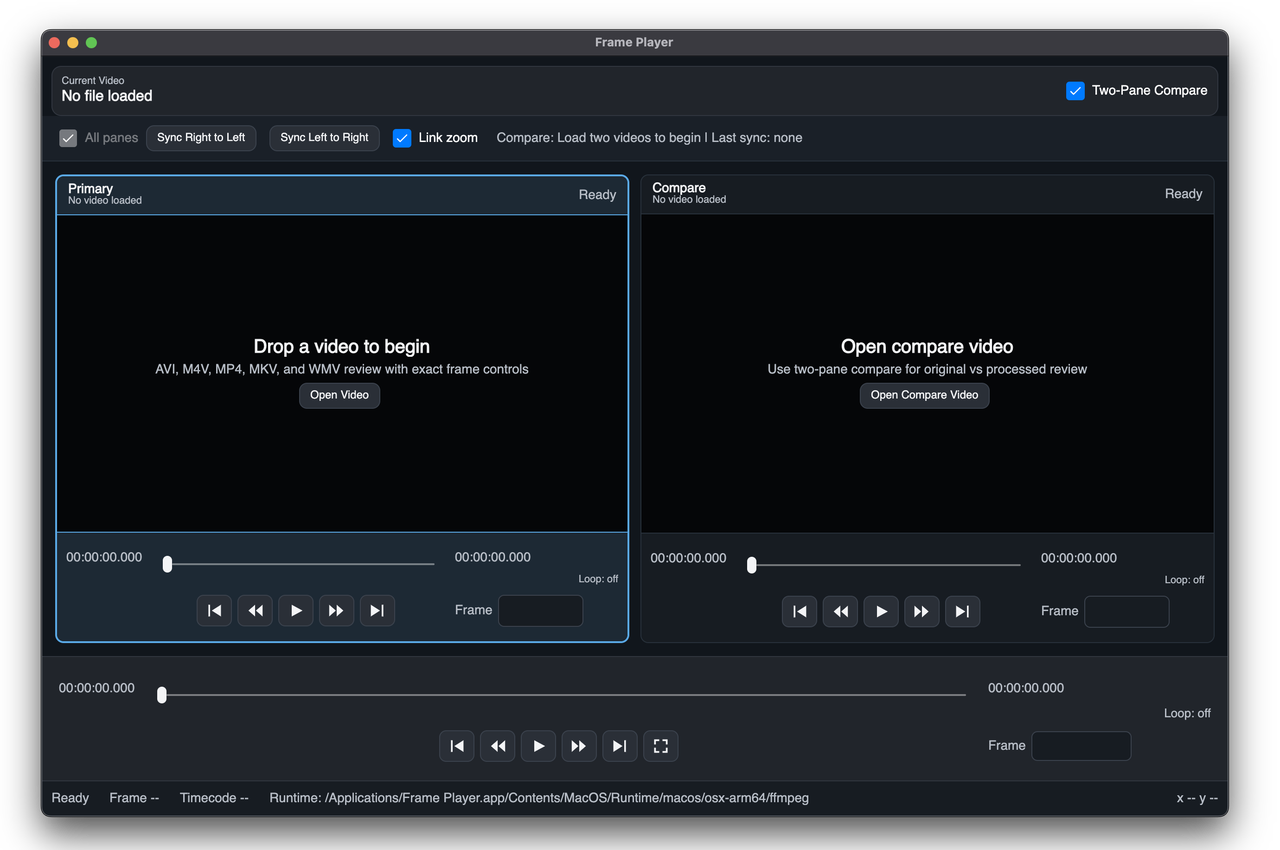 |
- Getting Started: install and open your first video.
- User Guide: transport controls, frame entry, status bar, and diagnostics.
- Two-Pane Compare: compare panes, Sync, Link Zoom, and focused-pane behavior.
- Looping And Export: loop in/out, loop playback, clip export, compare export, and audio insertion.
- Troubleshooting: audio, unsupported media, recent files, logs, and diagnostics.