Home
Frame Player is a frame-first video review tool for people who need to know exactly which frame they are looking at. It supports single-video review, two-pane compare review, frame stepping, frame jumps, loop review, and export workflows.
| Release track | Platform | Current release | Download |
|---|---|---|---|
| Windows stable | Windows 10 or later | v1.8.4 |
Frame Player v1.8.4 |
| macOS Preview | Apple Silicon, macOS 13 or later | 0.1.0 |
Unified v1.8.4 download page |
| Windows Avalonia Preview | Windows 10 or later, x64 | 0.1.0 |
Unified v1.8.4 download page |
The Windows release remains the stable WPF app. The macOS Preview and Windows Avalonia Preview are controlled Avalonia preview builds for cross-platform validation.
These are real app captures. The current checked-in shots show empty-state layouts because clean loaded-video Windows screenshots were not available in this docs pass.
| Windows stable | macOS Preview |
|---|---|
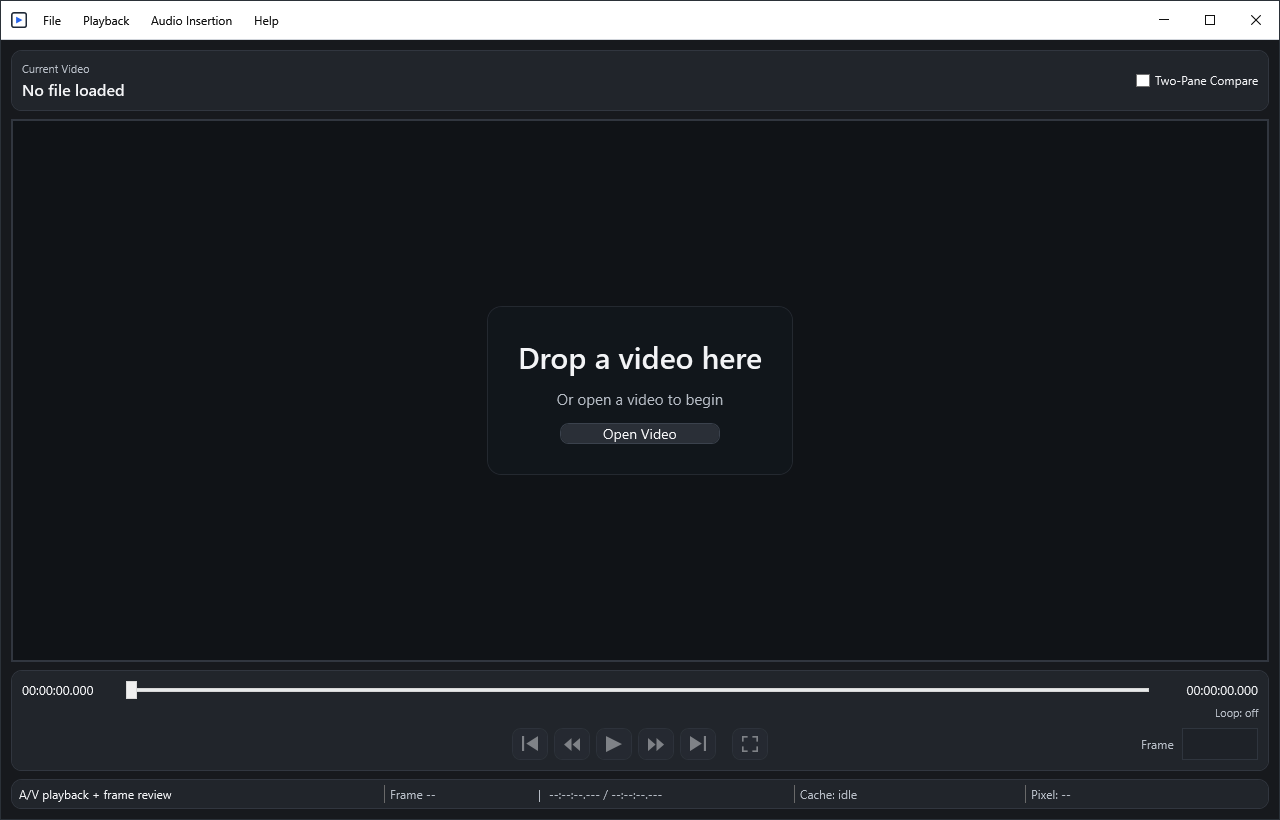 |
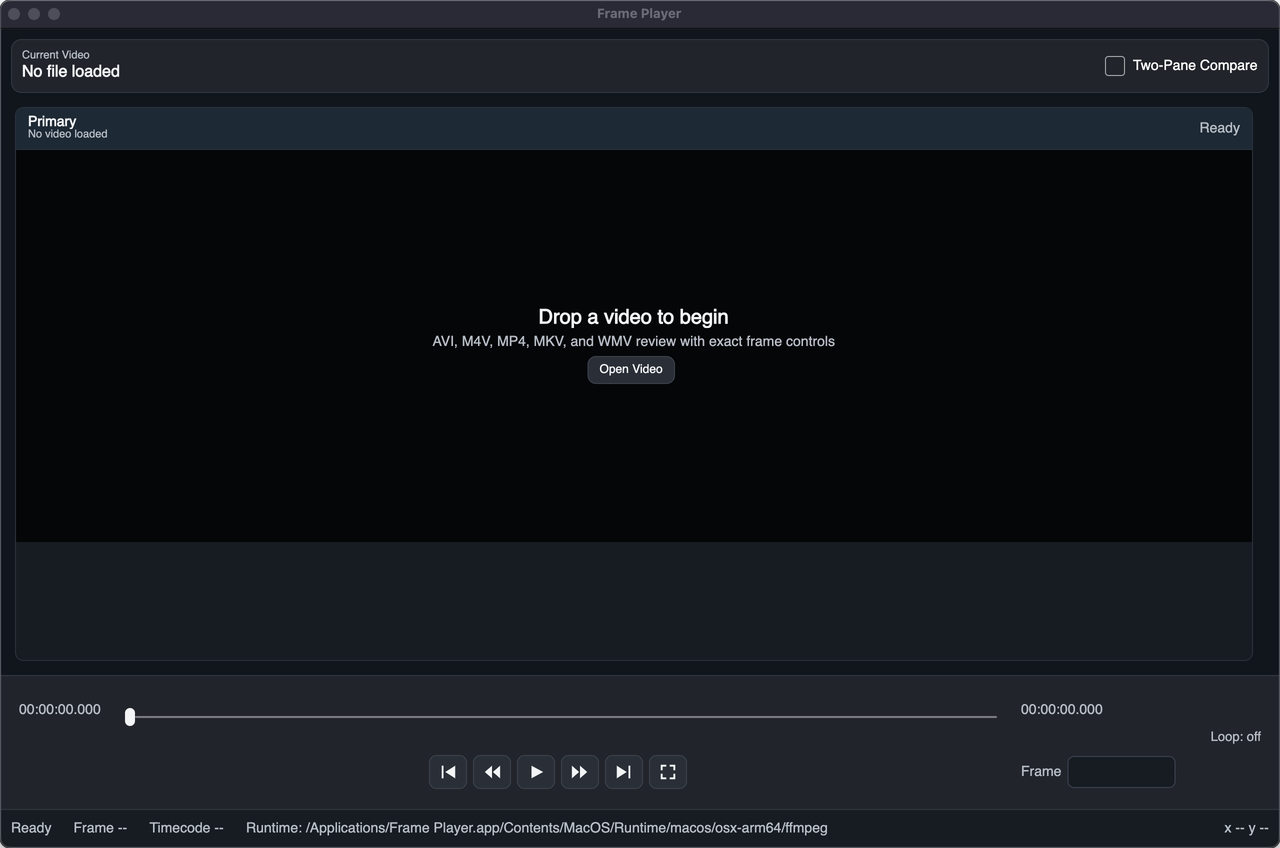 |
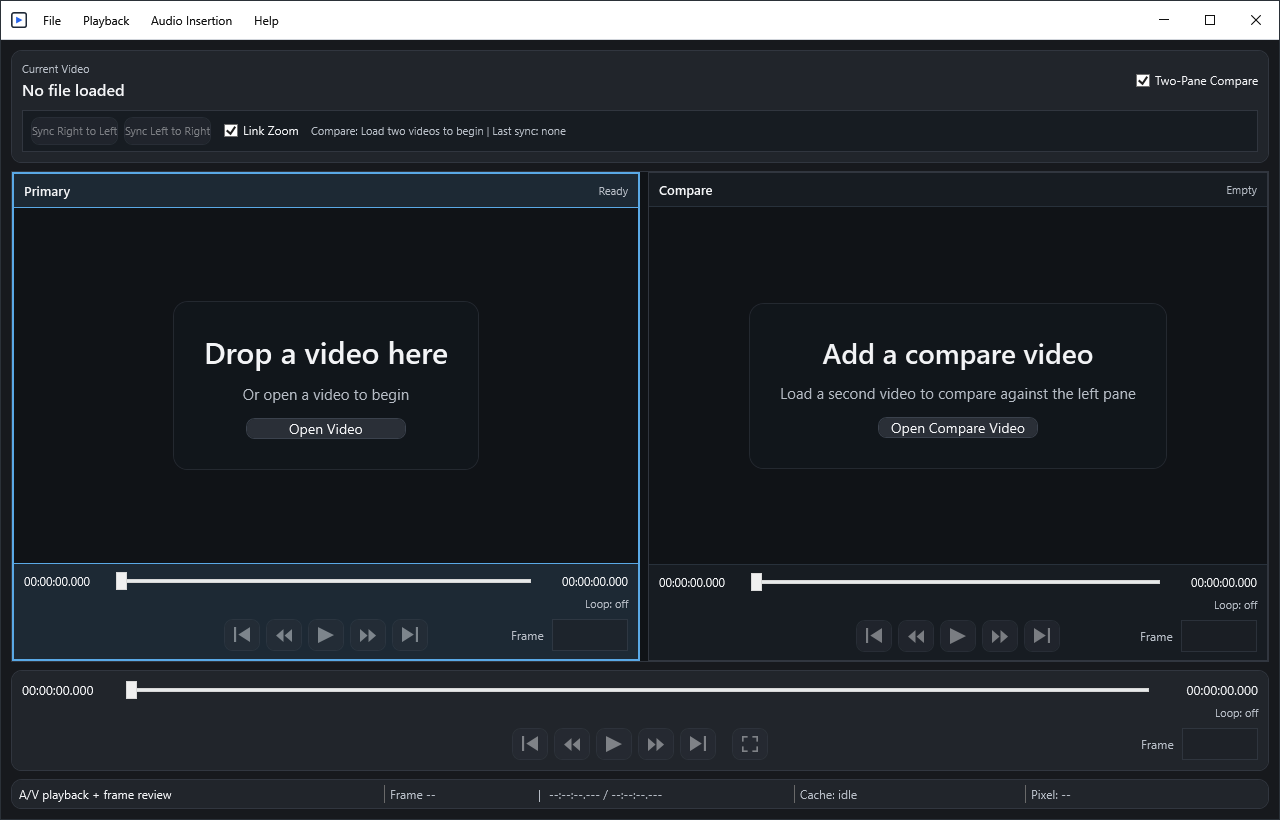 |
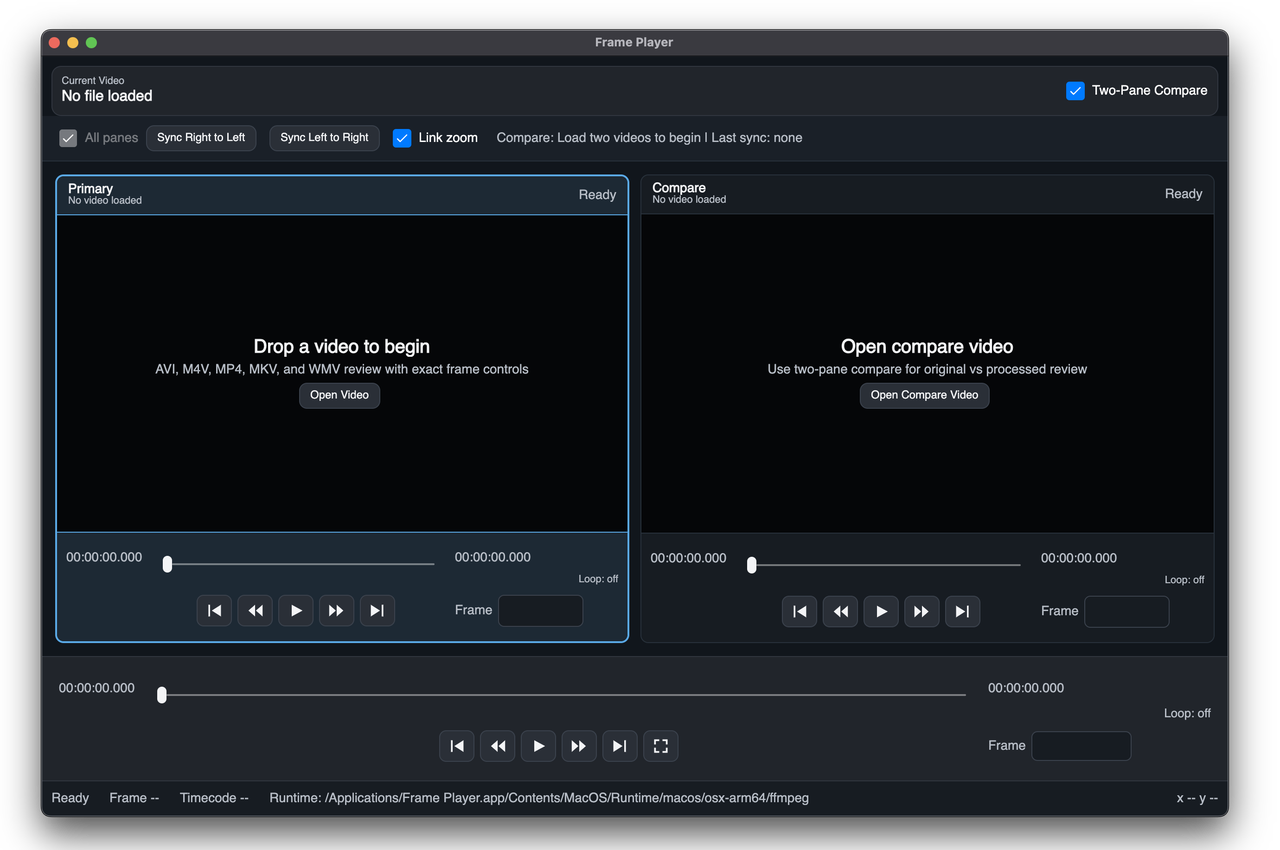 |
- Getting Started: install and open your first video.
- User Guide: transport controls, frame entry, status bar, and diagnostics.
- Two-Pane Compare: compare panes, Sync, Link Zoom, and focused-pane behavior.
- Looping And Export: loop in/out, loop playback, clip export, compare export, and audio insertion.
- Troubleshooting: audio, unsupported media, recent files, logs, and diagnostics.