Repository navigation
Add ons and CurseForge
The launcher imports and manages add-ons through its supported workflow. A CurseForge Core API key, if used, is private configuration: never place it in the Wiki, source tree, screenshots, or issue reports.
If import or recovery fails, retain the app-managed state and use the documented diagnostics instead of manually changing game files on the device.
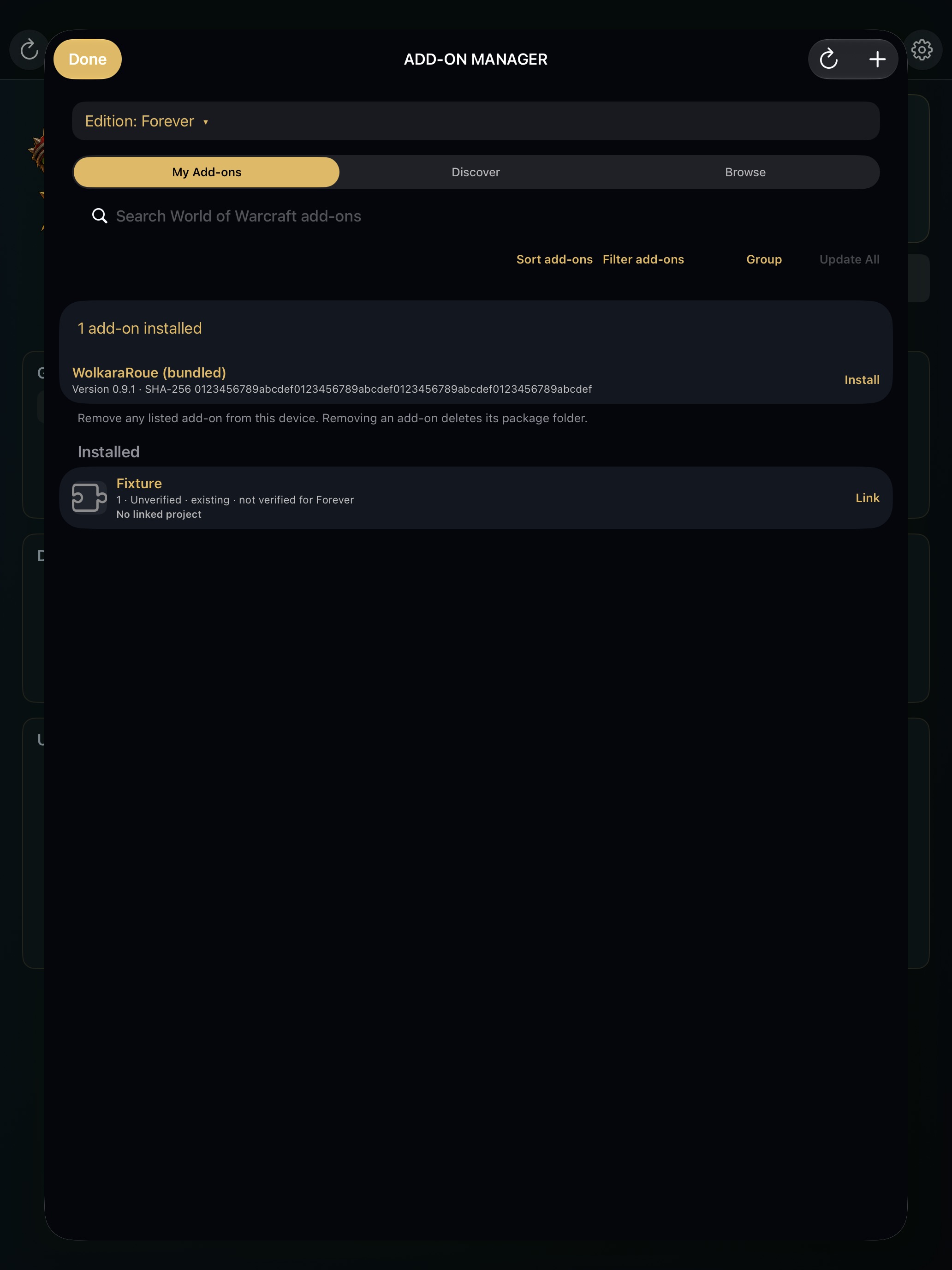
Use Install Addons (Curse & Direct) for the selected edition. Installed lists packages on the device; search narrows that list, refresh reloads it, and a managed package can be disabled, restored, pinned, unpinned, or removed. WolkaraForever records packages it manages and removes only those packages.
Use the plus control to select one archive from Files, or Open Add-on Directory when you need to inspect the relevant folder. Nothing changes until you select an archive or confirm an operation. Do not change add-ons while a download, update, or launch preparation is active.
The browse view searches through the CurseForge Core API and supports the provider's available search, sort, category, game-version, and compatible-file metadata. Provider availability remains authoritative: an unavailable project or file is reported as unavailable, not bypassed.
Source of truth: using the launcher and features Last reviewed: 2026-10-30