Home

An Advanced Combat Tracker (ACT) plugin that plays your triggers — text-to-speech and sound effects — through a Discord bot in a voice channel, so your whole party hears them. Works with ACT Custom Triggers and Triggernometry.
🔀 This is the actively maintained fork of Makar8000/ACT-Discord-Triggers, revived after Discord's DAVE end-to-end voice encryption — now mandatory for voice channels — broke the original. It's been rebuilt to support DAVE, so it works with Discord again. Everything it needs is bundled in the download — there's nothing extra to install.
-
🛠️ First-Time Setup Guide — create a Discord bot, install the plugin, and connect it.
-
⚙️ Settings & Configuration — every setting on the plugin tab, explained.
-
🎯 Trigger Software — use it with ACT Custom Triggers, Triggernometry, and Triggevent.
-
❓ Common Questions & Issues — troubleshooting and FAQ.
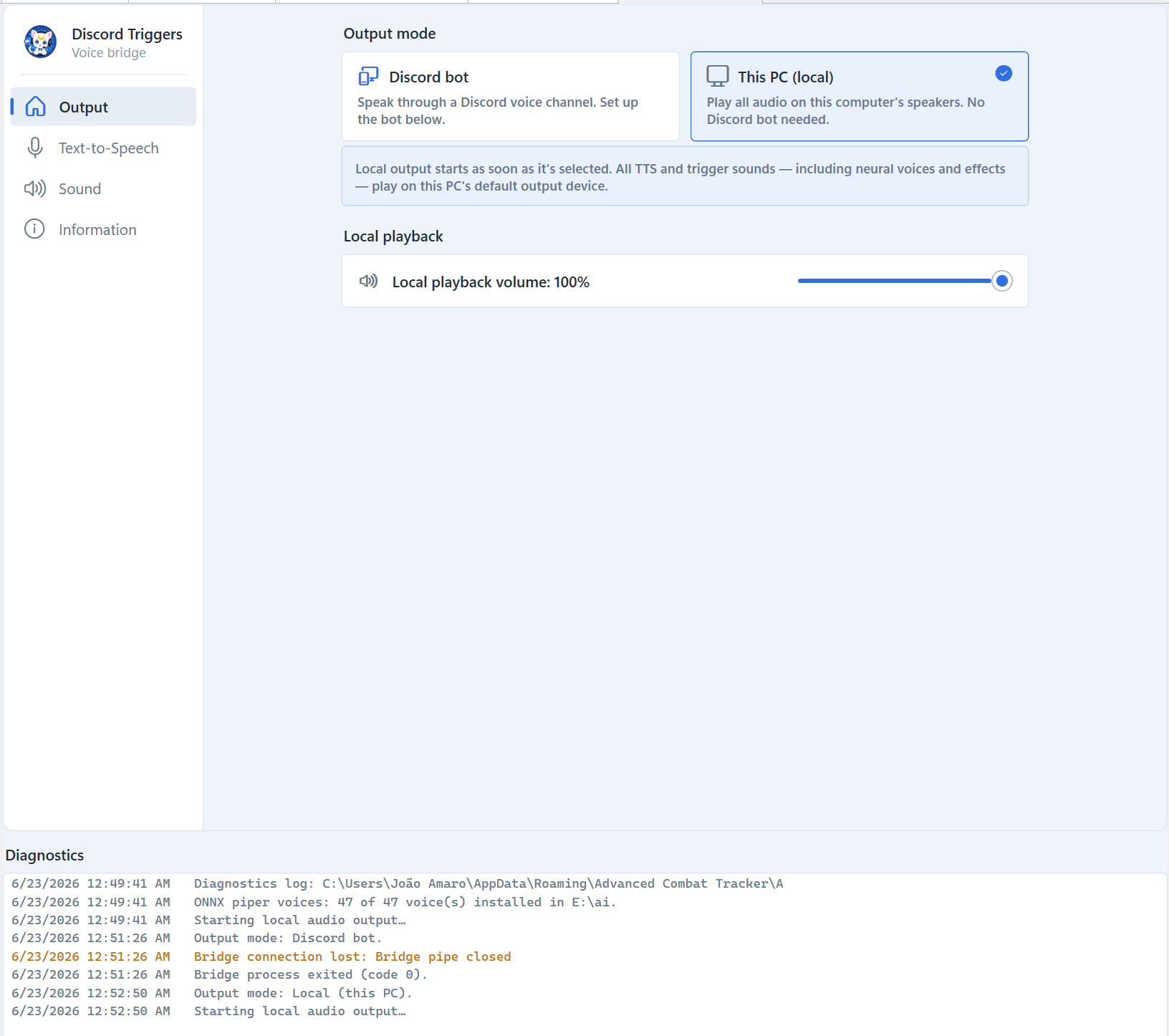
- 🖥️ Two output modes — stream triggers to a Discord voice channel for the whole party, or play them locally on this PC's speakers with no bot or Discord login needed. Choose on the Main page (see Settings & Configuration).
- 🔊 TTS in voice chat — fire trigger text-to-speech straight into a Discord voice channel.
- 🧠 Neural voices — an optional ONNX engine plays natural-sounding neural voices (60+ across several languages), downloaded on demand; or use the offline Windows (SAPI) system voices with nothing to install. Both are explained in Settings & Configuration.
- 🎵 Sound-file triggers — play sound effects through the bot in
.wav, MP3, OGG, or FLAC (see Supported audio formats). - 🎚️ Concurrent playback — overlapping triggers mix together instead of queueing, so nothing gets dropped or delayed.
- 🎲 Random sound effects — optionally add a random audio effect (echo, reverb, pitch-shift, and more) to triggers as they play, just for fun.
- 📈 Auto-leveling — perceptual LUFS loudness matching evens out the volume so every callout and sound plays at a consistent level.
- 🎛️ Master limiter — a look-ahead brickwall limiter keeps overlapping triggers from clipping when they play at once.
- 🔐 Discord DAVE support — speaks Discord's end-to-end voice encryption, now required to join voice channels.
When a trigger plays a sound file, the bot plays it into the voice channel. It supports several common formats:
| Format | Extension | Notes |
|---|---|---|
| WAV | .wav |
Uncompressed. The only format ACT's built-in triggers can use (see below). |
| MP3 | .mp3 |
Common compressed format. |
| OGG | .ogg |
Ogg Vorbis. |
| FLAC | .flac |
Lossless compressed. |
You don't need to worry about technical details — the bot automatically converts your file to whatever Discord needs, so it just works.
Which formats you can use depends on the trigger system:
-
ACT Custom Triggers (built-in) can only attach a
.wavfile — that's a limitation of ACT's own interface, not the plugin. With vanilla ACT triggers you're limited to WAV. - Triggernometry (add-on) can point a trigger at any audio file, so it's how you use MP3, OGG, or FLAC. Route its audio through ACT (see the FAQ) and point your trigger at a file in one of the formats above.
💡 In short: use
.wavfor plain ACT triggers; use Triggernometry if you want MP3/OGG/FLAC sound effects. Either way the file plays through the bot for the whole party to hear.
- Releases — download the latest plugin.
- Issues — report a bug or request a feature.
- Source & README — full project details and developer docs.