Deployment
#Introduction
#DB on MongoLab
Go to http://www.mongolab.com, register and create a database and a db user on AWS. Copy the URI in the form mongodb://<dbuser>:<dbpassword>@ds063178.mongolab.com:63178/expressjs to https://github.com/jlchereau/Phonegap.Express/blob/master/config/production.json.
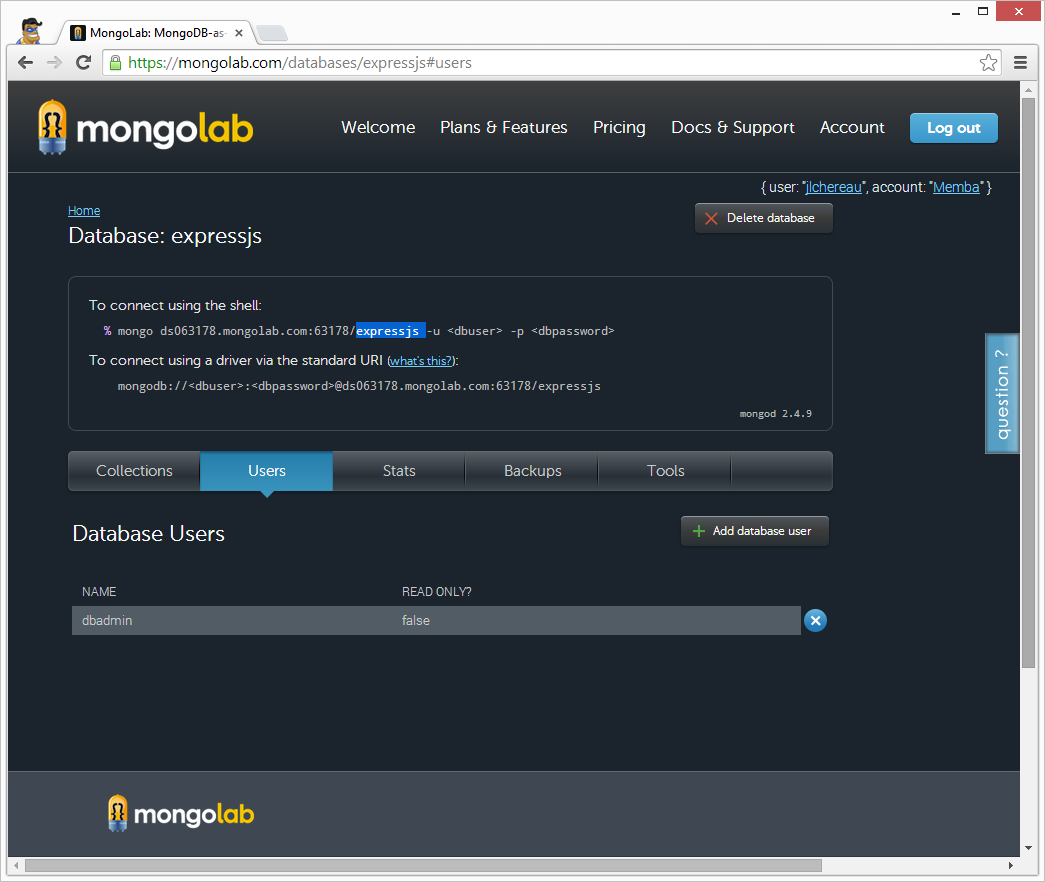
You can use Robomongo to test your connection.
#API Server on Heroku
Go to http://www.heroku.com, register and create an application named expressjs, preferably in the same AWS region as MongoDB.
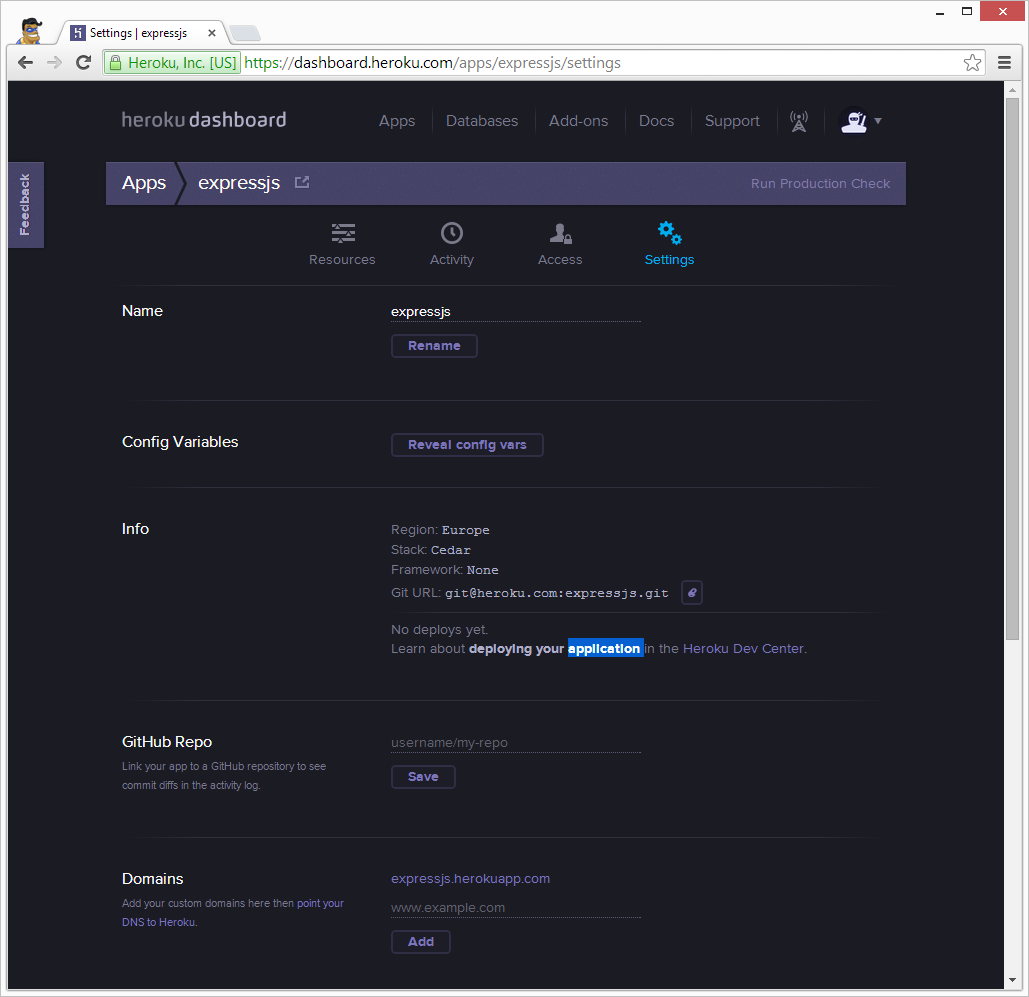
Create a file named Procfile at the root of the project with the following content:
web: node server.jsUpdate package.json with the nodeJS version to run against:
"engines": {
    "node": "v0.10.x"
}
Install the heroku toolbelt and login to heroku to upload an SSH public key:
>heroku login
Enter your Heroku credentials.
Email: heroku@memba.org
Password (typing will be hidden):
Could not find an existing public key.
Would you like to generate one? [Yn] Y
Generating new SSH public key.
Uploading SSH public key C:/Users/Jacques-Louis/.ssh/id_rsa.pub... done
Authentication successful.
Since the app has been created from the heroku administration console, configure git:
>git remote add heroku git@heroku.com:expressjs.git
>git remote -v
heroku  git@heroku.com:expressjs.git (fetch)
heroku  git@heroku.com:expressjs.git (push)
origin  https://github.com/jlchereau/Phonegap.Express.git (fetch)
origin  https://github.com/jlchereau/Phonegap.Express.git (push)
Upload the API server code from git to heroku:
>git push heroku master
The authenticity of host 'heroku.com (50.19.85.156)' can't be established.
RSA key fingerprint is 8b:48:5e:67:0e:c9:16:47:32:f2:87:0c:1f:c8:60:ad.
Are you sure you want to continue connecting (yes/no)? yes
Warning: Permanently added 'heroku.com,50.19.85.156' (RSA) to the list of known hosts.

...

-----> Caching node_modules directory for future builds
-----> Cleaning up node-gyp and npm artifacts
-----> Building runtime environment
-----> Discovering process types
       Procfile declares types -> web

-----> Compressing... done, 7.0MB
-----> Launching... done, v3
       http://expressjs.herokuapp.com/ deployed to Heroku

To git@heroku.com:expressjs.git
 * [new branch]      master -> master
Check the logs:
>heroku logsWe have experienced two issues:
- The API Server was not properly connecting to MongoDB at MongoLab. This was sorted out by adding
NODE_ENV='production'to heroku config variables. - The API Server would not start at port 80 configured in production.json. Heroku assigns ports dynamically and they cannot be configured. The port needs to be read from the PORT environment variable set by heroku.
Sources:
- https://devcenter.heroku.com/articles/getting-started-with-nodejs
- http://www.letscodejavascript.com/v3/transcripts/lessons_learned/5
- http://niel.delarouviere.com/2012/03/the-really-absolute-beginners-guide-to-host-node-js-on-heroku/
#HTML 5 web app on Google Drive
#Phonegap web app