The Quak CLI
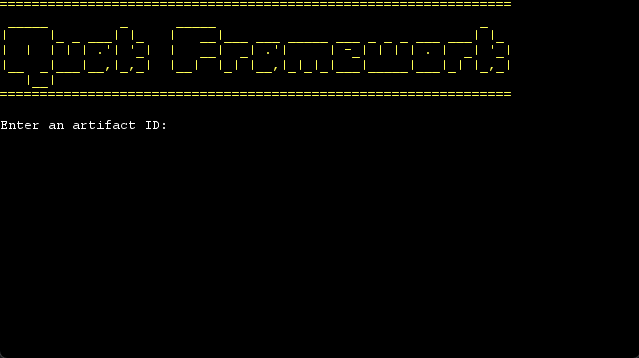
Quak now has a CLI tool to make setting up a Quak project easy. First, download the QuakCLI.zip file from GitHub here. Place unzip the file where you want to place your QuakCLI command. The unzipped folder contains a .bat, .sh, and a .jar file you can use to run the Quak CLI on the appropriate platform. Then, you can run one of the following commands:
- create: Creates a new Quak project, allowing you to use templates.
- help: Provides help with using this CLI tool.
When creating a Quak App with the create command, most of the setup for making the Quak Application is done for you. However, you still need to manually put your GitHub username and personal access token (with the read:packages permission) in your ~/.m2/settings.xml file. The CLI tool will put a server entry in for you to connect with GitHub but without these fields added in.