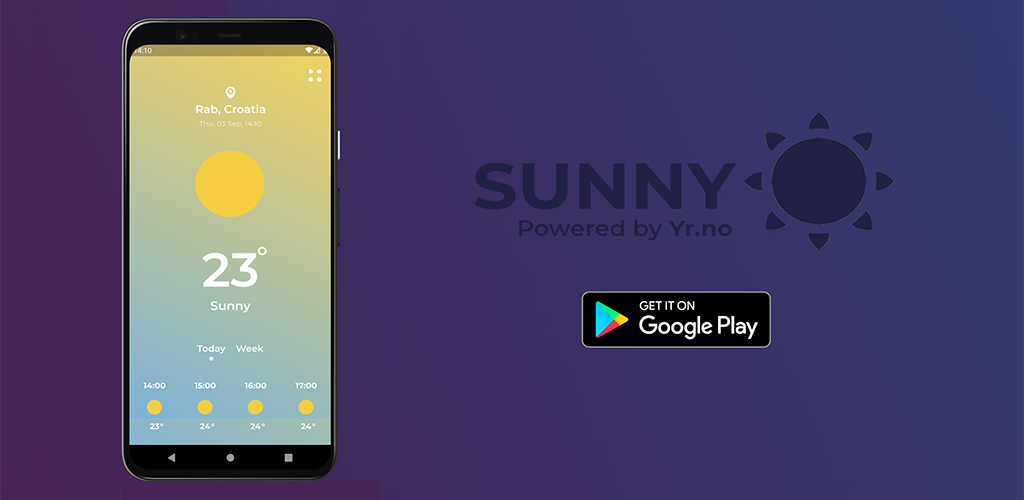
☀️ Sunny is a simple app made in Flutter. 👨💻
- It shows multiple weather types
- Current weather 🌊
- Hourly weather 🍃
- Daily weather 🌪️
- It offers the user to enter any desired city manually 🌎
- It uses yr.no as the weather provider 🇳🇴
The Norwegian Meteorological Institute was kind enough to offer the weather data for free. Without it, this app wouldn't be possible.
Sunny can be downloaded from HERE.
- Create / download other weather icons
- Refactor code as much as you can
- Make the UI responsive as much as you can
- Update scroll animations to use BouncingScrollPhysics
- Make it impossible to go back to the LoadingScreen after the weather has been loaded
- Build a production version of the app and publish on the Play store
- Create screenshots for the Play store
- Implement the InfoScreen
- Make the LoadingScreen a bit nicer looking
- Recreate weather icons that have stroke instead of fill
- Test all weather variations and background colors
- Create gradients for each weather condition
- Implement some error handling when invalid city name is entered
- Use Geolocator v6 & Geocoding plugins
- Remove height and width tags from each SVG
- Add an icon, splash screen, etc.
- Add an indicator of waiting while waiting for weather via location
- Add a GPS icon on the top left to check for weather via location
- Remove small GPS icon above city name if the user has entered a custom city
- Add an indicator of waiting while fetching the custom weather
- Implement a modal view to enter a new city
- Add Weekly forecast and a way to scroll between 'Today' and 'Week'
- Implement some Timezone API in order to get the correct time from requested city
- Create proper Classes instead of Lists
- Make a general icon for unknown weather, call it noweather.svg
- Test on smaller devices, add scrolling functionality
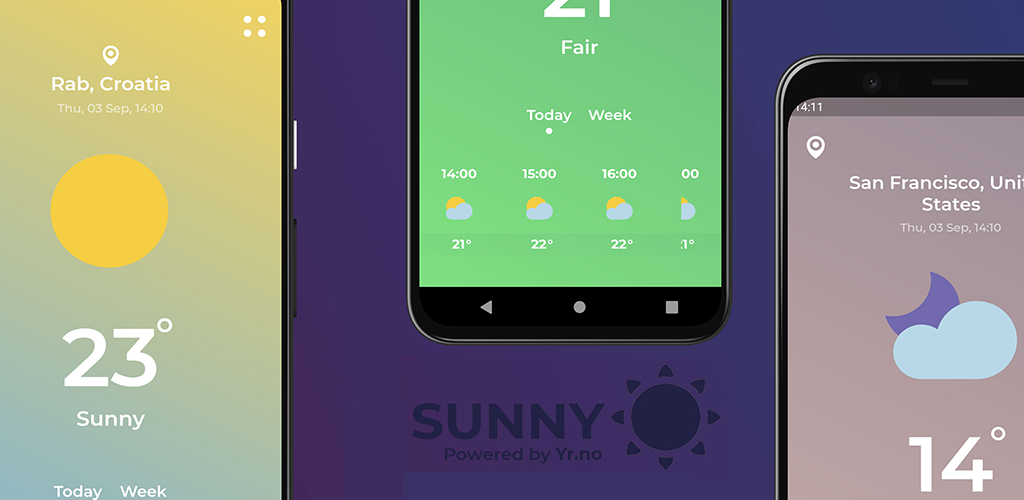
- Colors should change depending on the weather condition
- Move condition variables to conditions.dart
- Replace hardcoded text with variables
- Create other weather icons from the downloaded ones
- Rename icons to the required names (e.g. clearsky_day)