🎥 Demo Video
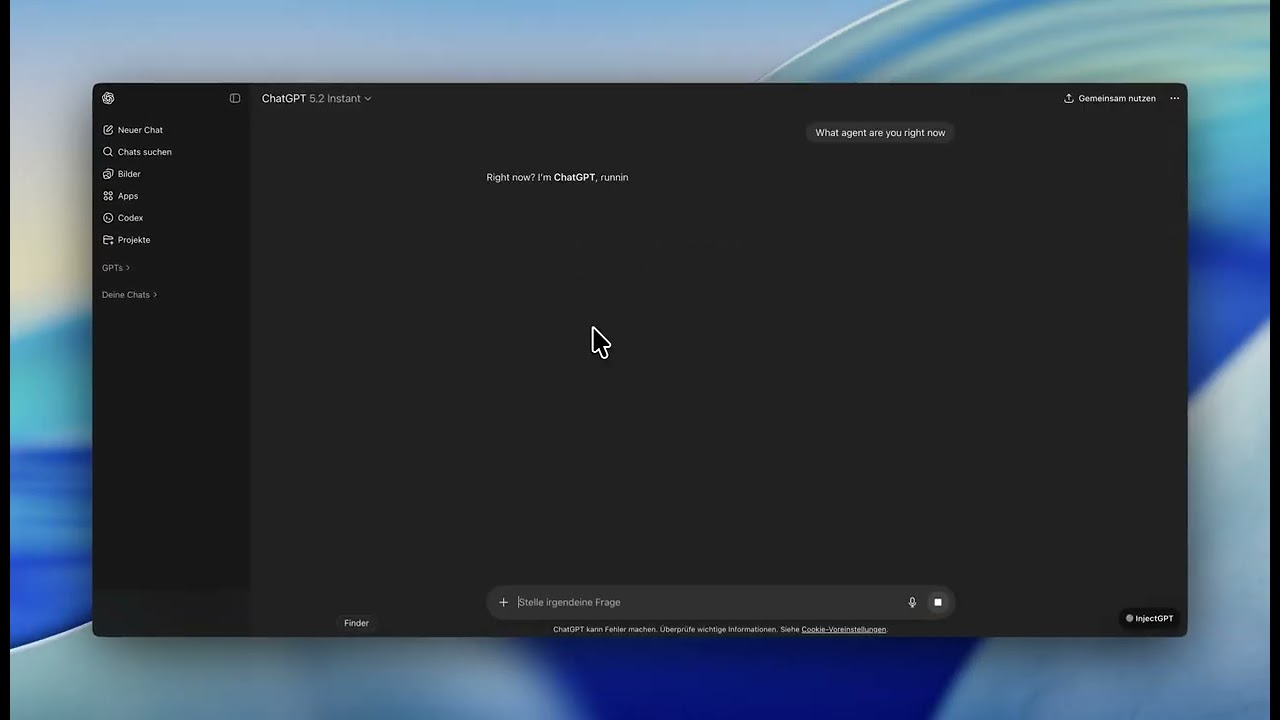

▶️ Click the image to watch the demo

InjectGPT is a Chrome extension that injects a custom system prompt, developer prompt, and model selection directly into ChatGPT requests.
Once configured, it always uses your chosen settings for every conversation.
For example, you can define a new system prompt and ChatGPT will permanently behave according to it.
The extension intercepts all /conversation requests at the network level, replacing the model, system prompt, and developer prompt with your current settings before they reach OpenAI’s servers.
- Model selection – switch between
gpt-5-2,gpt-5-2-thinking, and other models - Custom system prompt – define how the AI behaves
- Custom developer prompt – inject additional instructions after user messages
- Settings persistence – preferences are saved in
localStorage
- Clone or download this repository
- Open
chrome://extensions - Enable Developer mode
- Click Load unpacked
- Select the extension folder
- Go to https://chatgpt.com
- Press InjectGPT Settings
- Change model and prompts
- Start chatting
manifest.json– extension configurationcontent.js– UI injection and settings managementinjector.js– network-level request interceptionstyles.css– dark theme styling