You will need to have your free Azure account created and active before this training begins!
For those that do not wish to build/use use their own systems to virtualize a set of domain controllers, the following can be used to deploy a pair, DC1 and DC2 in Azure using your previously activated trial subscription.
Deploy Azure VMs using a Template
I have uploaded copies of a reference template and parameters json files to the repository that can be used as references.
It takes about 60 minutes to deploy this solution. VMs are deployed with autoshutdown scheduled for 11PM EST.
Perform this activity once you arrive and have established Internet connectivity.
It is YOUR responsibility to DESTROY these systems when no longer in use
Additional Azure Quickstart templates
- Install Active Directory Level 100
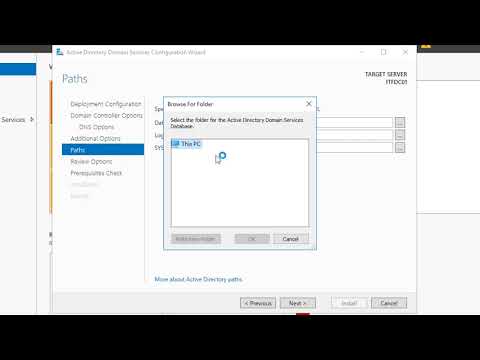
- 2016 AD DS Installation video by "Instructor Paul"
- ADTimeline
- AD Topology Diagramer
- MS Security Compliance Toolkit
- ADExplorer
- AD Replication Status Tool
- Topology
- Sizing/Capacity Planning
- Virtualization
- Cloud/IaaS
- AD Security Concerns
- Tier Model
- Securing Active Directory
- PAWs
- Baselines (MS/STIG/CIS)
- Security Hardening
- ESAE