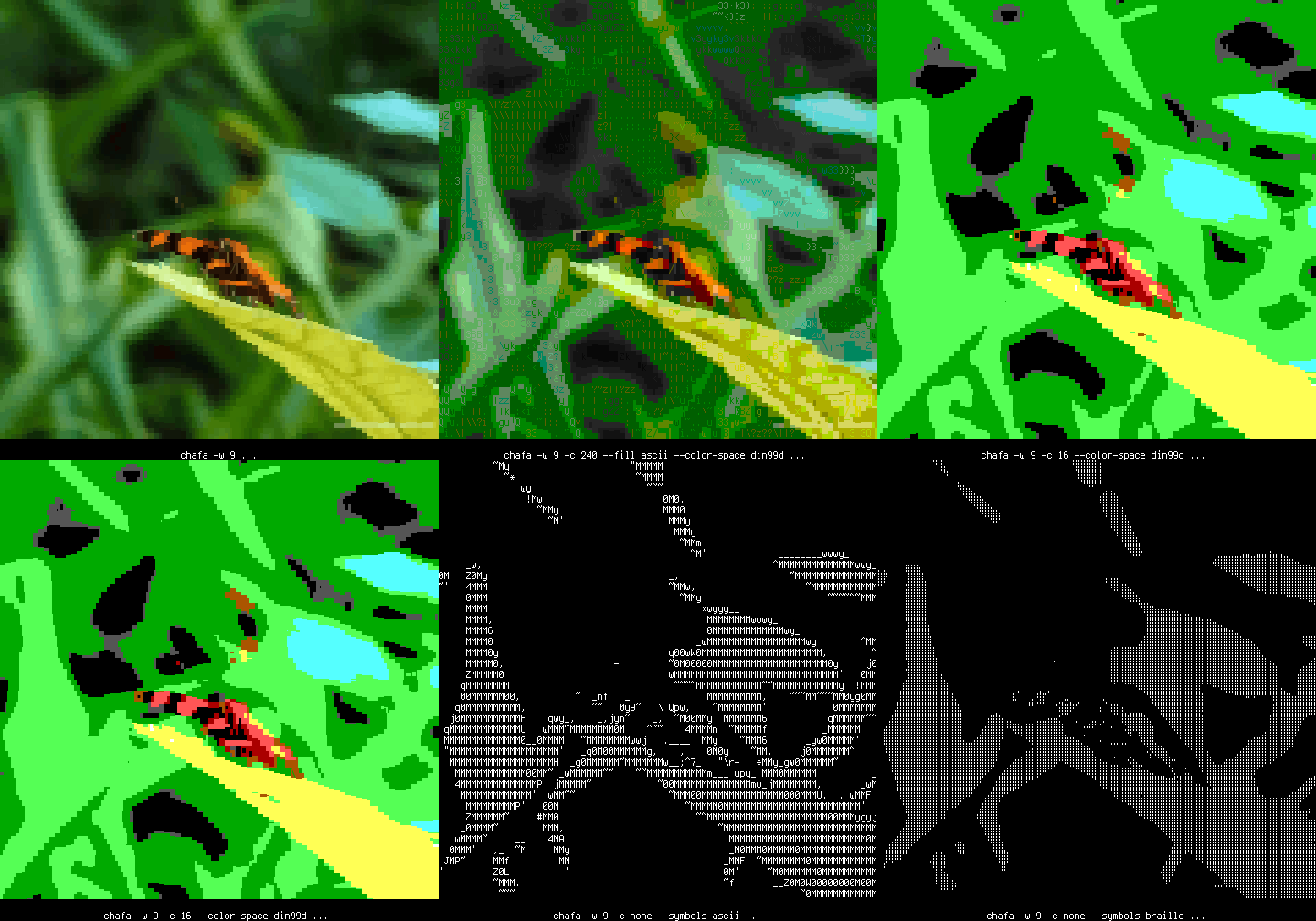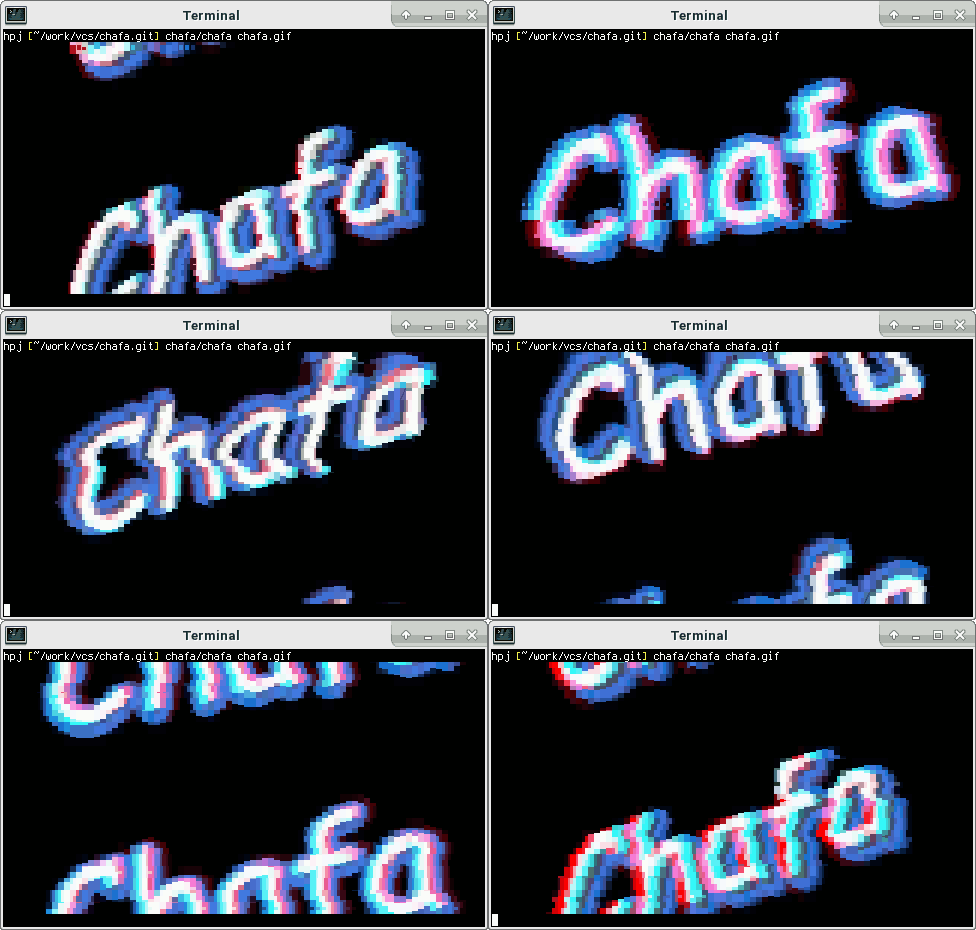



Chafa is a command-line utility that converts all kinds of images, including animated GIFs, into ANSI/Unicode character output that can be displayed in a terminal.
It is highly configurable, with support for alpha transparency and multiple color modes and color spaces, combining selectable ranges of Unicode characters to produce the desired output.
The core functionality is provided by a C library with a public, well-documented API.
It has official web pages and C API documentation online.
Chafa has been added to the [community] repository. Use pacman to install:
$ sudo pacman -S chafaChafa has been packaged for Debian. Issue the following command to install:
$ sudo apt install chafaFor supported Debian releases, please see the package status page.
Chafa has been packaged for Fedora. Issue the following command to install:
$ sudo dnf install chafaChafa is available in the graphics devel project for openSUSE.
Add and install it via:
$ sudo zypper ar -f obs://graphics graphics
$ sudo zypper ref
$ sudo zypper in chafaYou will need GCC, make and the GLib development package installed to
compile Chafa from a release tarball. If you want to build the
command-line tool chafa and not just the library, you will
additionally need the ImageMagick development packages.
Prebuilt documentation is included in the release tarball, and you do not need gtk-doc unless you want to make changes/rebuild it.
After unpacking, cd to the toplevel directory and issue the following shell commands:
$ ./configure
$ make
$ sudo make installYou will need GCC, make, Autoconf, Automake, Libtool and the GLib
development package installed to compile Chafa from its git repository. If
you want to build the command-line tool chafa and not just the library,
you will additionally need the ImageMagick development packages.
If you want to build documentation, you will also need gtk-doc.
Start by cloning the repository:
$ git clone https://github.com/hpjansson/chafa.gitThen cd to the toplevel directory and issue the following shell commands:
$ ./autogen.sh
$ make
$ sudo make installFor tarball releases, additional documentation, etc. see the official web pages.