
1. activate cheats in the world

2. activate the addon in the world
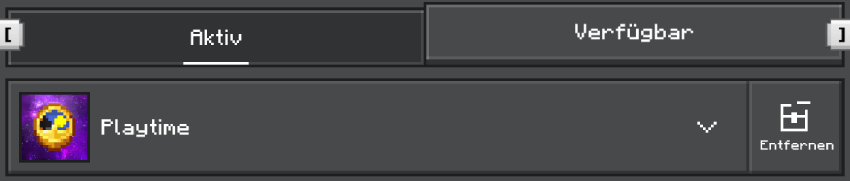
3. You are now ready and can now go into the world
- Set the time with /clock time.
- Now set the maximum playing time for each person with /max-playtime 0 0 2. This will set the maximum playing time to 2 hours.
- If desired, you can set when the game time is reset with /clock reset 12 0 0. The game time will then be reset at 12:00:00.
You can configure various settings using /settings.
Usage: /settings module true/false
Modules: actionbar, debug, kick_operators, reset_all, reset_settings
The reset_all and reset_settings modules allow you to reset either everything or just the settings. These modules must be executed twice for confirmation.
The playtime can be displayed in two different ways: once via the /playtime command and once by setting the actionbar to true via /settings actionbar true.
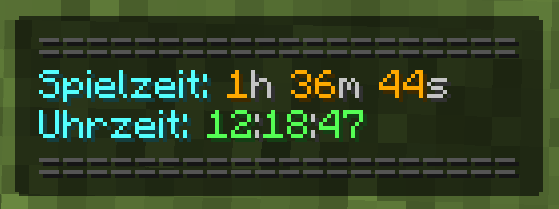
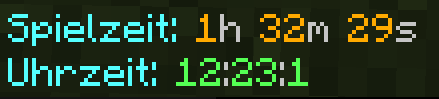
Players without permission can only view their own playtime. Admins have the ability to read and change other players' playtime.
Read playing time: /player-playtime get name
Reset playing time: /player-playtime reset name
Set playing time: /player-playtime set name 0 0 2