

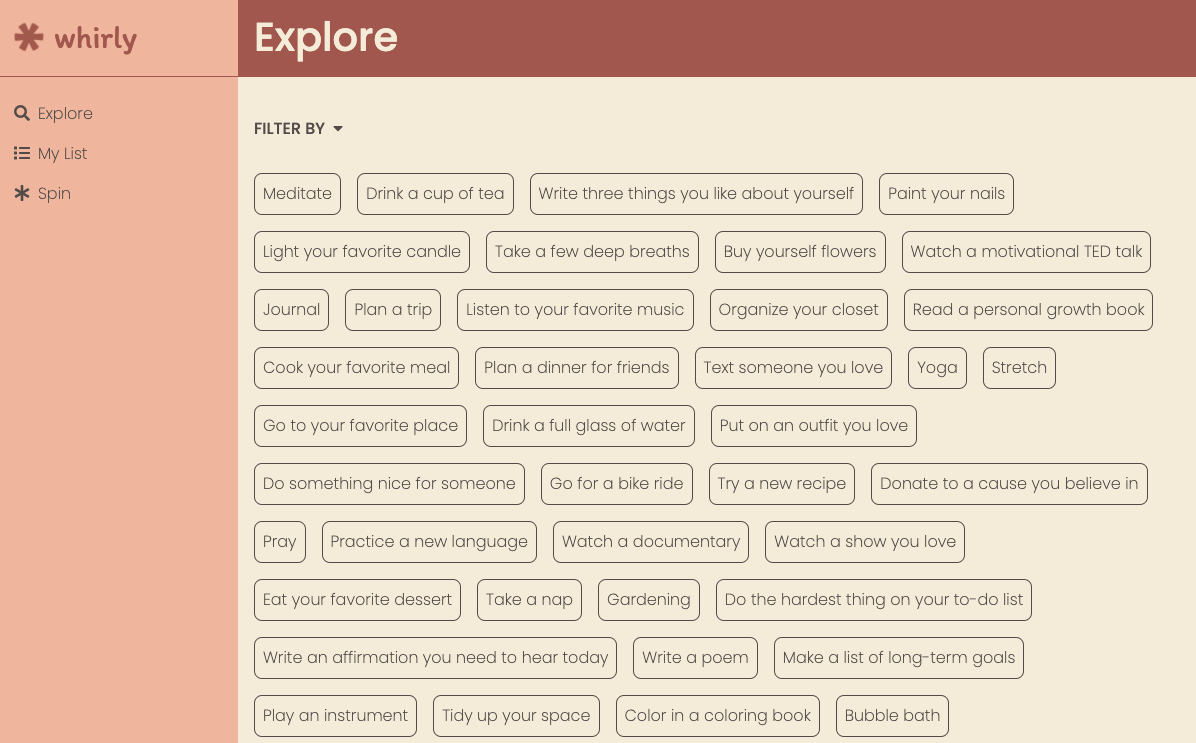
Whirly is a self-care app that allows users to curate a list of self-care ideas. This is my front-end capstone project for Nashville Software School. It is a single-page application, built with React.js. The user can create their list and update or delete activities as needed. The user can also filter items in their list by category or time, and finally, spin a wheel to choose a self-care activity.
Self-care has been a personal priority for me and even more so with the onset of the coronavirus pandemic. I wanted to build a tool that would allow me to keep a personalized list of supportive activities. I've found that even small acts of caring for myself restore my sense of peace and energize me to take on the day with a healthier, happier outlook.
- React.js
- Google Firebase
- SASS
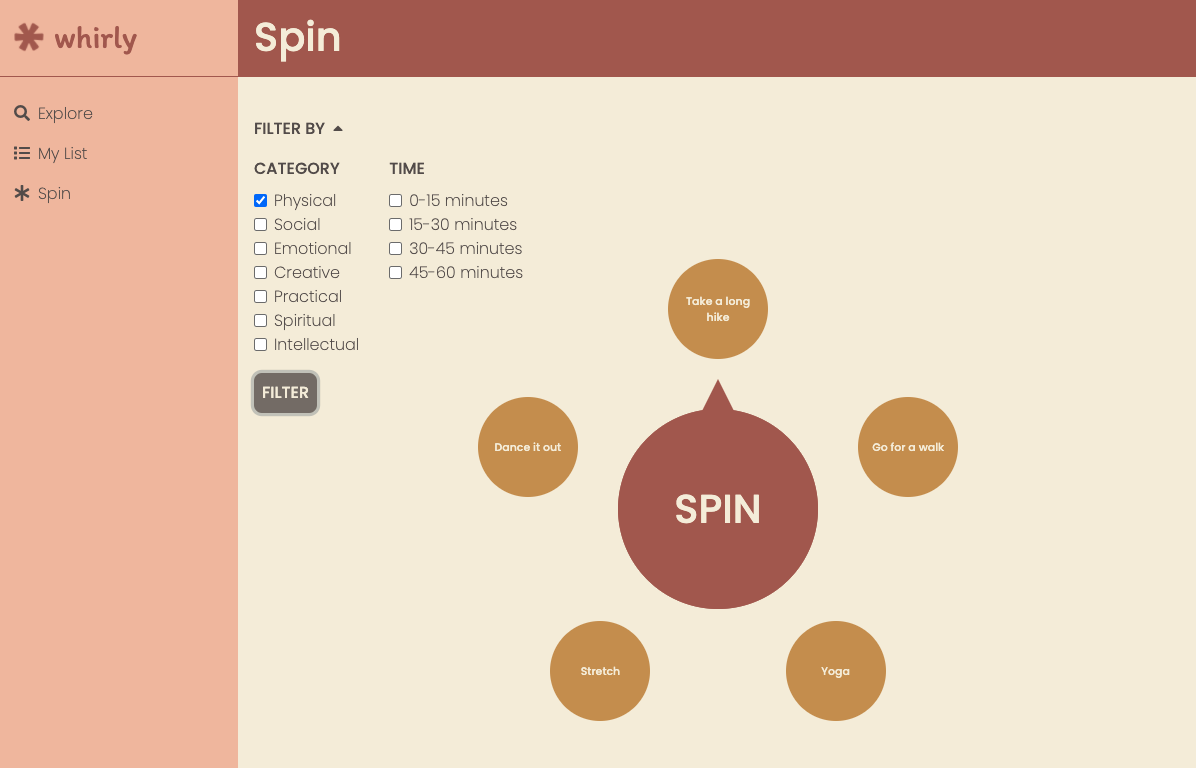
I'm a former math teacher, so I'm pretty proud of my spinner component, because it includes some trigonometry. The code below shows how I built each option around the spinner. I'm using the Math.sin and Math.cos methods to calculate the x and y coordinates for each option and then storing those in state.
class Option extends Component {
  state = {
    coordinates: {
      x: '',
      y: '',
    },
  }

  componentDidMount() {
    this.setCoordinates();
  }

  componentDidUpdate(prevProps, prevState) {
    if (prevProps.activities !== this.props.activities) {
      this.setCoordinates();
    }
  }

  getMyCoordinates = (radius) => ({
    x: Math.sin((Math.PI / (this.props.numberOfActivities / 2)) * this.props.i) * radius,
    y: Math.cos((Math.PI / (this.props.numberOfActivities / 2)) * this.props.i) * radius,
  })

  setCoordinates = () => {
    const newCoordinates = this.getMyCoordinates(this.props.radius);
    this.setState({ coordinates: newCoordinates });
  }

  render() {
    return (
      <div className='option'
        style={ {
          ...styles.option,
          left: `${this.props.center.x + this.state.coordinates.x}px`,
          top: `${this.props.center.y - this.state.coordinates.y}px`,
        } }>{this.props.activity.title}</div>
    );
  }
}