A delightful and educational crossword puzzle game designed specifically for kids! Help children learn vocabulary, improve spelling, and have fun solving puzzles with age-appropriate clues and colorful, engaging UI.



-
🎯 Three Difficulty Levels
- ⭐ Easy: Perfect for beginners with simple words and fun clues
- ⭐⭐ Medium: Getting trickier with more challenging vocabulary
- ⭐⭐⭐ Hard: Super challenging puzzles for advanced young puzzlers
-
🎨 Kid-Friendly Design
- Bright, colorful interface that kids will love
- Large, easy-to-read fonts
- Intuitive touch controls
- Fun animations and visual feedback
-
🧩 Educational Content
- Puzzles cover topics kids love: animals, colors, food, toys, games, and more
- Age-appropriate vocabulary
- Encouraging clues written in simple language
- Helps improve spelling and reading skills
-
💾 Progress Tracking
- Save your progress automatically
- Track completion statistics
- View your best times
- See your recent performance
-
🎁 Helpful Features
- Hint system to help when stuck
- Auto-check option to verify answers
- Timer to track solving time
- Night mode for comfortable play
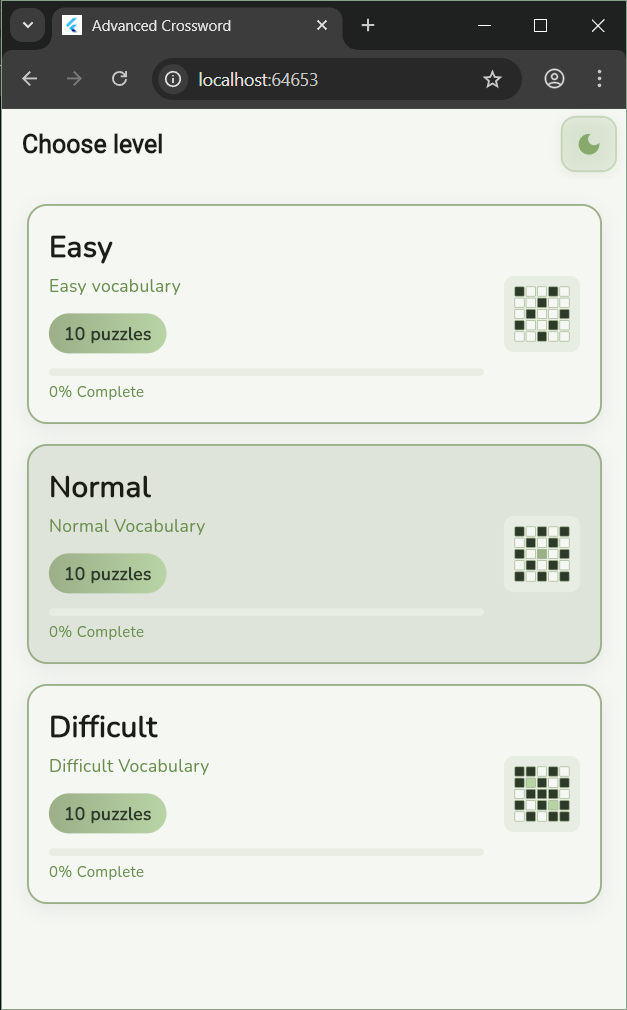
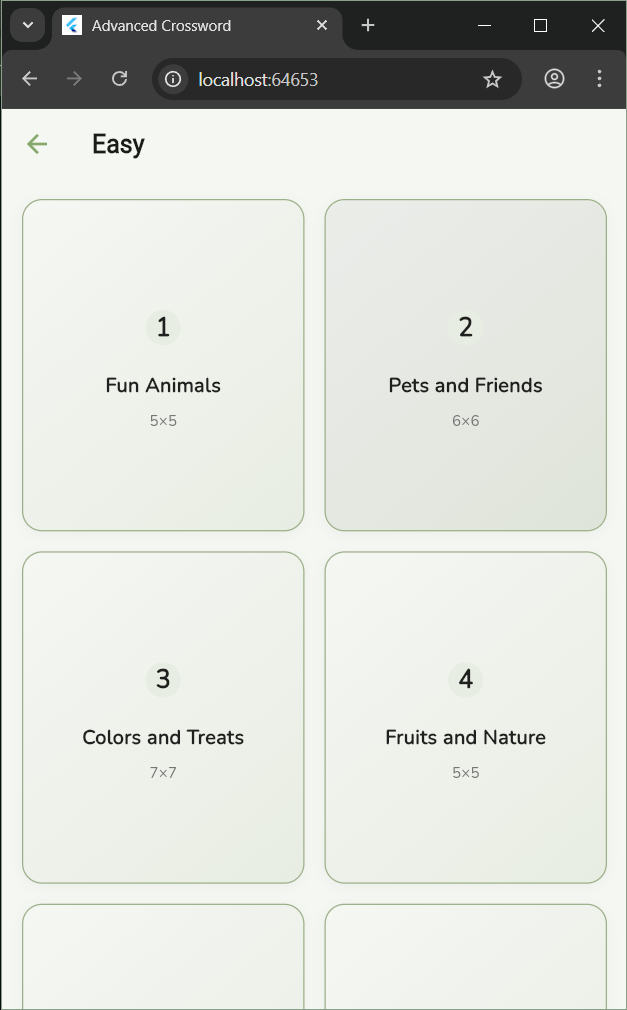
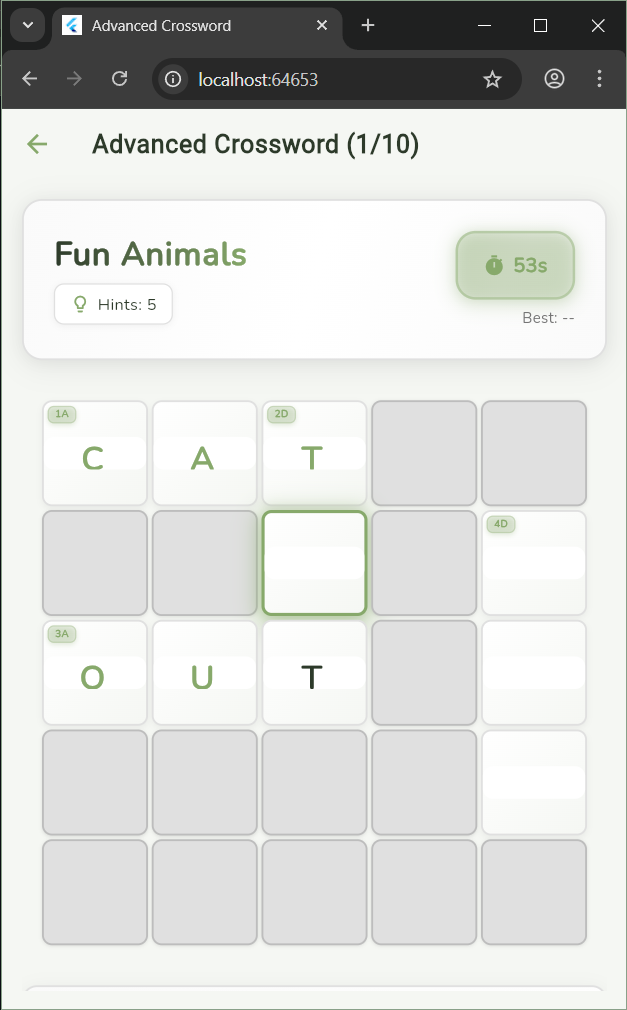
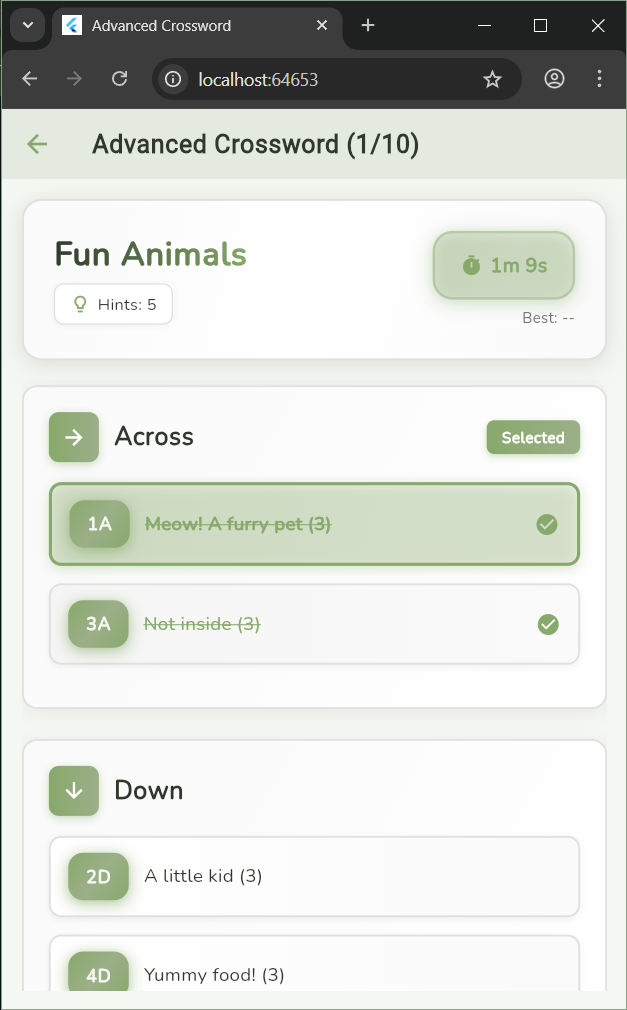
- Choose Your Level: Select Easy, Medium, or Hard based on your skill level
- Pick a Puzzle: Browse through available puzzles and select one
- Read the Clues: Tap on a clue to see it highlighted
- Fill in Answers: Tap on a cell and type your answer
- Navigate: Use arrow keys (desktop) or tap to move between cells
- Get Hints: Use the hint button if you need help
- Check Answers: Use the check button to verify your progress
- Complete: Finish all clues to complete the puzzle!
- Flutter - Cross-platform framework
- Dart - Programming language
- Google Fonts - Beautiful typography (Nunito)
- Shared Preferences - Local data storage
- Material Design 3 - Modern UI components
Puzzles are stored in JSON format in assets/puzzles.json. Each puzzle includes:
- Title
- Grid dimensions (rows × cols)
- Clues with answers, positions, and directions (Across/Down)
Example:
{
  "id": "1A",
  "direction": "A",
  "clue": "Meow! A furry pet (3)",
  "answer": "cat",
  "row": 0,
  "col": 0
}Edit assets/puzzles.json to add your own puzzles. Follow the existing format and ensure:
- Clues are kid-friendly
- Answers fit the grid
- Clues intersect properly
- Difficulty matches the category
Modify the color scheme in lib/main.dart:
- Light theme colors
- Dark theme colors
- Primary, secondary, and tertiary colors
- Flutter team for the amazing framework
- Google Fonts for beautiful typography
- All contributors who help make this project better
For questions or suggestions, please open an issue on GitHub.
Made with ❤️ for kids who love puzzles!