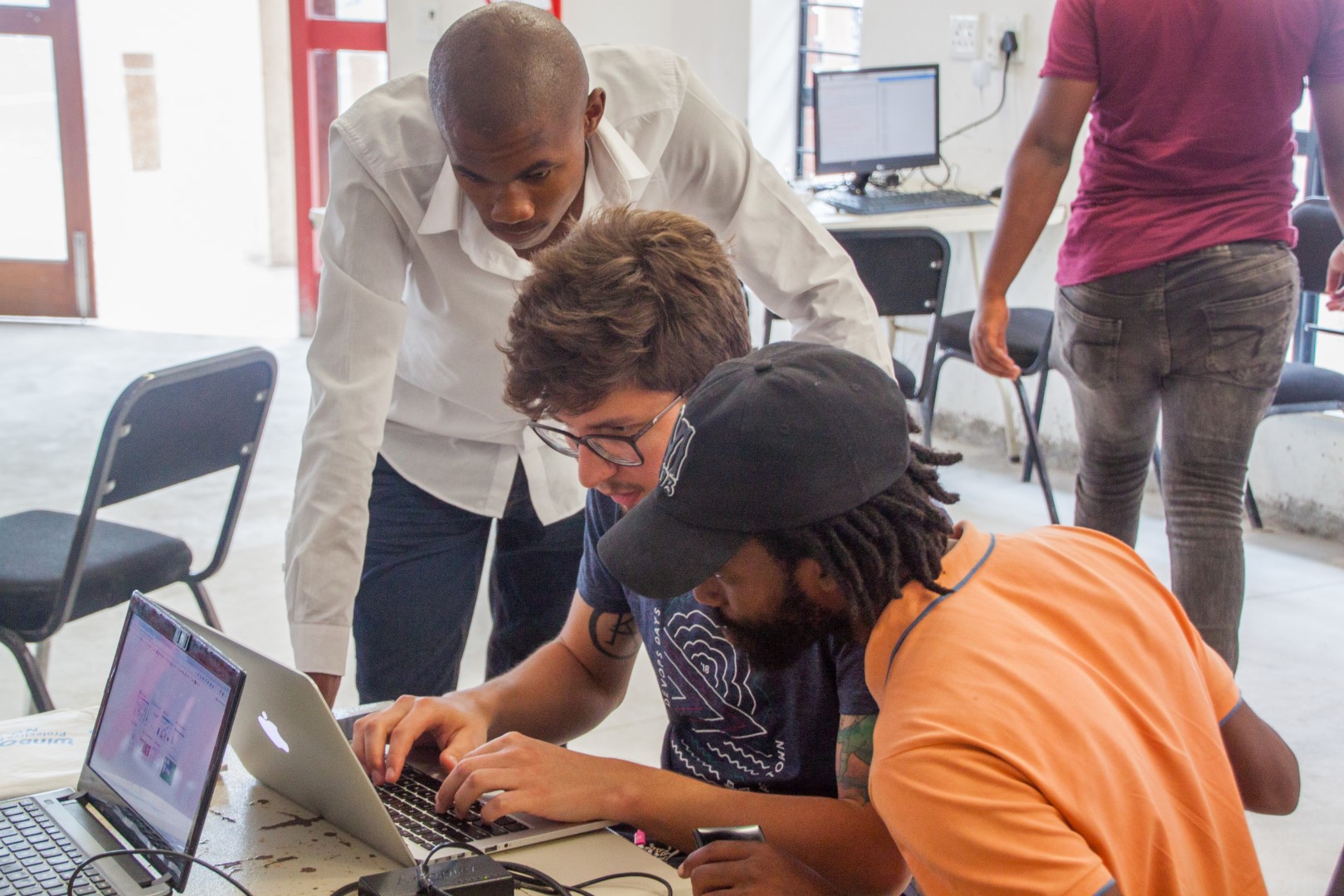
Lokal enables communities to access opensource network services without the internet. Lokal provides opensource alternatives to the most used services such as youtube, twitter, whatsapp, blogs and others. Lokal is focused on QoS, Ops and connectivity rather than just providing a bunch of services.
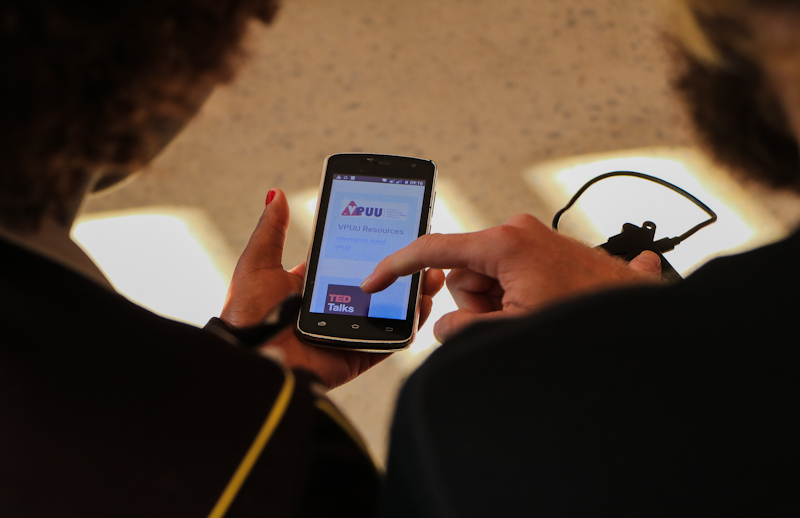
Lokal is a platform comprised of customizable open source software and services that enable communities and organizations to create, consume and communicate offline, or online if a connectivity to the internet is provided. Lokal can run on most servers, whether it’s a Raspberry Pi, a nimble, or a virtual private server.
Yes, many, many times. Which is why we’re trying not to reinvent anything. Slightly less than half of the world is offline - our intention is to make it easier for communities and organizations to get offline/local content and services running and configured without the high cost and hassle.
Lokal is built to be offline first. Users can run the services in a global server OR local server that runs offline or online.
We're also using and integrating services that enable network management, offgrid communications, live radio, content production, and other tools which are absent in a number of existing platforms but essential for communities without meaningful connectivity.
We provide ansible playbooks to prepare the target machine (either remote or localhost). Services themselves are packed as docker containers and are managed by docker-compose.
Lokal is installed using ansible. We recommend version >=2.11. Ansible is a python package so
alternatively, you can use pip to install it. Otherwise (since ansible does not work on windows)
you are free to use our docker container, that contains ansible with all necessary modules.
docker build -t lokal:latest .
docker run --rm -itv ${PWD}:/lokal lokal:latest
This will give you a bash terminal where you can access lokal files and run all commands described below. This is just a "client" that you use to actually install Lokal on your server. It is not Lokal installation.
Due to choice of ansible, the services are actually hidden in folder roles. You can find the basic
service lokal and optional services in other folders. You can choose services per host - thus in your
hosts/ file. Add/remove any desired services in vars:services list. The lokal service is mandatory
- it would not make much sense without it.
Once you have ansible setup on your local machine and (optionally) server ready using prepare.yml
then you can start using the main playbook.yml that by default installs all services defined in
hosts file in services variable.
ansible-playbook -i hosts/<your-host-file> playbook.ymlYou can run installation multiple times. It should only check that everything is setup correctly. If you'd increase version in software in your hosts file or we would increase the version in the underlying roles than running the installation again would update the application.
You can either backup concrete services by specifying -e backup=service1,service2.
ansible-playbook -i hosts/<your-host-file> -e backup=wordpress,matmoto playbook.ymlOf course you can restore backed up services using -e restore=service1,service2.
ansible-playbook -i hosts/<your-host-file> -e restore=wordpress playbook.ymlIf you are interested in details, how it works, please take a look inside roles/ folder.
In 2018 Wakoma partnered with VPUU (Violence Prevention Through Urban Upgrading) in South Africa to start V-NET, a wireless community network, to bring connectivity in townships and informal settlements around Cape Town. As part of V-NET, our team started building V-Stack, a suite of offline content and services offered to local communities.
What started as a small network connecting VPUU’s satellite offices has now become one of the largest community-based networks in South Africa, with over 75 hotspots, 40,000 unique users, and a 10Gbps+ backhaul capacity. Wakoma is supporting the further development of the platform as 'Lokal' to meet the demands of V-NET, and enable other networks and communities to use and build on our progress to date.
The platform enables social eLearning (building, running and taking social courses), video and audio calling and messaging, high-speed file-sharing and synchronization, wireless network management, media streaming, collaborative document and spreadsheet creation, and much more.
Jump in here, or reach out to info@wakoma.co.
Also have a look at current paid opportunities to get involved here!