Repository navigation
Edition Wayfire
Wayfire is a Wayland compositor with real 3D effects: a desktop cube, an overview of every workspace (expo), wobbly windows, blur, window rotation and zoom. In KiroTux the windows tile by themselves, and waybar (the bar), mako (notifications) and Alacritty (the terminal) take their colours from your wallpaper with pywal.
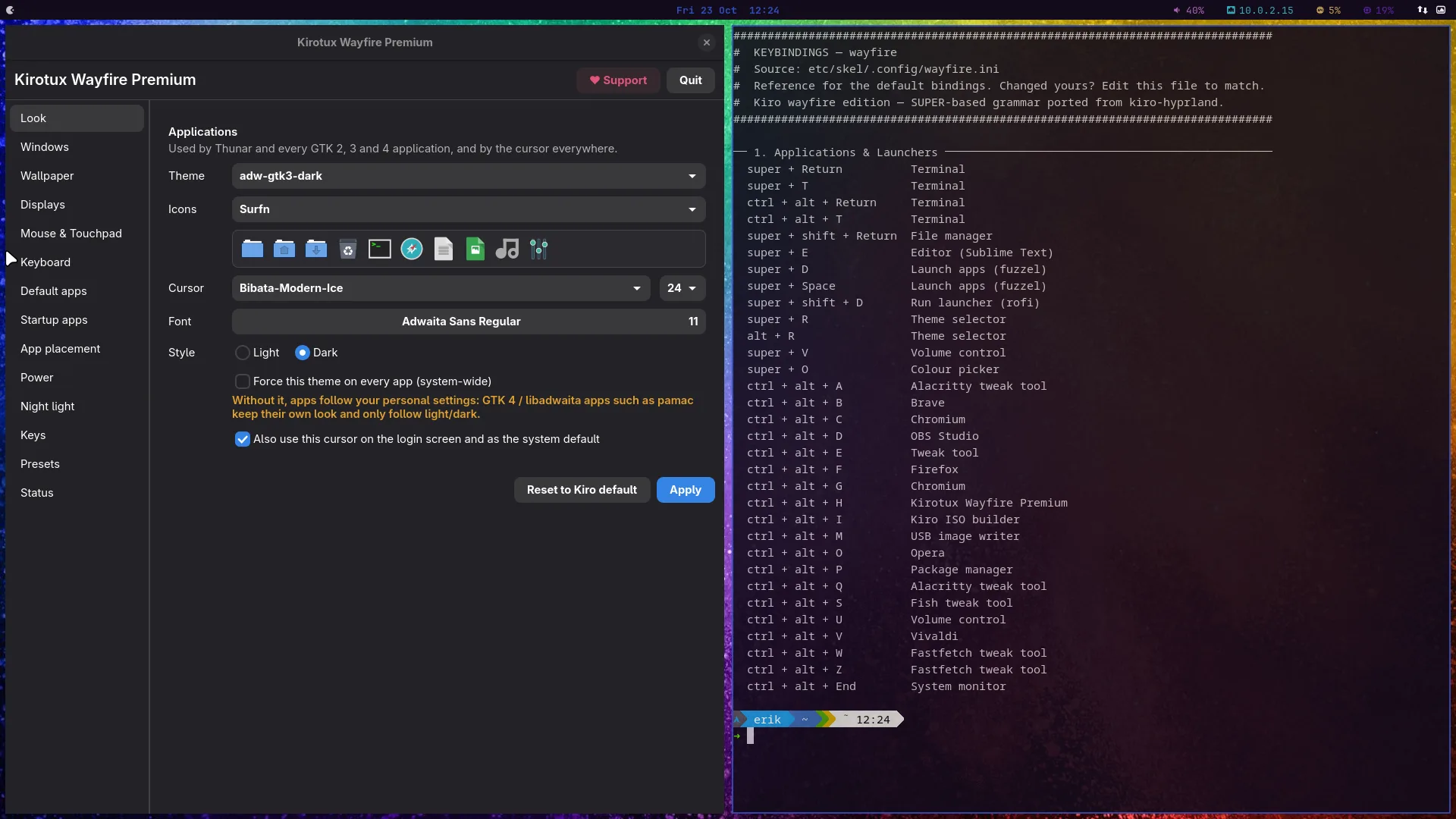
More screenshots, dark and light, in the Gallery.
Watch: KIROTUX 013: Install KiroTux Wayfire, step by step in a VM (10:16)

- Bar (waybar) with the clock, volume, network, CPU and memory, and the system tray
- App launchers: fuzzel (Super + D or Super + Space) and the Kiro-Grid app grid
- Notifications with mako
- Colours from the wallpaper: Variety changes the wallpaper and the desktop recolours with it. Alt + N (next), Alt + P (previous), Alt + F (favorite), Alt + T (trash), Alt + W (selector); the same keys with Shift work too, and Alt + Shift + U recolours from the wallpaper you have now
- Two keyboard layouts: press left Ctrl + right Ctrl to switch
- Logout menu (Super + X) and power menu (Super + Shift + X)
- Screenshots with Print (region) and Super + Print (whole screen)
- X11 apps run through XWayland
- Premium settings app (Ctrl + Alt + H), see Premium Settings App
- Expo: tap Super for an overview of every workspace; Super + S shows every window
- Desktop cube: Ctrl + Alt + Left / Right turns your workspaces as a 3D cube, Ctrl + Alt + left-click drags it
- Wobbly windows when you move a window, and blur behind see-through windows
- Zoom: Super + scroll magnifies the desktop
- Rotation: Super + Ctrl + right-click rotates a window, Super + Ctrl + R puts it back
New windows tile next to each other. Super + arrow keys move the focus, Super + Shift + Space floats a window or tiles it again, Super + F goes fullscreen and Super + Alt + F maximizes. Super + left-click moves a window, Super + right-click resizes it. Alt + Tab and Super + Tab switch between windows.
There are nine workspaces (Super + 1 to 9); Super + Ctrl + 1 to 9 moves a window there, and Super + Ctrl + arrow keys move between workspaces.
Press Super + Ctrl + S for the searchable list of all keys. All keys are on Keybindings: Wayfire.
KiroTux packages and configures these projects; their own docs go deeper.
- Wayfire: Website · GitHub · Configuration
- waybar: GitHub
- Arch Wiki: Wayfire