VS Code extension to manage your own library. This includes:
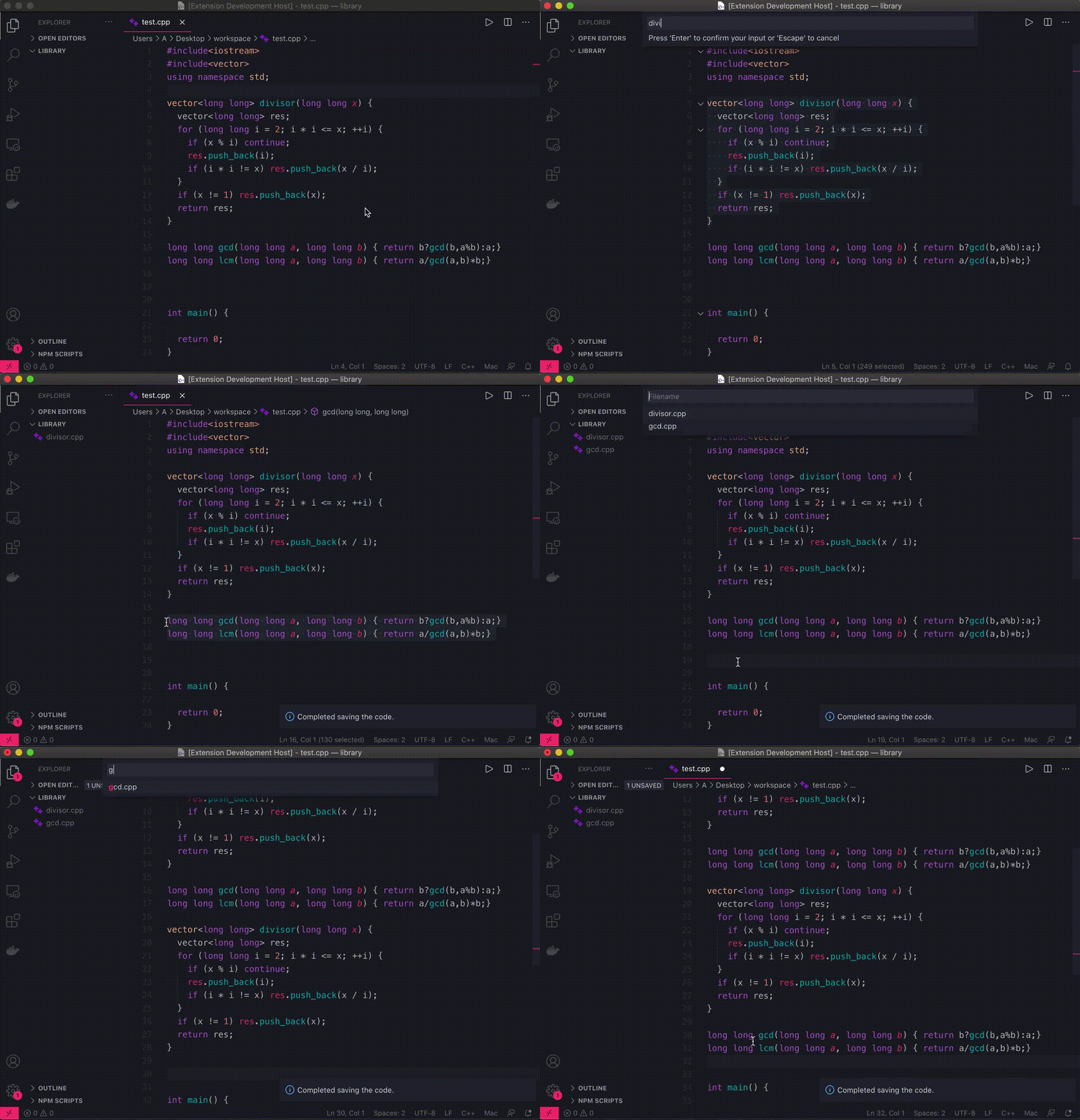
- Save a selection of text to library folder.
- Paste library code inline.
- Download a QuickLibrary package (
.vsixfile) in the latest release. - On VS Code, press
Command + Shift + Pand runExtensions: Install from VSIX.... - Select the QuickLibrary package you downloaded.
- Open settings on VSCode. (Press
Command + ,) - In QuickLibrary settings, set the path of a library folder to "Library Folder".
Command+Shift+i- Save code (quicklib.save)Command+i- Paste code (quicklib.paste)Command+Shift+0- Open library folder in new window (quicklib.open)