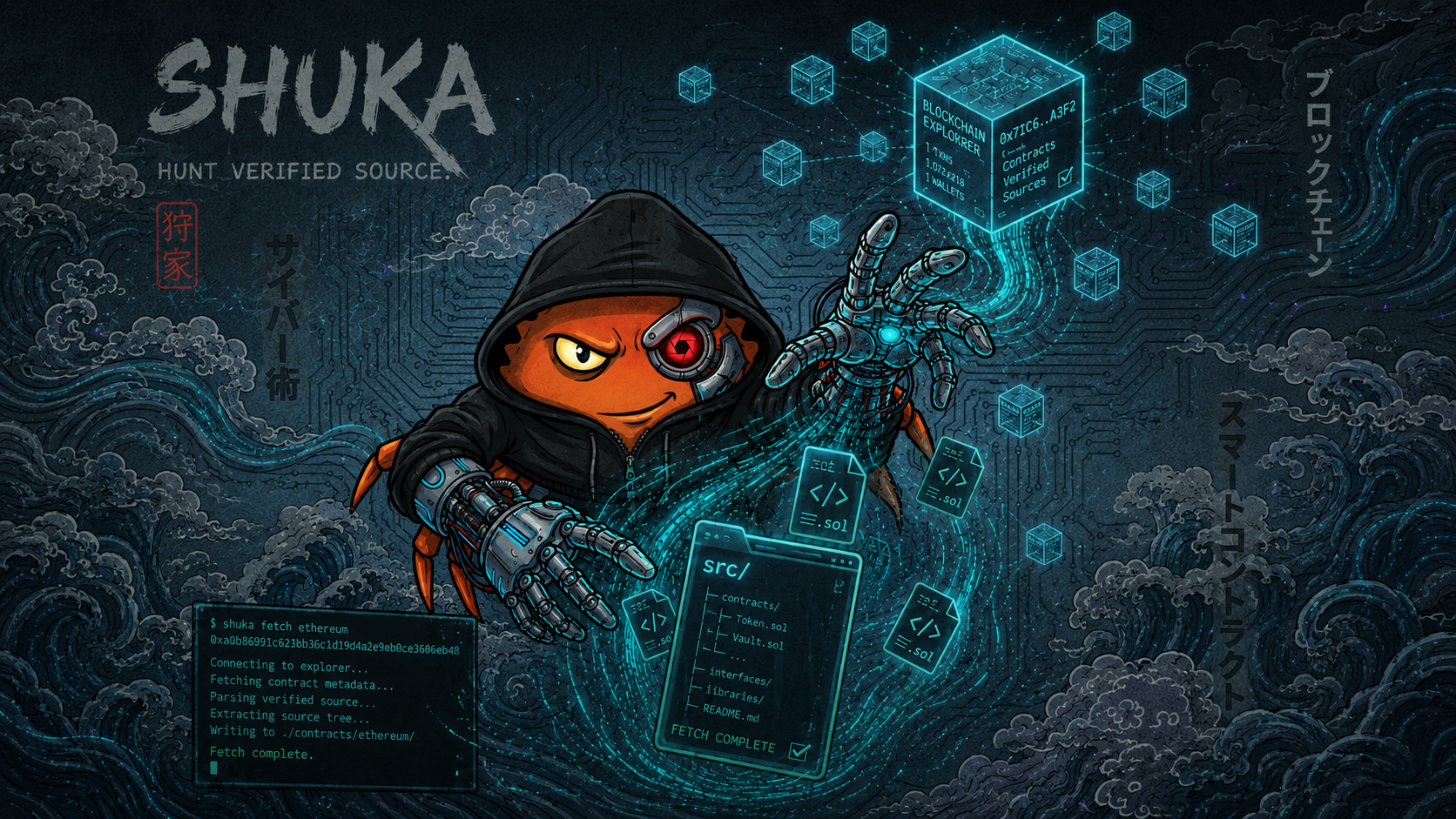





shuka is a CLI tool for fetching verified smart contract source code from blockchain explorers and saving the full source tree locally.
It is built for workflows where manually copying verified source files from explorer pages is slow, repetitive, and error-prone.
The project keeps explorer-specific fetching, parsing, and filesystem storage separated so new explorers can be added without rewriting the whole pipeline.
- Fetch verified smart contract source code by address.
- Save raw explorer responses for inspection.
- Save single-file and multi-file Solidity source trees.
- Keep explorer-specific API logic separate from parsing and storage.
| Explorer | Network | API key | Chain ID |
|---|---|---|---|
| Etherscan | Ethereum Mainnet | Required | Required - 1 |
| Battlechain | Battlechain Testnet | Not required | Not required |
Install Rust and Cargo:
curl --proto '=https' --tlsv1.2 -sSf https://sh.rustup.rs | shrustc --version
cargo --versiongit clone https://github.com/Kode-n-Rolla/shuka.git
cd shuka
cargo install --path .cargo install shukaYou still need to provide an Etherscan API key when using the Ethereum explorer.
shuka reads the key from the ETHEREUM_API_KEY environment variable. You can provide it in two ways:
- export/set the variable in your terminal
- create a
.envfile in the directory where you run shuka
Battlechain does not require an API key.
shuka does not store API keys. Provide them through environment variables or a local .env file in your working directory.
Ethereum uses the Etherscan v2 API and requires an API key and --chain-id for usage.
Create a local .env file:
ETHEREUM_API_KEY=your_key_hereBattlechain does not require:
- API key
- chain id
Set the key for the current terminal session:
export ETHEREUM_API_KEY="your_key_here"Then run:
shuka fetch ethereum 0xa0b86991c6218b36c1d19d4a2e9eb0ce3606eb48 --chain-id 1To make it persistent, add it to your shell config:
echo 'export ETHEREUM_API_KEY="your_key_here"' >> ~/.bashrc
source ~/.bashrc
For Zsh users:
echo 'export ETHEREUM_API_KEY="your_key_here"' >> ~/.zshrc
source ~/.zshrcSet the key for the current PowerShell session:
$env:ETHEREUM_API_KEY="your_key_here"Then run:
shuka fetch ethereum 0xa0b86991c6218b36c1d19d4a2e9eb0ce3606eb48 --chain-id 1To make it persistent for your user account:
[Environment]::SetEnvironmentVariable("ETHEREUM_API_KEY", "your_key_here", "User")After setting it permanently, open a new PowerShell window.
You can also create a .env file in the directory where you run shuka:
ETHEREUM_API_KEY=your_key_hereExample:
mkdir contract-sources
cd contract-sources
echo 'ETHEREUM_API_KEY=your_key_here' > .env
shuka fetch ethereum 0xa0b86991c6218b36c1d19d4a2e9eb0ce3606eb48 --chain-id 1
shuka --help
shuka fetch --help
Fetch an Ethereum contract:
shuka fetch ethereum 0xa0b86991c6218b36c1d19d4a2e9eb0ce3606eb48 --chain-id 1Fetch a Battlechain contract:
shuka fetch battlechain 0x526Ed31aAfbbe40f077D94CEAfDF20B5f99Bd7B1Choose an output directory:
shuka fetch ethereum 0xa0b86991c6218b36c1d19d4a2e9eb0ce3606eb48 --chain-id 1 --out ./contracts/usdcPrint the optional banner:
shuka --with-banner fetch battlechain 0x526Ed31aAfbbe40f077D94CEAfDF20B5f99Bd7B1By default, output is written to:
contracts/<explorer>/<address>/
Each output directory contains:
raw_response.json- extracted source files
shuka is intentionally organized as a small pipeline where each stage has one responsibility.
The project follows a simple pipeline:
FetchRequest
  -> Explorer Adapter
  -> RawExplorerResponse
  -> Parser
  -> ParsedSourceBundle
  -> Storage
  -> SaveResult
  -> FetchOutcome
Module responsibilities:
- CLI parses arguments, builds
FetchRequest, and displays results. - App orchestrates the pipeline.
- Explorer adapters contain API-specific fetch logic.
- Parser transforms raw explorer responses into normalized source files.
- Storage writes files to disk and validates source paths.
- Types define shared data models.
- Error defines the unified project error type.
Important boundaries:
- Explorer adapters should not parse source files.
- Parser should not write files.
- Storage should not know explorer API details.
- CLI should stay thin.
Adding a new explorer usually means:
- document the API behavior
- add explorer enum support
- implement a
SourceExploreradapter - register the adapter in the app layer
- test raw response saving
- update parser logic only if the raw response shape differs
See docs/adding-another-explorer.md for the full checklist.
The current parser handles Etherscan-like response envelopes and supports:
- plain Solidity source
- structured multi-file source
If a new explorer fails to parse but raw_response.json is saved correctly, the fix usually belongs in the parser, not in the explorer adapter or storage layer.
Full instructions 👉 docs/parser-notes.md