Built as a final group project for Lighthouse Labs' Full-Stack Web Development bootcamp, GottaGo is a quick and efficient application using the Google Maps API to display a list of nearby public washrooms based on an input geolocation with selection criteria.
The application can display a list of restrooms and a number of desirable (or non-desirable) criteria, and allow for filtering options to help meet specific accessibility needs.
All data rendered in this application (minus the initial supplied database seeds) is user-supplied.
This application uses the @react-google-maps library, which is awesome!
- PostgreSQL
- ExpressJS
- React
- NodeJS
- Maps Javascript API (Google)
This project was completed in under 2 weeks, and presented in the form shown on the Jan 24th commits. As with all tight deadlines, we delievered a MVP, but perhaps not the most watertight of MVPs. There are a number of small things we want to address (bug fixes, refactoring of some ugly bits), not to mention a number of features we want to add in the future. A short to-do list may look something like this:
- Implement Places API to allow searching of locations, and Geocoding of addresses to add locations to database.
- A User Dashboard to view submitted locations and reviews.
- An Admin Dashboard to allow Administrator accounts to delete locations from the database. (currently this can be accomplished using Postman to send a DELETE request)
Luckily all these things are fairly easy to implement, as this app is pretty modular and scaleable.
Despite all the stress, this was a ton of fun to work on and we hope it showcases our love of the craft. As a learning experience, this was REALLY something!
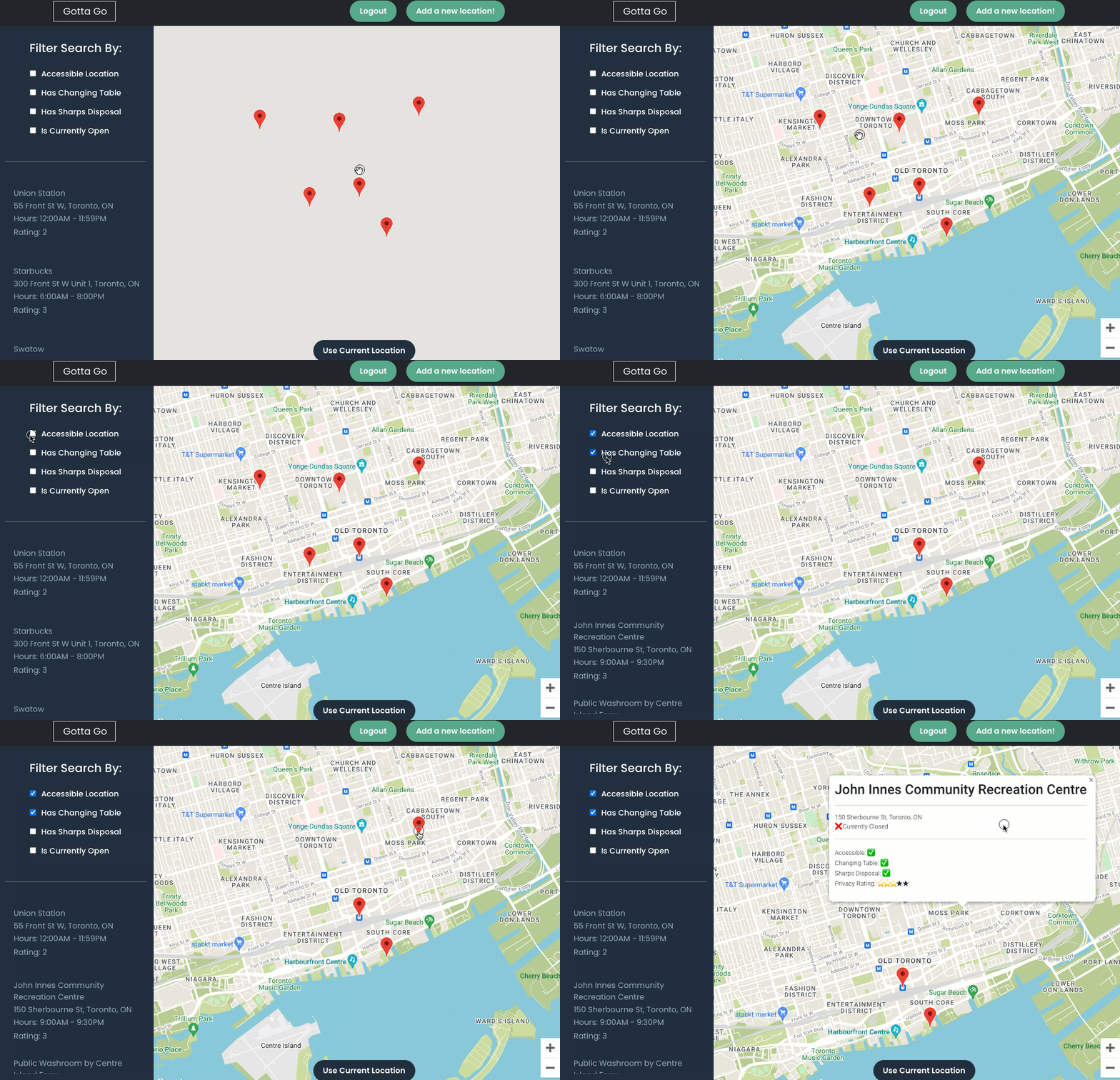
Filtering locations updates both rendered map markers AND sidebar details:
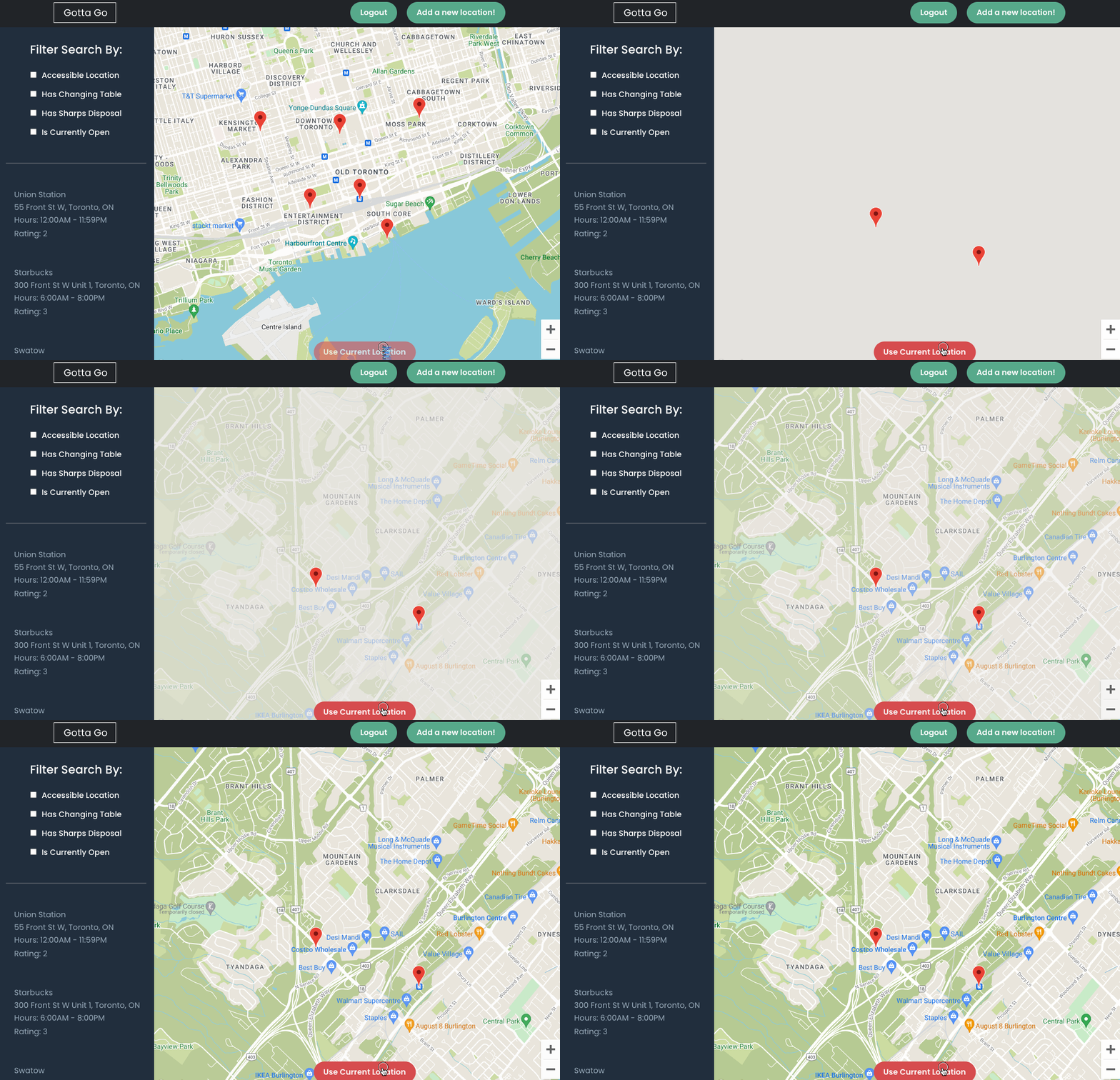
Geolocation works at the click of a button, if browser location fetching is enabled:
Copy the SSH link from the project and run git clone from whatever directory you wanna clone into.
npm iGet a Maps Javascript API Key, and create a .env containing the following:
REACT_APP_GOOGLE_MAPS_API_KEY="{YOUR KEY HERE}" From inside the server directory:
psql -d gottago -U developmentWhen prompted for a password, use development.
Initialize the database and seed accordingly with provided files. Ensure that you are in the correct database in psql, and then run the following, one at a time, in order:
\i schema/database.sql
\i seeds/01_users.sql
\i seeds/02_locations.sql
\i seeds/03_reviews.sqlFrom the root project directory:
npm run serverFrom the Root project directory:
npm start- Enable location in your browser to use GeoLocation. This should work in most modern browsers, tested in Chrome and Firefox.
- Login! Example users are seeded to the database already, but you can register your own if it's comfier.
- Add a location to the database! You can get Latitude and Longitude values by right clicking on a location in google maps, and copying the returned Lat/Long values. We're working on adding a nicer way to do this with just an address, but this is now a spare-time project so don't expect too much now!
- Add a review! Cuz why not!