Skip to content

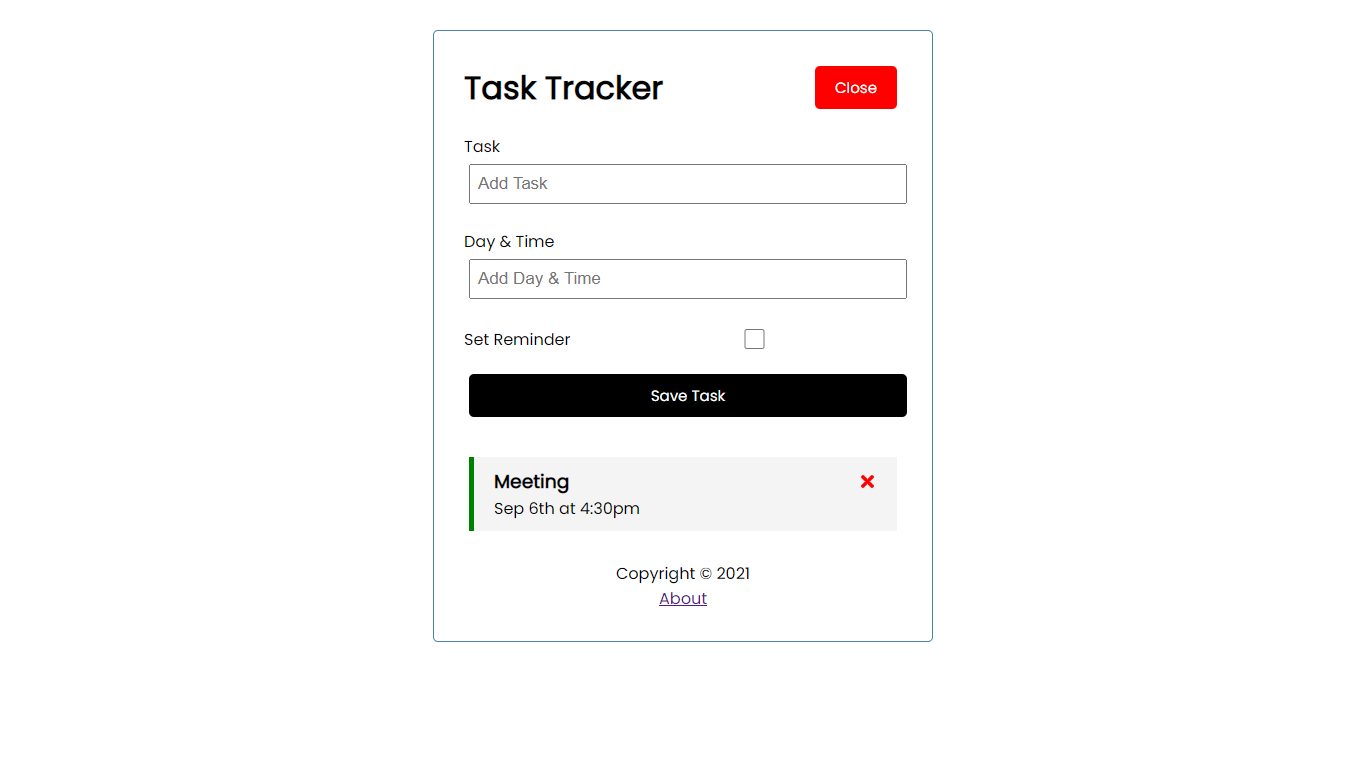
Task Tracker App is an Full stack development app with a live backend sever, this app is created using React JS and JSON server which is an Fake API. In this app we can add task, delete task, add reminder to important tasks.

Notifications You must be signed in to change notification settings

krishansingh1/task-tracker-app

Folders and files

NameName
Last commit message
Last commit date

Latest commit


History

12 Commits


Repository files navigation

Preview of the App

Screenshot (40)

Link to the Application

Task Tracker App

After opening this link follow Step 2.

#Step 1:

Getting Started with Task Tracker App

This project was bootstrapped with Create React App.

Available Scripts

In the project directory, you can run:

npm start

Runs the app in the development mode.
Open http://localhost:3000 to view it in the browser.

The page will reload if you make edits.
You will also see any lint errors in the console.

#Step 2:

This app is created using JSON server

To build this app i used fake rest api using JSON server. All the data come from this api and we made all requests like get the data, post the data ,put the data, delete the data from this server.

Command:

So, to use this app you have to run command in your terminal or from your cmd:

npm run server

It will start the json-server.

Open new Tab http://localhost:5000 in your browser.

All the data of this app displayed in the above link.

About

Task Tracker App is an Full stack development app with a live backend sever, this app is created using React JS and JSON server which is an Fake API. In this app we can add task, delete task, add reminder to important tasks.

Resources

Stars

Watchers

Forks

Releases

No releases published

Packages

No packages published