Pulling BookStack content into a local directory, making changes, and pushing it back.
- PHP
>=8.2 - BookStack
>=26.03
Create a local content directory and starter sync.json:
php artisan bookstack:init-content-dir /path/to/content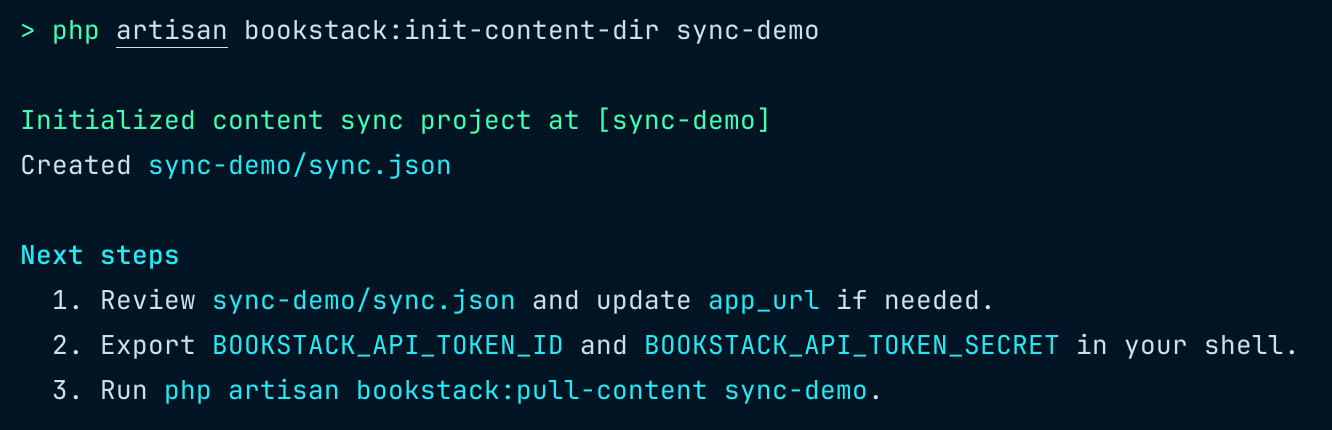
This command creates the target directory if needed, writes sync.json, and reminds you which environment variables to export before running a pull.
{
    "version": 1,
    "app_url": "http://localhost:8080",
    "bookstack_path": "/path/to/bookstack",
    "content_path": "content",
    "env_vars": {
        "token_id": "BOOKSTACK_API_TOKEN_ID",
        "token_secret": "BOOKSTACK_API_TOKEN_SECRET"
    }
}php artisan bookstack:pull-content /path/to/content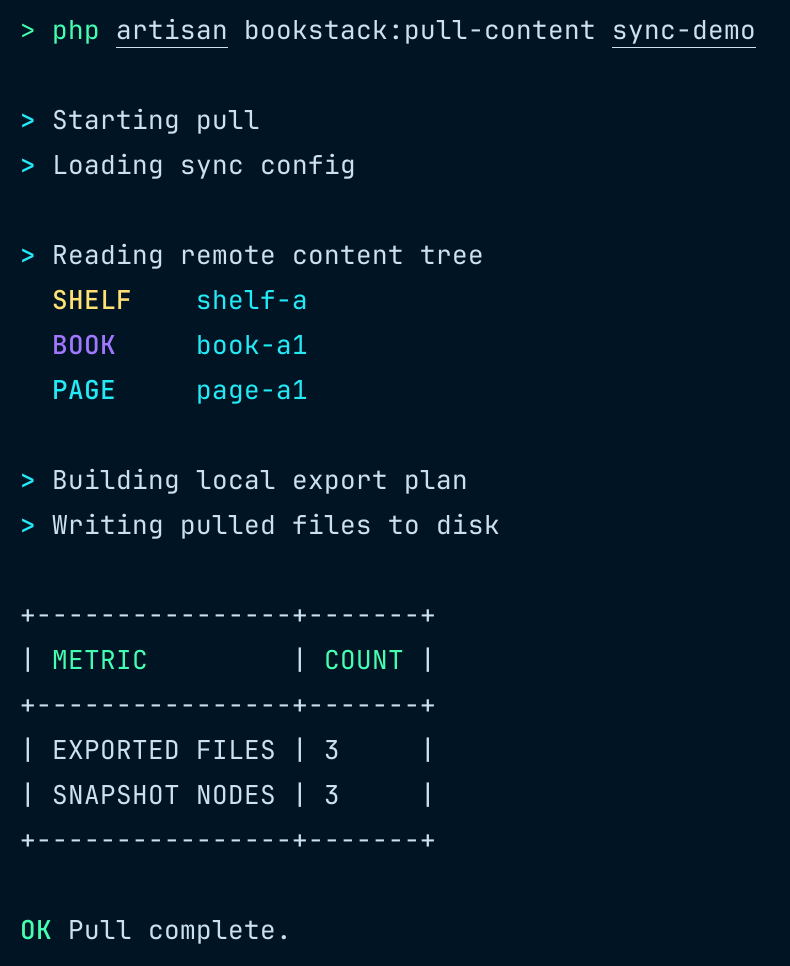
php artisan bookstack:push-content /path/to/content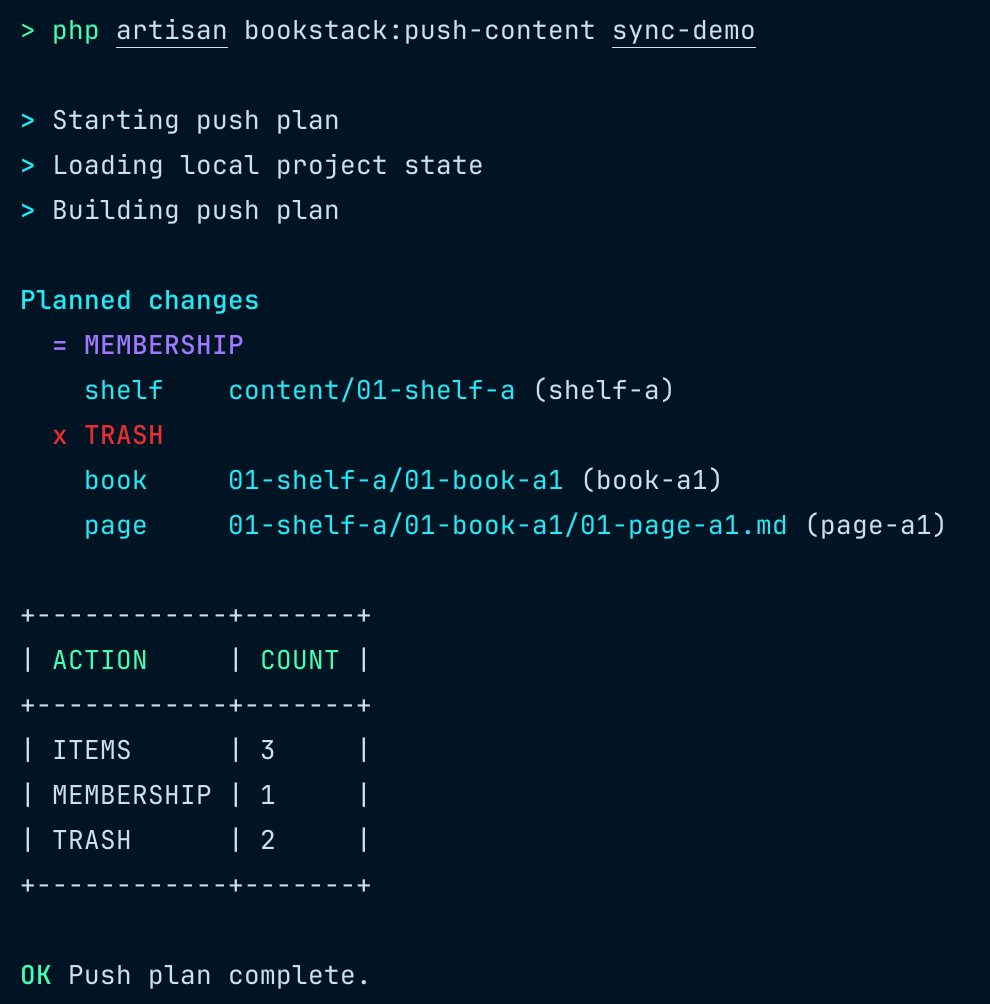
php artisan bookstack:push-content /path/to/content --execute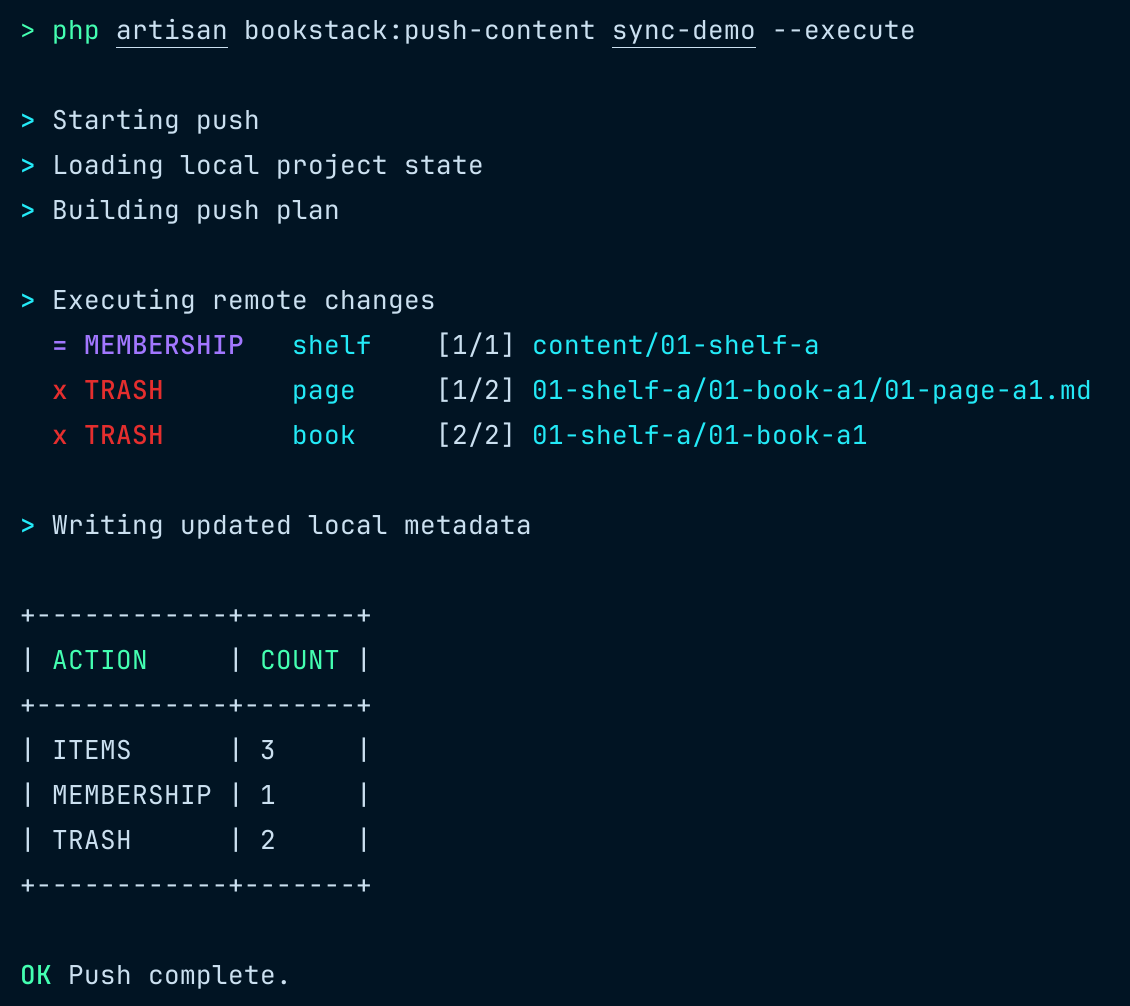
This system performs a one-way sync from local content to BookStack by computing state differences and applying them to the remote.
- Sync is one-way: local content is the source of truth.
bookstack:push-contentbuilds the current local state.- It compares this state with the previous
snapshot.json. - Based on the diff, it determines and executes the required remote actions.
- Data constraint
- A book can belong to only one shelf at a time.
- Naming & ordering
- Prefixes such as
01-xxx,02-xxxare used to define ordering. - Items are sorted lexicographically based on these prefixes.
- Prefixes such as
- Tag ordering
- Tag order is preserved in local files and treated as part of content changes.
- Renaming behavior
- Renaming local files or directories only updates the
filefield insnapshot.json. - It does not affect the identity of the corresponding remote entity.
- Renaming local files or directories only updates the
- Official BookStack does not preserve custom slugs for content entities via the API.
- Hosts with custom slug support enable this behavior.
- If the requested slug is not preserved,
push-contenttreats the remote slug as the source of truth. - The command emits a warning and rewrites both the local file slug and the
snapshot.jsonslug to match the remote value.
- Because the BookStack API does not support empty page content, remote sync uses a reserved transport placeholder while local empty pages remain
"". - When pushing an empty page, the remote transport uses the reserved placeholder
<!-- bookstack-content-sync:empty-page:v1 -->. - When pulling, that placeholder is decoded back to
"", andsnapshot.jsonplus content hashing continue to use the decoded empty-string value.
composer require kugarocks/bookstack-content-syncFor local development against an unpublished working tree, add the local repository to the BookStack host composer.json:
{
  "repositories": [
    {
      "type": "path",
      "url": "../bookstack-content-sync",
      "options": {
        "symlink": true
      }
    }
  ]
}
Then require the package from the BookStack host:
composer require kugarocks/bookstack-content-sync:*@devThe @dev suffix is only needed for local path installation while the package is resolved as dev-main.
Create a global command that can be run from any content directory:
# From a BookStack installation
ln -sf /path/to/bookstack/vendor/kugarocks/bookstack-content-sync/bin/bookstack-sync /usr/local/bin/bookstack-sync

# From this repository
ln -sf /path/to/bookstack-content-sync/bin/bookstack-sync /usr/local/bin/bookstack-sync
The wrapper reads sync.json in your current directory and runs the matching BookStack artisan command using bookstack_path.
Set the global BookStack path (one-time setup):
bookstack-sync config set-bookstack-path /path/to/bookstackThis creates ~/.config/bookstack-content-sync/config.json with your BookStack installation path.
# Initialize a new content directory
bookstack-sync init /path/to/content

# Pull content
bookstack-sync pull

# Generate push plan
bookstack-sync push

# Execute push
bookstack-sync push --executePath resolution priority:
bookstack_pathin current directory'ssync.json- Global config at
~/.config/bookstack-content-sync/config.json - Error if neither is found
Example sync.json with project-specific path:
{
    "version": 1,
    "app_url": "http://localhost:8080",
    "bookstack_path": "/path/to/bookstack",
    "content_path": "content",
    "env_vars": {
        "token_id": "BOOKSTACK_API_TOKEN_ID",
        "token_secret": "BOOKSTACK_API_TOKEN_SECRET"
    }
}
When running bookstack-sync init, the bookstack_path is automatically written to sync.json using the global config value.
Install dependencies and run the full package test suite:
composer install
composer test
Test boundaries:
- Unit tests validate isolated sync logic.
- Integration tests execute real local file reads and writes in temporary directories.
- Integration tests do not call a real BookStack server; HTTP is mocked through the package test shim.
Run only unit tests:
composer test-unitRun only integration tests:
composer test-integrationRun pull-focused tests:
composer test-pullRun push-focused tests:
composer test-push