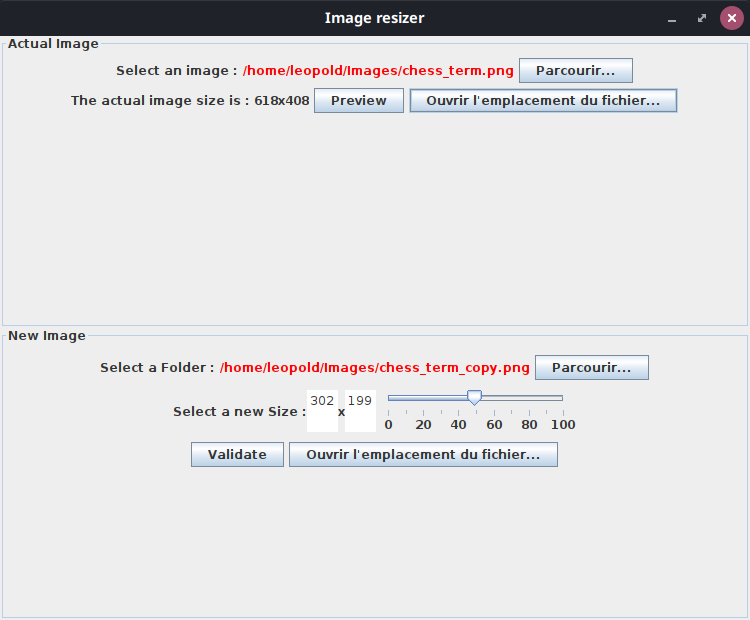
The easiest way to resize your images. This project is coded in Java with the Java Swing library.
You can clone the repository and compile the project yourself (Maven project). Try the following commands :
mvn package
java -jar target/image_resizer*.jar
You can download the last release (releases). Now, you can just launch the jar :
java -jar image_resizer*.java
First, you need to click on "parcourir" to select an image. Then, you can slide on the slider at the bottom of the window to change the image resolution (From 0% to 100%). But you can write the size you want by yourself if you like.
Then, you can click on the "parcourir" button at the bottom to precise the folder of the destination image.
Finally, you just have to click on validate to create the image.