This project is a reproduction of the famous Uno card game. It was coded in java using the Java Swing library.
You can clone the repository and launch it with you IDE to compile it. It's a maven project, so you can go in the directory and launch the following commands :
mvn package
mv target/uno*.jar ./
java -jar uno*.jar
You need to move the jar out of the target directory because we need the src/main/resources folder to load the resources. uno.jar can only be executed if the resources are in ./src/main/resources or ./resources/. I can't include resources in the jar because it causes lags and bugs in the app.
You can download the last release. untar or unzip the folder. Then, you just have to launch the following command :
java -jar uno*.jar
This time, the resources are directly in the same folder than the jar. That's why you can directly launch the jar
It's pretty intuitive. You can :
- Play : launch the settings page to start a new game.
- Quit : Close the game.
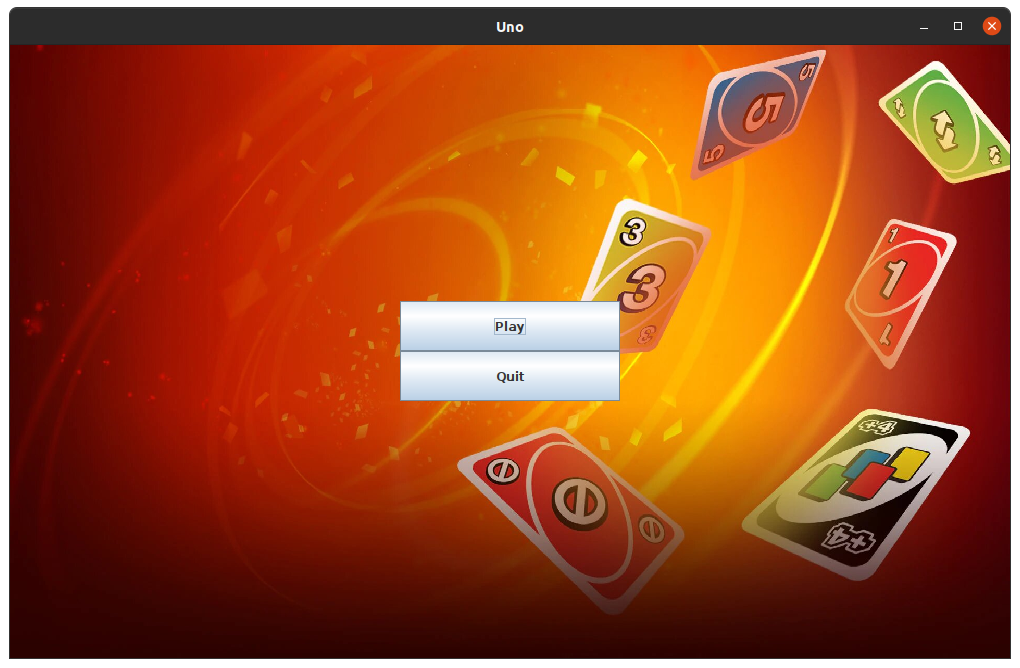
(OK. The buttons are pretty ugly. Maybe I could change them one day ?)
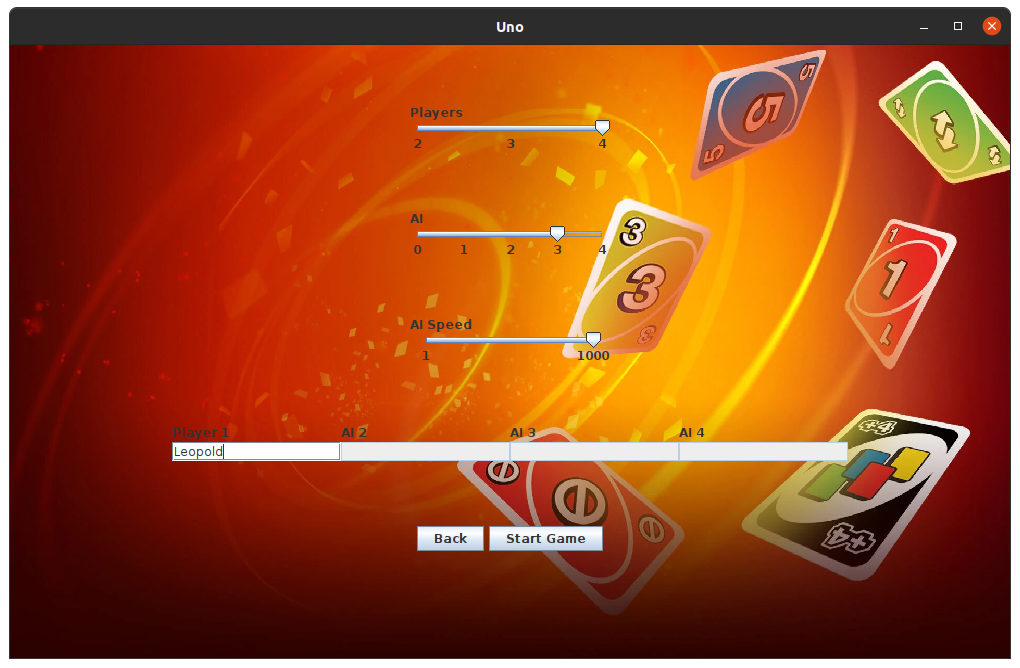
On this page you will choose the settings to play a new game:
- Number of Players: This is the number of players AND AIs you want in the game.
- Number of AI: You can choose between 0 and 4 AI. BUT, for now, this will only work if you have 0 or 1 real player (and the rest are AI). I need to make some modifications to solve this problem.
- Enter player names: you can only choose the names of real players. AIs have random names (AI 1, AI 2...). But, you can just launch the game and write no name. Players will also have random names (Player 1, Player 2...).
You can check the rules on the Internet. I choose a website for you: https://www.ultraboardgames.com/uno/game-rules.php You should know that I haven't added the +4 and color change cards yet. Maybe I'll add these cards in the future.
The whole game works with the mouse. You can't do anything with the keyboard.
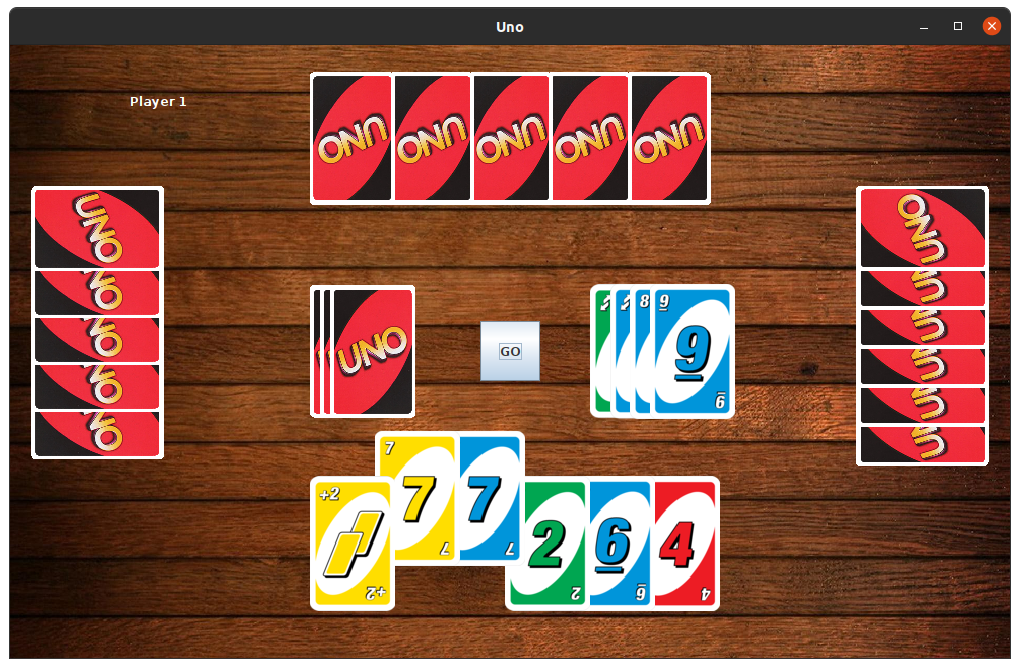
You can see in the upper left corner the name of the player who need to play. When it's your turn, you can play. But, in most cases, if you don't follow the rules, the game won't allow you to make your moves.
To put a card in the draw pile, you can simply click on the cards you want to throw and click the GO button. (Sometimes there is a bug and you have to click the GO button even if it's the AI's turn). If nothing happens, you haven't made a good move. If you cannot play, simply draw a card from the draw pile.
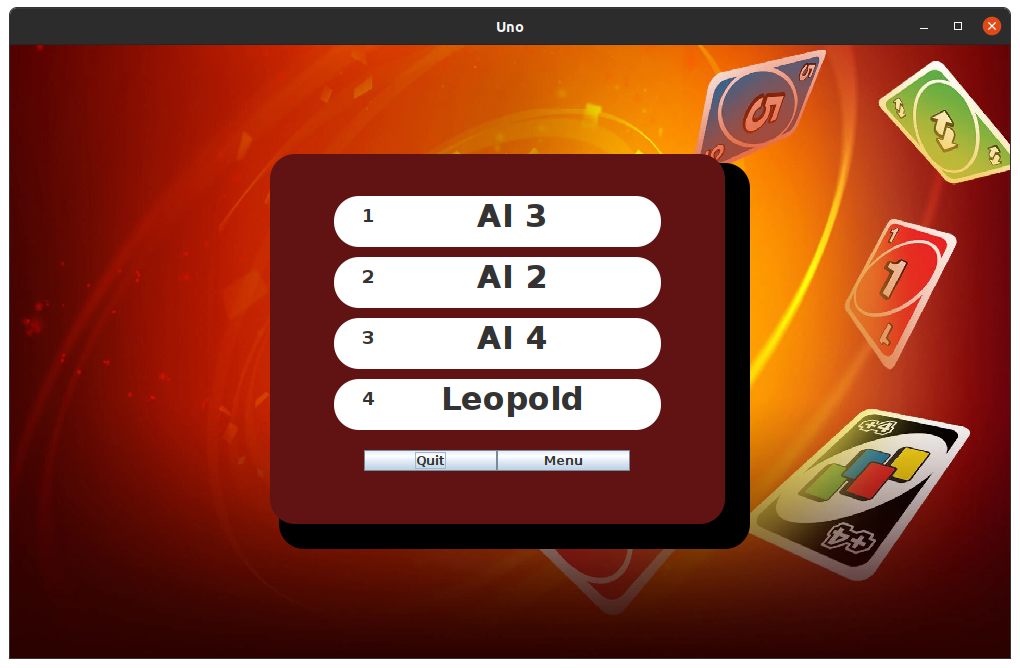
When the game is over, you can see the leaderboard. Then you can exit or return to the menu to start a new game.