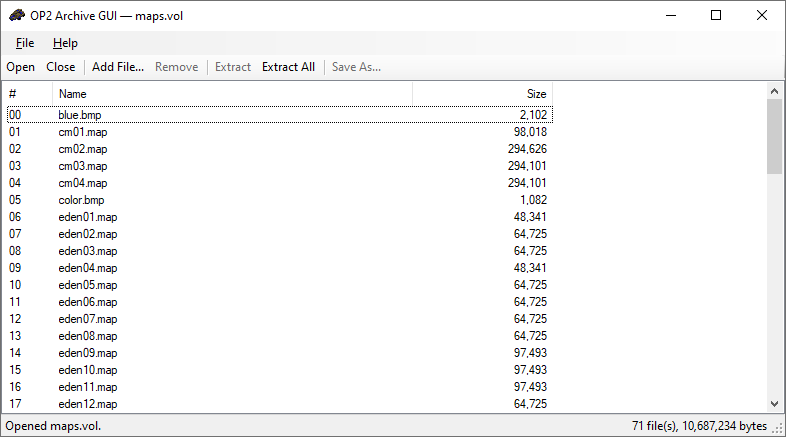
A Windows graphical front-end for OP2Archive — the Outpost 2 .vol / .clm archive utility. Provides a familiar Open / Extract / Create workflow without dropping into a command prompt.
OP2ArchiveGUI does not reimplement the archive format. Every operation shells out to OP2Archive.exe, which must be installed alongside the GUI.
| Key / gesture | Action |
|---|---|
Ctrl+O |
Open archive |
Ctrl+N |
New VOL |
Ctrl+S |
Save As (in Create mode) |
Ctrl+Q |
Quit |
Delete |
Remove selected entries |
Ctrl+A |
Select all entries |
| Double-click | Extract single file (Browsing mode) |
Drag .vol / .clm onto window |
Open archive |