-
Get all your assets complied into a CSV-readable format
-
Data extracted includes:
- Asset name
- Token symbol
- Amount of tokens
- Value of tokens
- Domain name
- Issuer address
-
Compatible with any spreadsheet software
-
Compatible on all browsers
-
Data is extracted on the client side - no worries about third party interference or needless HTTP requests
-
Generate a new, updated spreadsheet as often as you want
-
Helpful Tip: Save your .CSV file as a .XSLX file to preserve your spreadsheet formatting.
-
Extra features:
- Displays the counts of your total trustlines and 'uncharted' assets on the browser window
- Displays the total balance of all your assets
- Asset filter: filter and get count of all of your assets that match your search text
- Desktop or laptop computer with:
- Your preferred Web Browser
- Your preferred Text Editor: Notepad, TextEdit, VSCode, Atom, Sublime Text, etc.
- Note: Not all text editors will work. For instance, TextEdit is not a good option
- Your preferred Spreadsheet Software: Excel, Numbers, etc.
-
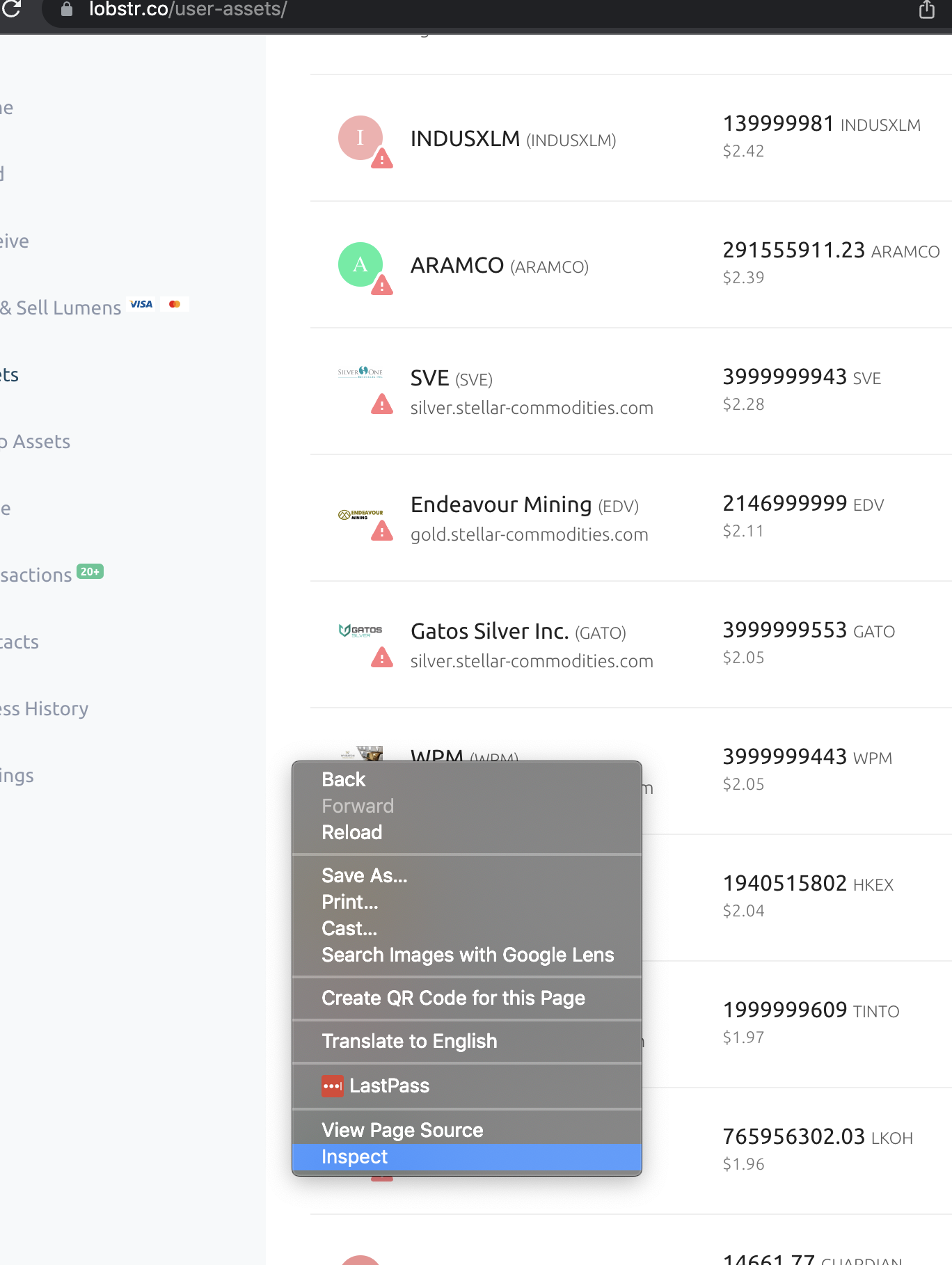
Log in to your lobstr account and navigate to your assets page;
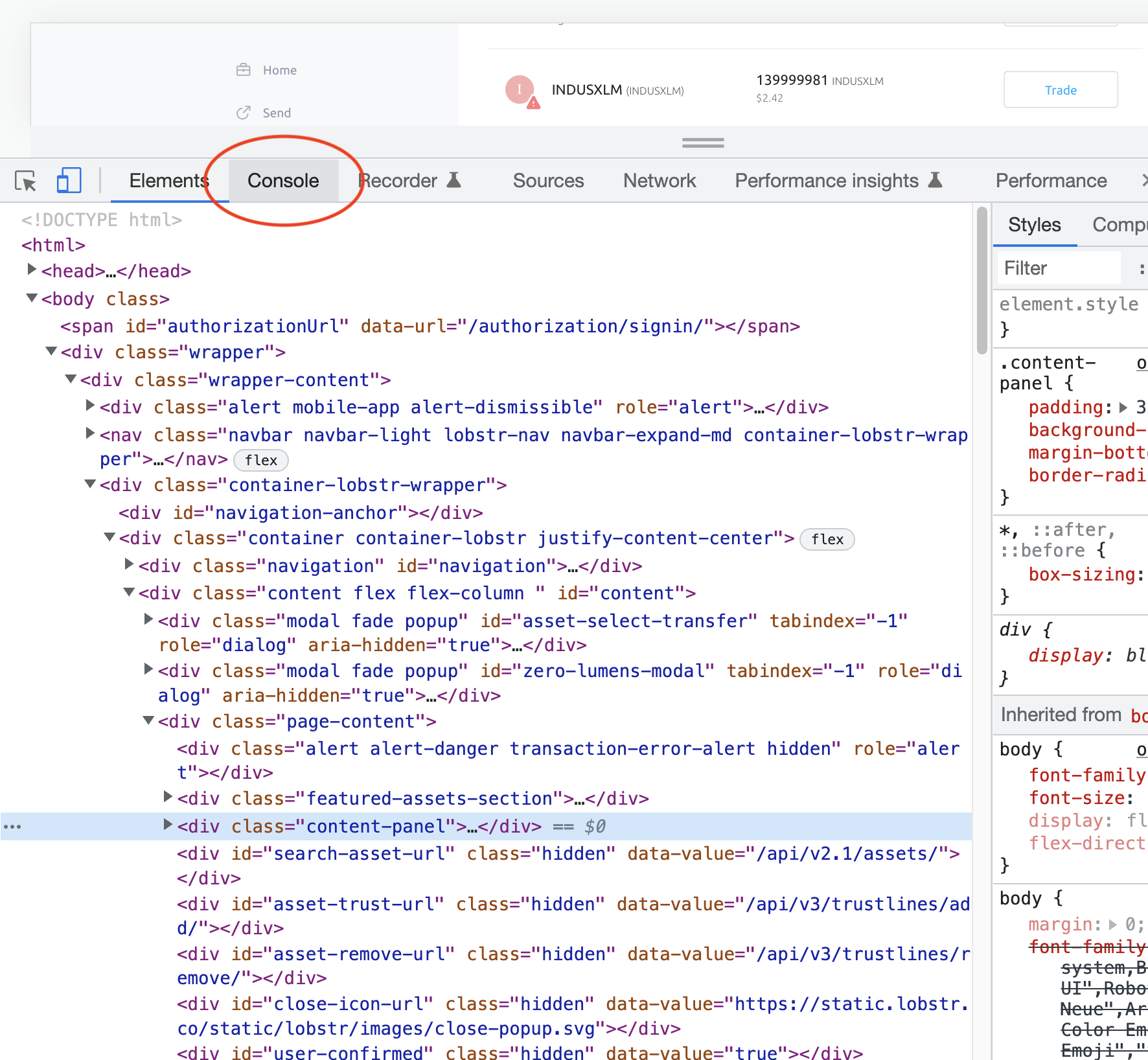
- Open dev tools (right click on your browser window, click 'inspect')
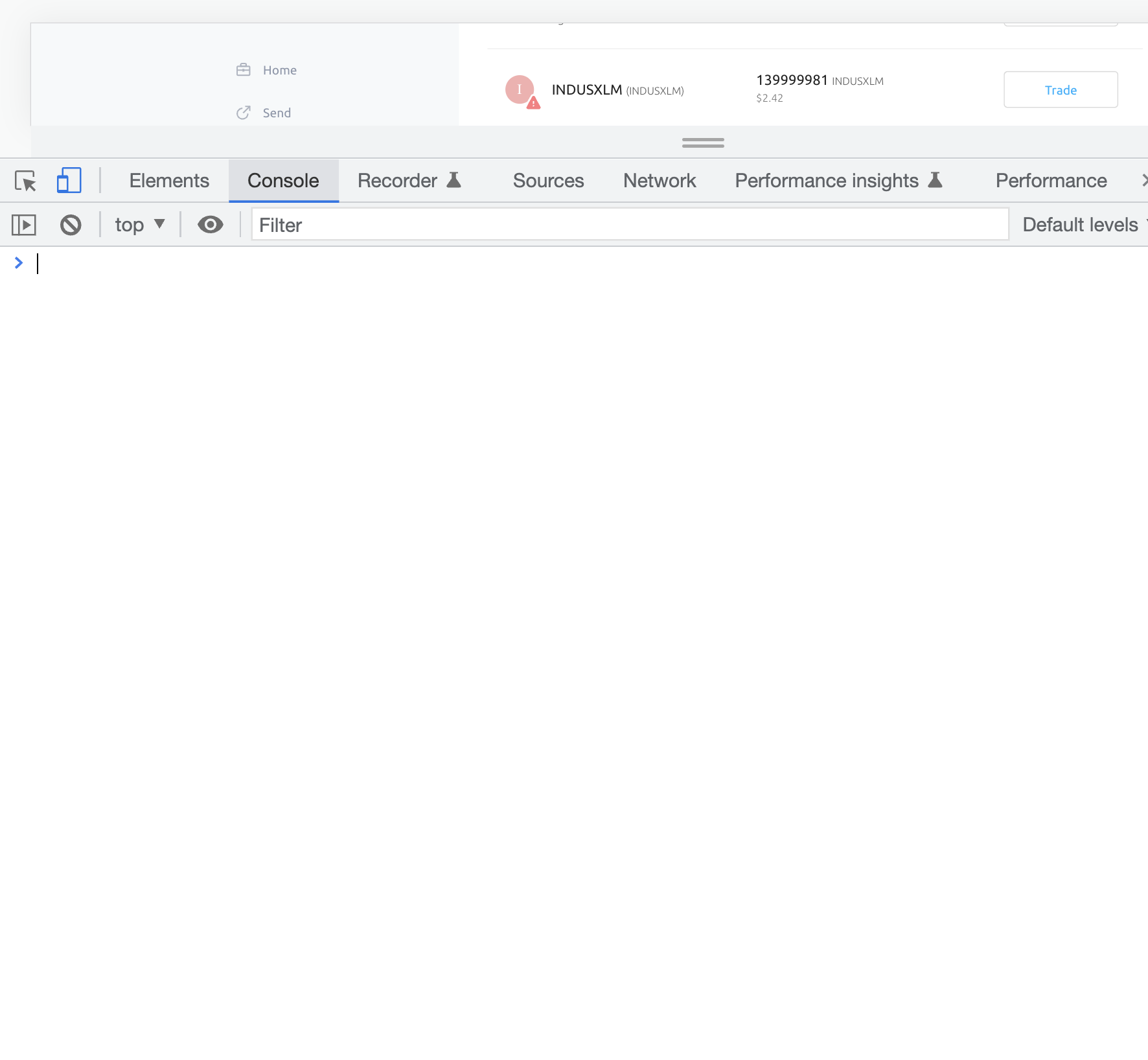
- Click on 'console' tab
-
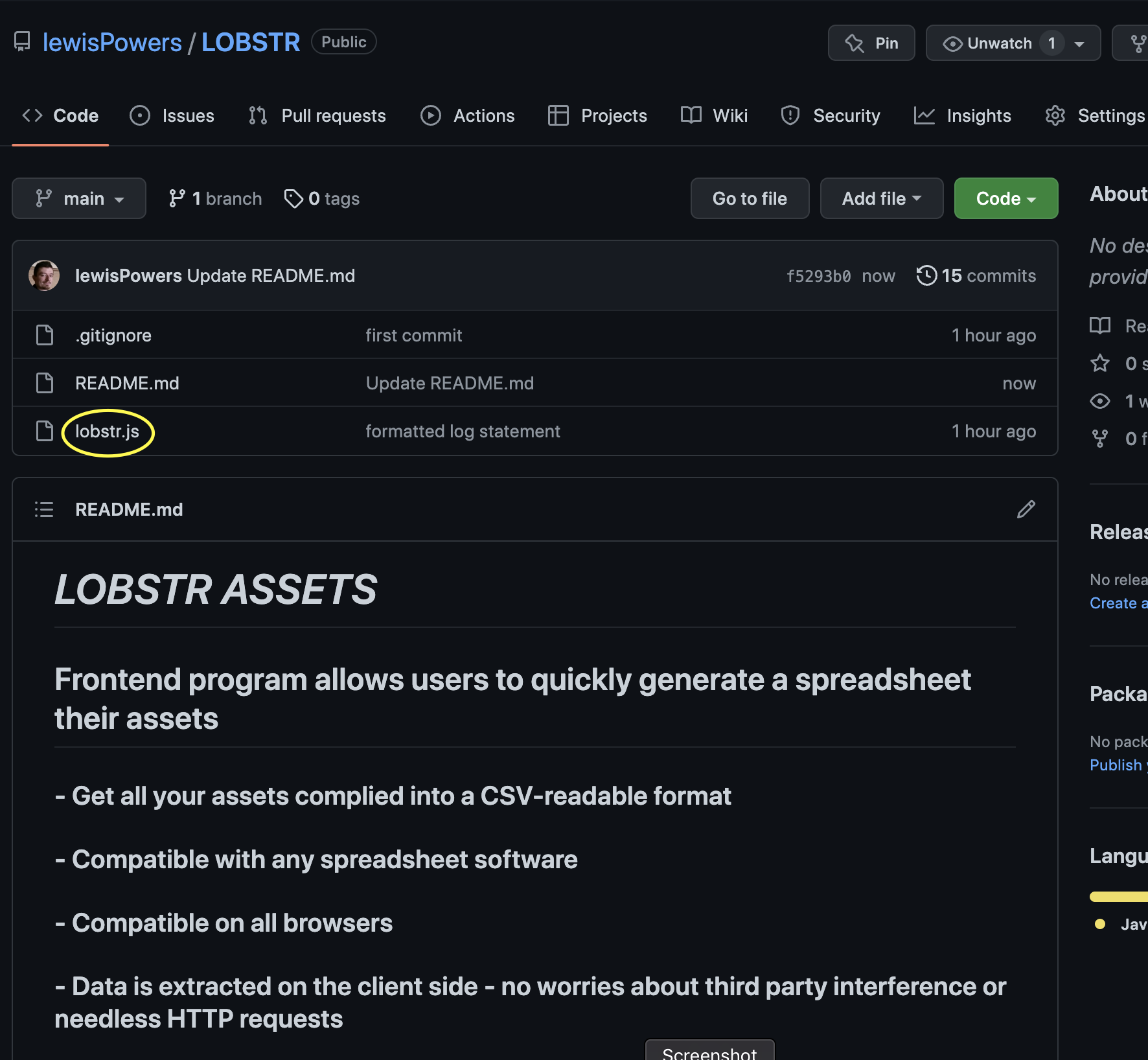
Go to github.com/lewisPowers/LOBSTR (you're here!), click on lobstr.js file & click copy icon
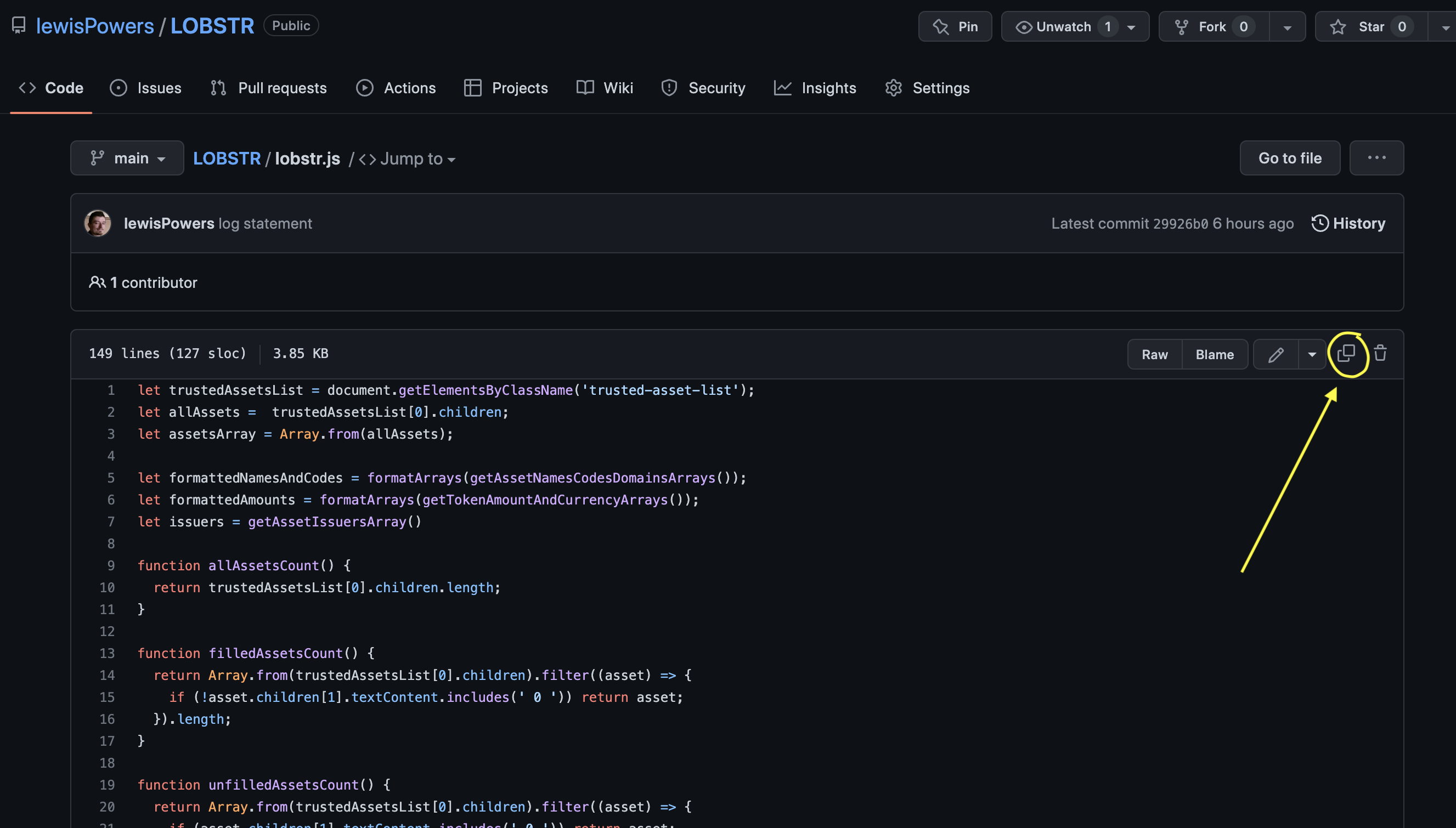
-
Some browsers may not show a copy icon. In that case, instead click 'Raw' then select all and copy from there
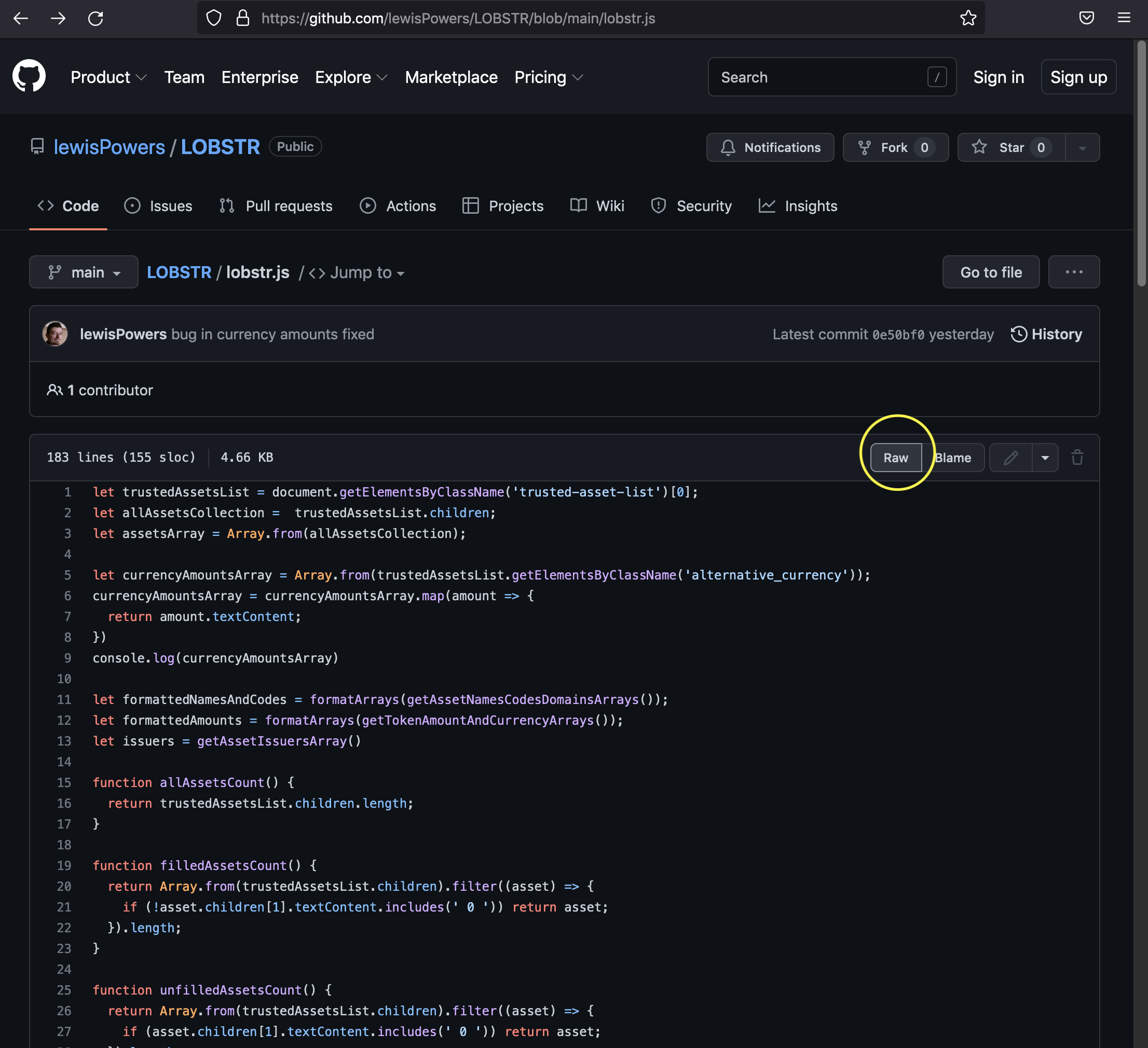
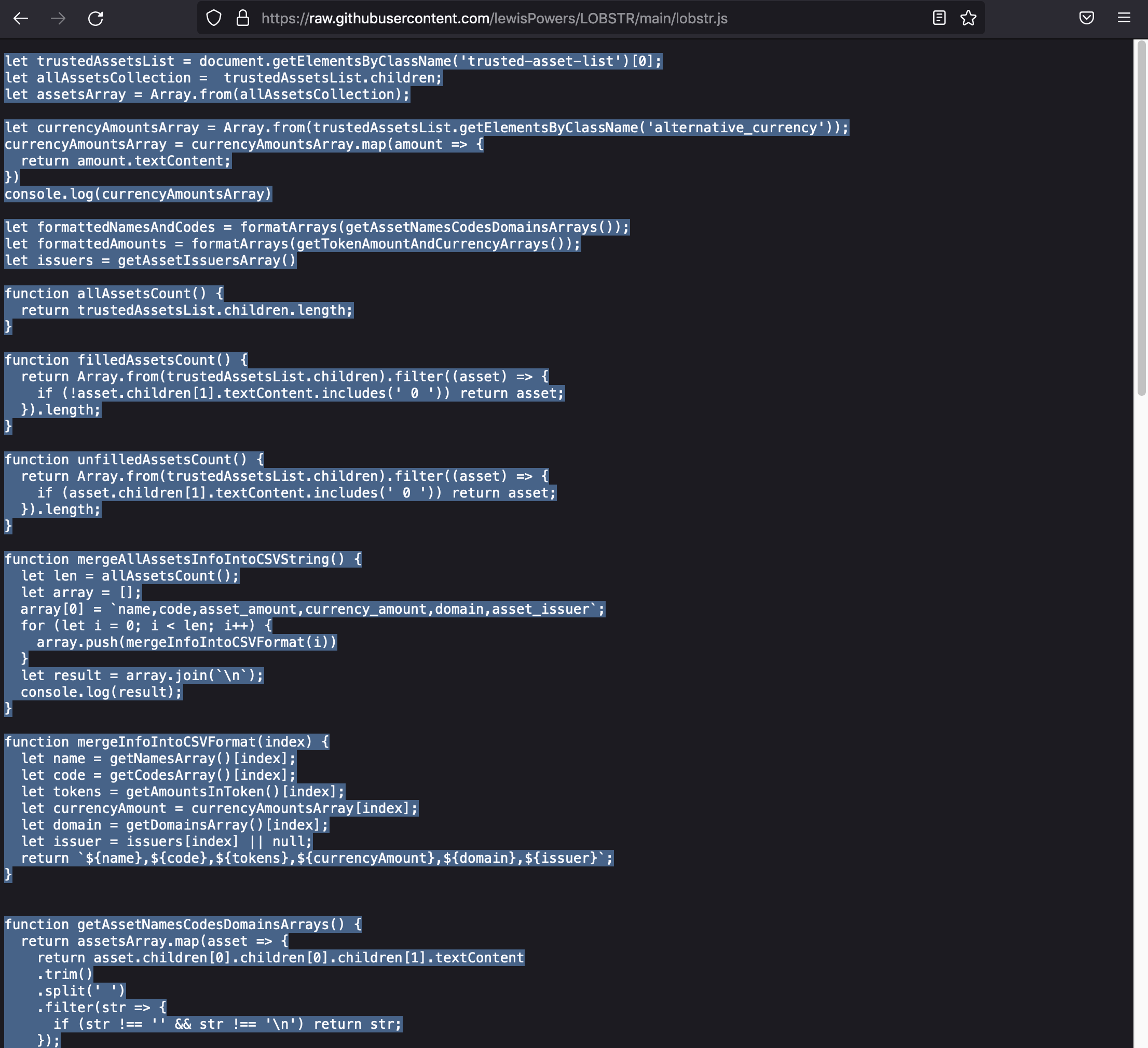
-
Click back to your assets page;
- Paste code from lobstr.js file (that we copied in the previous step) into console
- Press 'enter' or 'return' to run the code
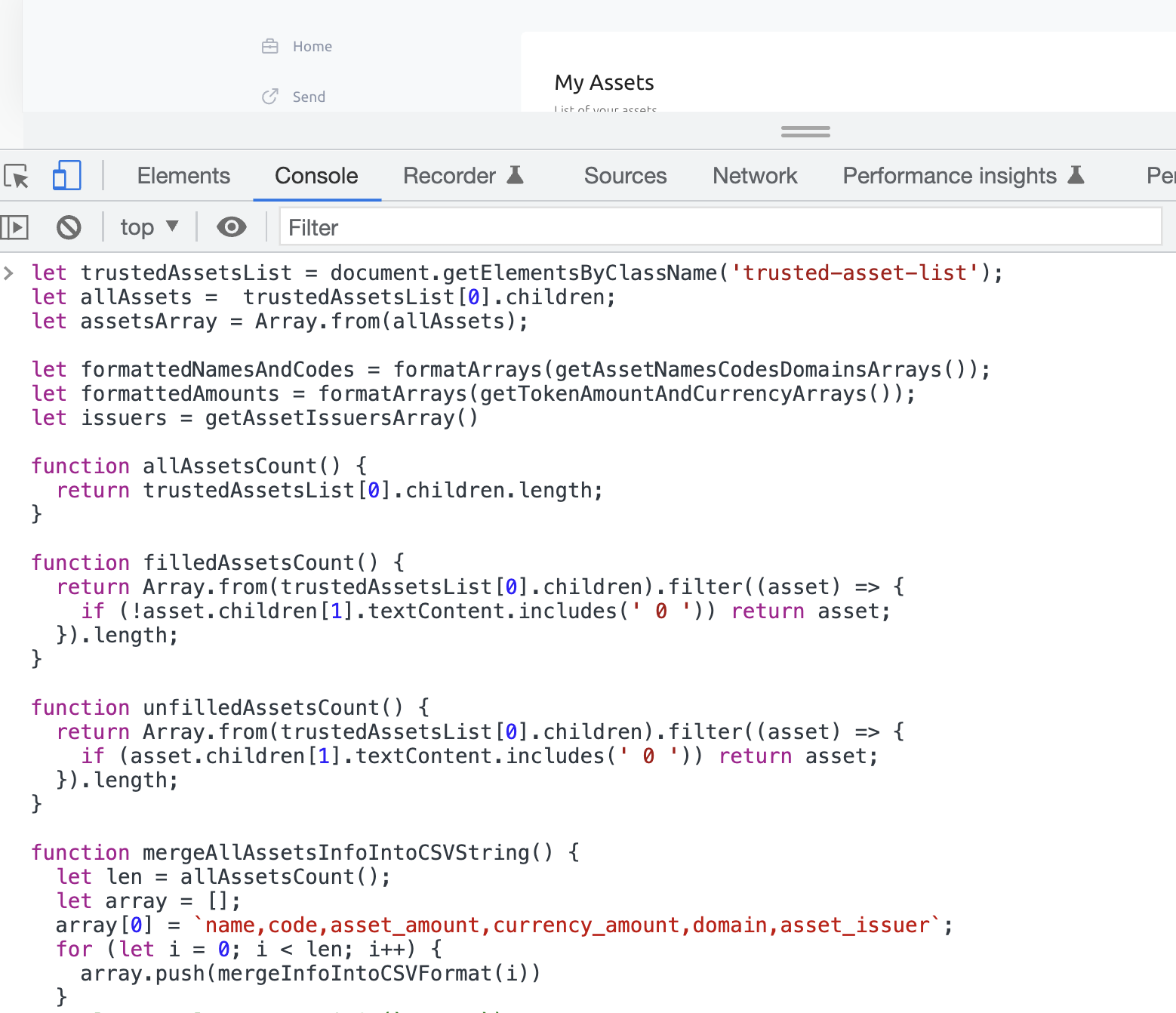
-
Copy the string that is generated in the console
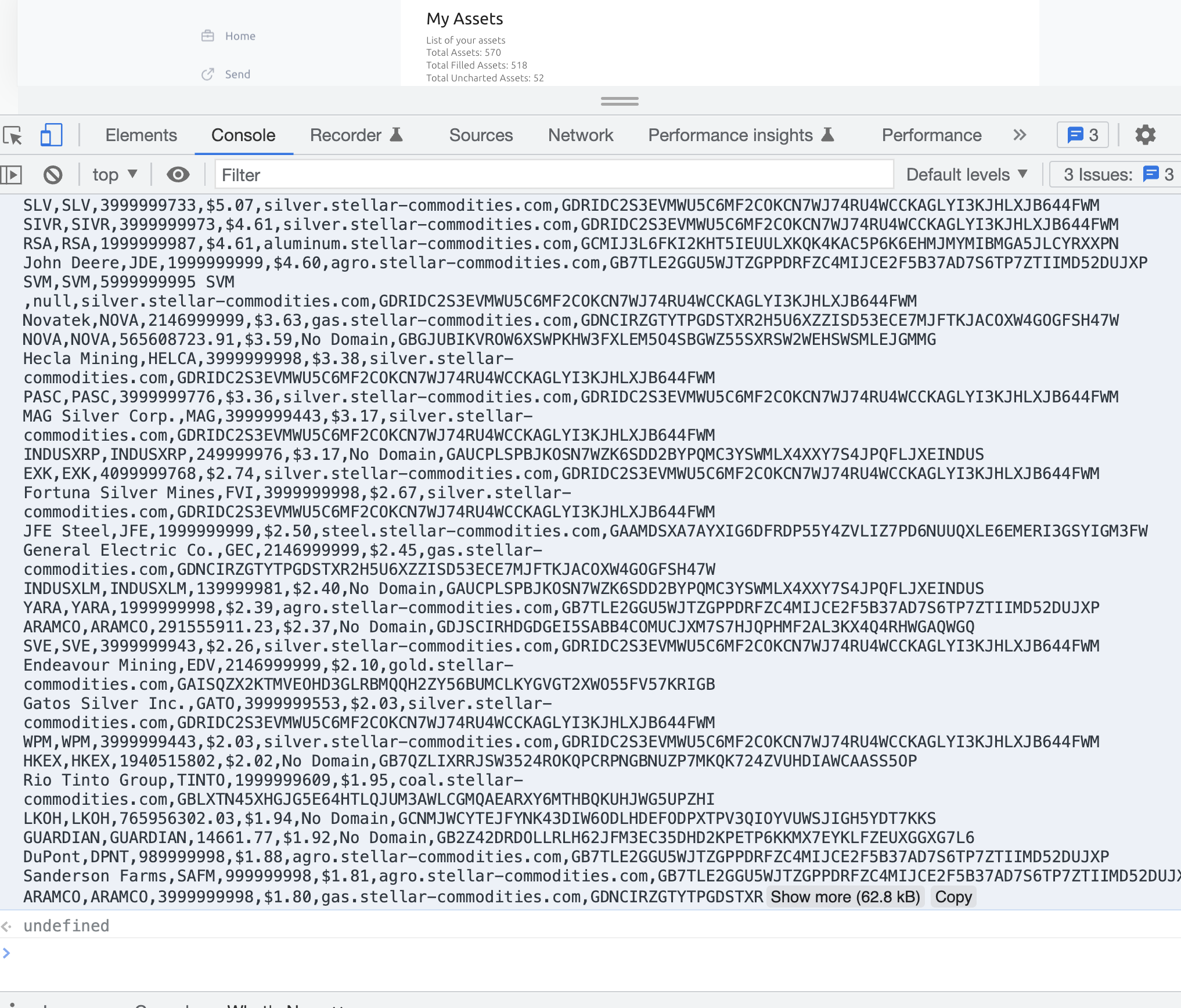
-
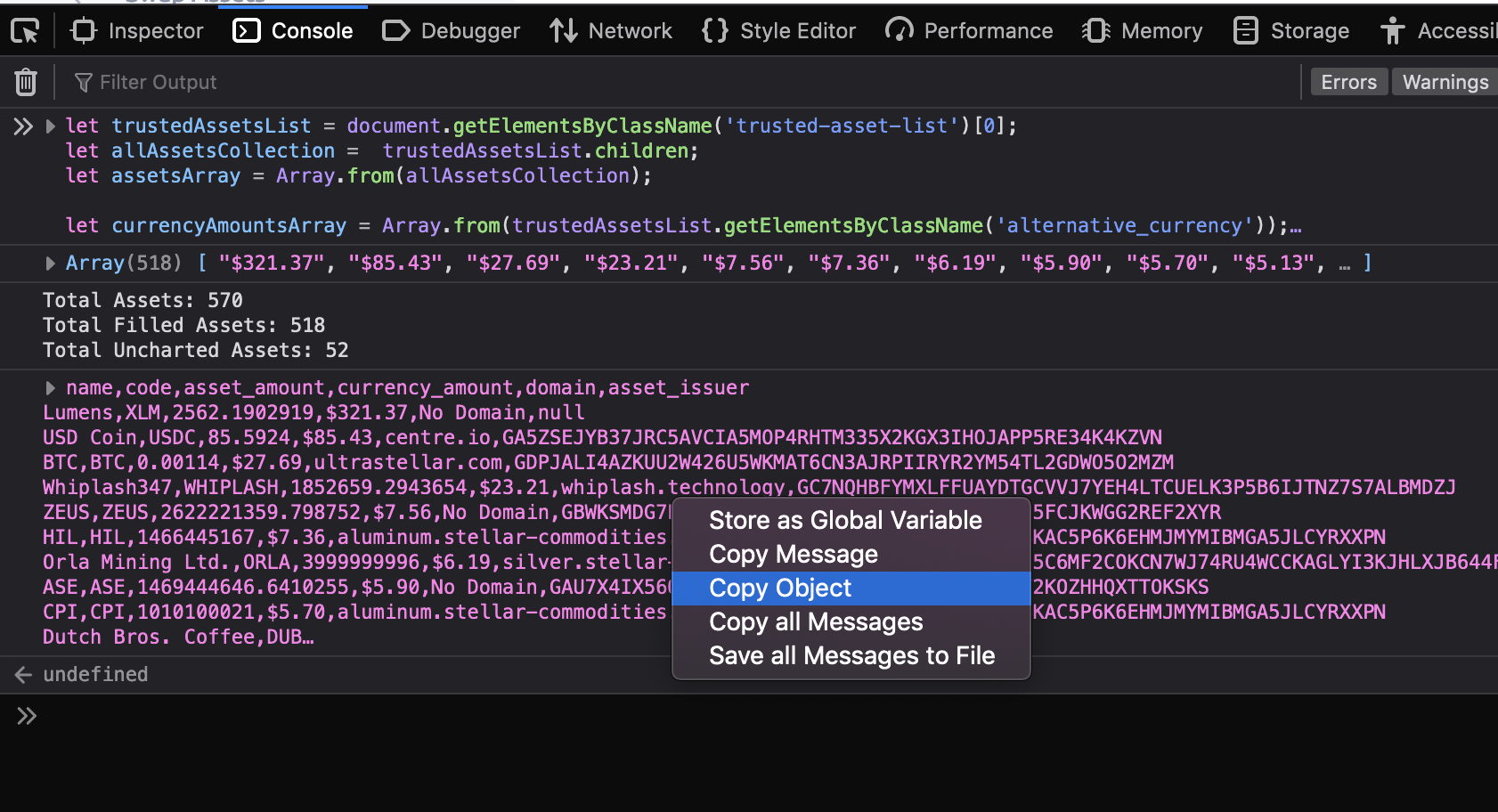
In Firefox, right click on message and click 'Copy Object'
-
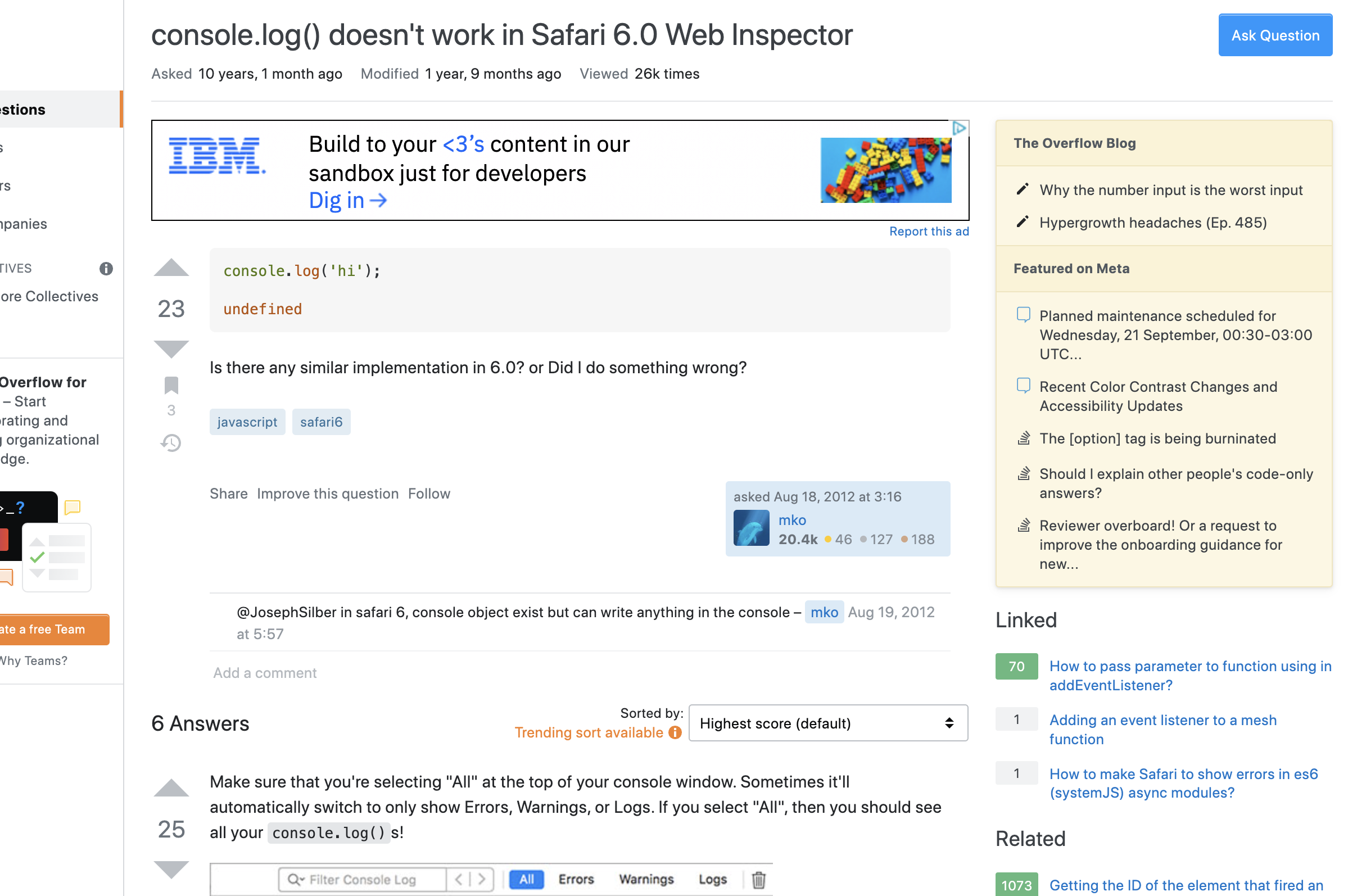
If you're using Safari and not seeing the output, this screenshot and link may be helpful:
-
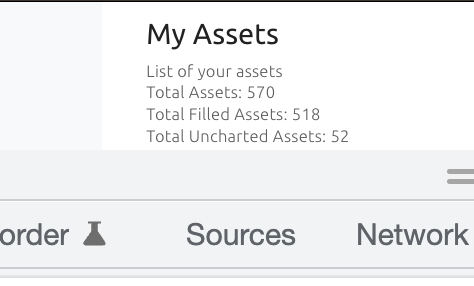
Notice the new information displayed on the webpage?
-
Paste text string into any text editor.
- Text editors: Notepad, TextEdit, VSCode, Atom, Sublime Text, etc.
- Notepad comes preinstalled on Windows
- TextEdit comes preinstalled on Mac (you'll need an extra step: see next line)
- Open TextEdit, then at top menu click TextEdit > Preferences
- Under 'Format' toggle from 'Rich text' over to 'Plain text'
- Save file as .csv file
- Open your new .csv file in any spreadsheet software
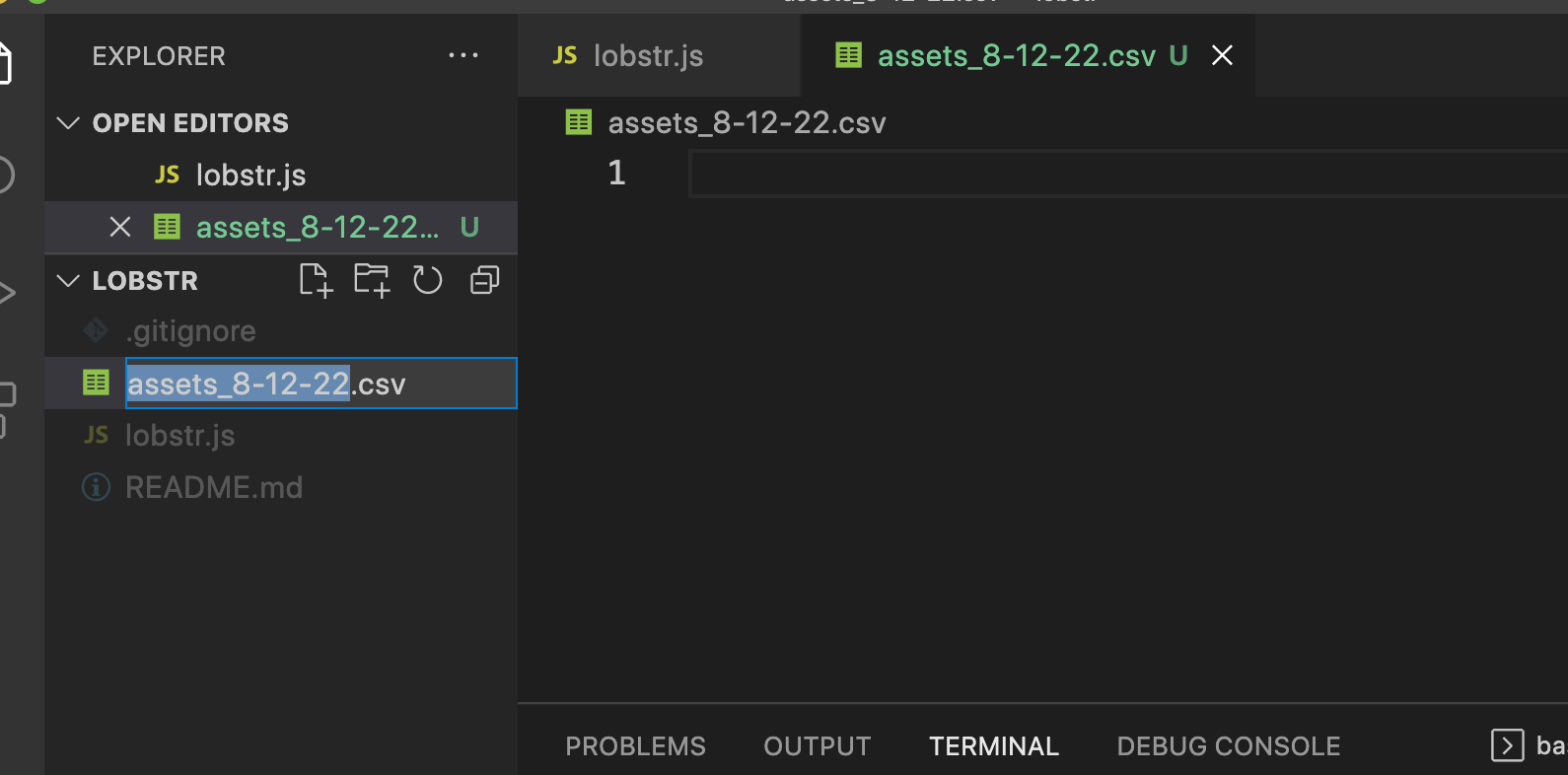
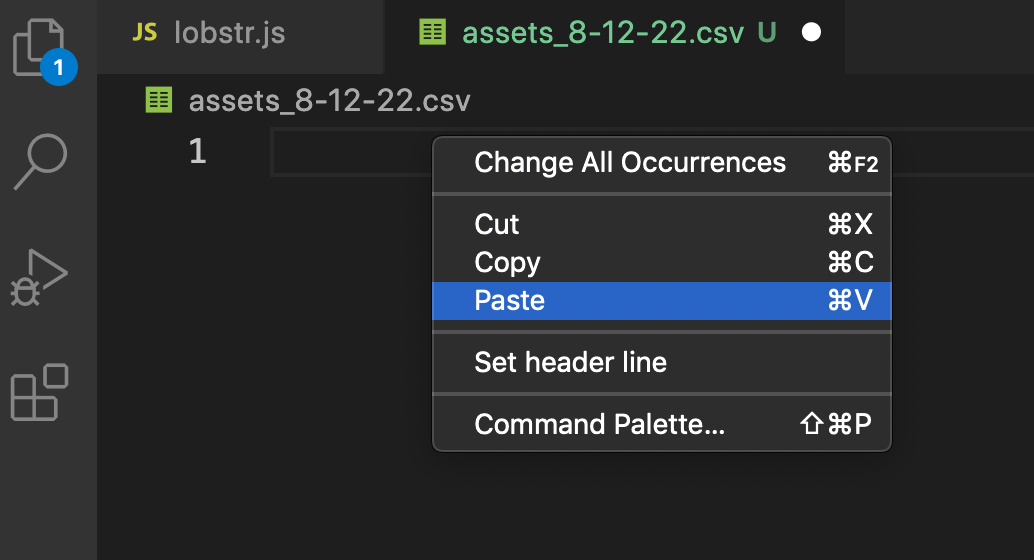
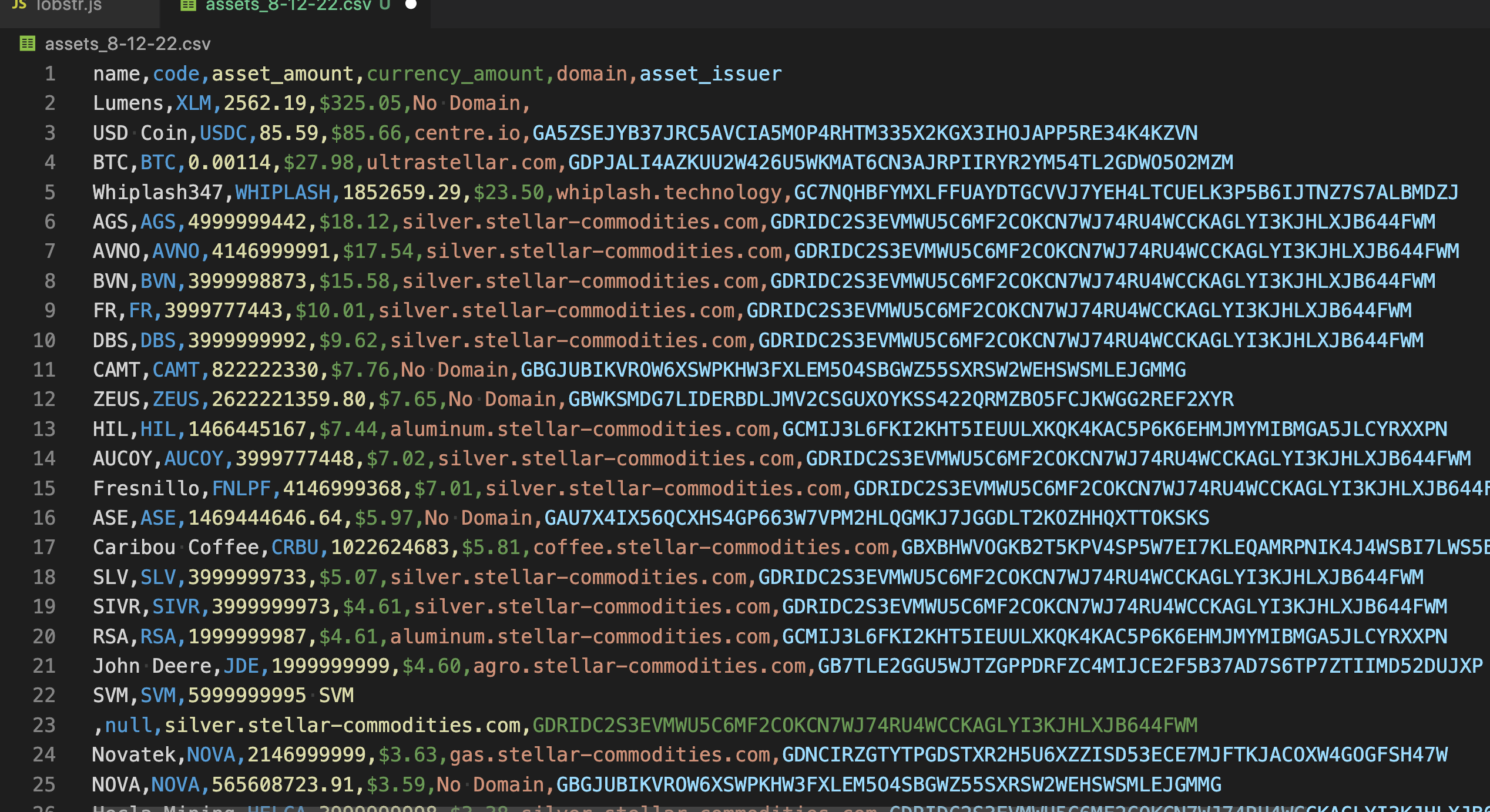
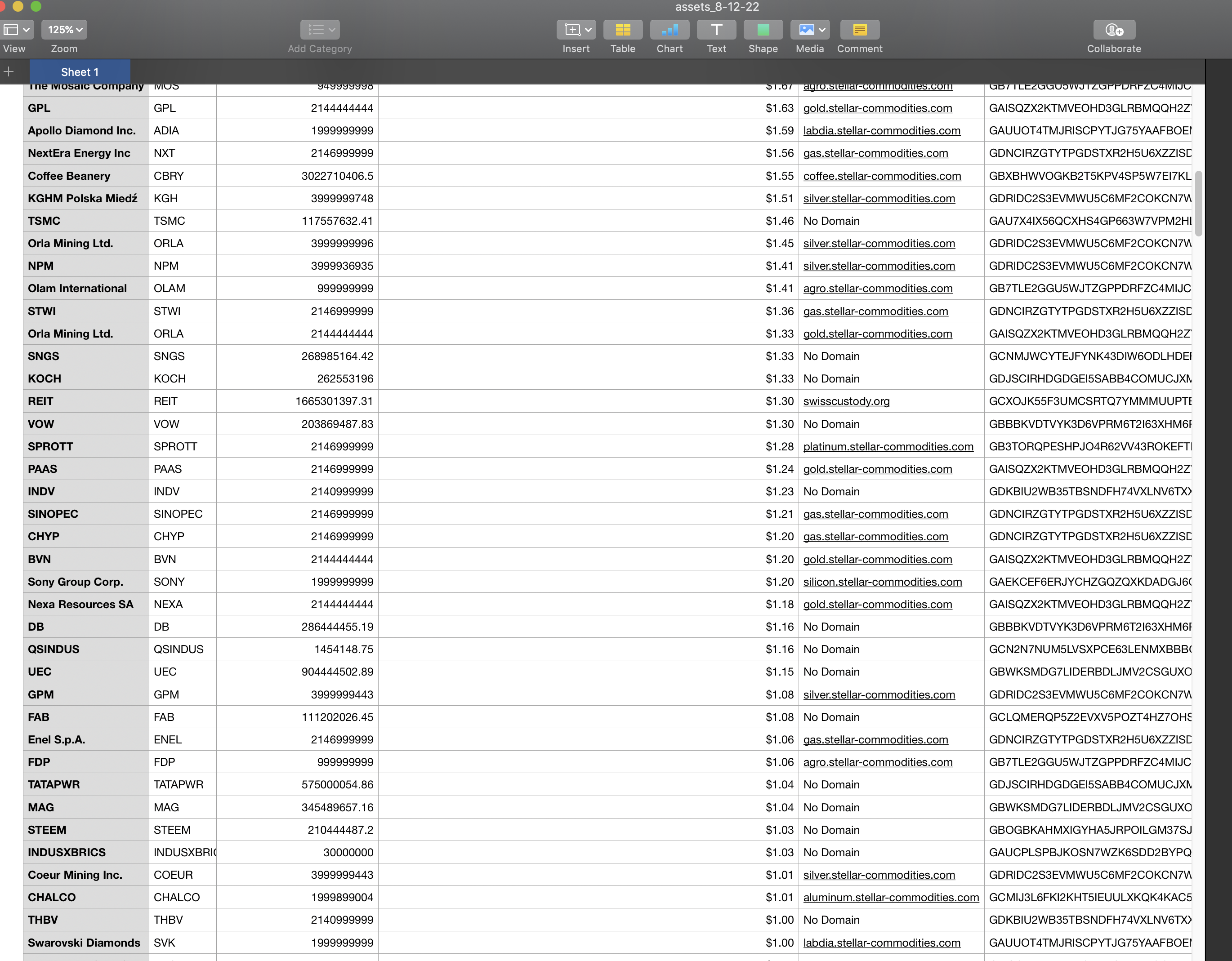
- Text editors: Notepad, TextEdit, VSCode, Atom, Sublime Text, etc.
Repeat this process as often as you'd like to make a snapshot of your assets & respective info, anytime!
Is this program helpful for you?
Is there additional features you'd like to see?
Would you like to collaborate and help make this better?
Please feel free to let me know! Telegram: @Aquarian_Diver
- 23 Aug '22: Filter system added; element styles edited; call function w/ 'csv()'
- 24 Aug '22: Removed currency symbol from 'currency_amount' rows; added symbol to 'currency_amount' column title
- 16 Sep '22: Bug in total balance fixed; extra info for Safari users