1. Setup
git clone git@github.com:pchab/nest-ddh-dojo.git
- install the packages
npm install - create a db
createdb dojo - create a .env file with the db configuration
POSTGRES_DB=dojo
npm run start:dev
That's it, the server is running. Take a look at the package.json file to see the available scripts: lint, tests ...

With the command palette (⌘⇧P), you can switch the auto-attach feature to the smart mode. Then, if you start the server in a VSCode terminal, you will be able to add breakpoints to your code. This is most useful if you need to understand what's going on when the code is running.

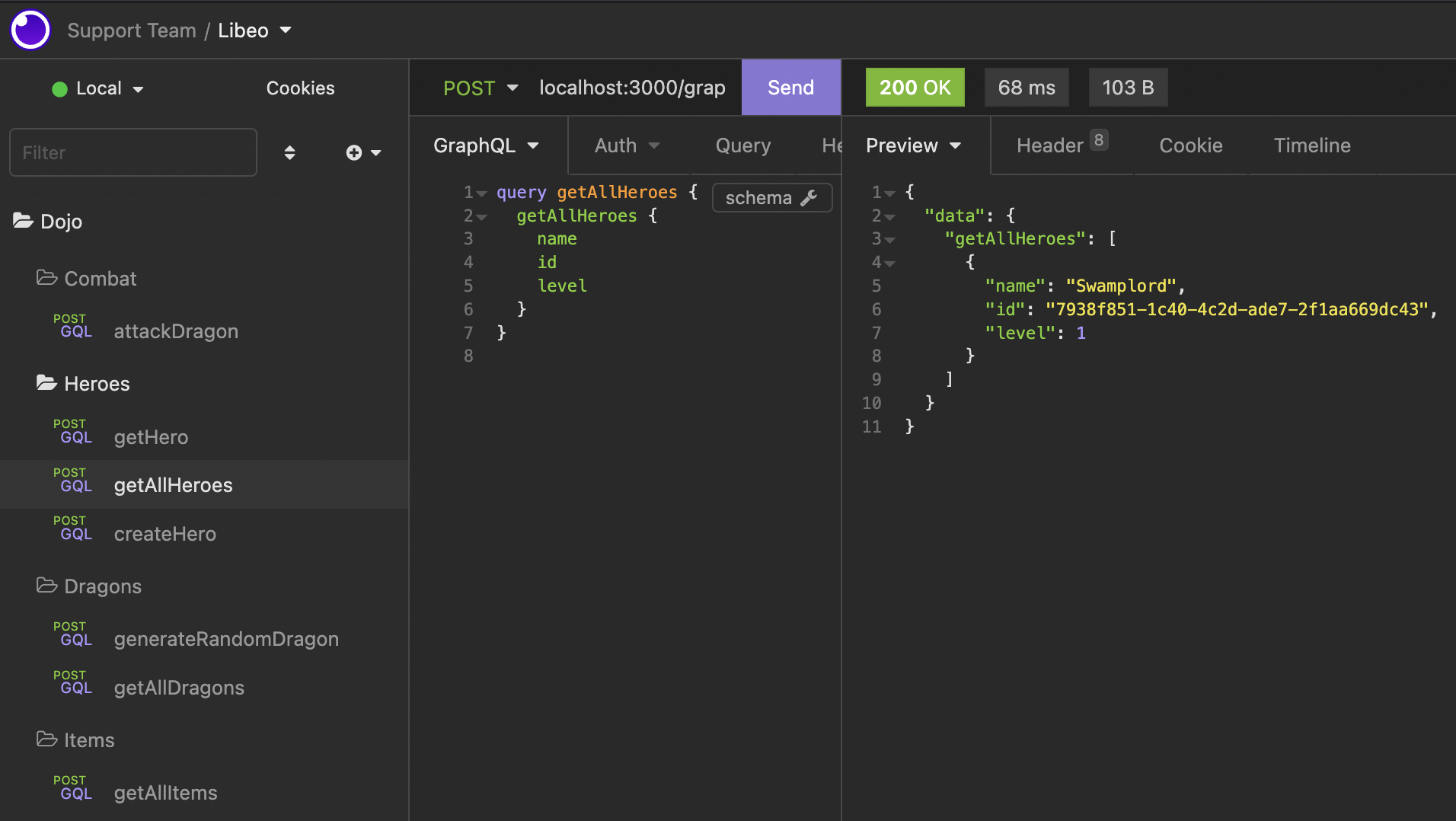
You can test your GraphQL requests with Insomnia.