Quick Start
-
Make sure all prerequisites are installed (see https://github.com/lisovin/scalejs/blob/master/README.md)
- Visual Studio 2012
- IIS Express (via Web Platform Installer http://www.microsoft.com/web/downloads/platform.aspx)
- node.js (http://nodejs.org/)
- requirejs optimizer (once node.js is installed run in console: npm install -g requirejs)
- PowerShell 3.0 (http://www.microsoft.com/en-us/download/details.aspx?id=34595)
- JSLint.VS2012 extension for Visual Studio (in Visual Studio go to TOOLS -> Extensions and Updates... -> Visual Studio Gallery and type JSLint in search box)
-
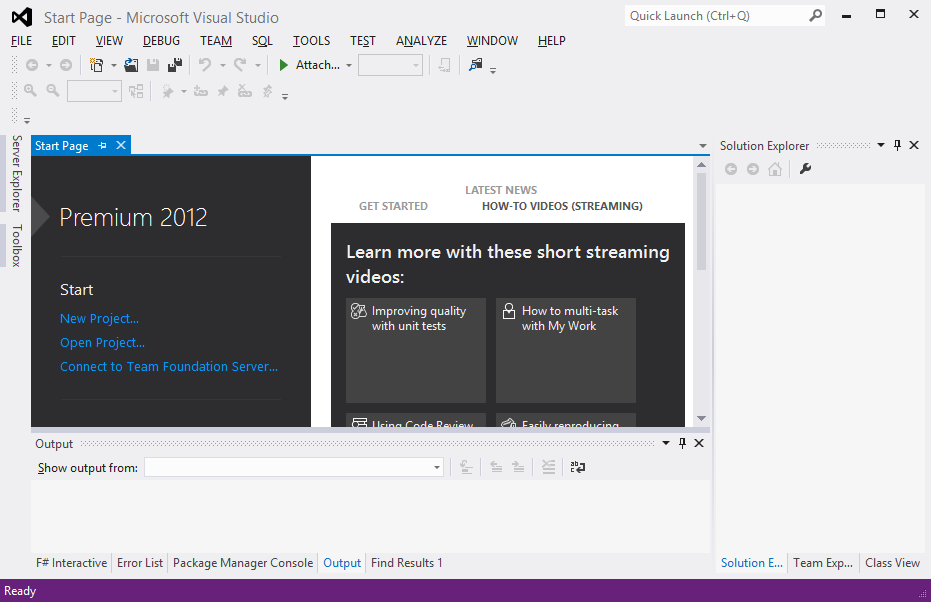
Start Visual Studio 2012.
-
Click "New Project..."
-
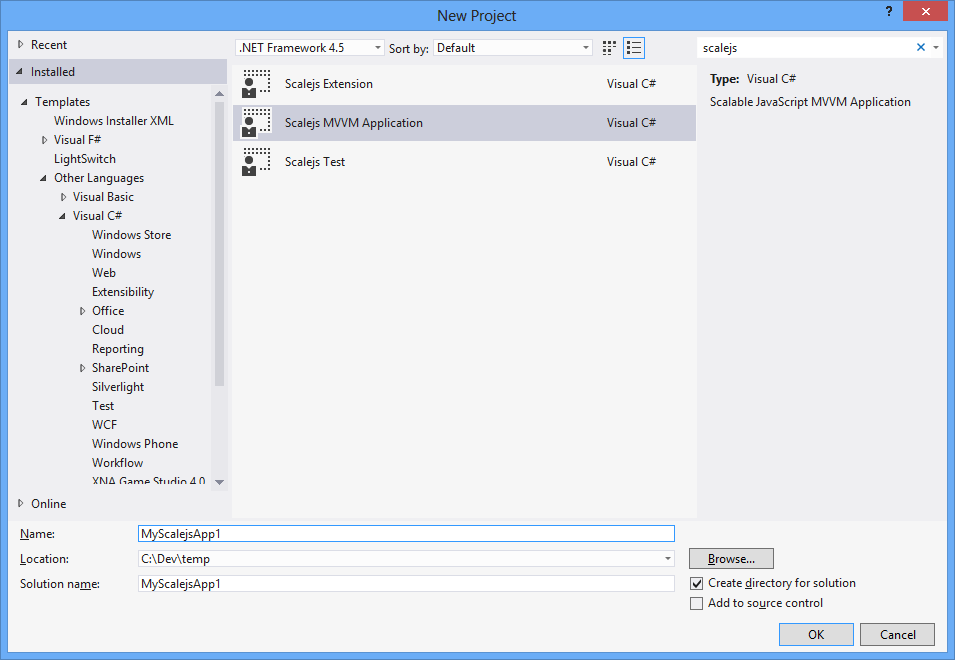
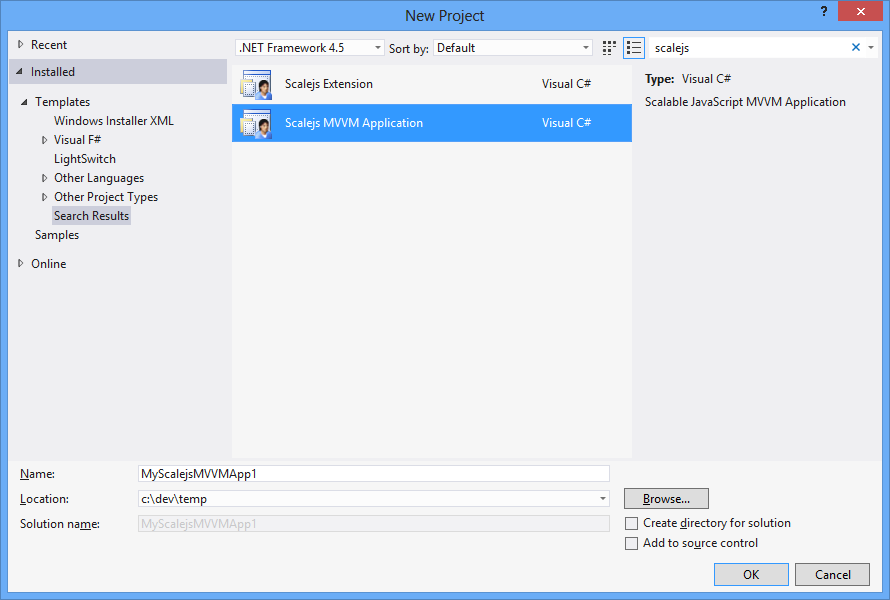
In search box type "scalejs" to filter scalejs templates and select "Scalejs MVVM Application"
-
Give your project a name "HelloWorld" and click "OK". This should create HelloWorld project with scalejs application structure.
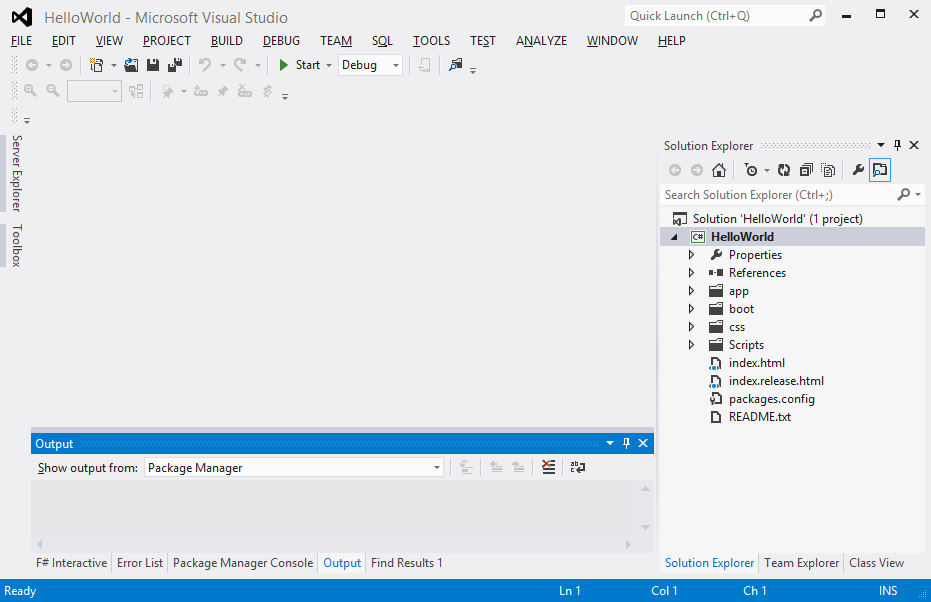
-
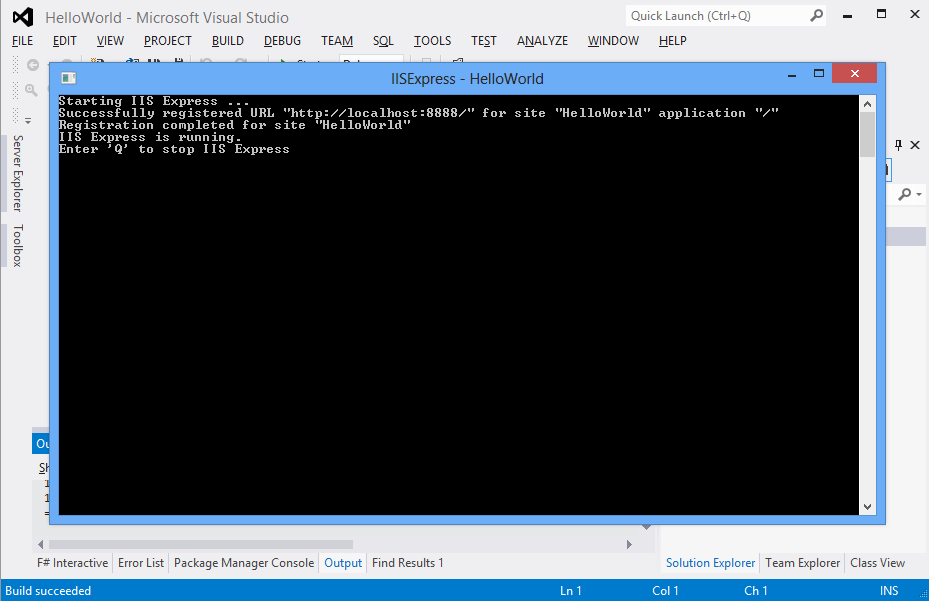
Run the project normally by CTRL + F5.
-
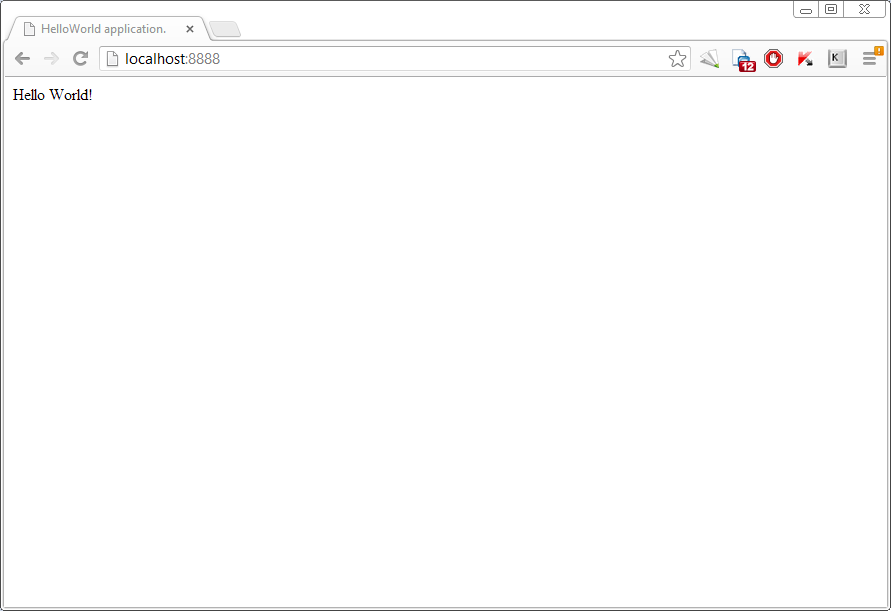
Launch the browser and go to http://localhost:8888. You should see "Hello World!"