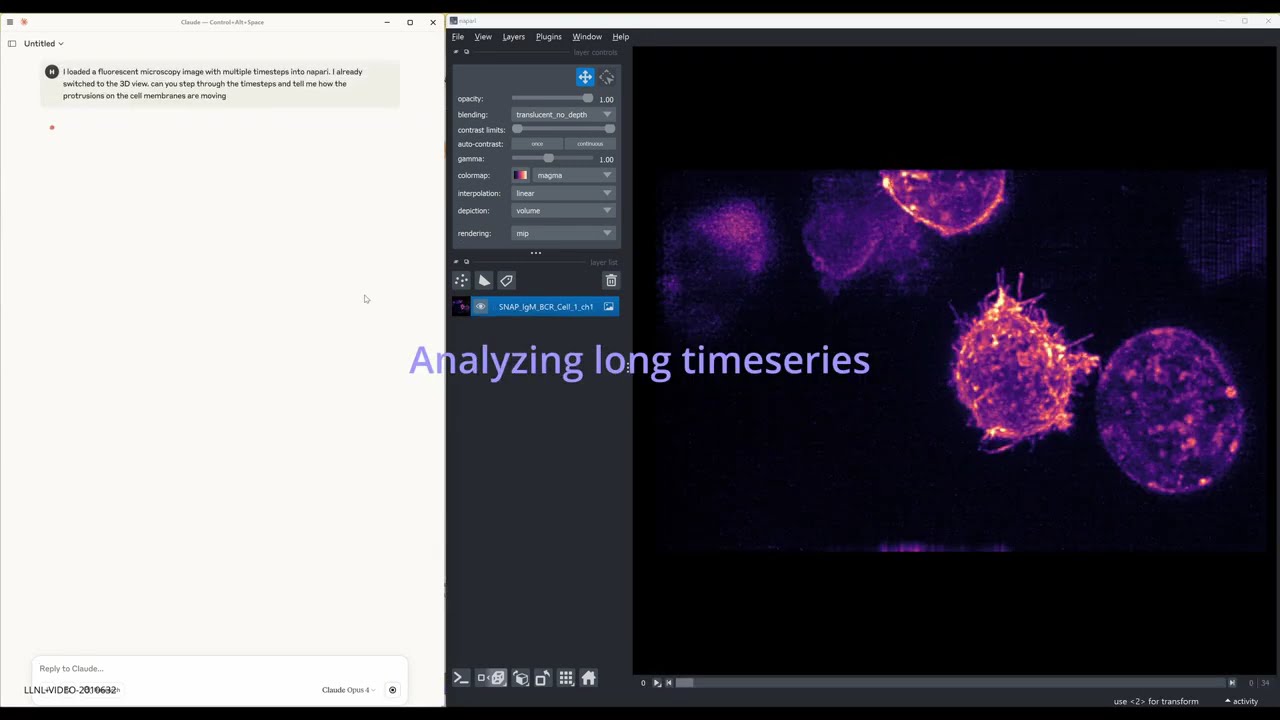
A lightweight napari plugin that exposes the viewer over MCP (Message-Control Protocol) via a Python socket server. Built on top of FastMCP, it lets external MCP-speaking clients—such as autonomous AI agents running on Claude or OpenAI—call napari's public API remotely.
| Package | Version |
|---|---|
| Python | ≥ 3.9 |
| napari | ≥ 0.5 |
| fastmcp | ≥ 0.3 |
| Qt / PyQt5 | Installed with napari |
python -m pip install "napari[all]"cd bioimage-agent/src/napari_socket
pip install -e .e.g. For Claude Desktop, go to Developer->Open App Config File and add the below snippet to "mcpServers"
"Napari": {
      "command": ".../python.exe",
      "args": [
        ".../bioimage-agent/src/mcp_server/mcp_server.py"
      ],
      "env": {}
    }
-
Launch napari:
napari
-
Choose Plugins → Socket Server → Start Server. You’ll see something like:
Listening on 127.0.0.1:64908
For interactive testing and exploration, use the Jupyter notebook:
cd tests
jupyter notebook test_napari_manager_socket.ipynbThe eval/ directory contains evaluation tools and configurations for testing the MCP server with AI agents.
The general_mcp_client.py provides a comprehensive MCP client that supports:
- Multiple LLM providers - Claude, OpenAI, and LiteLLM-compatible endpoints
- Image support - Handles image inputs and outputs for both providers
- Tool execution - Processes MCP tool calls and formats responses
- Error handling - Robust error handling and retry logic
Use the test_general.yaml configuration to run automated evaluations:
cd eval
promptfoo eval -c test_general.yaml
This evaluates:
- File loading - Loading TIF files into napari
- Layer management - Checking layer existence and properties
- Screenshot capture - Taking and verifying screenshots
- LLM rubric scoring - AI-powered evaluation of task completion
The eval/eval_examples/ directory contains sample data for evaluation:
- Multi-channel TIF files for testing complex data loading
- Time series data for testing temporal operations
The evaluation setup supports:
- Custom LLM endpoints - Configure your own API endpoints
- Model selection - Choose different LLM models for evaluation
- Caching control - Enable/disable result caching
- Concurrent execution - Control parallel test execution
BioImage-Agent was created by Haichao Miao (miao1@llnl.gov) and Shusen Liu (liu42@llnl.gov)
BioImage-Agent is distributed under the terms of the BSD 3‑Clause with Commercial License.
LLNL-CODE-2011142