Visual.GUI.2021-12-21.17-10-11.mp4
Visual.GUI.2021-12-21.17-10-40.mp4
This is the final project for CS 5004 Object Oriented Design (OOD). The purpose of this final project is to demonstrate our understanding of Object Oriented Design Principles and the MVC pattern. This program takes in user input (speed, text input, output type), text input (shapes, colors, sizes, movements) and can produce 1 of 3 outputs:

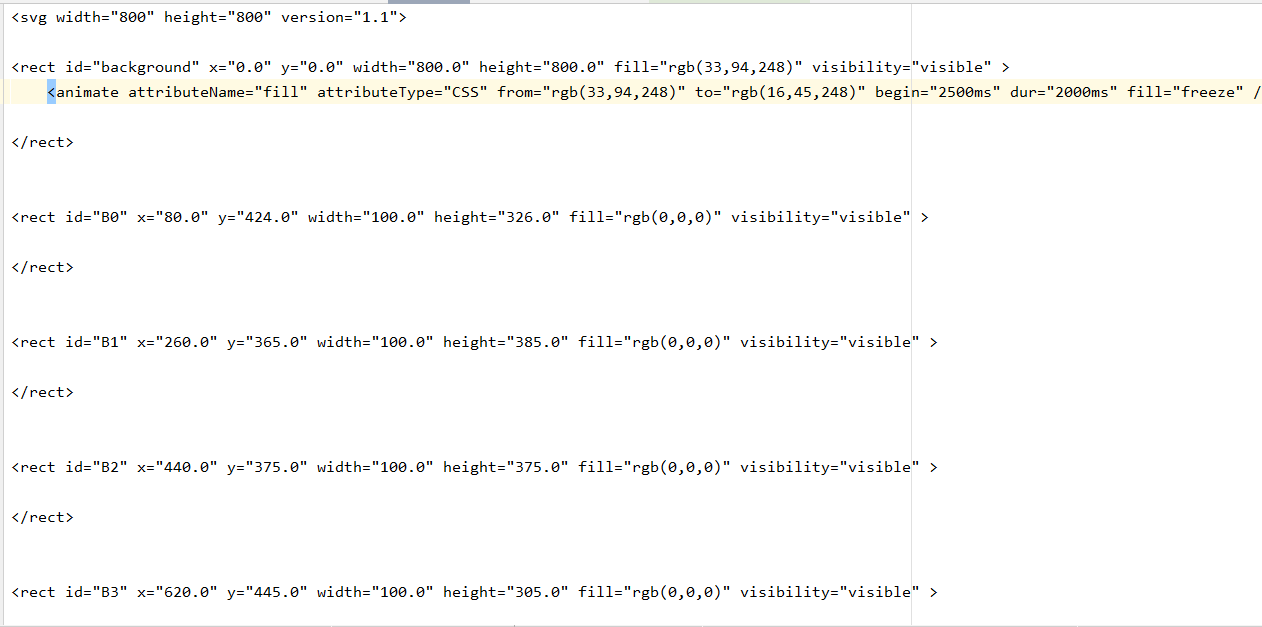
SVG.Editor_Viewer.Online.-.Google.Chrome.2021-12-21.14-58-01_Trim.mp4
Visual.GUI.2021-12-21.14-35-48.mp4
The purpose of this project is to demonstrate our mastery of the MVC (Model View Controller) pattern.
The model is responsible for tracking the internal logic of the program. This includes creating shapes, moving shapes, changing colors, etc.
The controller is responsible for mediating the interactions between the view and the model. Put more concretely, the controller is responsible for taking in the user input, sending that information to the model for processing, and then returning an output view dependent on that user input.
The view is responsible for displaying information back to the user. In our case, we have 3 different views representing the 3 different outputs (Plain text, SVG, GUI).
The MVC design pattern proved to be a very useful pattern by separating out code into discrete units. This made writing tests easier, and made understanding code much easier, as I am able to understand what each class does well enough to write this README.md, even though it is nearly 2 years since I initially wrote the code.
After downloading the repo, in the command line navigate to out/artifacts/Assignment8Remastered_jar. In the command line, choose which of the .txt files you want to use as input, then choose 1 of 3 view types ("text", "visual", "svg"), then pick an output name, then pick a speed at which the animations will be rendered. Here are some examples:
java -jar Assignment8Remastered.jar -in smalldemo.txt -view text -out out -speed 20
java -jar Assignment8Remastered.jar -in buildings.txt -view visual -out out -speed 50
All credits to:
https://www.youtube.com/watch?v=GvTZ2Huo0T4
https://www.youtube.com/watch?v=M4DJTP6TG94&list=PLI2uiPwn6f39OGDEv5wA_d9yhHYlNye06
And countless stackoverflow answers