Based on SpeechMod
Uses the Elevenlabs API to fill in the gaps of the game's voice acting.
Elevenlabs is not cheap. My best estimate is that a completionist playthrough of the game will cost around 100USD using the eleven_flash_v2_5 and 200USD using the eleven_multilingual_v2.
Files are saved locally, so you can replay the game without additional cost (note that the saved audio will use the original characters name and gender).
Works with all languages supported by ElevenLabs.
- Download and install Unity Mod Manager, make sure it is at least version 0.23.0
- Run Unity Mod Manger and set it up to find Pathfinder: Wrath of the Righteous (Second Adventure)
- Download the latest release of the mod from the releases page
- Install the mod by dragging the zip file from step 3 into the Unity Mod Manager window under the Mods tab. Alternatively locate the zip file after clicking the "Install" button in Unity Mod Manager.
- Clone the voices you want to use in the game. (See below for more information)
- IMPORTANT: Fill in the
settings.jsonfile in the mod folder with the settings you want. (See below for more information) - Optional: download playthrough files (see below for more information)
*If running on OSX 64-bit you might need to use the mono console.exe command (see UMM documentation for further)
If you find issues or would like to request features, please use the issues tracker in GitHub here
- No stopping of playback yet.
- Volume is based on the system volume, not the game volume.
- This mod is not compatible with the original SpeechMod. Use one or the other.
- No support for chapter changes (although they seem to be narrated).
- Download WwiseUnpacker
- Unpack all voices in
Pathfinder Second Adventure\Wrath_Data\StreamingAssets\Audio\GeneratedSoundBanks\Windows\Packages - Map file id to character using
Pathfinder Second Adventure\Wrath_Data\StreamingAssets\Audio\GeneratedSoundBanks\Windows\SoundbanksInfo.xmlby searching the xml file for the characters name. - Make an eleven labs instant clone using 2 or 3 voice samples
- Fill out each characters voice id (or delete the character and it will use a generic fall back)
Narrator voice Spoiler warning
Use audio files from areelu as the narrator.The settings.json file is used to configure voice assignments and API access.
It is loaded once on game start, you'll need to restart the game to apply changes.
ApiKey:
Your ElevenLabs API key. You can create an API key at https://elevenlabs.io/app/settings/api-keys.
If you've already completed a playthrough with this mod and would like to replay the game without incurring additional costs, you can set this to an empty string ("").
Example:
"ApiKey" : "YOUR_API_KEY",Narrator:
The voice ID to use for the narrator. This voice will be used for all narration in the game, and is the only required voice.
The elevenlabs model that should be used when sending text to the API. For more information on the models, see the ElevenLabs API documentation.
Suggested models:
eleven_flash_v2_5for lowest latency with moderate quality.eleven_multilingual_v2for high quality with a much longer response time and higher cost.
Example:
"Model" : "eleven_flash_v2_5",GenericMaleVoices:
This array contains a list of voice IDs. Male characters not explicitly listed in the NamedCharacters dictionary will deterministically use one of these voices.
Note that adding an additional voice during a playthrough will affect which voice is selected for a character.
For obvious reasons these voices will need to be cloned from samples not in the game, I've included mp3 files for various generic voices in the samples folder of this repository.
Example:
"GenericMaleVoices": ["VOICE_ID_1", "VOICE_ID_2", "ETC."],GenericFemaleVoices:
As above, but for female voices.
NamedCharacters:
This dictionary is used to assign specific voices to named characters. The key is the character's name, and the value is the voice ID.
You can add any named character to the dictionary, and the mod will use the specified voice for that character. As a general rule the name that use in the dictionary will be the same as displayed in the game. You can use partial names if the name is long: "inheritor" instead of "hand of the inheritor"
Example:
"NamedCharacters" : {
  "arueshalae": "VOICE_ID",
  "woljif": "VOICE_ID",
}SimilarityBoost, UseSpeakerBoost, Style, Stability: values sent to the ElevenLabs API. For more information on these settings, see the ElevenLabs API documentation.
Enabled: If set to false, the mod will not send any text to the API.
SaveAudio: Save the audio files to disk. If set to true, the mod will save the audio files in the path specified by AudioSavePath.
AudioSavePath: Where to save the audio files. This path should be relative to the game root directory. This folder MUST exist before the mod is run.
MinChars: Dialogue with fewer characters than this value will not be sent to the API.
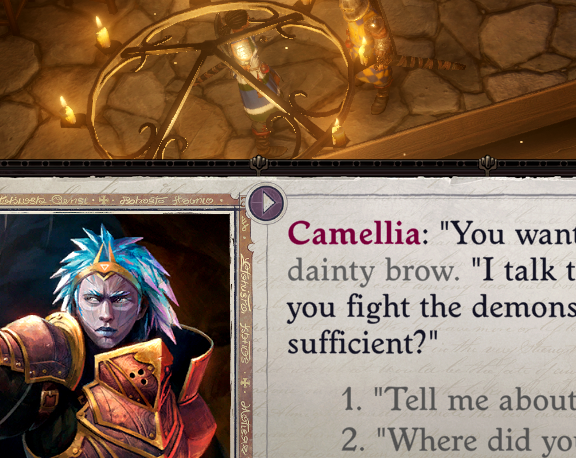
When in dialog mode you can now press the play button next to the left image to listen to the current block of dialog. If autoplay is enabled, you don't have to push the playbutton.
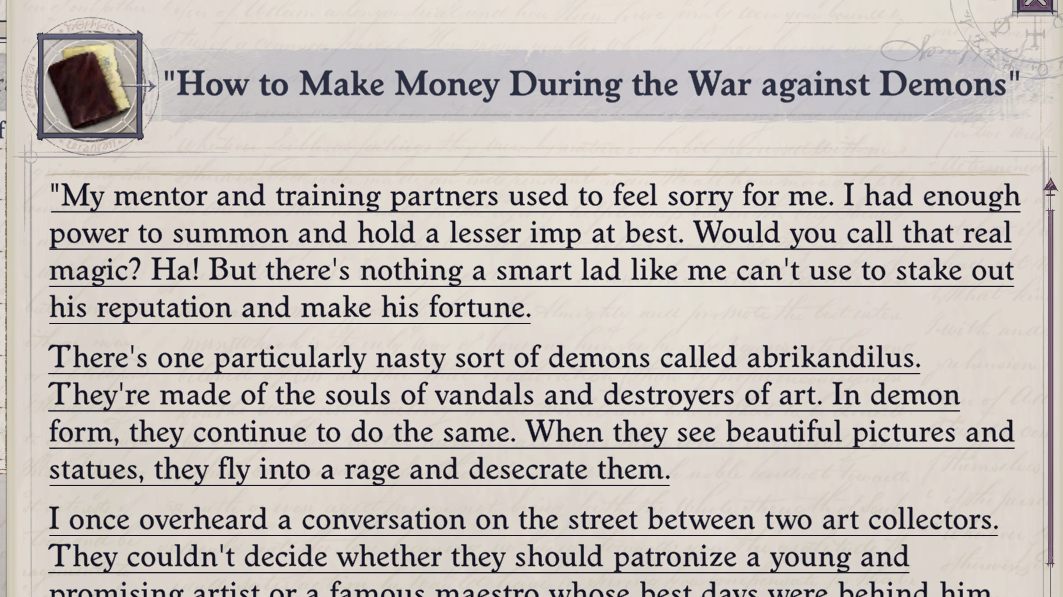
When inspecting a book (through right-click->Info) hover over the text and left click.
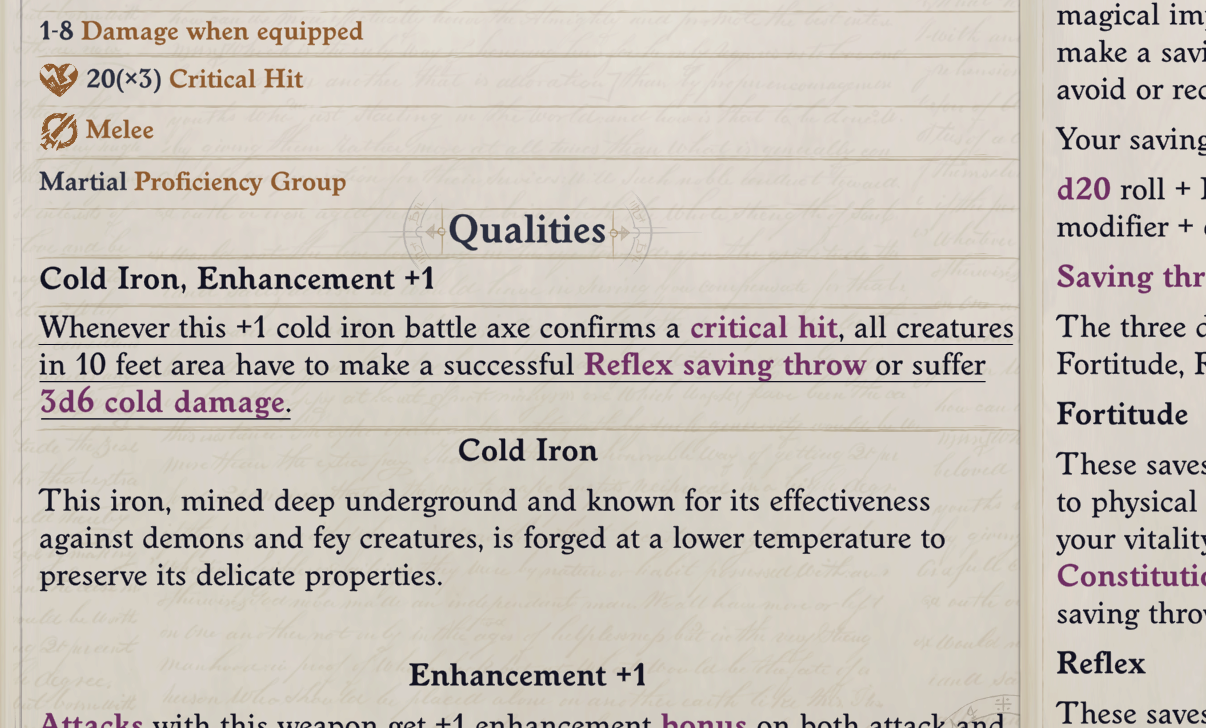
When inspecting an item (through right-click->Info) hover over text (not all text is currently supported) and left click.
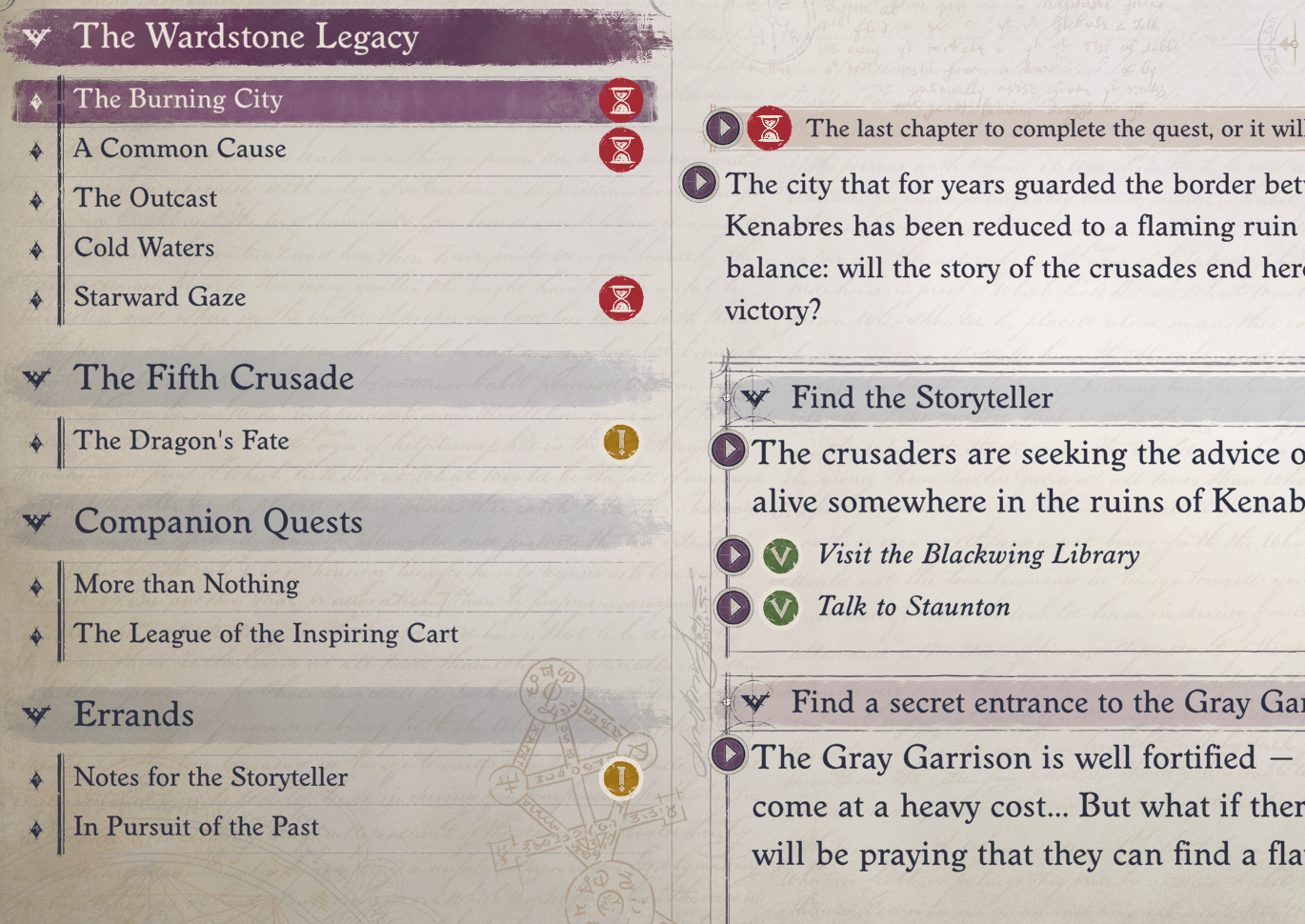
In the journal, each of the bigger text blocks and important stuff can be played through the play button adjacent to the text.
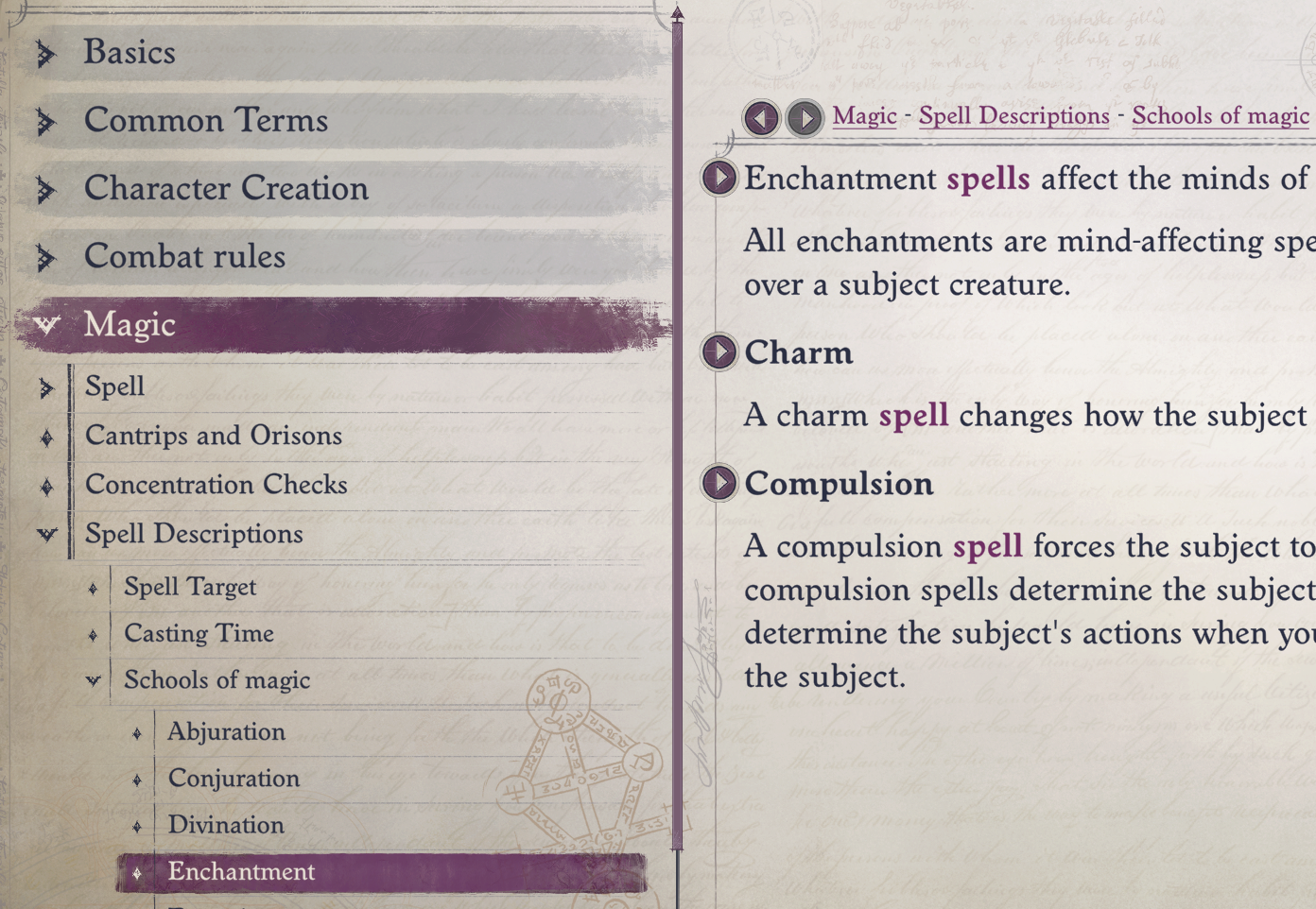
In the encyclopedia the text blocks (defined by Owlcat) can be played by pressing the play button adjacent to the text.
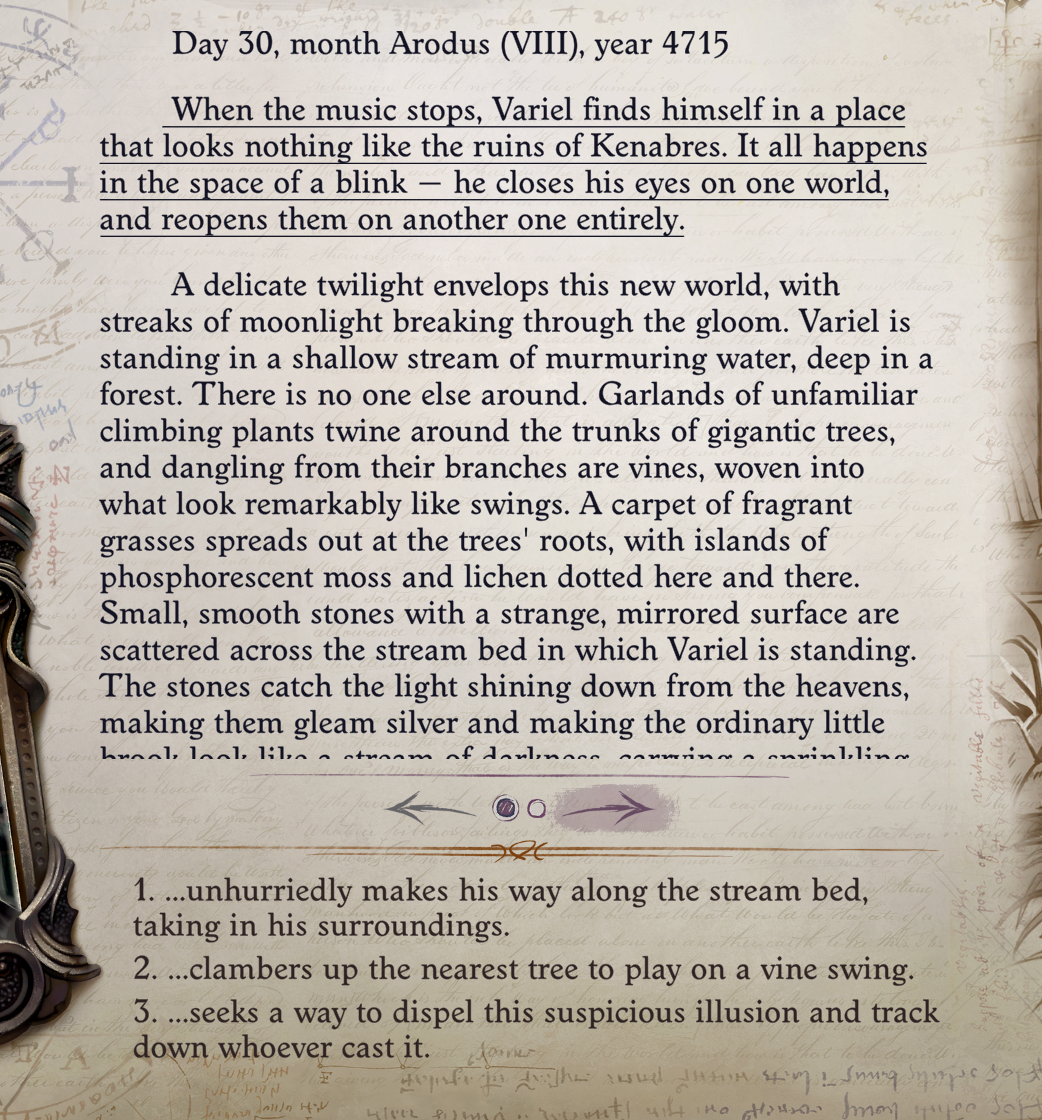
When encountering a book event, the text can be played by hovering the text part (it will apply the chosen hover effect) and left-clicking.
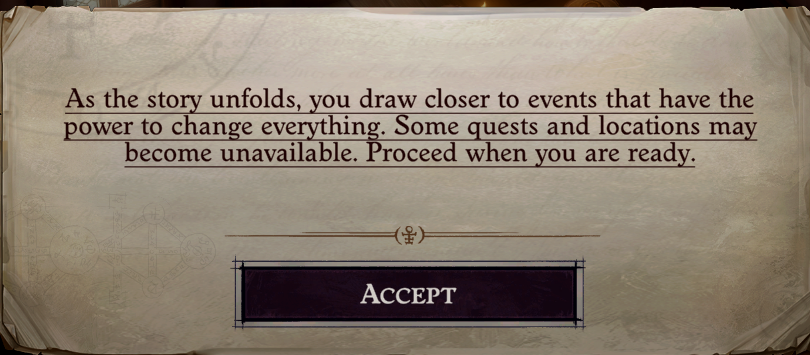
The various pop-up boxes that eventually shows up throughout the game, can be played when hovered and left-clicked.
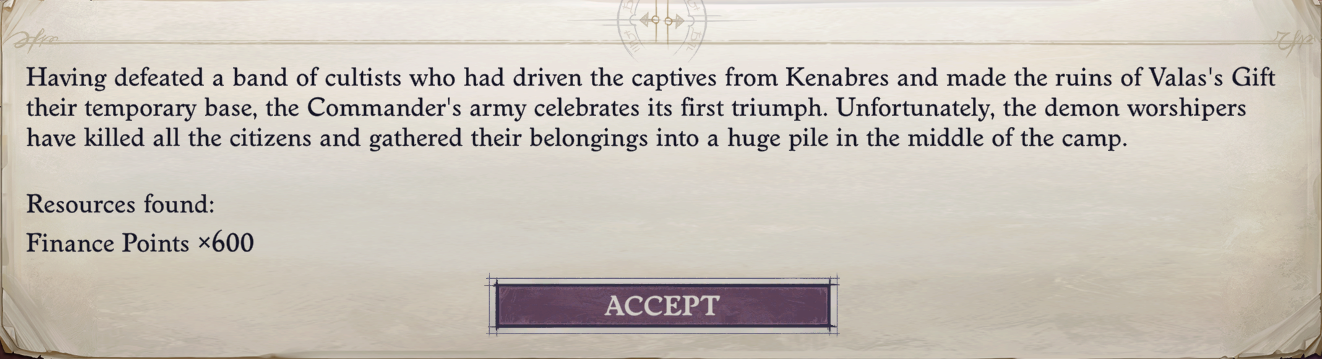
When your amy has defeated an enemy, the resulting message text is also supported for playback when hovered and left-clicked.
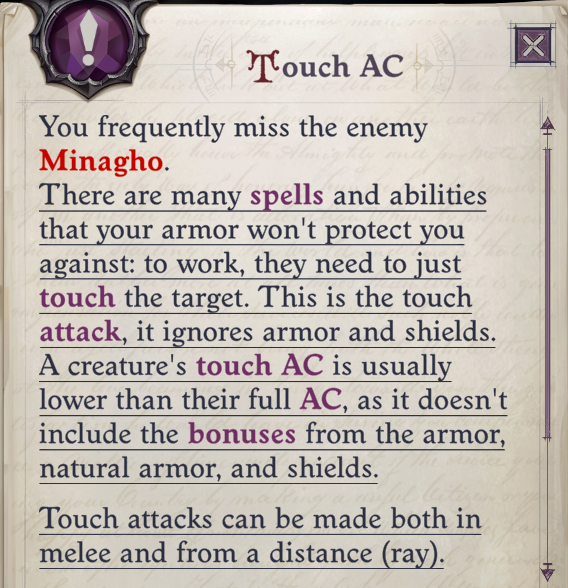
Both big and small tutorial windows text is supported and can be played by hovering and left-clicking.
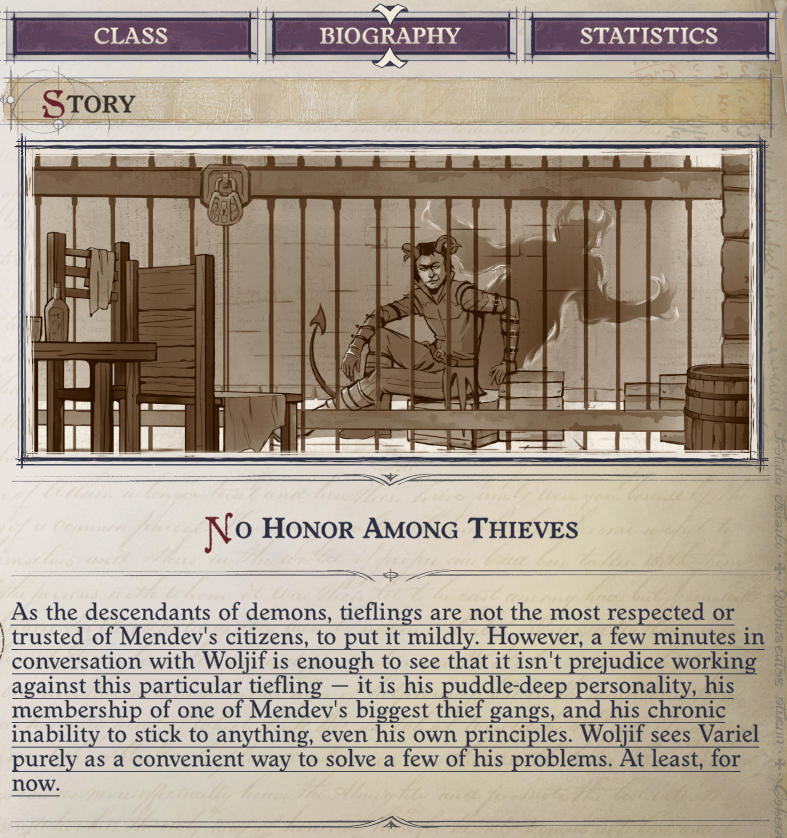
When inspecting a character, the story of that character is displayed both under Summary and under Biography, and are both supported by hovering and left-clicking.
Unzip and place the playthrough files in the AudioSavePath (default is .\Mods\PathfinderElevenLabsMod\mp3) to use them in the game.
- Prologue (High quality: `eleven_multilingual_v2, no character name, gender neutral) - Download
- Prologue -> Act 3 (Mixed quality:
eleven_multilingual_v2, Character name: Commander, Character Gender: F) - Download
- Osmodium for creating the original mod.