My collection of bitburner scripts. I've mostly moved to using this https://github.com/malaclypse2/bitburner-scripts-1 code for day to day operations, but there's still a fancy status HUD, and my manual interaction tools.
To install, copy the contents of git-pull-bitnet.js into a file in bitburner, and run it. If you're going to use the 'net' command and control script, you probably want to run alias net="run /scripts/net.js".
net.js is the command and control system.
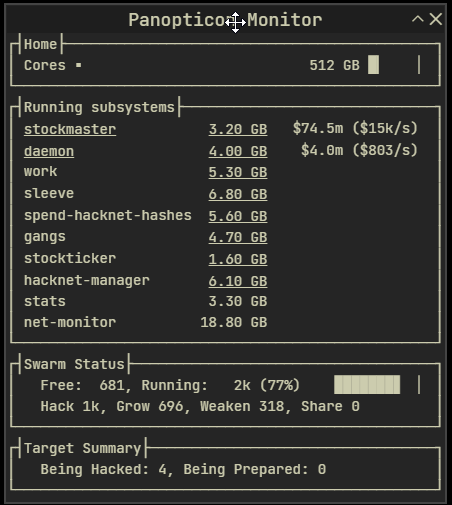
net-monitor.js runs some fancy monitors of what the system is doing.
bitlib.js tries to consolidate non-application specific code
There's also some configuration stuff in bitlib.js, and more scattered about in net.js and net-monitor.js.
The 'net' script is meant to start, stop, and control everything you have running. Some commands to try:
net monitor
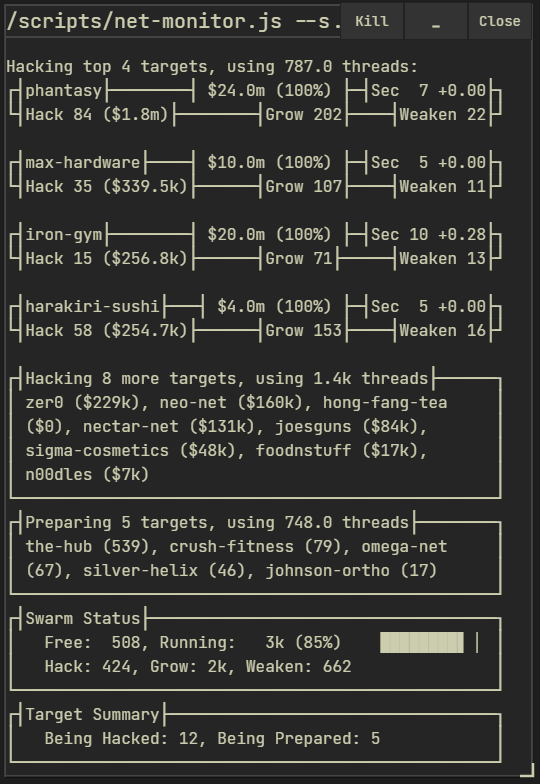
net mon targets1up
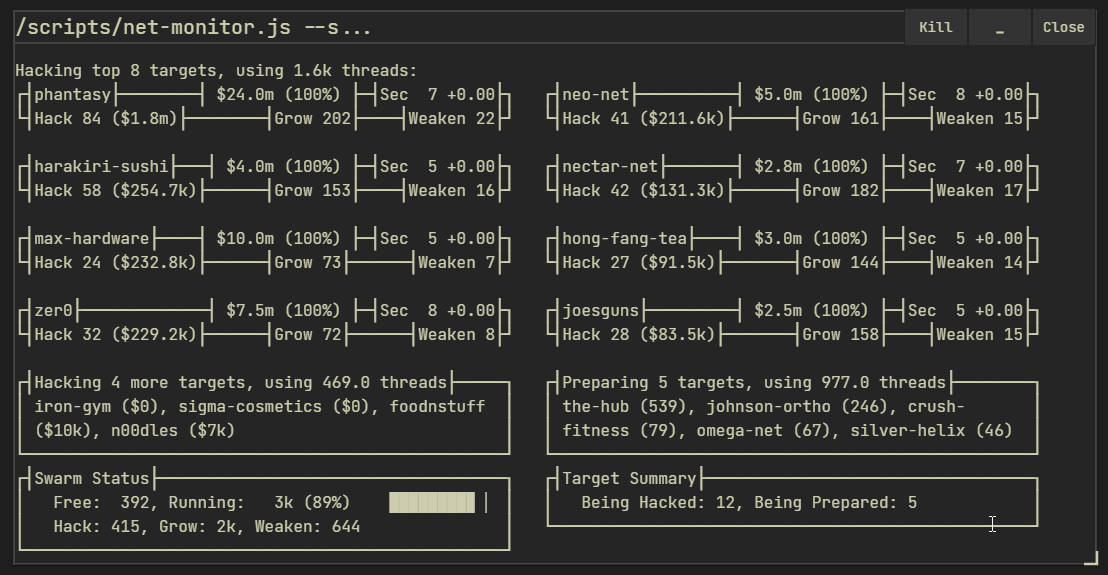
net monitor targets2up

net start
net stop
net stop daemon
net restart

net tail
net tail <subsystem>

net server list
net server prices
net server buy 20
net server delete 1
etc.
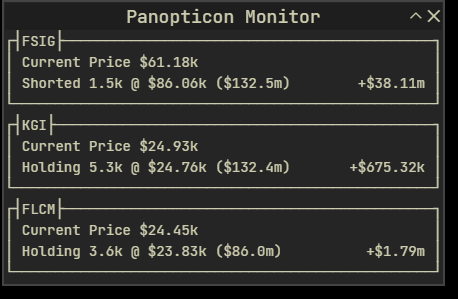
The monitor script has some built in hyperlinks to open other monitor windows. You can click on the script's size to open a tail window of that script. Clicking on the 'daemon' process will open the 'Targets1Up' view, and clicking on the 'stockmaster' process will open a view of your current stock holdings.
If the monitor windows aren't displaying correctly, you may need to mess with the CSS by running run /box/cssEdit.js. Try clicking 'Load from File' then 'Save to Page' and see if that fixes anything. This bit is still a work in progress.
Monitor Window:
Targets1Up:
Targets2Up:
Stocks:
Tagged releases probably work. I try to keep main working, but I sometimes check in code that hasn't been well tested. Caveat Emptor.