pip3 install locust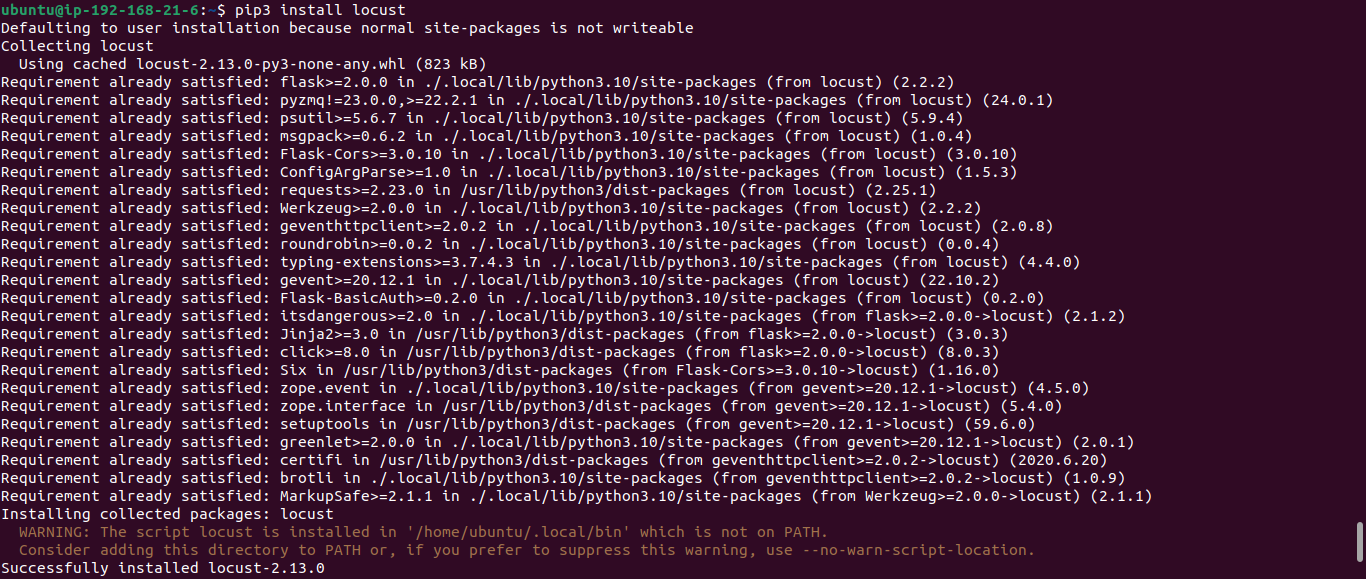
locust -V
It gives an command not found error. If you see the locust installation screenshot its asking to add /home/ubuntu/.local/bin in PATH. So, for this run export PATH=/home/ubuntu/.local/bin/:$PATH

Now, again run locust -V

This time it works...
A Locust test is essentially a Python program. Create python program according to your requirements. Here is the official documentation link to create locust file.
Let's understand the architecture:
I had used 1 EC2 instance in which locust and nginx server running with two endpoints /index.html and /test.html
Put the code in a file named locustfile.py in your current directory and run :
locust -f locustfile.py

Now hit InstancePublicIP:8089 after adding rule for 8089 port in security group. Enter number of users, Spawn rate, and Host.
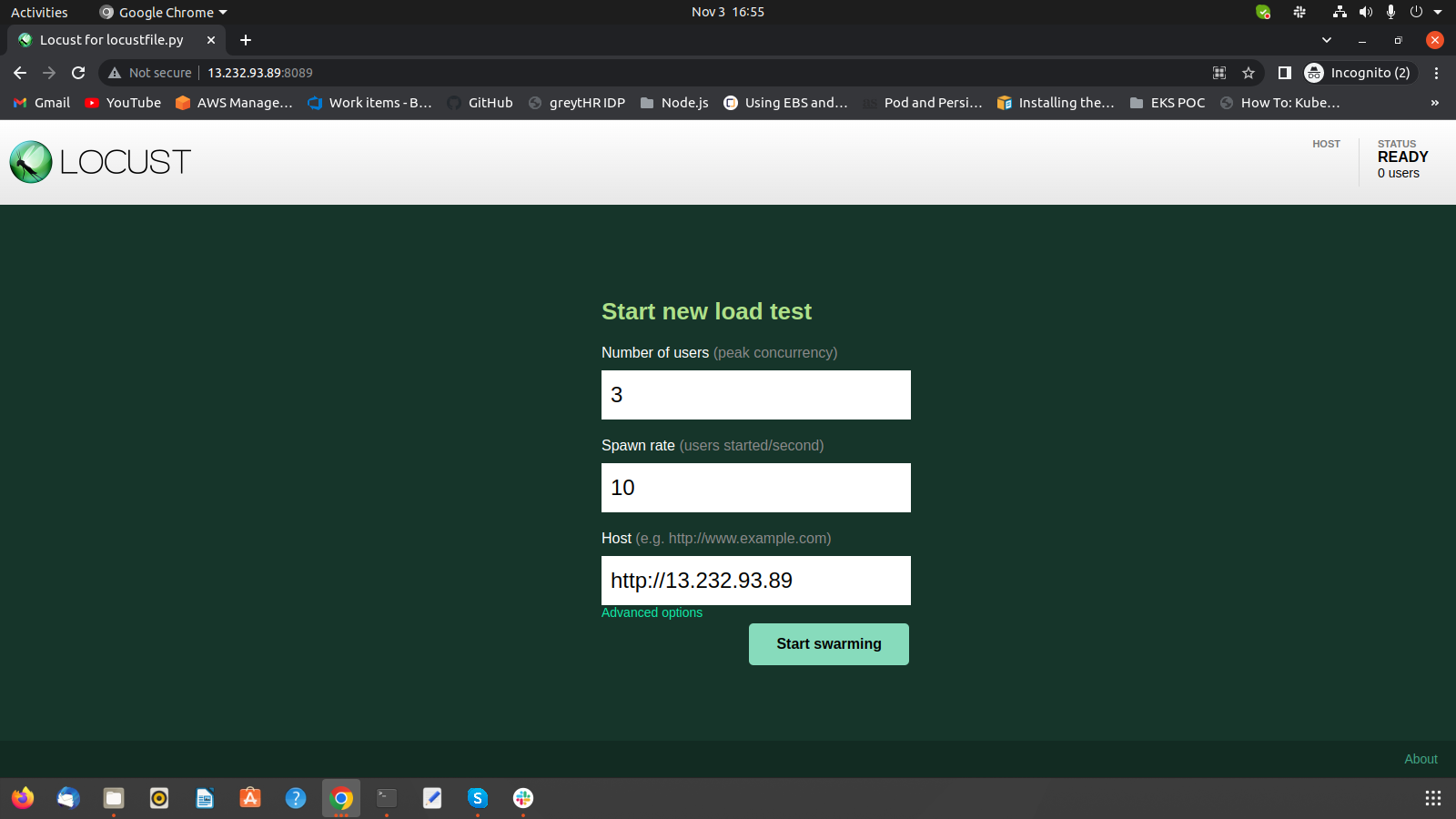
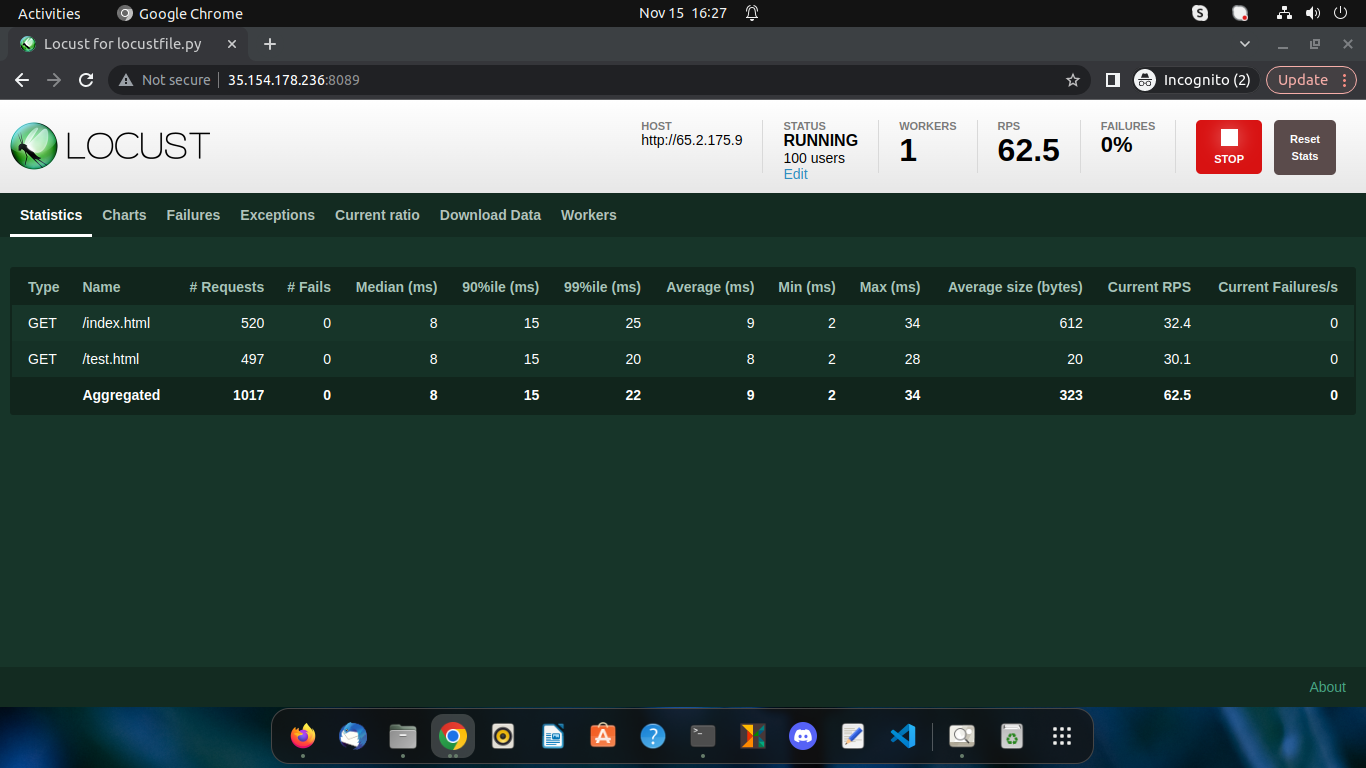
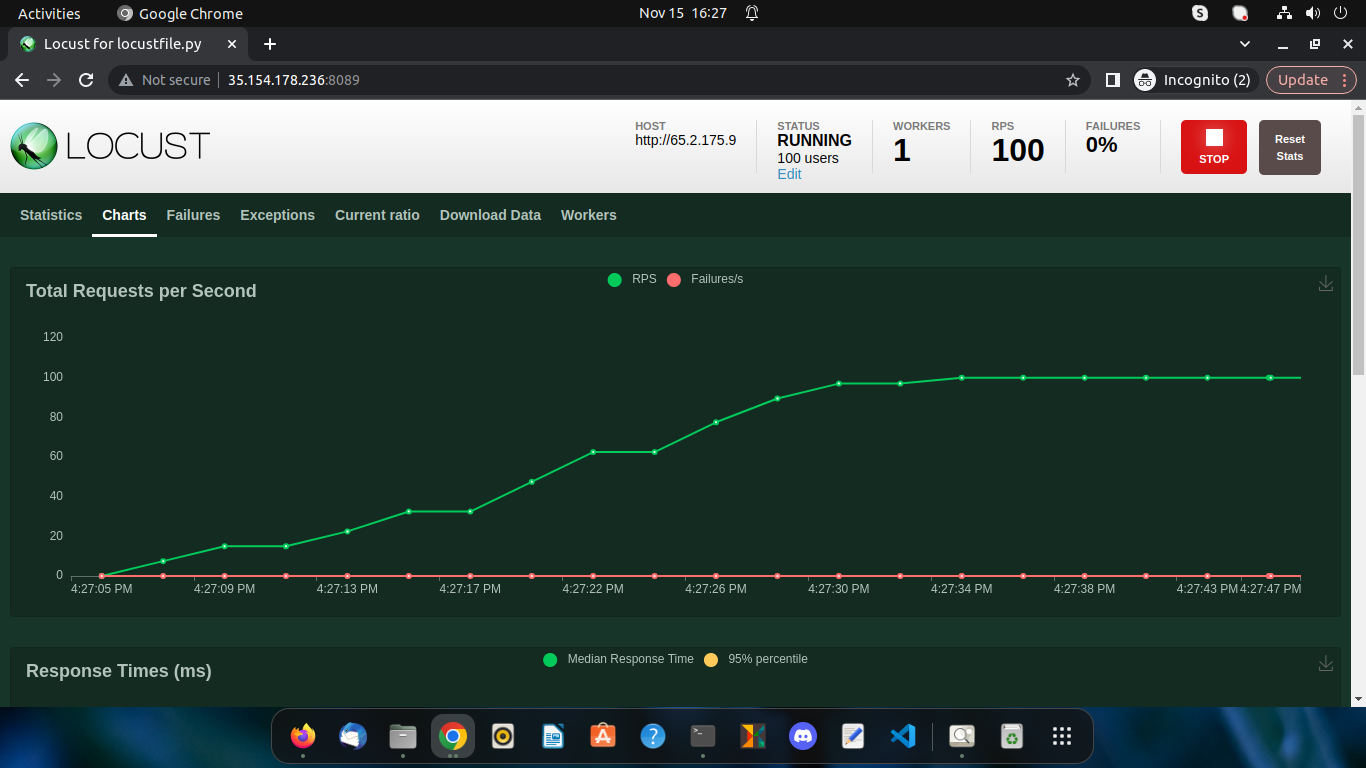
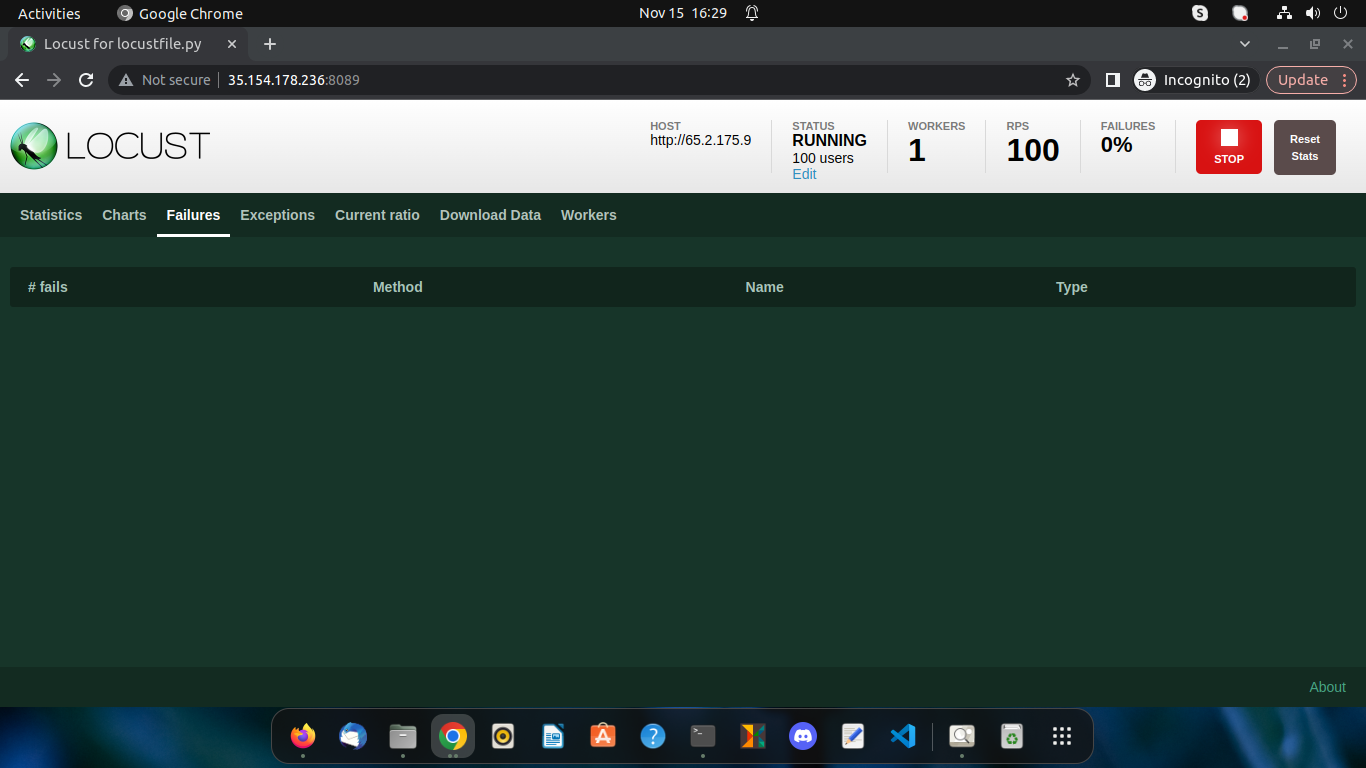
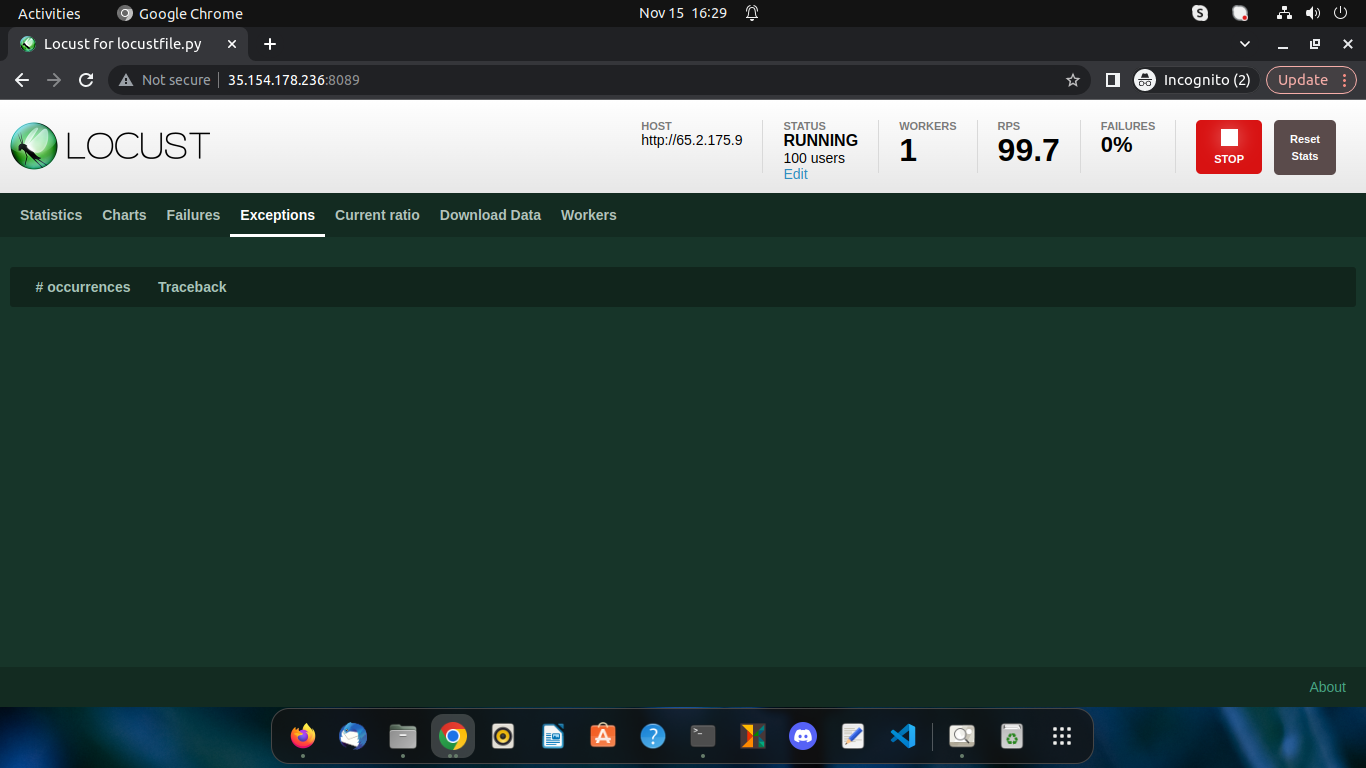
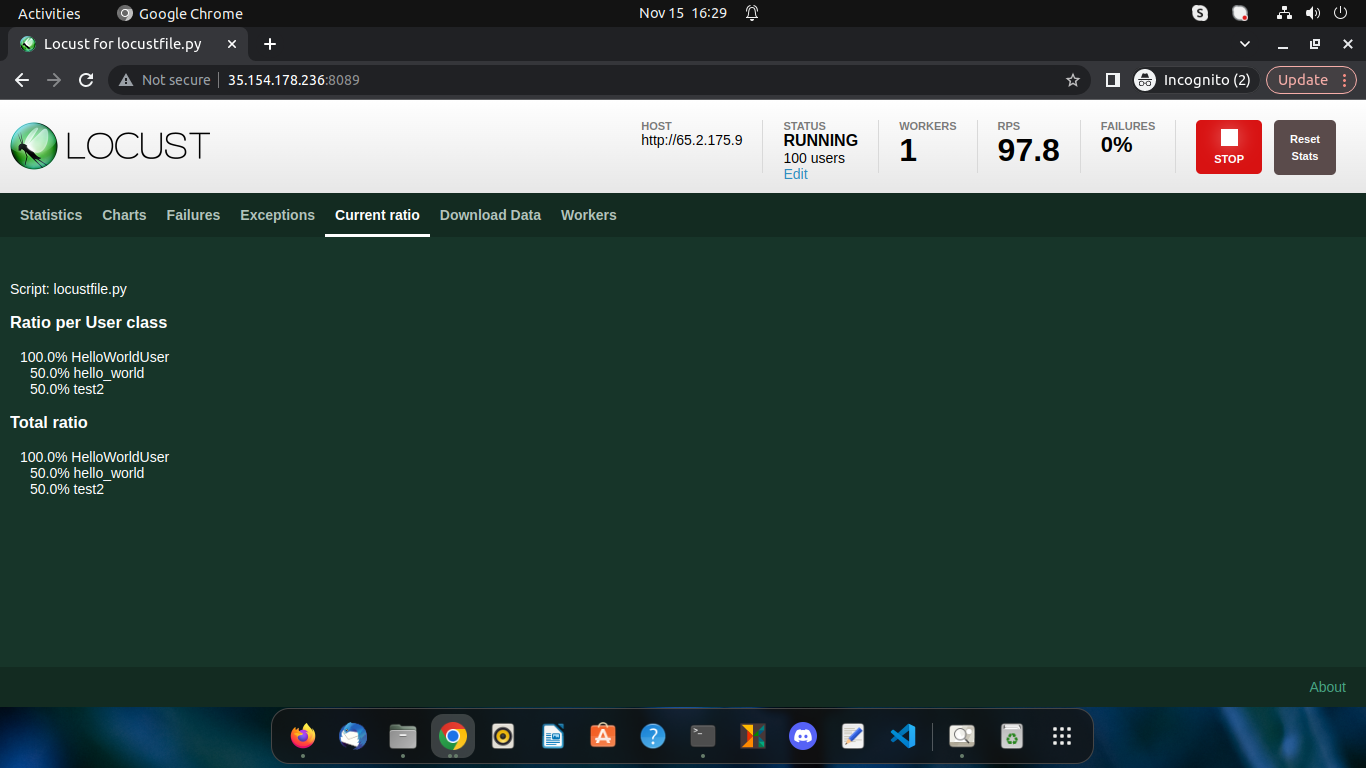
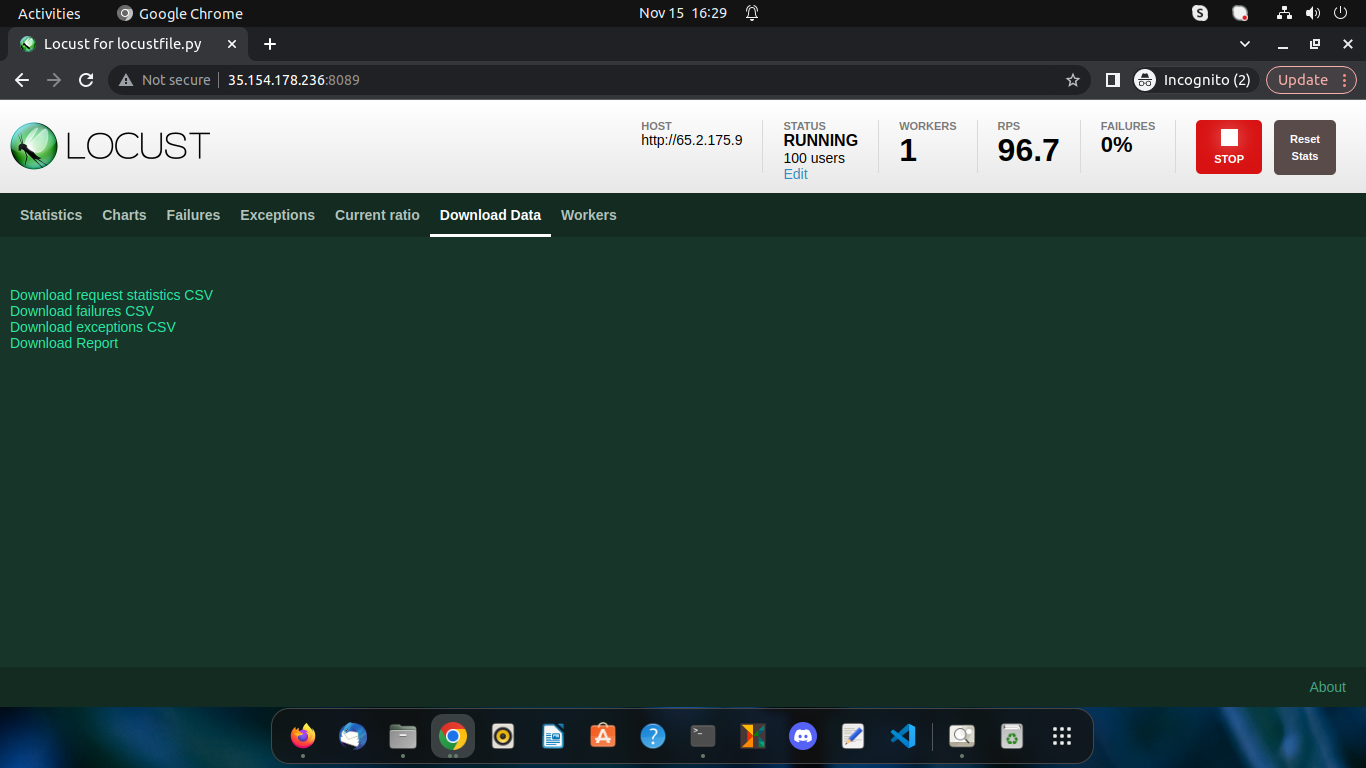
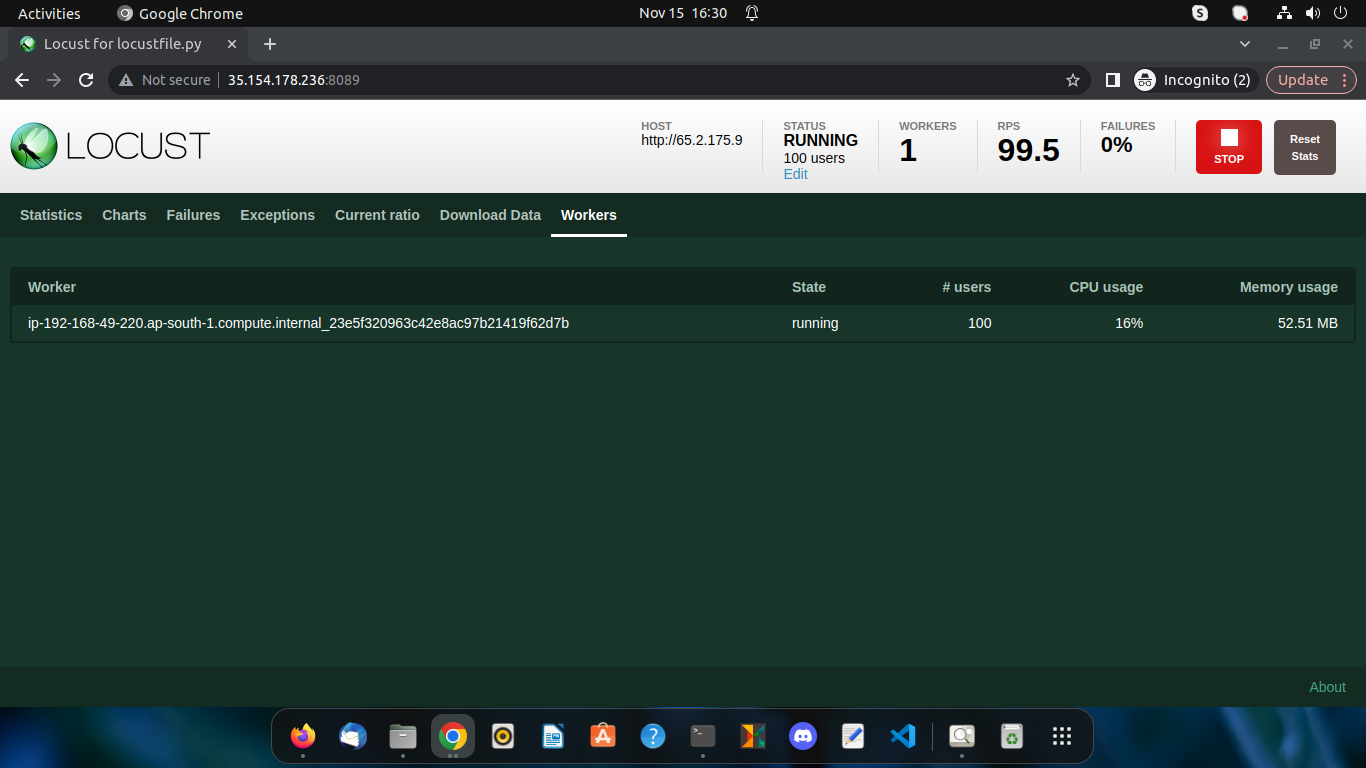
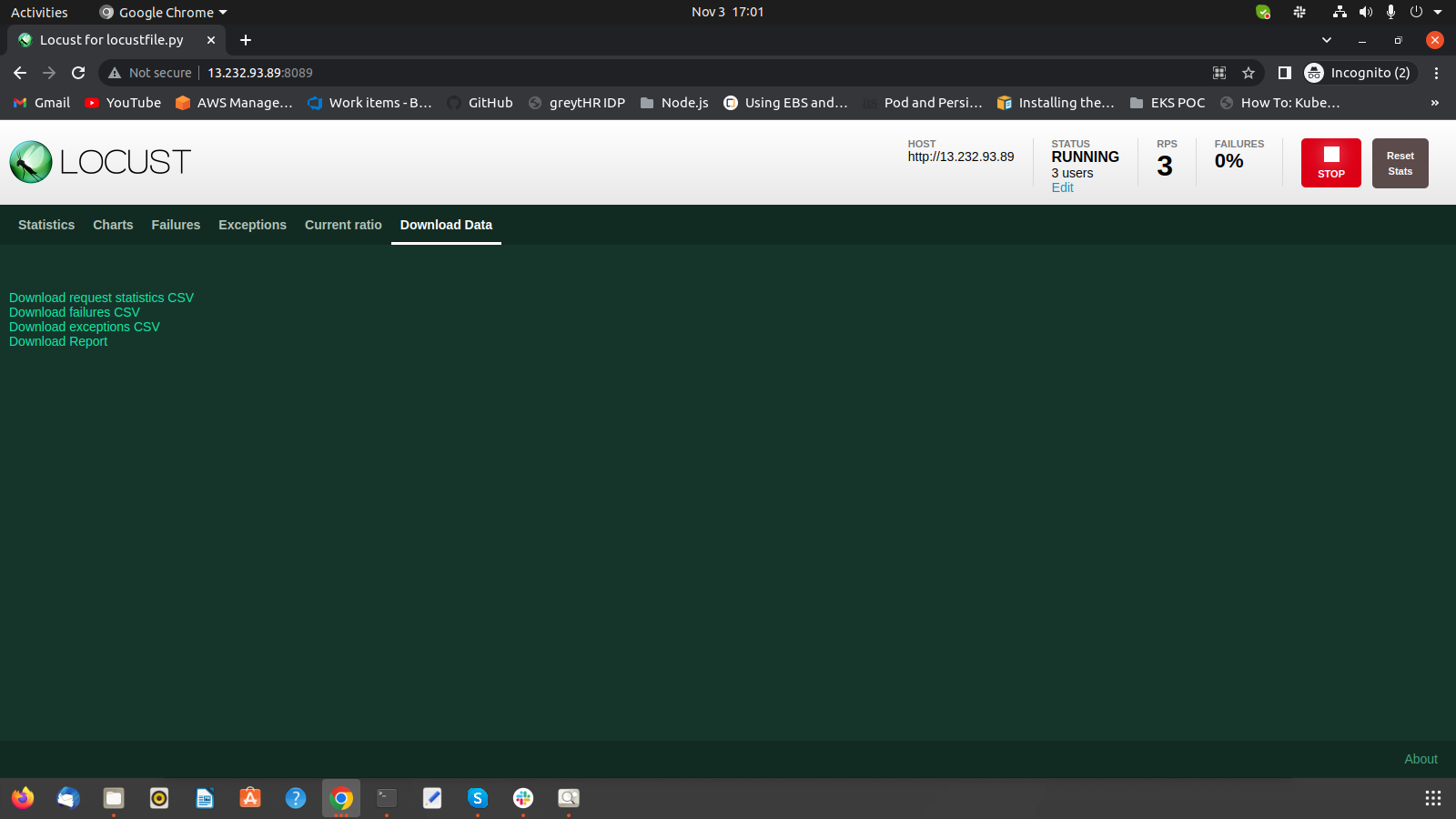
Now, click on start swarming. And get the statistics, charts, failures, exceptions, current ratio, and download data.


I had used 3 EC2 instances, one for locust master, second for locust worker and last for nginx server with two endpoints /index.html and /test.html
Here is the official documentation for distributed load generation.
Put the code (same as used in Approach-1) in a file named locustfile.py in your current directory and run:
locust -f locustfile.py --master
locust -f locustfile.py --worker --master-host=<MASTER_INSTANCE_IP>
If getting error then allow port no. in security group of master.
Now hit MASTER_INSTANCE_IP:8089 from browser.
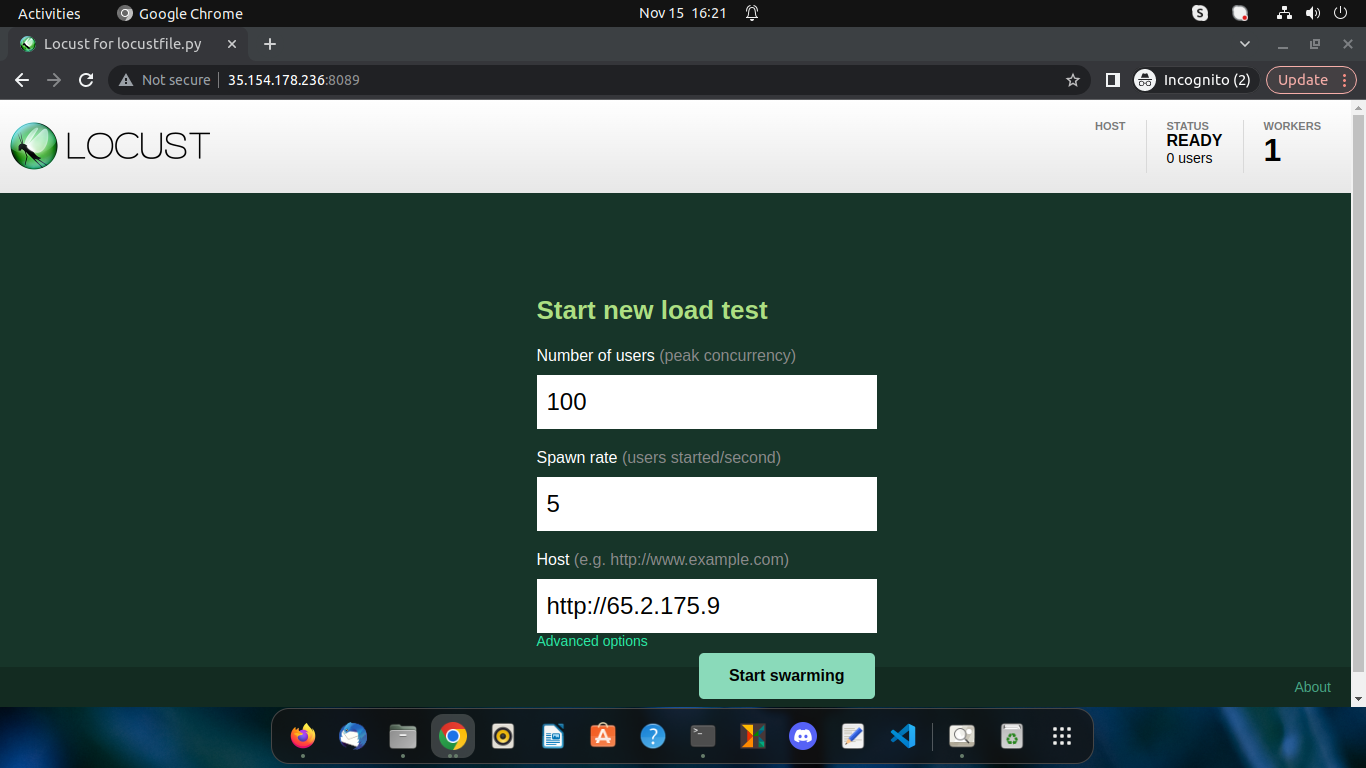
Enter No. of user, spawn rate and host(don't forget to add http://) then click on start swarming and get the statistics.