Conversation


|
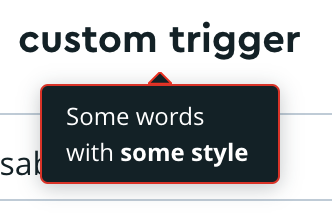
Ah! @VLuisa one thought: is it possible to use a mr-ui/src/components/tooltip/tooltip.tsx Line 91 in 66a4740 I wonder if that might achieve the clean outline around the whole tooltip as you had proposed. |

|
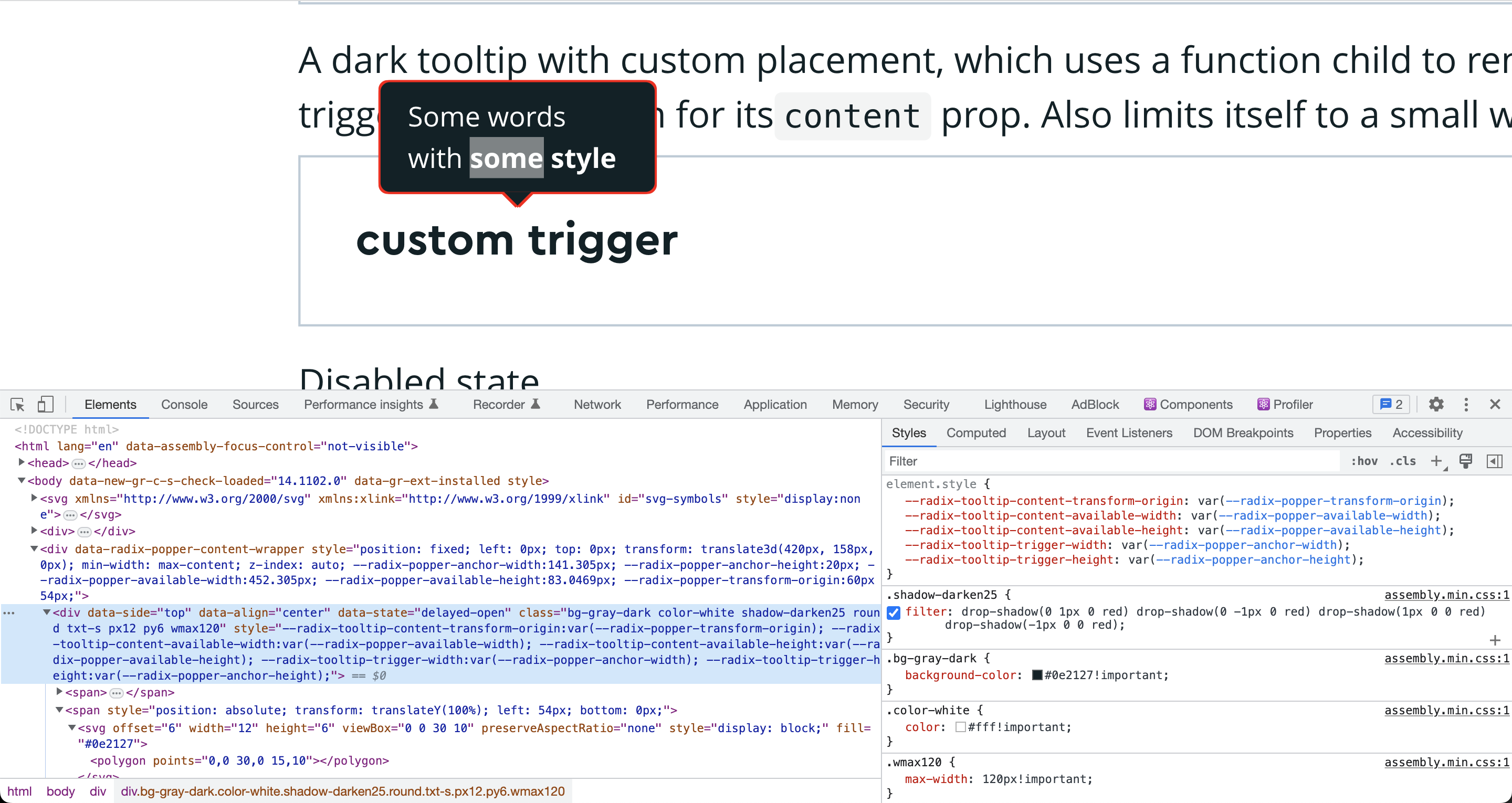
Ah! @VLuisa thanks for trying that out! I wish
Here's the CSS for that {
filter: drop-shadow(0 1px 0 red) drop-shadow(0 -1px 0 red) drop-shadow(1px 0 0 red) drop-shadow(-1px 0 0 red)
} |
|
@tristen Ooh nice! This feels like it may work because it'd never be observed as closely as in a large screenshot? |
I think this can be added as inline CSS because it's pretty specific to this option and doesn't require pseudo-selectors. Something like this? import variables from '@mapbox/mbx-assembly/dist/variables.json';
return (
<div style={{
filter: `
drop-shadow(0 1px 0 ${variables['--gray-deep']})
drop-shadow(0 -1px 0 ${variables['--gray-deep']})
drop-shadow(1px 0 0 ${variables['--gray-deep']})
drop-shadow(-1px 0 0 ${variables['--gray-deep']})
`
/>
); |
|
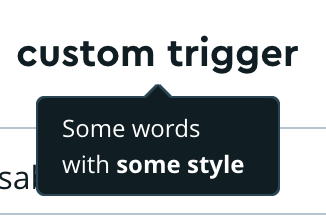
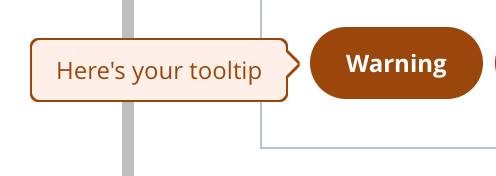
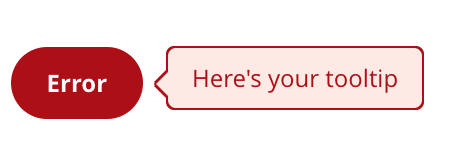
@tristen This (mostly) worked for the dark tooltip - as you said, if you don't look too closely. So naturally, I tried applying it to all the tooltips and... it doesn't look great 😅 I'm leaning towards keeping the dark tooltip as it is in this PR so that they're all consistent. But we could also use this outline styling for just the dark tooltip - curious what you think! |
|
@tristen can't re-request review through the github UI, but I made our proposed changes using |


 VLuisa
changed the title
VLuisa
changed the title
2 participants


Added a light shadow to the dark tooltip to improve visibility against dark backgrounds:

Also updated all tooltip shadows to use
drop-shadowfor more accurate shading.@tristen for approval