Repository navigation
Practice and Exams en
Open similar-question practice from a question's detail page and choose a difficulty; the AI generates a variant testing the same knowledge points. Generated questions are fill-in-the-blank or free-response, and the question text should not carry a question number, score or multiple-choice options.
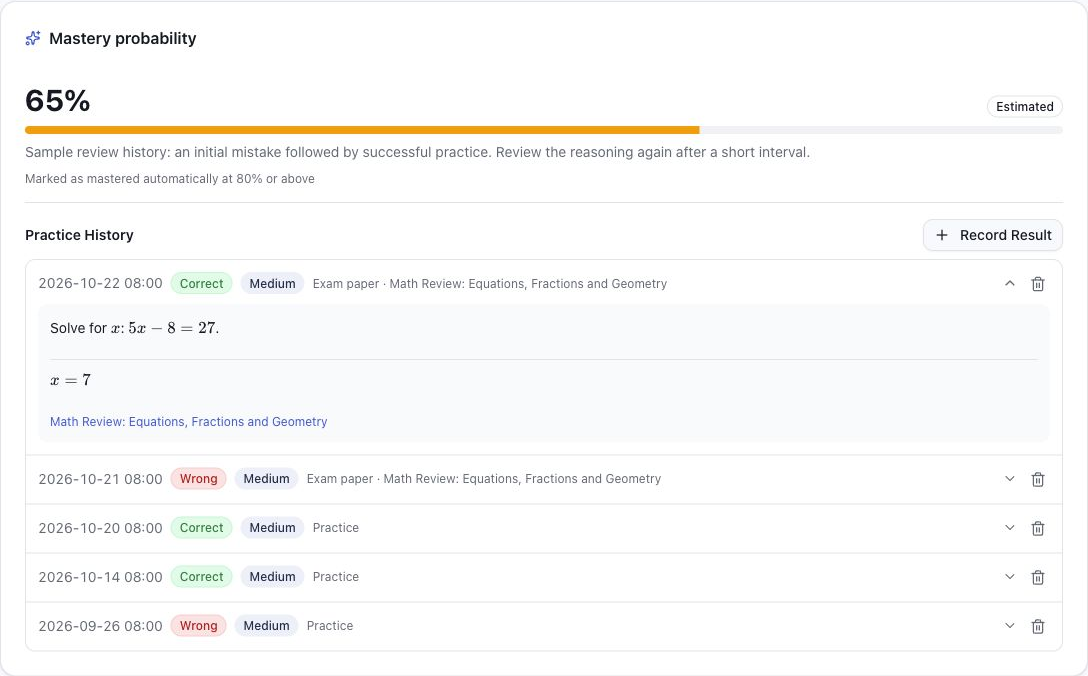
Answer on your own first, then view the answer and analysis and record whether you got it right. Records are linked to the original question for reviewing practice history and evaluating mastery.
Answers are checked when you submit. If your answer matches the reference answer (ignoring spaces, formula delimiters and prefixes like "The answer is"; for multiple choice only the option letters are compared), it is marked correct right away. Otherwise the AI compares it with the reference answer and analysis and gives a one-line reason. Equivalent forms (such as 1/2 and 0.5) count as correct; giving only some of several answers counts as wrong. If the AI check fails, you choose the result yourself. The check is only a suggestion and can be changed before saving.
Each question keeps the most recently generated variant and its solution. Reopening practice shows that question and when it was generated without calling the AI again; click "Regenerate" for a new one, which replaces the saved variant.
Mastery probability is estimated from the actual answer history linked to the original question, including similar-question practice, exam answers and repeated imports.
- AI evaluation is used first; if the AI call fails, a rule-based estimate is used and the source is recorded.
- A question's status is decided automatically by its answer records and mastery probability, not marked manually:
- To review: no similar-question records yet.
- Reviewing: has records and a mastery probability below 50% (also used while a new record is still being evaluated).
- Mastered: has records and a mastery probability of at least 50%.
- Notebooks can be filtered by these three statuses; the "not mastered" scope of random exam papers covers both to review and reviewing.
- Without usable answer records, the mastery probability is empty.
- Evaluation runs in the background, so after recording results you may need to wait or refresh to see the update.
Mastery probability helps plan reviews. It does not guarantee the student understands the question and is not an exam score.
The Review page in the navigation lists questions due today, and the home page shows how many are due.
- Reviews follow intervals of 1, 2, 4, 7, 15 and 30 days: the first review is the day after adding a question; each correct answer moves it to the next interval, and a wrong answer starts over.
- Intervals count from the most recent answer, whether from similar-question practice, manual entry, exams or duplicate imports; "not attempted" records do not change the schedule.
- After 6 correct answers in a row the question is no longer scheduled. Dates follow the application time zone, and the earliest due questions come first.
- Open a card for details, or click Practice to practice right away; after you record a result the question leaves the list until its next interval.
- Open the exam entry and choose the scope: notebooks, knowledge points, mastery and so on.
- The system picks questions from that scope and generates a variant for each.
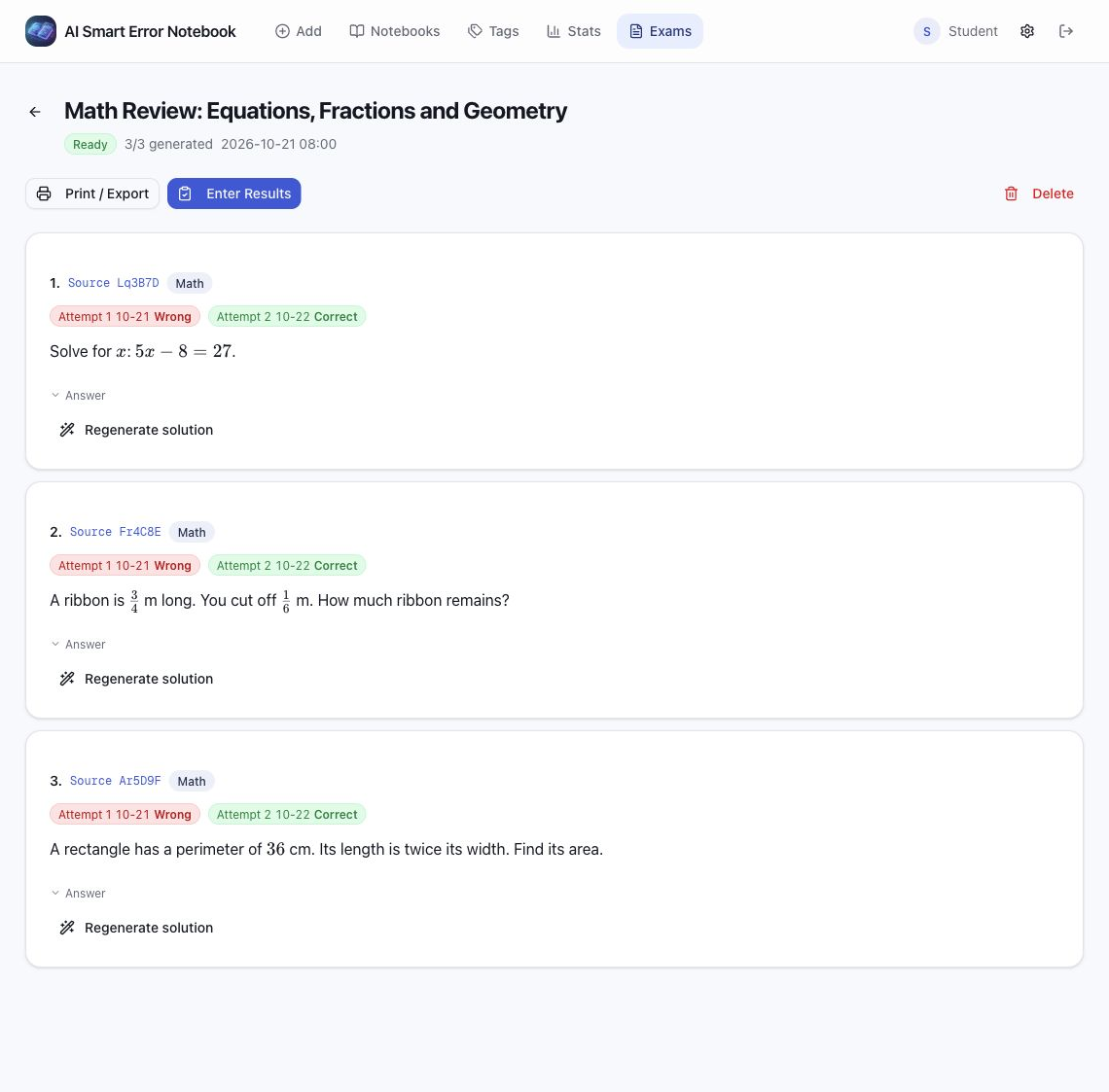
- Check the progress in background tasks; when it finishes, open the paper and check the questions, figures and answers.
- Print or export it, and afterwards record the result for each question.
Exam papers keep the source question IDs so you can go back to the originals. Results can be correct, wrong or not attempted; the same question can keep several results, all linked to the original question's review history.
| Method | Contents and options |
|---|---|
| Print questions | Prints the filtered questions, with question text or original image, answers, analysis, knowledge points and image scale as options |
| Print exam papers | Print preview with an optional answer page |
| Download HTML | Save the exam paper as HTML and open it in a browser |
| Save as PDF | Choose "Save as PDF" in the browser's print dialog |
Before printing, check page breaks, formulas and figures. Paper size, scaling and margins are controlled by the browser's print settings.
Mistake statistics show total questions, mastered count, mastery rate, subject distribution and monthly trends. Practice statistics separately show practice count, accuracy, active months, and distribution by difficulty and subject.
Dates and statistics boundaries use the app time zone. Changing the time zone affects daily and monthly grouping but does not shift the times stored in the database.
Related code: mastery evaluation · exam papers.