

iSlide is a PowerPoint add-in that helps you create professional presentations quickly using templates, icons, diagrams and smart design tools.
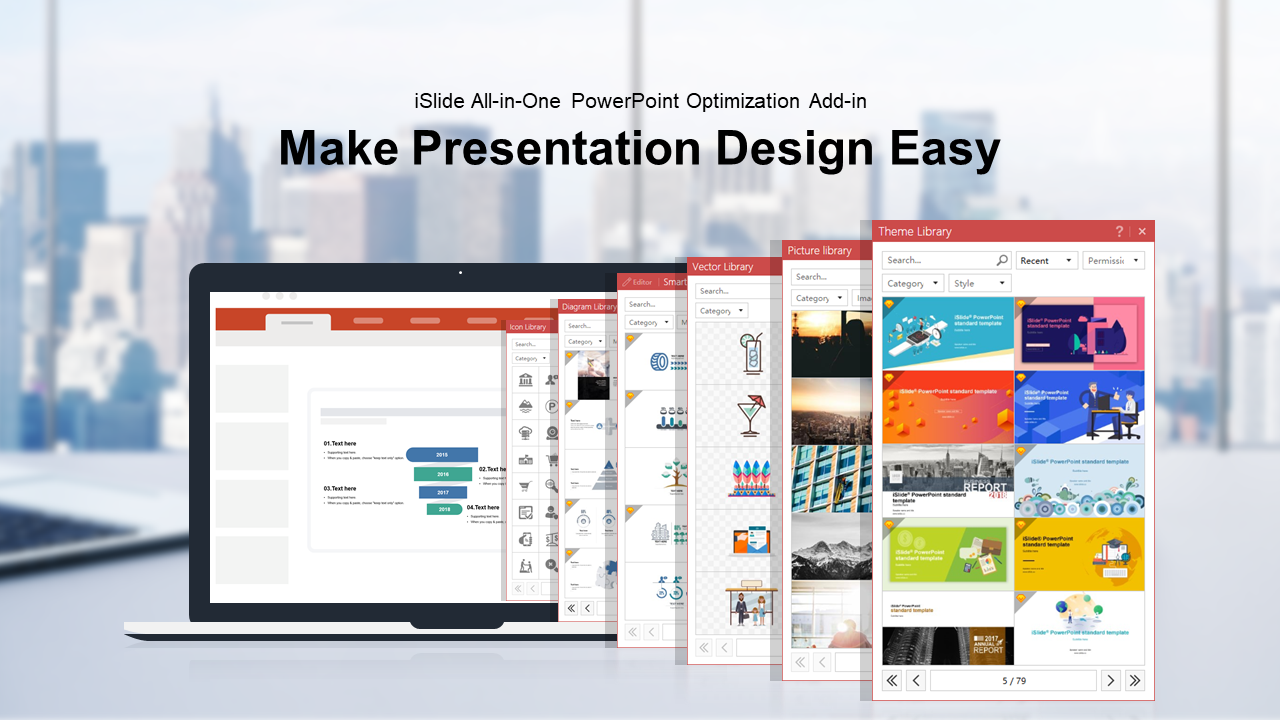
iSlide is a comprehensive add-in for Microsoft PowerPoint designed to simplify and accelerate the creation of professional presentations. It provides a vast library of design assets and built-in tools so that users - even without design skills - can build polished, high-quality slide decks quickly.
- Large resource libraries: templates, themes, diagrams, icons, vectors, pictures and color schemes (hundreds of thousands of assets).
- Smart diagrams & charts: ready-made diagrams (hierarchies, flowcharts, infographics etc.) that adapt to slide theme and can be customized.
- Design tools: layout tools, alignment helpers, color/theme switching, spacing and style consistency tools, plus export or asset-management helpers.
- Ease-of-use: one-click application of themes or design elements, combining icons, diagrams and templates like building blocks.
iSlide is suitable for students, educators, business professionals, marketers, consultants, startups - basically anyone who needs to create presentations but may lack design expertise or want to save time.
- Significantly reduces time and effort needed to build a slide deck.
- Provides polished, professionally designed resources out of the box.
- Allows customization: even users without design background can achieve visually consistent results.
- Freemium model: basic free resources and optional premium subscription for full asset library.
- Template & Theme Library
- Diagram/Smart Diagram Library
- Icon Library & Vector Graphics
- Picture & Color Libraries
- Layout and design tools (alignment, spacing, theming, style consistency)
- Template/application of resources within PowerPoint via add-in integration.
iSlide is available as an add-in for Microsoft PowerPoint on Windows. It works with a range of Windows versions, including Windows 7, 8, 10, etc.
iSlide uses a freemium model: free basic features with limited resources, and premium subscription (monthly or yearly) unlocking the full asset library.
In the free version, only a small number of resources are available per day (for example 3–5 downloads per day in some cases). Some advanced features or premium templates require paid subscription.
- Business presentations (reports, pitches, strategy, marketing decks)
- Educational slides for classrooms, lectures, training materials
- Proposals, project plans, infographics, data visualization decks
- Quick presentation prep when time is limited, or when user lacks design skills