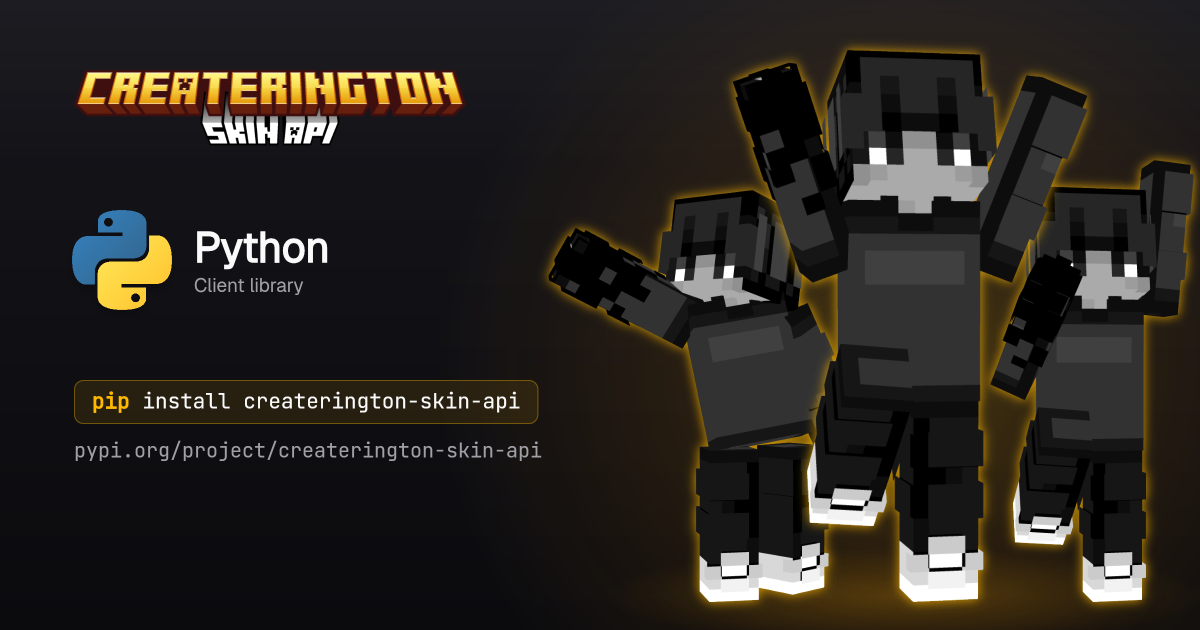
Official Python client for the Createrington Skin API. Renders Minecraft player skins into named poses and returns PNG bytes. Sync and async clients, fully typed.
pip install createrington-skin-apiAccess is invite-only. Request an API key at https://api.createrington.com.
from createrington_skin_api import SkinApiClient

client = SkinApiClient(api_key="sk_...")  # or set SKIN_API_KEY

# Render a known pose for a Minecraft account by UUID.
png = client.render("wave", uuid="069a79f444e94726a5befca90e38aaf5")

# `png` is `bytes` of a PNG image.
with open("notch-waving.png", "wb") as f:
f.write(png)import asyncio
from createrington_skin_api import AsyncSkinApiClient
async def main() -> None:
async with AsyncSkinApiClient(api_key="sk_...") as client:
png = await client.render("wave", username="Notch", slim=True)
with open("notch-waving.png", "wb") as f:
f.write(png)
asyncio.run(main())SkinApiClient(
api_key=None, # required; falls back to the SKIN_API_KEY env var
base_url="https://api.createrington.com",
timeout=30.0, # seconds
retries=2, # retries 429/502/503/504 and network errors
user_agent="createrington-skin-api",
)AsyncSkinApiClient takes the same arguments. Both are usable as context
managers (with / async with) and expose close() / aclose() for
explicit cleanup of the underlying connection pool.
client.render(
    pose,                  # a pose name (e.g. "wave"), or any pose string
    *,
    # exactly one skin source:
    uuid=None,             # Mojang UUID, resolved server-side
    username=None,         # Mojang username, resolved server-side
    skin_url=None,         # public URL to a 64x64 PNG
    skin_base64=None,      # base64-encoded 64x64 PNG (data URL prefix optional)
    png=None,              # raw 64x64 PNG bytes, sent as multipart/form-data
    # options:
    slim=None,             # override slim/Alex arm geometry; default uses skin metadata
    outline=False,         # draw an outline around the skin; default off
    width=None,            # default 400 (64..2048)
    height=None,           # default 600 (64..2048)
) -> bytes
Exactly one skin source must be supplied; passing none or more than one
raises ValueError.
Poses exposes every pose known to the SDK at publish time as a named
constant, so you can reference one by name instead of a bare string:
from createrington_skin_api import Poses

png = client.render(Poses.wave, uuid="069a79f444e94726a5befca90e38aaf5")
pose accepts any string, so server-side poses added after this release work
without an SDK upgrade; fetch GET /v1/poses directly if you need the live
catalogue with descriptions.
random_pose() returns a uniformly random known pose name:
from createrington_skin_api import random_pose

png = client.render(random_pose(), uuid="069a79f444e94726a5befca90e38aaf5")Every non-2xx response (and network/timeout failures) raises SkinApiError:
from createrington_skin_api import SkinApiError

try:
    client.render("wave", uuid="bad-uuid")
except SkinApiError as err:
    print(err.code, err.status, err)
    if err.code == "rate_limited" and err.retry_after_ms:
        ...  # back off and retry
err.code is one of "bad_request", "unauthorized", "forbidden",
"not_found", "conflict", "unsupported_media_type", "rate_limited",
"internal", "render_failed", "upstream_unavailable", "timeout",
"aborted", "network_error", "unknown". err.status is the HTTP status
(or 0 for network/timeout failures). err.retry_after_ms is populated on
429 responses when the server reports it.
The client retries 429, 502, 503, 504, and network errors up to
retries times with exponential backoff; 429 responses honour the server's
retryAfterMs when present.
pip install -e ".[dev]"
pytest
mypy
_poses.py is generated from the published OpenAPI document (fetched live, not
committed):
python scripts/generate_poses.pyrender accepts any pose string, so a new server-side pose works without an
SDK change; Poses and KNOWN_POSES only provide names known at build time.
Issues and pull requests are welcome. By submitting a contribution you agree it is licensed under the project's Apache-2.0 terms (section 5 of the license); no separate CLA is required.
Apache-2.0. See LICENSE.