visual studio code python and sqlite database for my ed4life charity dissertation project (BNU)
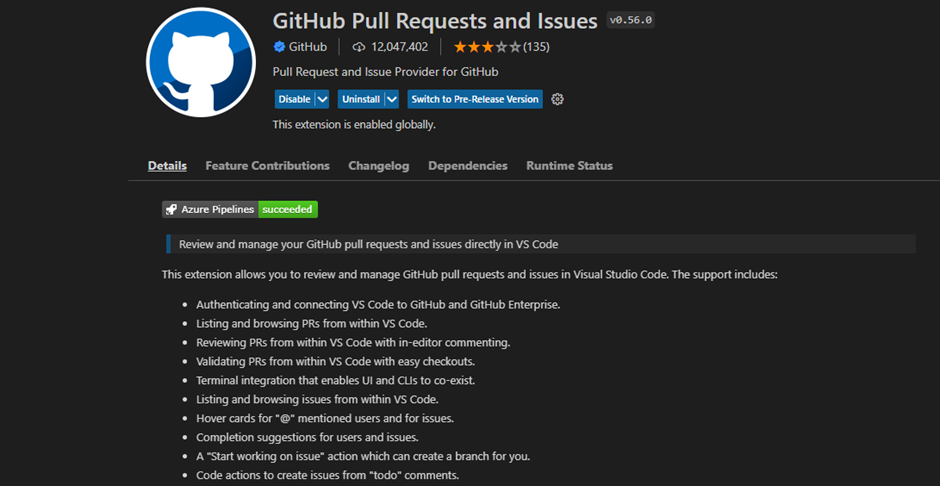
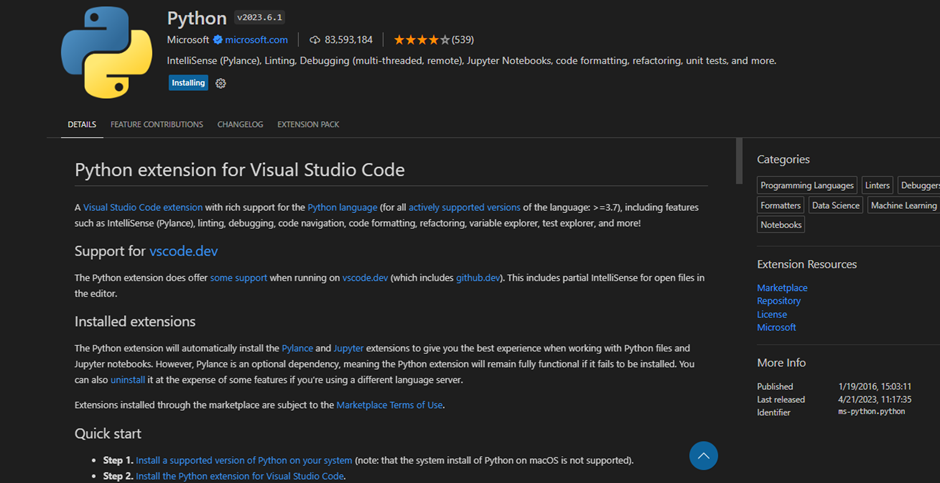
Things to install before getting started:
https://www.python.org/downloads/
https://code.visualstudio.com/download
(Also install the “Python” and “GitHub Pull Requests and Issues” extensions by clicking on the extensions button on the left hand side of the screen in Visual Studio Code shown in the screen shots above) The application was written in Visual Studio Code. It’s recommended that you also use Visual Studio Code.
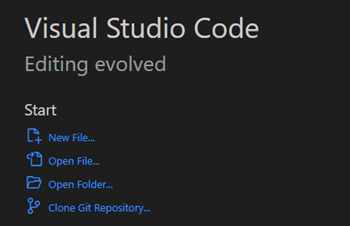
- Click on the clone git repository button
- Link your GitHub account with VS Code
- Press Ctrl + Shift + P and enter the link for the GitHub repository

- Save the file wherever you like in the file explorer pop up
- Select “open”
- Copy and paste the location you saved the file on your system and copy and paste it in place of the file directory line in mainMenu.py

- You can now feel free to run the mainMenu.py file and do what you like with it.