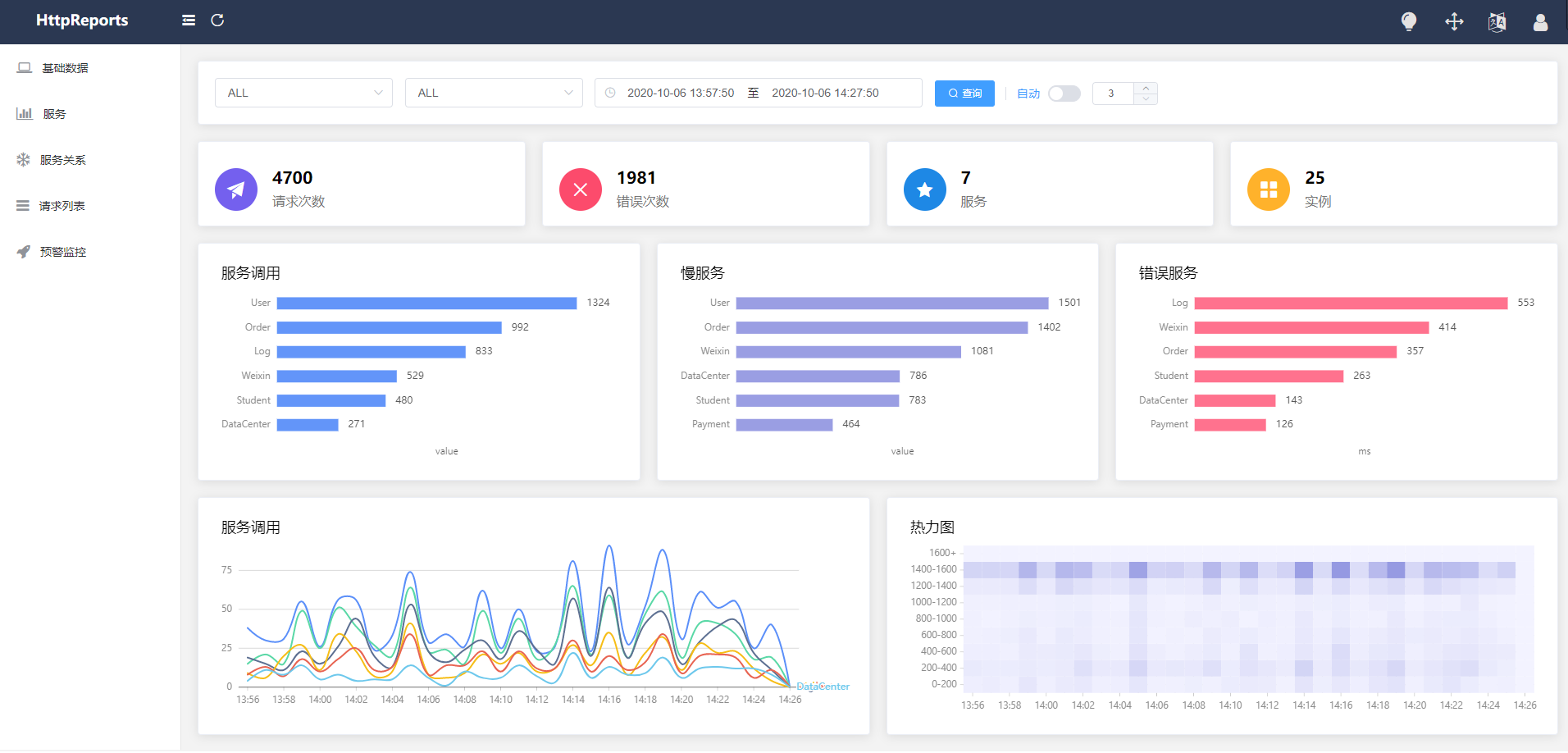
HttpReports is an APM (application performance monitor) system for Net Core. Based on MIT open source protocol, The main functions include statistics, analysis, visualization, monitoring, tracking, etc,It is very suitable for use in microservices.
account: admin password **123456 **
- Service, instance, endpoint metrics analysis
- Slow request, error request analysis
- Service call parameter query
- Multi dimensional early warning and monitoring
- HTTP, grpc call analysis
- Service topology map analysis
- Distributed tracing
- Multi database support, easy integration
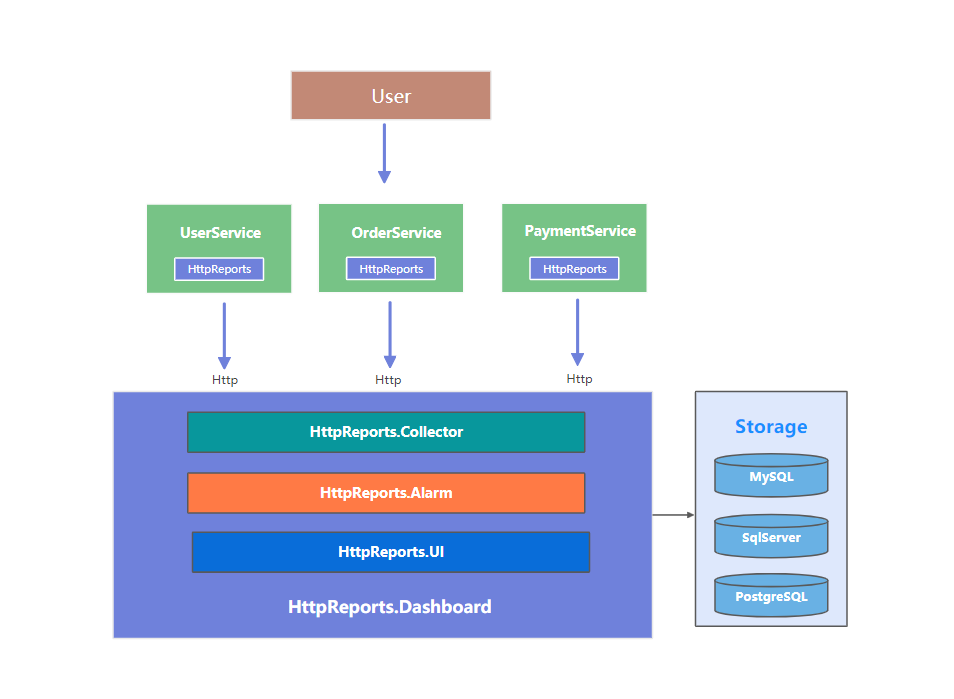
| Database | Nuget |
|---|---|
| SqlServer | HttpReports.SqlServer |
| MySql | HttpReports.MySQL |
| PostgreSQL | HttpReports.PostgreSQL |
| Sqlite | HttpReports.Storage.Sqlite |
HttpReports is an open source APM system in the.net Core environment, which is very suitable for microservice environment. If it is a small or medium-sized project, then HttpReports is a good choice, open source is not easy, if it can help you, please give us a star, thank you 😆
# docker login
# docker build --pull --rm -f ".\HttpReportsDashboardServer\Dockerfile" -t mccj/http-reports-dashboard-server:latest "."
# docker push mccj/http-reports-dashboard-server:latestsudo docker run \
--name HttpReportsDashboardServer \
-e TZ=Asia/Shanghai \
-e HttpReportsDashboard__Storage__DbType=sqlite \
-e HttpReportsDashboard__Storage__ConnectionString="Data Source=App_Data/Data.sqlite" \
-p 5000:80 \
#-v /wwwroot/App_Data:/app/App_Data:rw \
-d mccj/http-reports-dashboard-server:latestinstall client lib from nuget:
Install-Package HttpReports
Install-Package HttpReports.Transport.Http
add a HttpReports section in appsettings.json:
{
  "HttpReports": {
    "Transport": {
      "CollectorAddress": "http://localhost:5000/",
      "DeferSecond": 10,
      "DeferThreshold": 100
    },
    "Server": "",
    "Service": "User",
    "Switch": true,
    "RequestFilter": [ "/api/health/*", "/HttpReports*" ],
    "WithRequest": true,
    "WithResponse": true,
    "WithCookie": true,
    "WithHeader": true
  }
}
dependency injection
public void ConfigureServices(IServiceCollection services)
{
     services.AddHttpReports().AddHttpTransport();
     services.AddControllers();
}


public void Configure(IApplicationBuilder app, IWebHostEnvironment env)
{
     app.UseHttpReports();
     ....