⚠️ Note:
Login Me is a demo project for a college assignment and is not production-ready.
Login Me is a learning platform built using Kotlin and Jetpack Compose. It demonstrates features like user registration, login, and browsing a course catalog.
Before you begin, make sure you have the following tools:
-
Android Studio
The official development environment for Android apps.
👉 Installation Guide -
Android SDK (API Level 14)
Tools required to develop Android applications.
👉 SDK Installation Guide -
Git (optional)
Use Git to clone the repository if you're not downloading it directly.
Follow these steps to set up and run the application:
-
Clone the Repository
Run this command in your terminal to download the project:
git clone https://github.com/michaelact/loginme cd loginme -
Build and Run the Application
Open the project in Android Studio and run the app on an emulator or connected device.

-
Use the Application
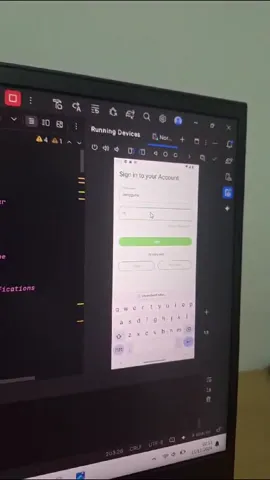
Watch this demo video to see how it works:
Default Login Credentials:
- Email:
pengguna - Password:
masuk
Use these credentials to log in and access the course catalog.
- Email:

The app design is inspired by the following shots:
👉 Dribbble - Online Course App Design