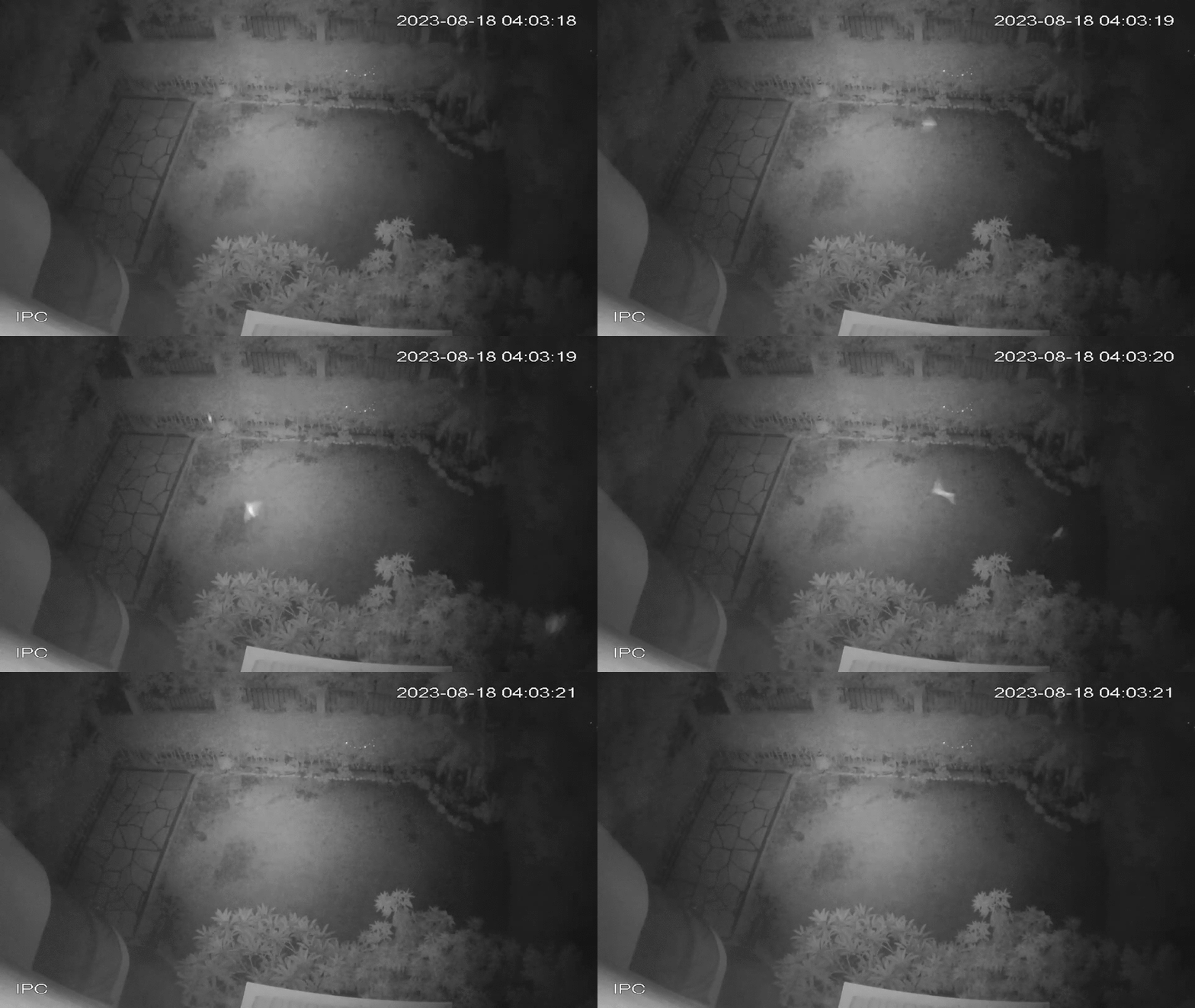


Motion detection in security camera DAV files using OpenCV, with MP4 clip extraction
This program automatically goes through DAV files recorded by security cameras and scans for motion frame-by-frame using OpenCV. I developed this program to help me identify a species of bats flying in my yard, and to save me having to go through hours of footage for footage that contains motion. The program can be adjusted to the user's requirements in multiple ways, as shown in tips.
To use this program, follow these steps:
- Gather all of the DAV files you want the program to go through in a folder
- Place the Python file in the same folder (or optionally, edit the code to search from a different path)
- Adjust any thresholds or parameters as you see fit
- Run the program
- The threshold can be adjusted here:
def motion_detection(video_path, output_dir):
  ...
  while True:
    ...
    if prev_frame is not None:
      ...
      _, thresh = cv2.threshold(diff, 30, 255, cv2.THRESH_BINARY)
# ^^^^^^^^^^^^^- As well as the area size threshold:
      ...
      contours = [cnt for cnt in contours if cv2.contourArea(cnt) > 100]
# ^^^- And the minimum motion duration threshold:
      ...
      elif motion_start is not None:
        ...
        if motion_duration >= 0.5:
# ^^^^^^ Movement for half a second or longer- The FFmpeg subprocess call can be adjusted to save the video clips in a different format, currently they are set to save MP4 files.
- The subprocess call can also be adjusted to capture more/less footage when motion is detected. By default, it will capture 1 second before and after motion is detected:
          ...
          "-ss", f"{motion_start-1:.2f}",
          #         ^^^^^^^^^^^^^^ Capture 1 second before
          "-to", f"{motion_end+1:.2f}",
# ^^^^^^^^^^^^^^ Capture 1 second after- The program is set to look for DAV files in the same directory it is in, but both the file type and the directory can be adjusted:
if __name__ == "__main__":
  input_dir = os.path.dirname(os.path.realpath(__file__))
  # Change 'input_dir' to a set path
  for filename in os.listdir(input_dir):
    if filename.endswith(".dav"):
    #                     ^^^^ Change this extension