AAD Debug multitenant not working #7230

Description

1. Describe the bug
Debugging on multitenant BC onprem fails when using AAD login.
"?tenant=xxx" is not added to URL opened by browser. You can workaround by adding tenant to URL manually.
2. To Reproduce
- Setup multitenant BC instance with AAD login.
- Using any al project. Add AAD login config pointing to multitenant instance and tenant to launch.json.
- F5 and select AAD login config.
3. Expected behavior
Browser opened to:
https://localhost:8080/? tenant=xxx &redirectedfromsignup=1&debuggingcontext=6853c81f-4b1a-47f8-be66-294d95d6a303&page=22
4. Actual behavior
Browser opened to:
https://localhost:8080/?redirectedfromsignup=1&debuggingcontext=6853c81f-4b1a-47f8-be66-294d95d6a303&page=22
No "?tenant=xxx" in URL.
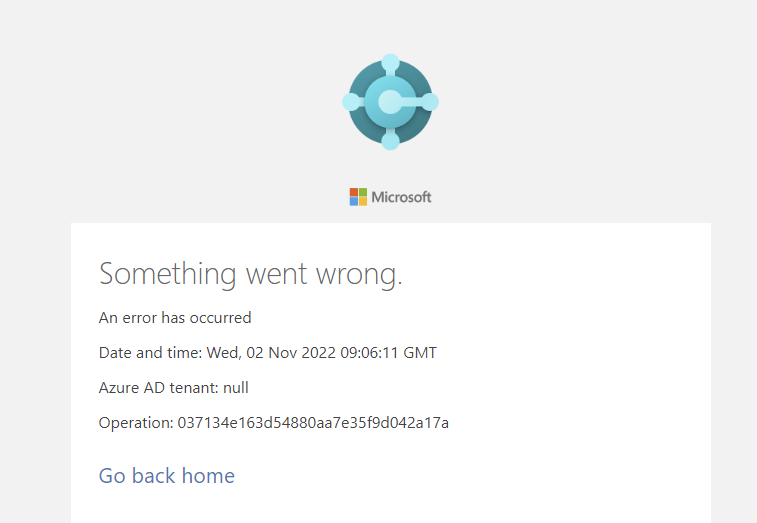
5. Versions:
- AL Language:v10.0.687650
- Visual Studio Code:1.72.2
- Business Central: NO Business Central 19.2 (
- List of Visual Studio Code extensions that you have installed:ms-dynamics-smb.al@10.0.687650
All other extn are disabled.