Grey flash after transitions between virtual desktops #550


Description

Environment
Windows build number: 10.0.17763.805
PowerToys version: 0.11.0
PowerToy module for which you are reporting the bug (if applicable): FancyZones
Steps to reproduce
Prerequisites:
- Have at least 2 virtual desktops
- Start at the first virtual desktop
- Enable the FancyZones setting Flash zones when the active FancyZones layout changes
- Optional: Disable the Animate windows when minimizing and maximizing option in the Windows 10 Performance Options. This makes the unexpected flash more noticeable.
Reproduction steps:
- Press CTRL+WIN+Right arrow
Expected behavior
Don't flash after the transition to another virtual desktop. Only flash when the active FancyZones layout changes.
Actual behavior
- Animate windows enabled: (2 random scenarios)
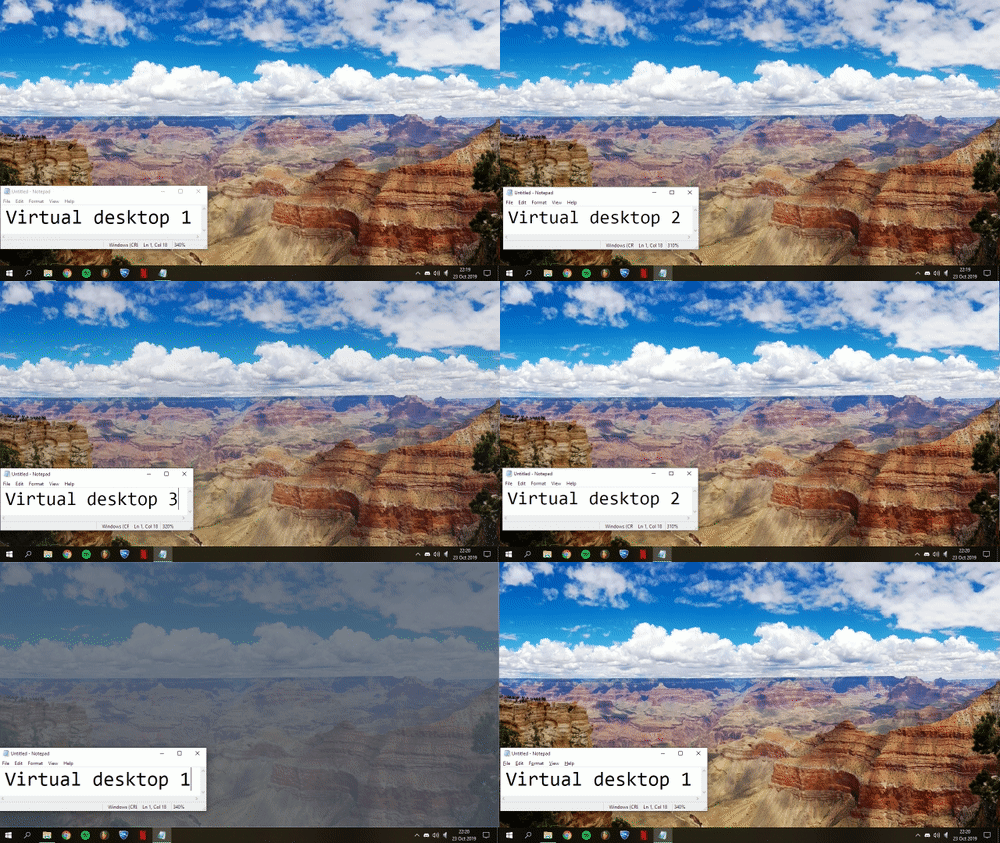
- While the animation to another virtual desktop is running a grey overlay scrolls into view. The grey overlay disappears after the virtual desktop animation is completed.
- Or a light grey flash appears after the transition to another virtual desktop.
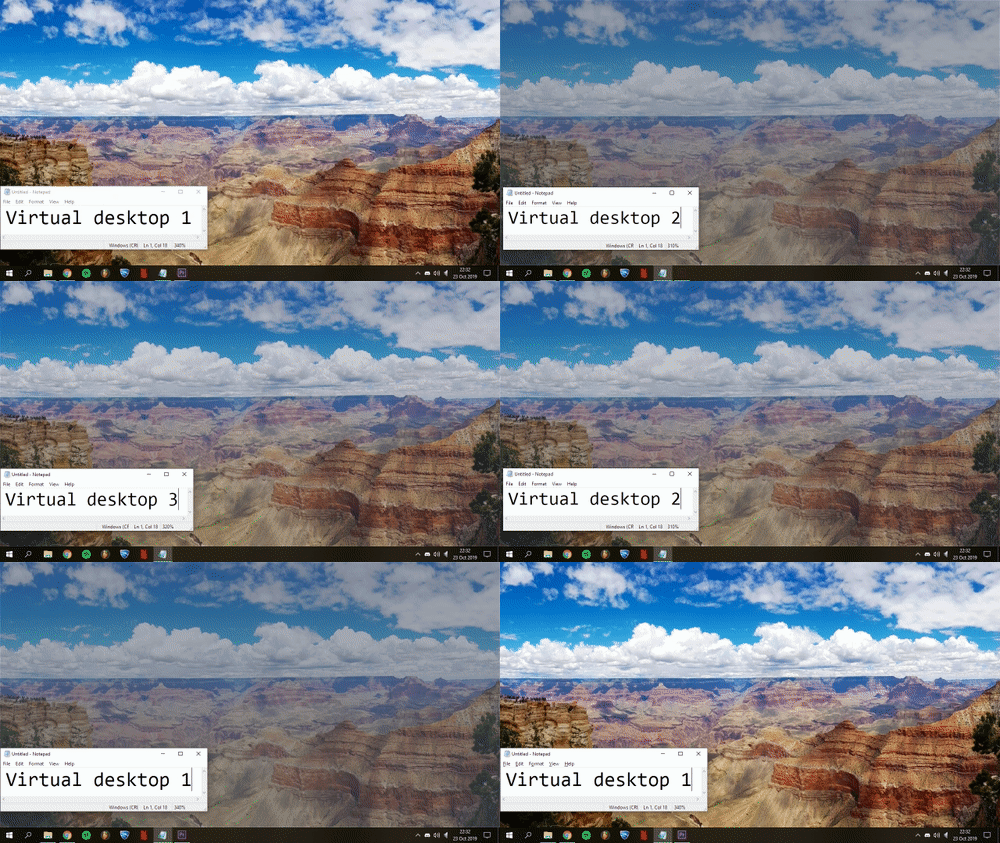
- Animate windows disabled: After the virtual desktop animation is completed a light grey flash appears as if the active layout changed.
Screenshots
Without virtual desktop animation enabled:
With virtual desktop animation enabled: