From @ryaninvents on September 10, 2018 16:45
After this Twitter discussion, it seems that there's interest in improving the outline/breadcrumb display for arrow functions.
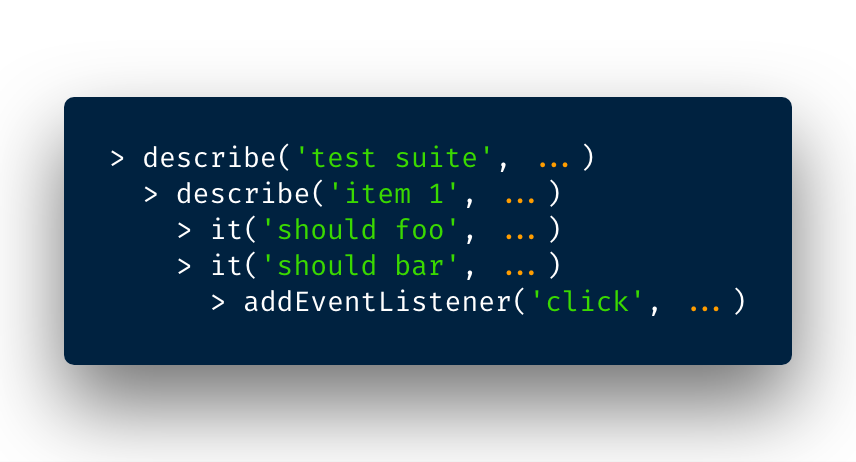
My proposal: if the arrow function is an argument in a function call, use the name of the called function along with any string literals to visually identify the otherwise unnamed function.
For example:
// Example code
document.addEventListener('click', () => {
  // This would ordinarily display as "<function>"
})

/* Proposed outline display

> addEventListener('click', ...)

*/
I took a quick look at the code but wasn't sure how the tokens are generated or used to form the outline, but I wrote a proof-of-concept using Babel to at least give a sense of my idea.
Before:

After:
Copied from original issue: microsoft/vscode#58367

From @ryaninvents on September 10, 2018 16:45
After this Twitter discussion, it seems that there's interest in improving the outline/breadcrumb display for arrow functions.
My proposal: if the arrow function is an argument in a function call, use the name of the called function along with any string literals to visually identify the otherwise unnamed function.
For example:
I took a quick look at the code but wasn't sure how the tokens are generated or used to form the outline, but I wrote a proof-of-concept using Babel to at least give a sense of my idea.
Before:
After:
Copied from original issue: microsoft/vscode#58367