Unable to find any distributions through https://aka.ms/wslstore #3816

Description

-
Your Windows build number:
Microsoft Windows [版本 10.0.17134.523]This is Traditional Chinese version of Windows 10.
-
What you're doing and what's happening:
wslafter initial installed WSL.When I installed WSL by using the following command and restarted the computer.
Enable-WindowsOptionalFeature -Online -FeatureName Microsoft-Windows-Subsystem-Linux
I run
wslin the Command Prompt. It prompt me the open https://aka.ms/wslstore to install distributions. When I open this link, the Microsoft Store show me this: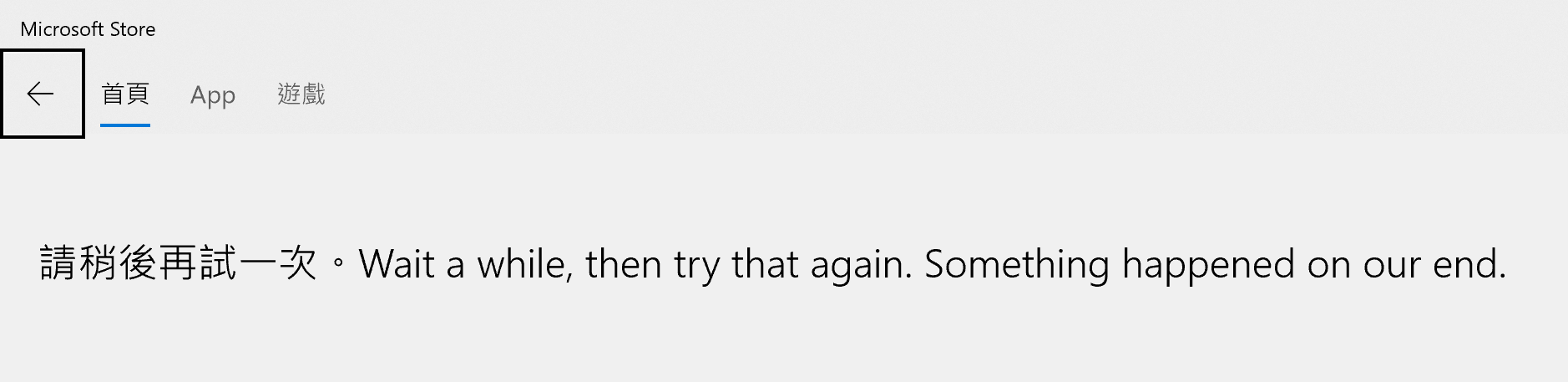
I checked the link. It return HTTP 301 with Location
ms-windows-store://collection/?CollectionId=LinuxDistros. It looks like my Microsoft Store location doesn't have thatCollectionIdor I can't see thisCollectionIdin my localization.Is there any workaround for this? I mean is there any link can open Microsoft Store correctly?
-
What's wrong / what should be happening instead:
The link should be opened Microsoft Store with the right collection that all valid distribution been listed.
-
Strace of the failing command, if applicable: N/A