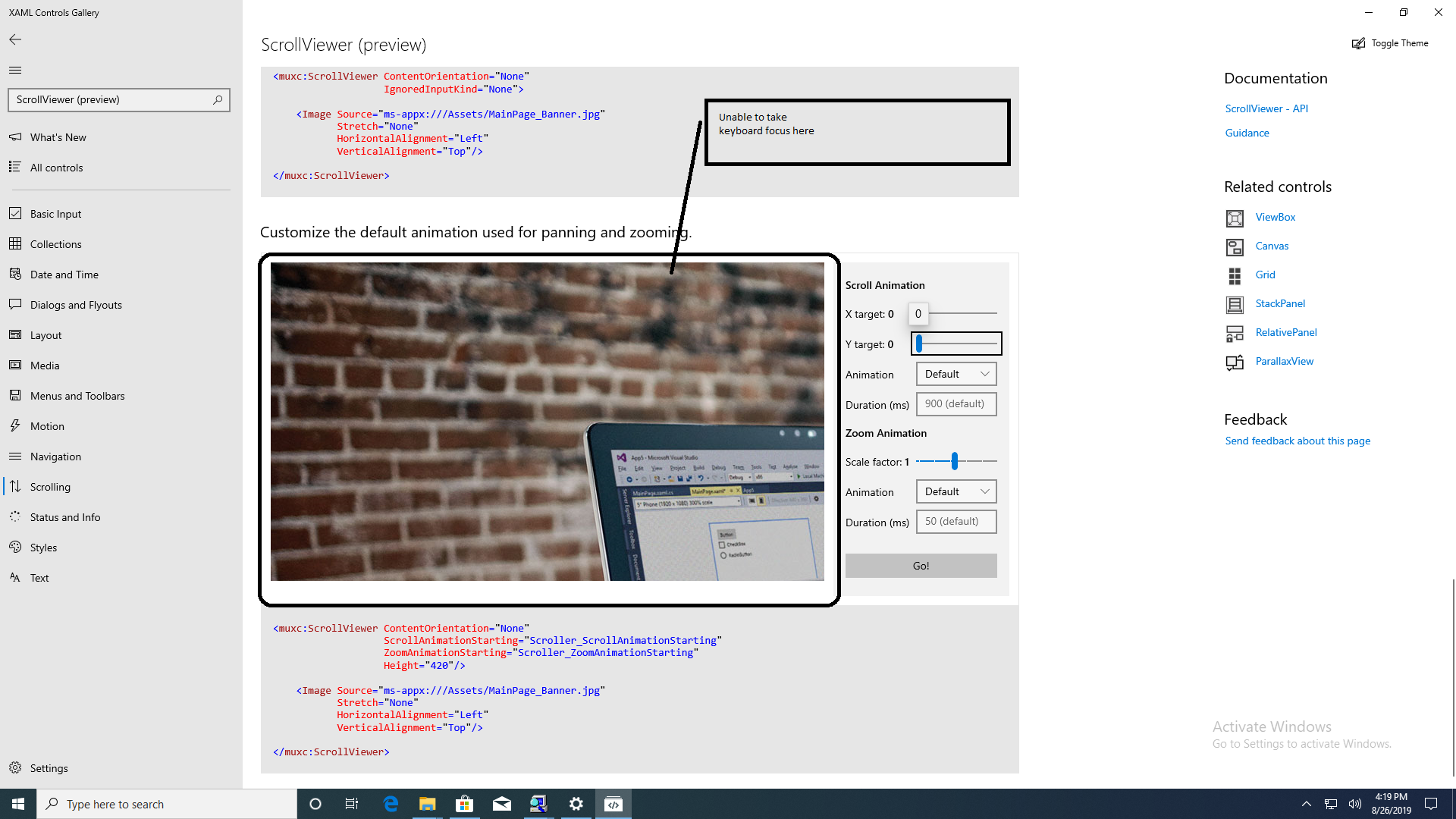
Keyboard focus doesn't move to the ScrollViewer pane present under header "Constrain the layout of content"/"Customize the default animation used for panning and zooming" #160

Description

Describe the bug
Steps to reproduce the bug
Steps to reproduce the behavior:
- Launch XAML Controls Gallery.
- Activate ScrollViewer (preview) from All Controls page.
- Try to take the focus to the image present under the header "Constrain the layout of content"/"Customize the default animation used for panning and zooming".
Expected behavior
Keyboard focus should move to that area as the image is scrollable.
Actual behavior
Keyboard focus skips the image.
Screenshots

Version Info
Gallery version (found on Settings page):
App Version: 1.2.9.0
Windows 10 version:
- Insider Build (xxxxx)
- May 2019 Update (18362)
- October 2018 Update (17763)
- April 2018 Update (17134)
- Fall Creators Update (16299)
- Creators Update (15063)
- Anniversary Update (14393)
Device form factor:
- Desktop
- Mobile
- Xbox
- Surface Hub
- IoT
Additional context
Copied from internal bug