You signed in with another tab or window. Reload to refresh your session.You signed out in another tab or window. Reload to refresh your session.You switched accounts on another tab or window. Reload to refresh your session.Dismiss alert
{{ message }}
This repository was archived by the owner on Apr 26, 2024. It is now read-only.
Is your feature request related to a problem? Please describe.
I am playing with the visibility settings in Charticulator and having the following issues:
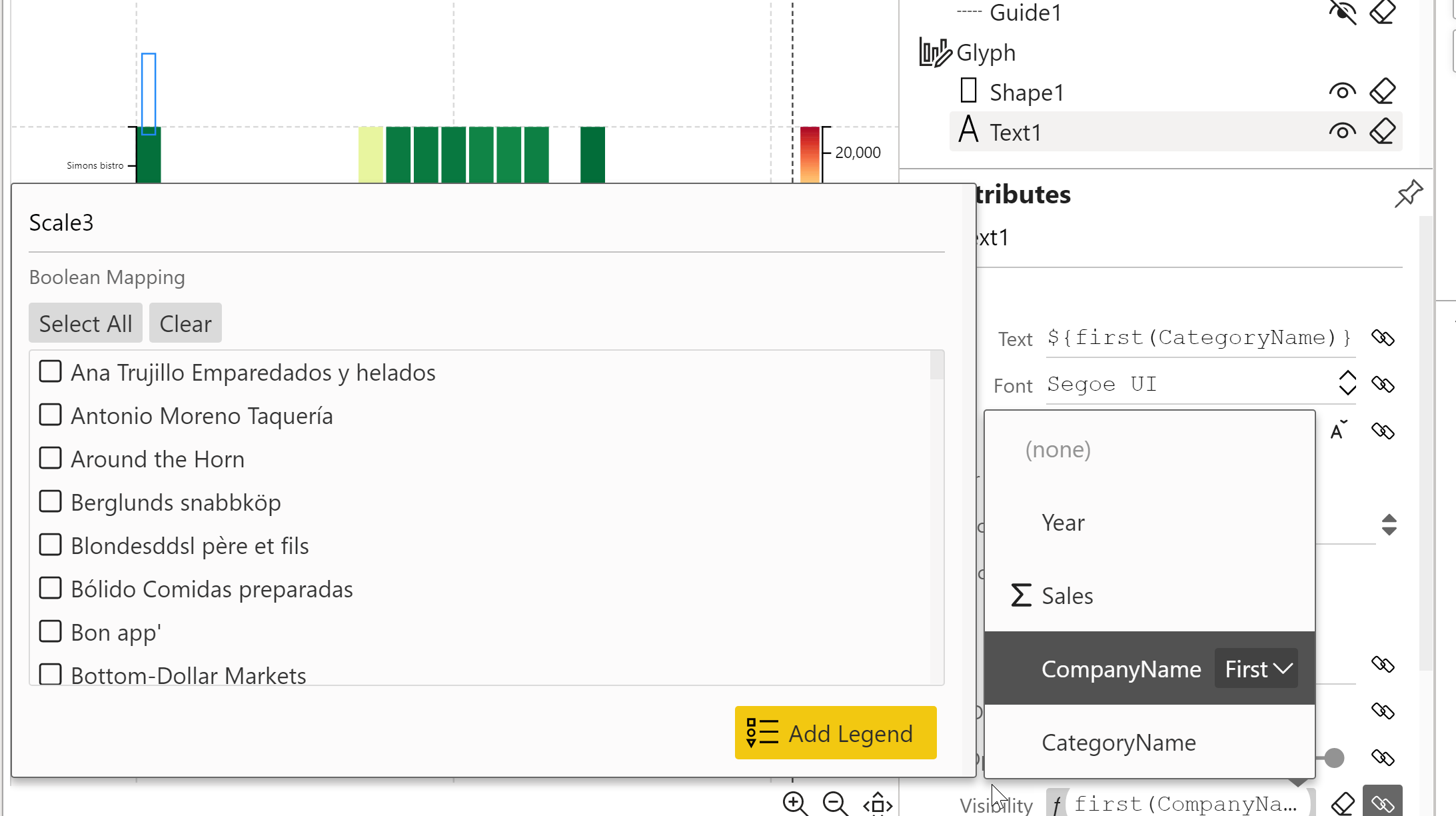
When defining the visibility settings (in the case below, the text on the secondary x-axis), you have to pick a hard coded value:
and that brings a few issues in Power BI:
If the category or field does not have a value for the picked category, the text doesnt show:
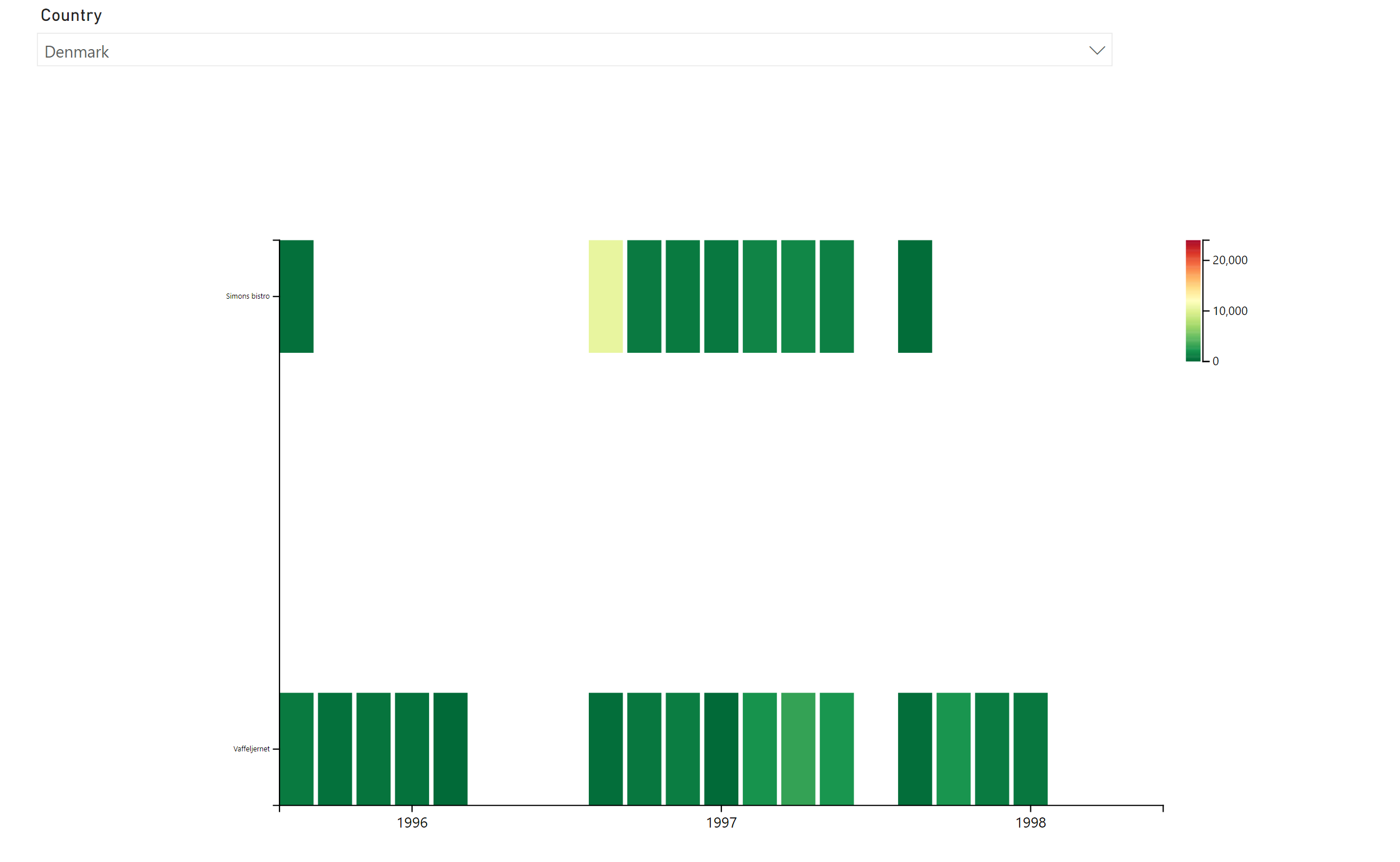
and if a user filters the chart by another field that does not include that category, nothing will show:
Describe the solution you'd like
Ideally, the values would show independently of it that category has a value or not and instead of picking a hard coded value, maybe we could pick "firstnonblank" or "first" or "last" or a measure to define the visibility, like " first selected nonblank value"??

Is your feature request related to a problem? Please describe.
I am playing with the visibility settings in Charticulator and having the following issues:
When defining the visibility settings (in the case below, the text on the secondary x-axis), you have to pick a hard coded value:
and that brings a few issues in Power BI:
and if a user filters the chart by another field that does not include that category, nothing will show:
Describe the solution you'd like
Ideally, the values would show independently of it that category has a value or not and instead of picking a hard coded value, maybe we could pick "firstnonblank" or "first" or "last" or a measure to define the visibility, like " first selected nonblank value"??
Hopefully I managed to explain myself!