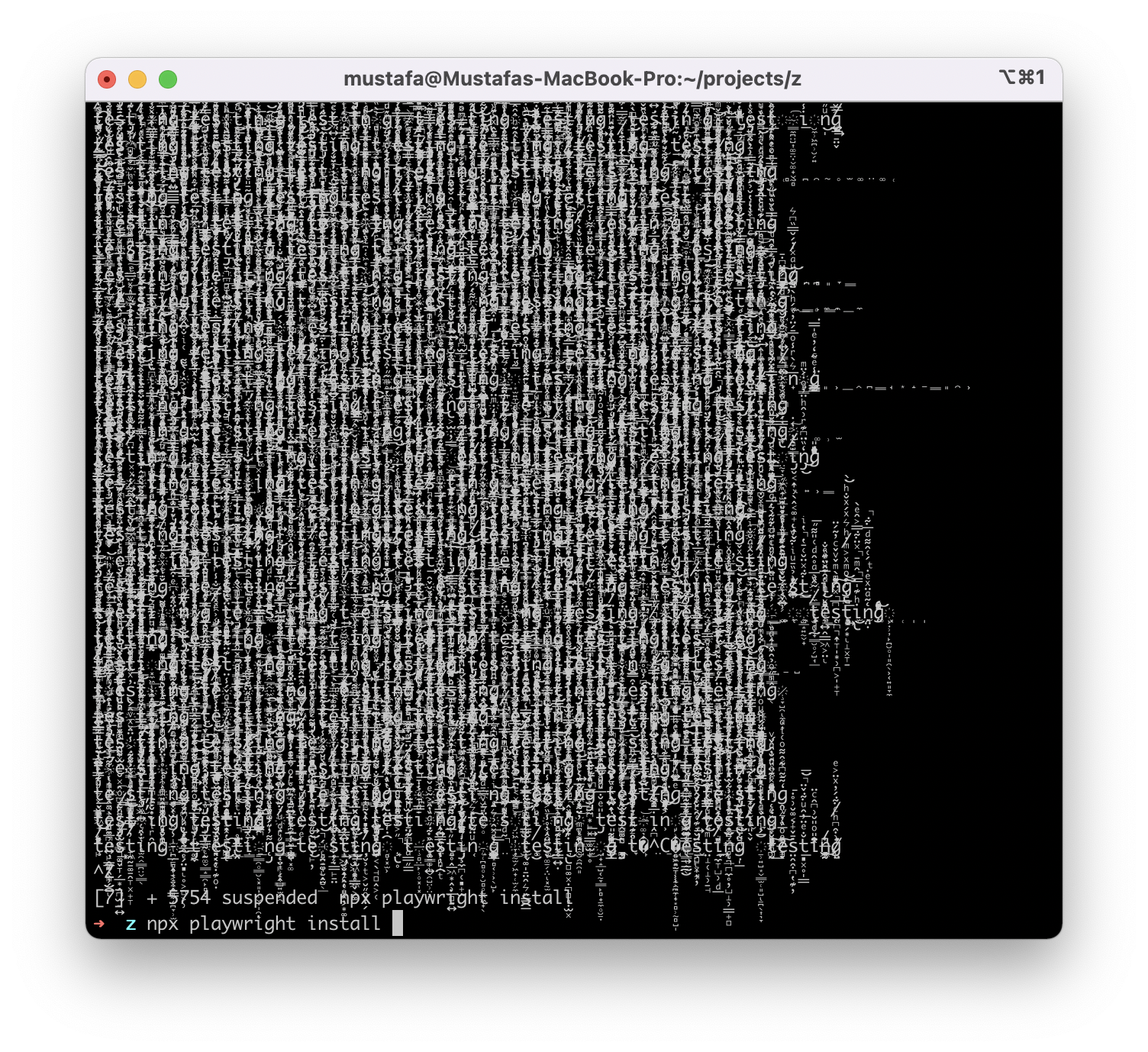
[BUG] npx playwright install causes cryptic output #11273

Description

Context:
- Playwright Version: Latest?
- Operating System: Mac, M1 Pro
- Node.js version: 16.3.1
- Browser: All
- Extra: Nothing specific
System:
- OS: macOS 12.1
- Memory: 2.78 GB / 32.00 GB
Binaries:
- Node: 16.13.1 - ~/.nvm/versions/node/v16.13.1/bin/node
- Yarn: 1.22.17 - /opt/homebrew/bin/yarn
- npm: 8.1.2 - ~/.nvm/versions/node/v16.13.1/bin/npm
Languages:
- Bash: 3.2.57 - /bin/bash
Describe the bug
I'm just trying to complete the tutorial to test. Regardless of iTerm or macOS Terminal, I got cryptic output flowing the terminal, only option is to CTRL-Z to suspend, CTRL-C does not work. Tried with both bash and zsh. Not sure what would cause it, but looks scary. I piped the output to /dev/null but it took long, and there was no traffic activiy. Hope I'm not MITM'd at home, but would love to understand what's happening.